Repository navigation
WLAN Problem with M5 Atom lite and Waveshare #230

Replies: 4 comments 7 replies

|
Yes, that's a regression in beta.38, and I'm fairly sure of the cause if you're on an iPhone or a Mac (tell me if it's Android, then it's something else). beta.38 added a captive portal so the phone pops the dashboard up when you join. The catch: iOS treats the network as "login not finished" for as long as that sheet hasn't completed, and the moment you leave the sheet to open Safari it drops the Wi-Fi. Then it auto-joins again, pops the sheet again, and round it goes. Until the fix is out: when the sheet appears tap Cancel and pick "Use Without Internet". Or go to Settings → Wi-Fi → the (i) next to the network and turn Auto-Login off. After that it stays connected and http://192.168.4.1 works normally in Safari. Flashing beta.37 also gets rid of it, that one has no portal. The fix is in progress for beta.39, I'll post here when it's up. Which phone and OS version are you on? |

|
Thank you for your quick response. I've tried it on a Windows 10 PC (no longer supported), a Windows 11 PC, my Samsung Galaxy S26, and my wife's iPhone 17 Pro Unfortunately, the Wi-Fi connection keeps dropping every time. I've also tried both the M5 Atom Lite and the Waveshare, but the issue is the same with both devices. |
|
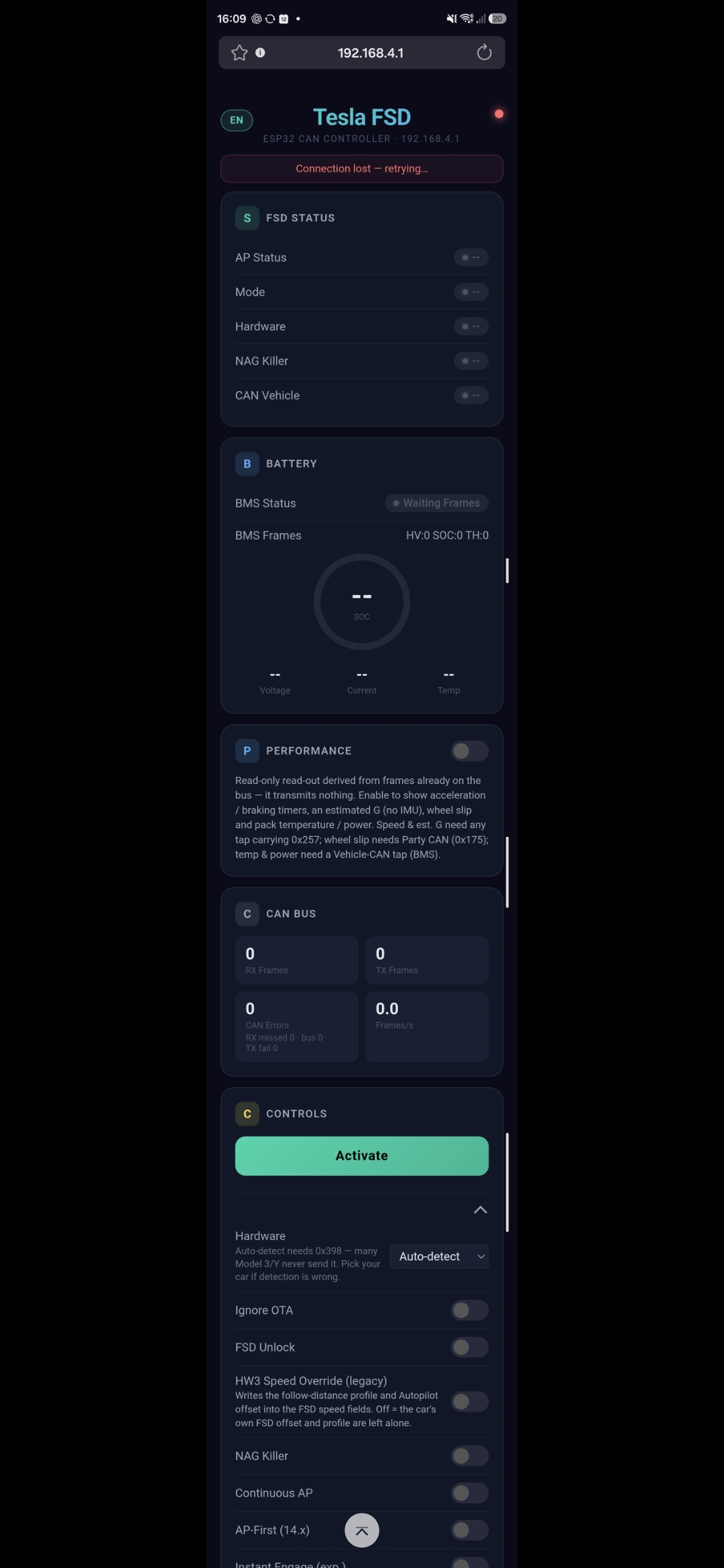
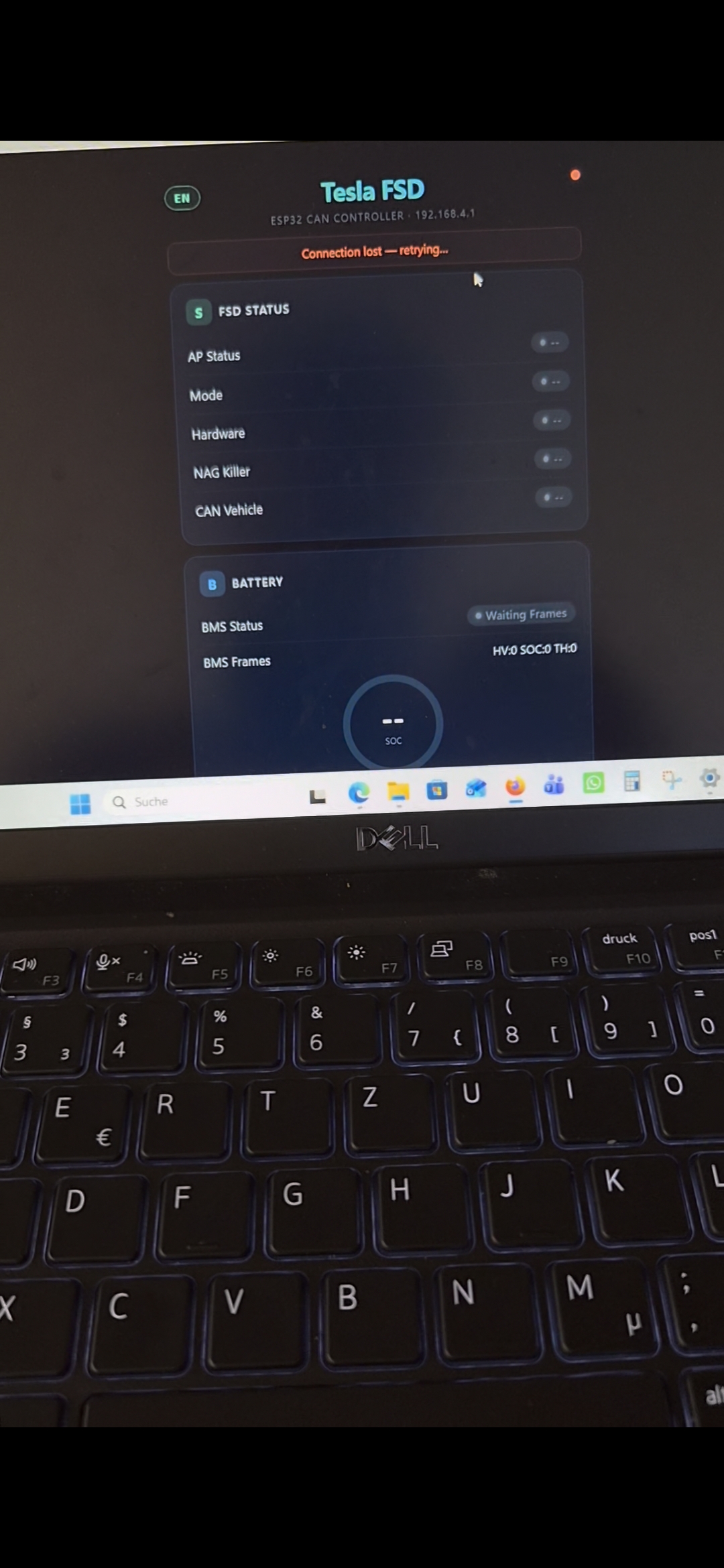
Image from windows and android |
|
That test across four devices was exactly what I needed, and it proves my first answer wrong. A captive portal problem would have hit the iPhone and maybe Android, not two Windows PCs the same way. And your screenshots show the page loaded but stuck on "Connection lost" with every field empty, so the Wi-Fi was up, it was the board going away. What actually happens: since beta.37 the firmware runs out of stack at the moment a browser connects to the dashboard. The board reboots, the page retries two seconds later, it reboots again. From outside that looks like the Wi-Fi dropping in a loop. The Performance card added in beta.37 is what pushed it over the limit. It's fixed in beta.40: https://github.com/hypery11/flipper-tesla-fsd/releases/tag/v2.16-beta.40 And scratch what I said about beta.37 being a way out, it has the same bug. I worked this out from the compiled code rather than on a board, so I'd really like to know if it holds on your M5 Atom Lite and the Waveshare. After flashing, open the dashboard and look under Device at the bottom, there's a new Memory row. If anything still misbehaves, tell me what it says there. |

|
The M5 Lite is now also running stably on the iPhone 17 Pro, Samsung S26, and Windows 10/11. |

|
stack 9.2 KB · heap 146.7 KB (min 120.7 KB) |

|
Thanks both. @olschmalz-cyber good to know the Atom Lite is fine as well, that covers both of your boards. @pirozhkov095-ctrl that's the kind of number I was hoping someone would post. 9.2 KB free out of 16 means the loop task peaked at around 7 KB, so there is plenty of room now. Which board is that on? |
|
Generic ESP32 + MCP2515 module |
|
Thanks. So the generic ESP32 + MCP2515 build peaks at around 7 KB of the 16 KB as well, same as the others so far. |


Uh oh!
There was an error while loading. Please reload this page.
Hello i have the Problem that the Wlan goes off and on on my device with the newest version. Somebody have the same Problem?
All reactions