Repository navigation
v3.0.1 — Voice panel improvements + raw mode default

Download
|
Windows |
macOS — Apple Silicon |
macOS — Intel |
macOS builds are unchanged from v2.4.1.
What changed
Patch release with voice panel improvements and a smart handoff bug fix.
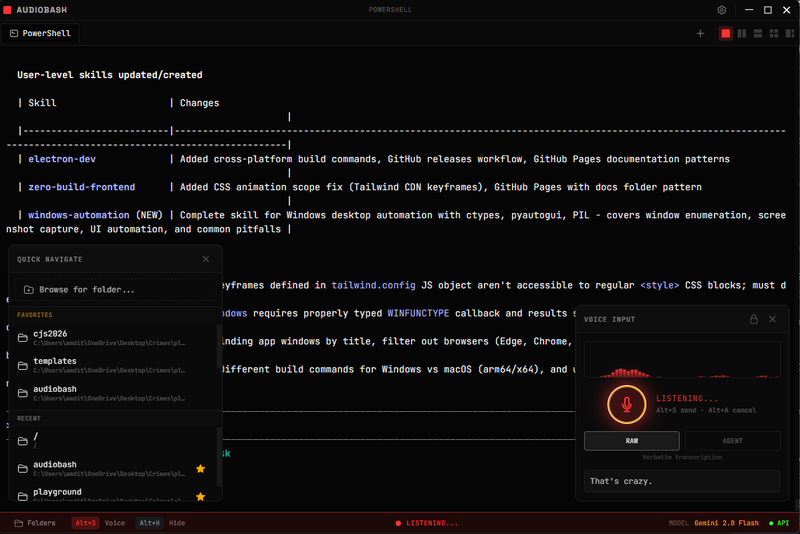
Voice panel CC /voice UI
- [CC /voice] badge in voice panel header when Claude Code /voice mode is active
- Mic button disabled with amber styling when CC /voice is active
- Status text — "CC /voice active" shown below the mic button
Default transcription mode
Raw (verbatim) transcription is now the default. Switch to agent mode with Alt+M.
Bug fix
Smart handoff: when CC /voice activates while AudioBash is recording, the recording is now cancelled (not stopped). The previous behavior used stopRecording, which processed and sent the partial audio to the terminal. cancelRecording discards it cleanly.
Test results
788 passed · 18 skipped · 0 failures across 24 test files.
Installation notes
Windows
- Download and run the
.exeinstaller - Windows SmartScreen may warn — click More info → Run anyway
- Launch AudioBash from desktop or Start Menu
macOS
- Download the
.dmgfor your Mac type - Drag AudioBash to Applications
- Right-click → Open on first launch (bypasses Gatekeeper)
- Grant microphone permission when prompted
If Gatekeeper still blocks: xattr -cr /Applications/AudioBash.app
Full changelog: v3.0.0...v3.0.1