

No CPU emulation, no GPU emulation, no GPU command translation, no shader recompiler: GR2port executes the x86-64 instructions in the Gravity Rush 2 game executable natively on PC. The game's graphics were completely rewritten for PC via a native Vulkan renderer (the game’s render passes have been rebuilt as its own Vulkan code: glass.cpp, shadows.cpp, countours.cpp, deformers.cpp, enemies.cpp, world.cpp etc.) in src/graphics/gr2port that runs handwritten (src/graphics/gr2port/shaders) plus recompiled (src/graphics/gr2port/shaders/pfx) GLSL shaders in that recreate visuals produced by the original GCN shaders.
To reiterate, the game's render passes are NOT EMULATED OR STATICALLY RECOMPILED IN ANY SHAPE OR FORM - they were completely rewritten. Regarding the shaders, half of the more complex shaders were recompiled to GLSL rather than handwriting original GLSL shaders that reproduce the game's visuals. This, however, only adds slight GPU overhead rather than CPU overhead and is in the process of being replaced. Each frame, GR2port takes the game's scene at the start of its frame graph and draws it on its own render thread, so it never builds or translates per-draw PS4 GPU commands. The CPU overhead of the native renderer was measured as only 0.8ms in frame time.
As a disclaimer, this port does not rewrite the entire source code of the game (just the graphics source code). Since the game's executable already contains x86-64 code, a developmental shortcut was made to natively execute the code in the game's executable directly. It does, however, port the graphics by reverse engineering each graphical pass and rewriting them natively for Vulkan (this is not static recompilation). The original game logic is patched via a runtime memory patcher for PC enhancements and to prevent the game from wasting resources building PS4 GPU Commands (unused by the native renderer). Thus, this project is a fully native runtime that runs Gravity Rush 2 by natively executing original code and porting (rewriting not recompiling AOT/JIT) the game's graphics renderer.
All shader pipelines are precompiled at boot and stored on disk so there is no shader stutter during gameplay. A runtime translates the firmware libraries the game calls on the PS4's operating system into native PC operating system solutions (little to no performance overhead like WINE).
 Screenshot © Sony Interactive Entertainment LLC. Not covered by this project's GPL 2.0 license.
Check out the following playlist if your dump is in .PKG format: https://www.youtube.com/watch?v=O8z6QPOaGDg&list=PLOgHncbXc__M&pp=sAgC
Join the GR2fork discord server (new) here for extended support. Anyone who wants to lurk for general game discussion surrounding gravity rush 1 and 2 are also welcome -> https://discord.gg/hnHRpzxGzG
Support Me Here for more features and projects in the Future: https://ko-fi.com/junminlee2004
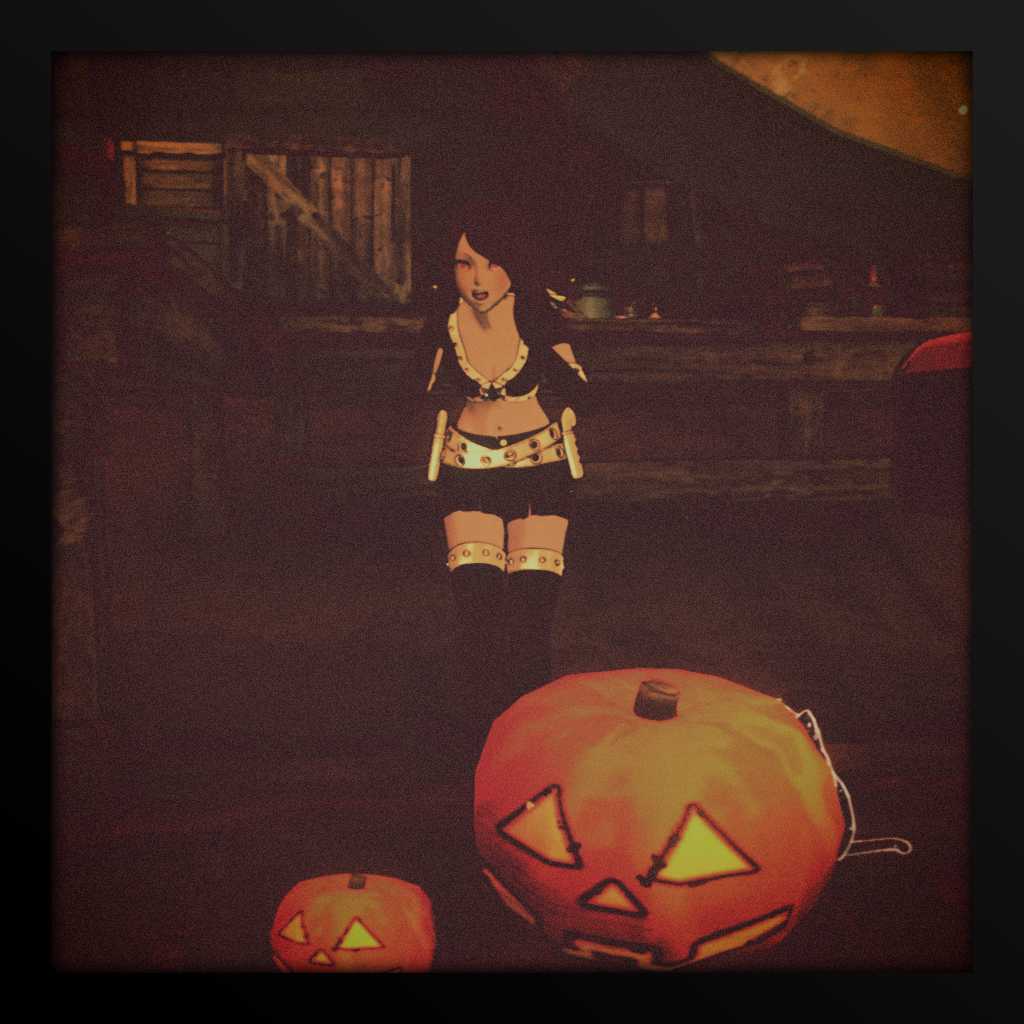
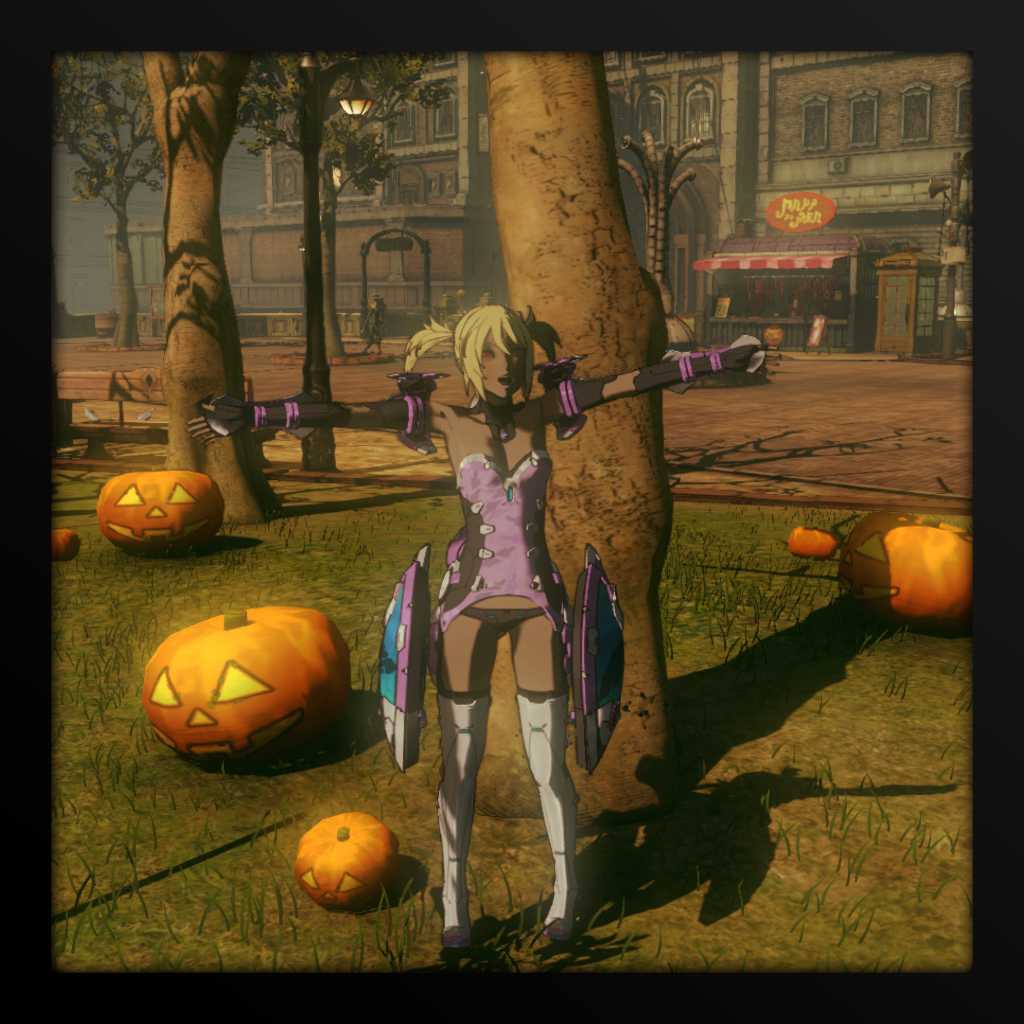
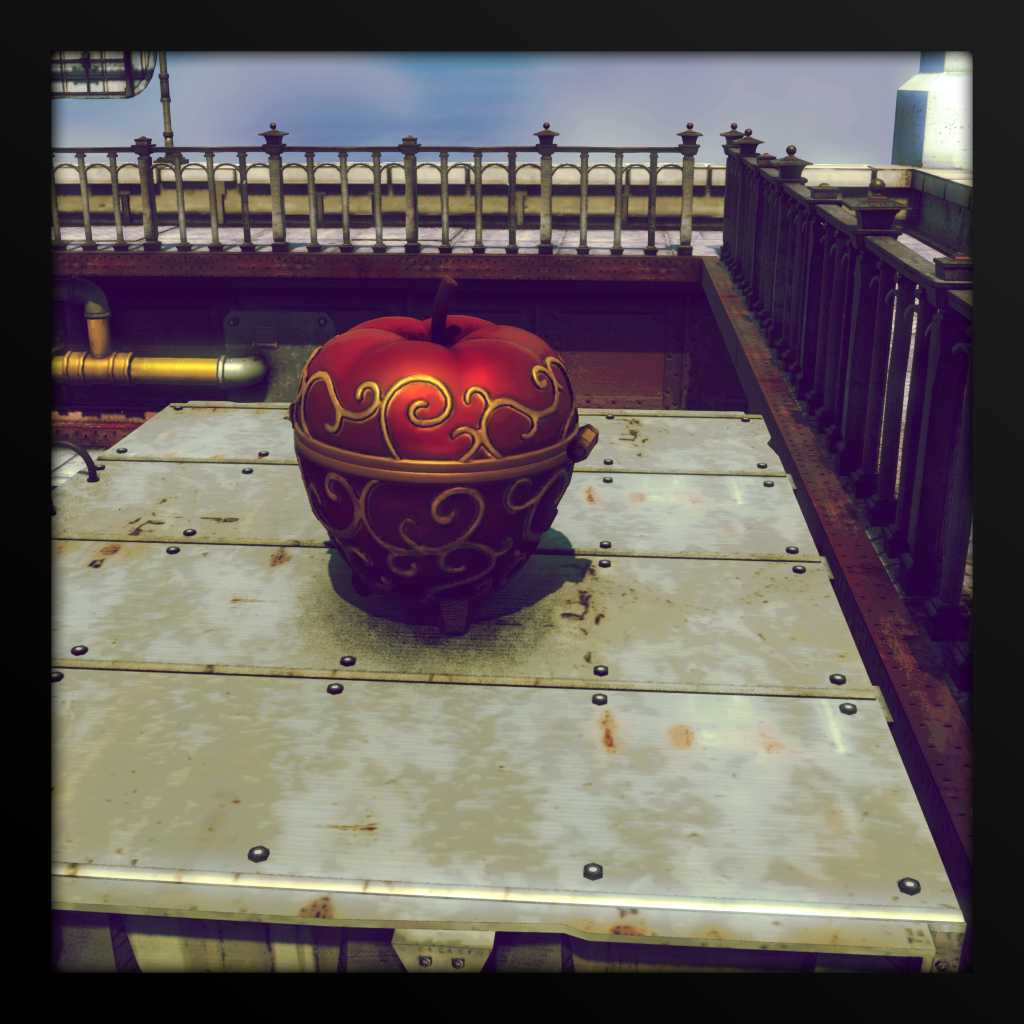

Screenshots © Sony Interactive Entertainment LLC. Not covered by this project's GPL 2.0 license.
System Requirements: Generally, a GPU with Vulkan 1.3 support is required. For NVIDIA GPUs, a GPU architecture equivalent to or newer than Maxwell is required. For AMD GPUs, a GPU architecture equivalent to or newer than Polaris is required.
| 720p 60 (locked) LOW PRESET | 800p 60 (locked) STEAM DECK PRESET | 4K 60 (locked) PS4 ORIGINAL PRESET | 4K 120 (locked) PS4 ORIGINAL PRESET | |
|---|---|---|---|---|
| CPU | intel i5 3470 | STEAM DECK | Ryzen 5 1600 | Ryzen 5 3600 |
| GPU | GTX 1050 2 GB | STEAM DECK | RTX 3060 8 GB | RTX 3080 Ti 12 GB |
| RAM | 8 GB | 16 GB | 12 GB | 12 GB |
| Storage | HDD | SSD | HDD | HDD |
Note
Upscaling is NOT considered for these fps targets but may be used to optionally improve fps further. Currently, Windows and Linux are supported. MacOS release is planned.
Included Features for Gravity Rush 2
- Fully game region-agnostic (Asia, Europe, USA, Japan regions all supported); update v1.11 is required.
- Launcher GUI contains all 31 console region languages.
- Native mouse input (controls camera)
- Fully bindable gamepad and keyboard bindings and button prompts
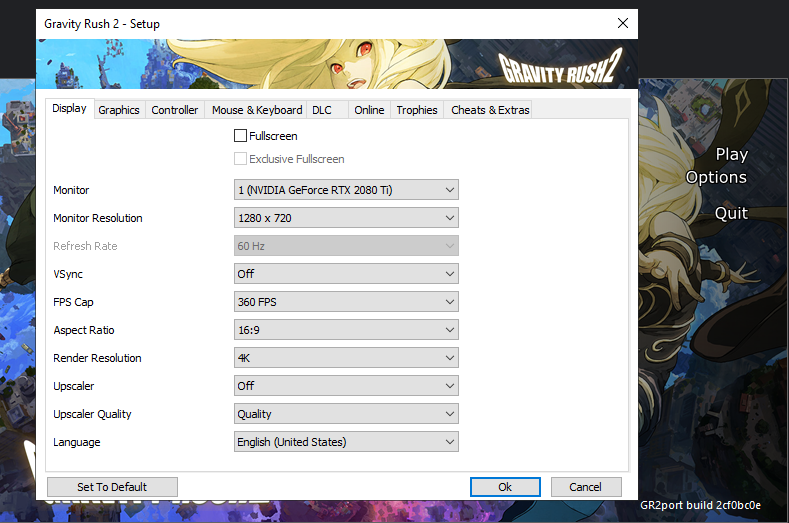
- Fully customizable graphics presets
- In-game exit to desktop button below return to title
- Graphics Settings page in the pause menu's System Menu, with changes applied live where the renderer allows
- Field of view setting: 80% to 150% of the game's own angle
- Right stick tilts menus, the title screen and comics when the pad has no gyro (or there is no pad)
- Trophy list in game (F1, or L3 + R3 on a pad)
- Verify Game Files under Setup > Paths: reads the four archives in full and compares them with a good dump
- A dump that differs from the good 1.11 dump is refused at start, and the message names the files. Loose-file dumps (extracted archives) are accepted but not compared
- Steam Deck preset
- A fully native renderer built from the ground up pass by pass, delivering impeccable performance, graphical accuracy, and stability
- 30-360fps supported, with gameplay timing the same at every frame rate
- 544p-8k resolution supported
- Ultrawide, 4:3, 3:2, and 16:10 supported
- HDR support
- Feature-complete online mode
- Feature-complete photo mode, photo export, and in-game photo gallery
- All GR2fork patches
- GR2fork Halloween items
- FSR 3.1 + FSR 4.1 + DLSS support (Windows + Linux) + XeSS support (Windows Only)
- Keyboard, XBOX, NINTENDO and STEAM (Steam Deck, Steam Controller) button prompts for GR2
- Auto update checker on launcher startup
Note
You can launch Gravity Rush 2 without the launcher by using the -nolauncher launch option.
| Button | Function |
|---|---|
| F10 | FPS Counter |
| Ctrl+F10 | Video Debug Info |
| F11 | Fullscreen |
| F1 | Trophy list |
Note
Xbox and DualShock controllers work out of the box. The trophy list is L3 + R3 on a pad. Keys and buttons can be changed under Setup > Mouse & Keyboard > Key Bindings and Setup > Controller > Button Bindings.
The mouse turns the camera (native mouse input). Keys can be changed in the launcher under Setup > Mouse & Keyboard > Key Bindings, and controller buttons under Setup > Controller > Button Bindings.
| Game Function | Controller | Keyboard & Mouse |
|---|---|---|
| Move Forward | Left stick up | W |
| Move Back | Left stick down | S |
| Move Left | Left stick left | A |
| Move Right | Left stick right | D |
| Jump | Cross | Space |
| Normal Attack | Square | Left Mouse Button |
| Special Attack | Triangle | F |
| Stasis Field (Grab) | Circle | R |
| Shift Gravity | R1 | Right Mouse Button |
| Return Gravity | L1 | Q |
| Gravity Slide (Hold) | L2 | Left Shift |
| Evade | See below | E |
| Lunar Style | See below | Mouse Wheel Up |
| Jupiter Style | See below | Mouse Wheel Down |
| Normal Style | See below | Middle Mouse Button |
| Panther Mode (Hold) | Hold the touch pad | C |
| Reset Camera | R3 | None |
| Enter Photo Mode | D-pad up | 1 |
| Display the Map | D-pad right | 2 |
| Initiate Gesture | D-pad down | 3 |
| First-person View | D-pad left | 4 |
| Pause | OPTIONS | Esc |
| Zoom In (Photo Mode) | R2 | None |
| Flick Up (Touch Pad) | Flick the touch pad up | None |
| Flick Down (Touch Pad) | Flick the touch pad down | None |
| Flick Left (Touch Pad) | Flick the touch pad left | Z |
| Flick Right (Touch Pad) | Flick the touch pad right | X |
Each key keeps its function in every type.
| Game Function | Type A | Type B | Type C | Type D | Type E |
|---|---|---|---|---|---|
| Evade | R2 | Flick the touch pad | Flick the touch pad | Flick the touch pad | Flick the touch pad |
| Lunar Style | Flick the touch pad up | R2 until Lunar | R2 + left stick up | R2 + right stick up | R2 + triangle |
| Jupiter Style | Flick the touch pad down | R2 until Jupiter | R2 + left stick down | R2 + right stick down | R2 + cross |
| Normal Style | Tap the touch pad | R2 until Normal | R2 | R2 | R2 |
If you want to contribute, please feel free to do so by reporting issues or submitting pull requests :)
- ShadPS4: An open source PS4 emulator written in C++. ShadPS4 along with my fork, GR2fork, provided the basic structure for this codebase, tooling necessary for research and development, and served as reference for this project's native execution of x64 code of PS4 binaries and graphical output.