This repository was archived by the owner on Feb 23, 2021. It is now read-only.
This repository was archived by the owner on Feb 23, 2021. It is now read-only.
Create Channel Page - return to previous page UI confusion #89

Description

Description
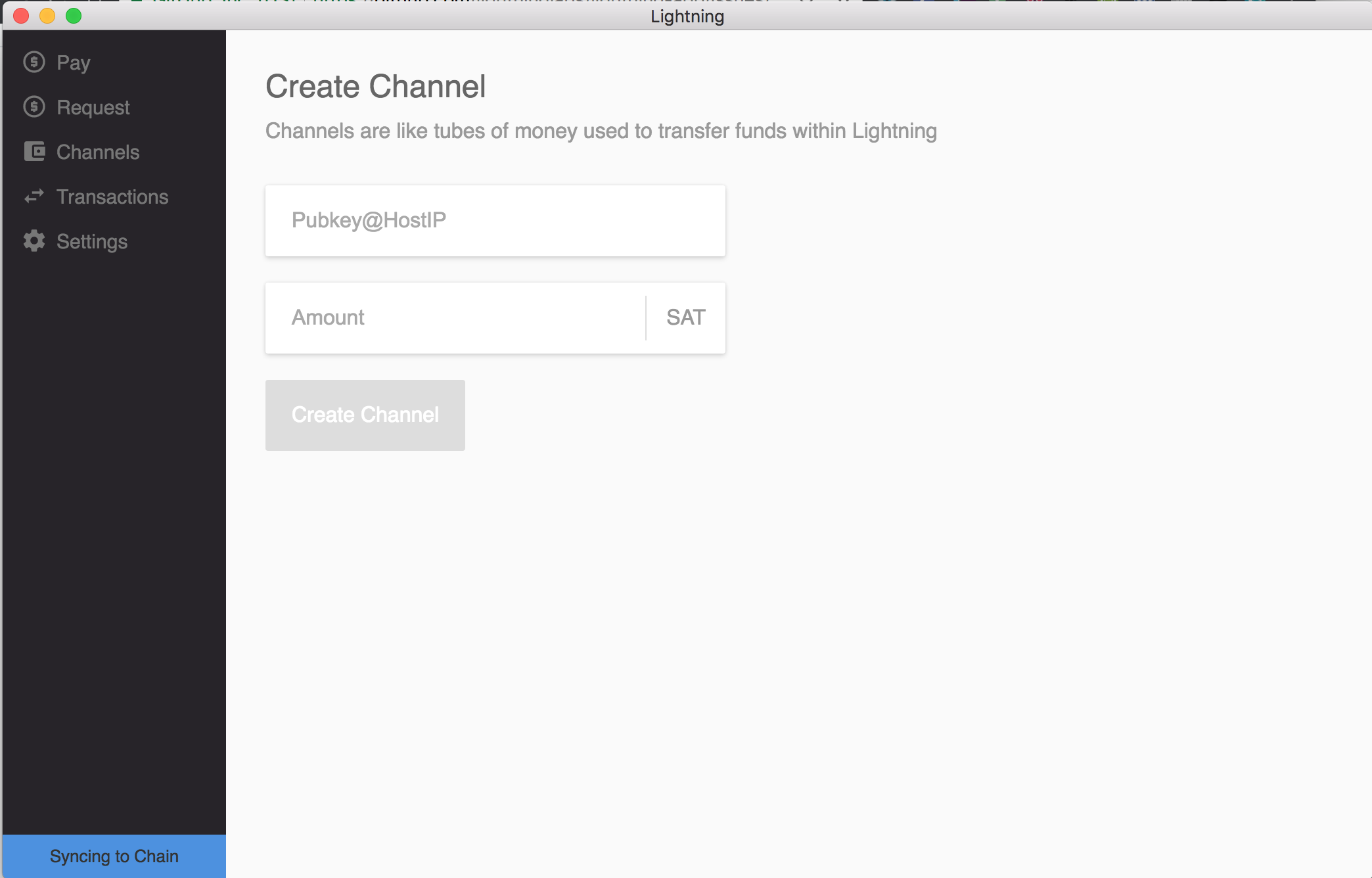
When a user creates a channel, they are redirected to the Create Channel page. However, they are unable to go back to the channels page unless they click on the Channels link.
There are two potential solutions I see:
- Create a back button somewhere on the Create Channel page that sends the user back to the Channels page.
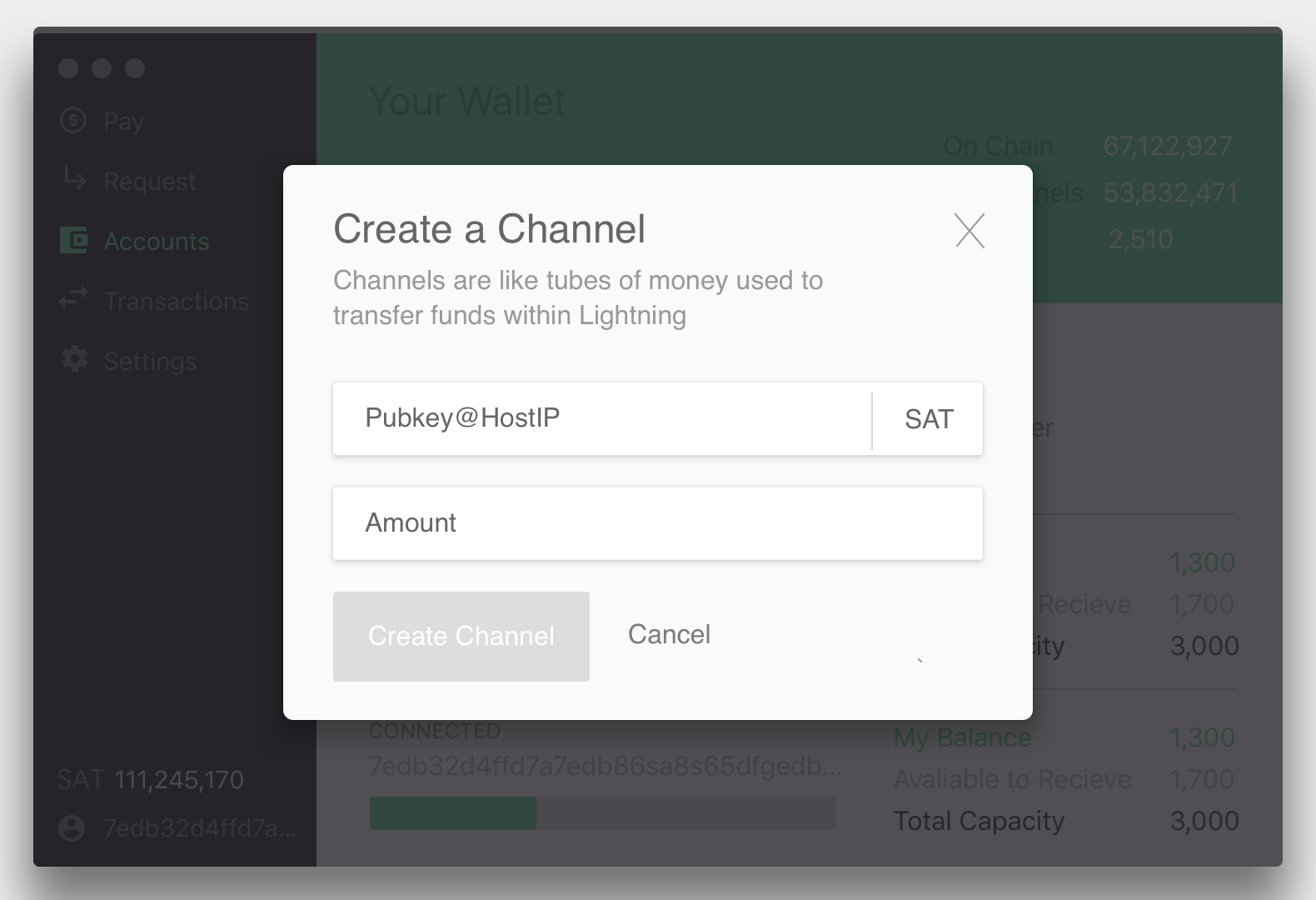
- When a user clicks on the CREATE CHANNEL link, a modal pops up. This allows the user to cancel out of the modal and easily revert to the Channels page.
Steps to reproduce the behavior
- Open up the app
- Click on the Channels sidebar link.
- Click on the CREATE CHANNEL link.
Expected behavior
When the user goes to the Create Channel page, the UI should be clear and simple enough that a user implicitly understands how to go back to the Channels page.
Actual behavior
When a user visits the Create Channel page, it is not entirely clear how to go back to the Channels page. The current solution is to click on the Channels link in the sidebar. This is a bit confusing.
Screenshot and/or logs if applicable
Below you'll find a quick mockup I made of how a Create Channel Modal could look.
Here is how the Create Channel page currently looks.