Repository navigation
Feature request: Screen magnification support #4081

Replies: 5 comments 1 reply

|
May I propose https://github.com/negrel/wooz as an option for this? |

|
In addition to a magnifier, you could also increase font size or scale up some apps, here is what I use: Increase mouse pointer sizeEdit ~/.config/hypr/envs.conf Then reboot Increase Chromium UI scaleEdit ~/.local/bin/chromium-scaled |

|
There's a zoom feature already built into Omarchy that's pretty handy from the manual: |

|
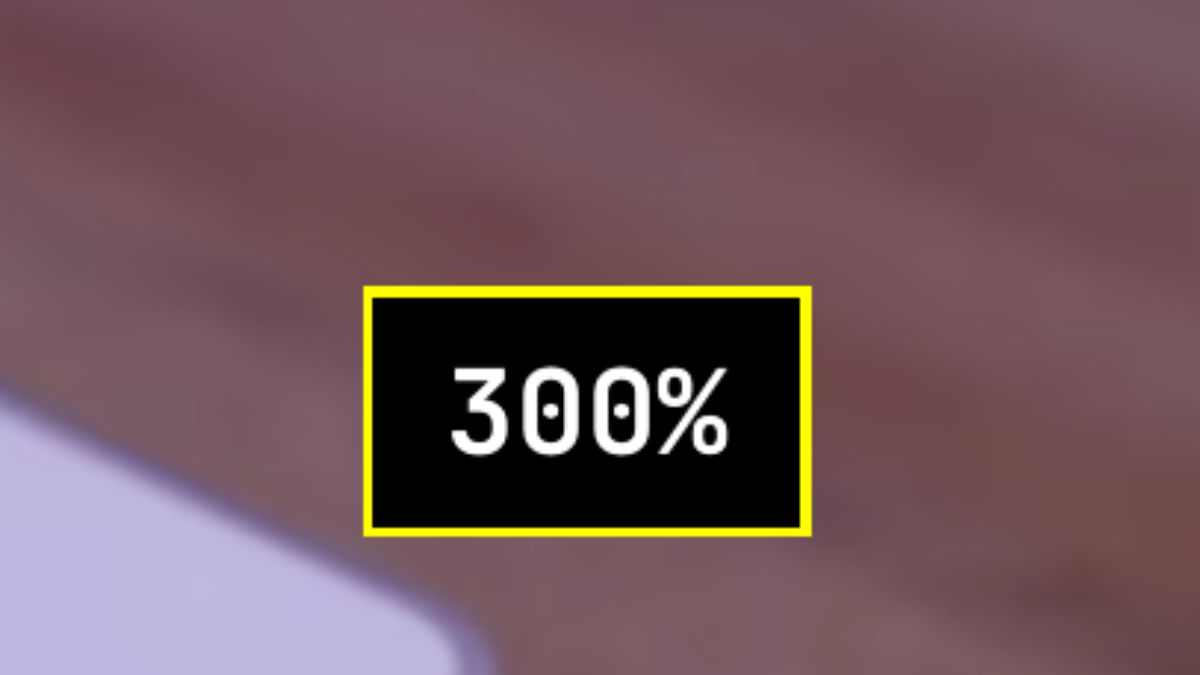
I have low vision too and ran into the same gaps with the built-in zoom that pelephant2 mentions: it only goes in (no zoom out key), it has no ceiling, it gives no feedback about the current level, every Hyprland reload (a theme change, plugging a monitor) drops it back to 100%, and with two monitors the pointer drifts across the edge and the zoom goes with it. I have been living with a fix for that for a few weeks and have now packaged it as an Omarchy 4 plugin: https://github.com/JPDoesDev/omarchy-magnifier What it adds on top of Hyprland's zoom:
Install on Omarchy 4: omarchy plugin add https://github.com/JPDoesDev/omarchy-magnifier --enable
~/.config/omarchy/plugins/jpdoesdev.magnifier/install.shNothing needs
Feedback from other low-vision users is very welcome, especially on the defaults. Issues on the repo are the best place. |

|
Thanks for creating this plugin @JPDoesDev. Can I ask how you implemented the invert colors? Did you use |
|
Thanks @pelephant2! Neither: it uses Hyprland's built-in decoration:screen_shader with a one-line GLSL shader (color.rgb = 1.0 - color.rgb;), and the only extra work is re-applying it after each Hyprland reload, since a reload clears it (see hypr/screenfx.lua in the repo). |


Uh oh!
There was an error while loading. Please reload this page.
Hi,
first of all, thanks for your work on Omarchy — I really like the concept and the overall look and customization options.
While testing it in a VM, I noticed that it is a bit difficult for me to use because of my low vision. Would it be possible to add a screen magnification feature similar to the zoom functionality in GNOME or KDE? A built-in magnifier (or guidance on how to configure one) would make Omarchy much more accessible.
From what I could find, there does not seem to be much existing software that provides magnification support for Hyperland. If this is already possible, I would really appreciate any hints or documentation I may have missed during my research.
Thanks a lot for your time and for considering this request!
BR
All reactions