 Arch R Linux
R36S Link Monitor — Wi-Fi signal, latency and nearby networks #58

Replies: 4 comments 2 replies

|
Thanks for sharing this, it's a really nice tool. A Wi-Fi diagnostics app that works with the handheld's controls fills a real gap, and we hear about it all the time: weak USB dongles, people placing the console badly, connections that drop. I also liked the demo mode that never touches the real network, so screenshots are safe to share, and the MIT license. Testing it on real hardware with ArchR 3.0.2 before posting shows. Well done. On packaging: besides the Tools entry, ArchR has a module system, and I think Link Monitor would fit it well. In short:
Documentation: https://arch-r.io/docs/modules (execution model, The one part I'd like to work out with you before you start is the AP scan. Modules run as their own unprivileged user, and I haven't checked yet whether the current permissions let a module ask the Wi-Fi service for a scan. If you open an issue describing what Link Monitor needs (current link info, gateway ping, scan results), we can see whether an existing permission covers it or whether we should add a narrow one for network diagnostics. Thanks again for building this and sharing it with the community. |

|
Thanks for taking the time to look at Link Monitor and explain how it could fit into ArchR’s module system. I’m putting the module port on hold for now and keeping Link Monitor available as a standalone Tool. I appreciate the feedback! |

|
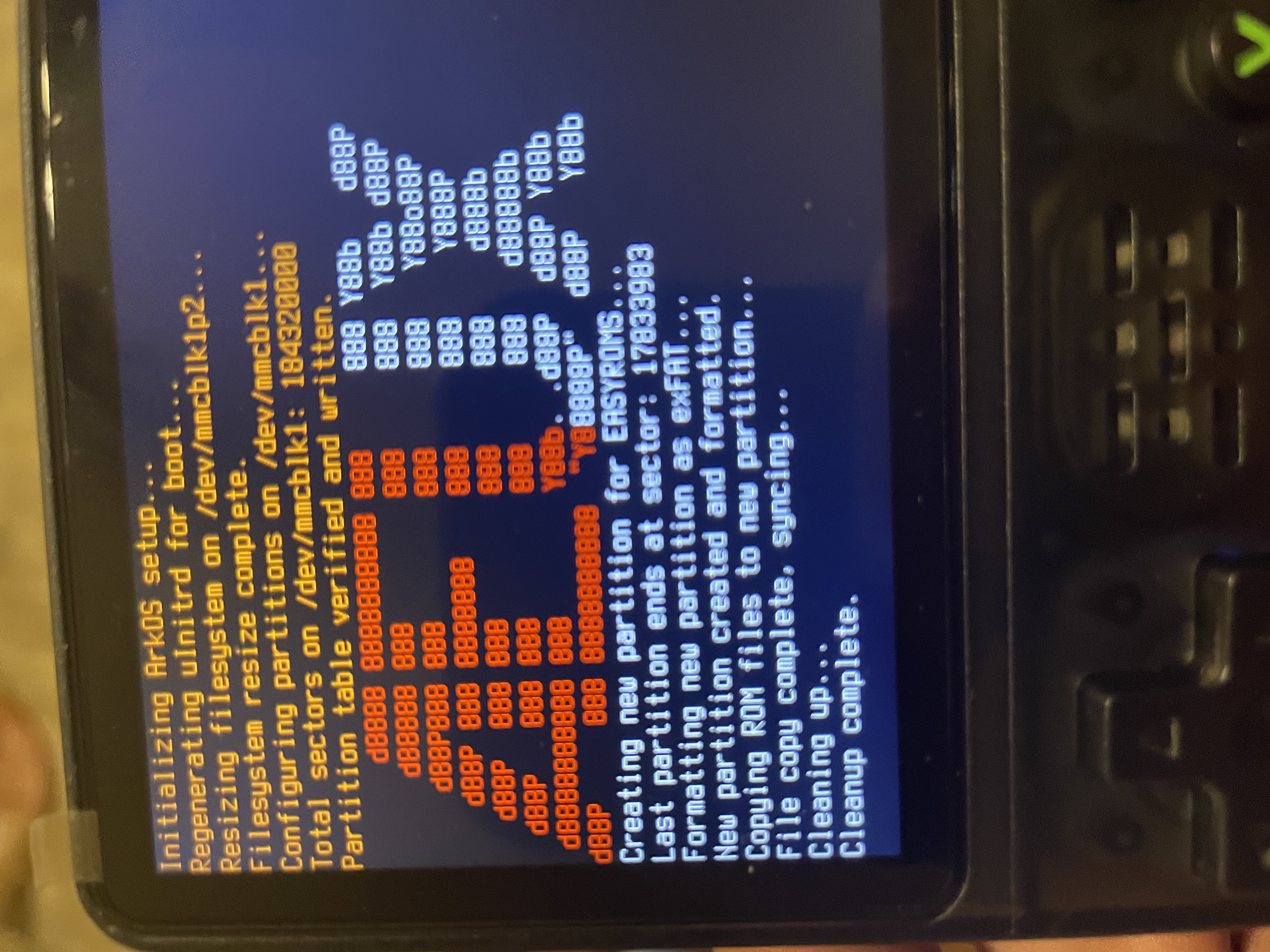
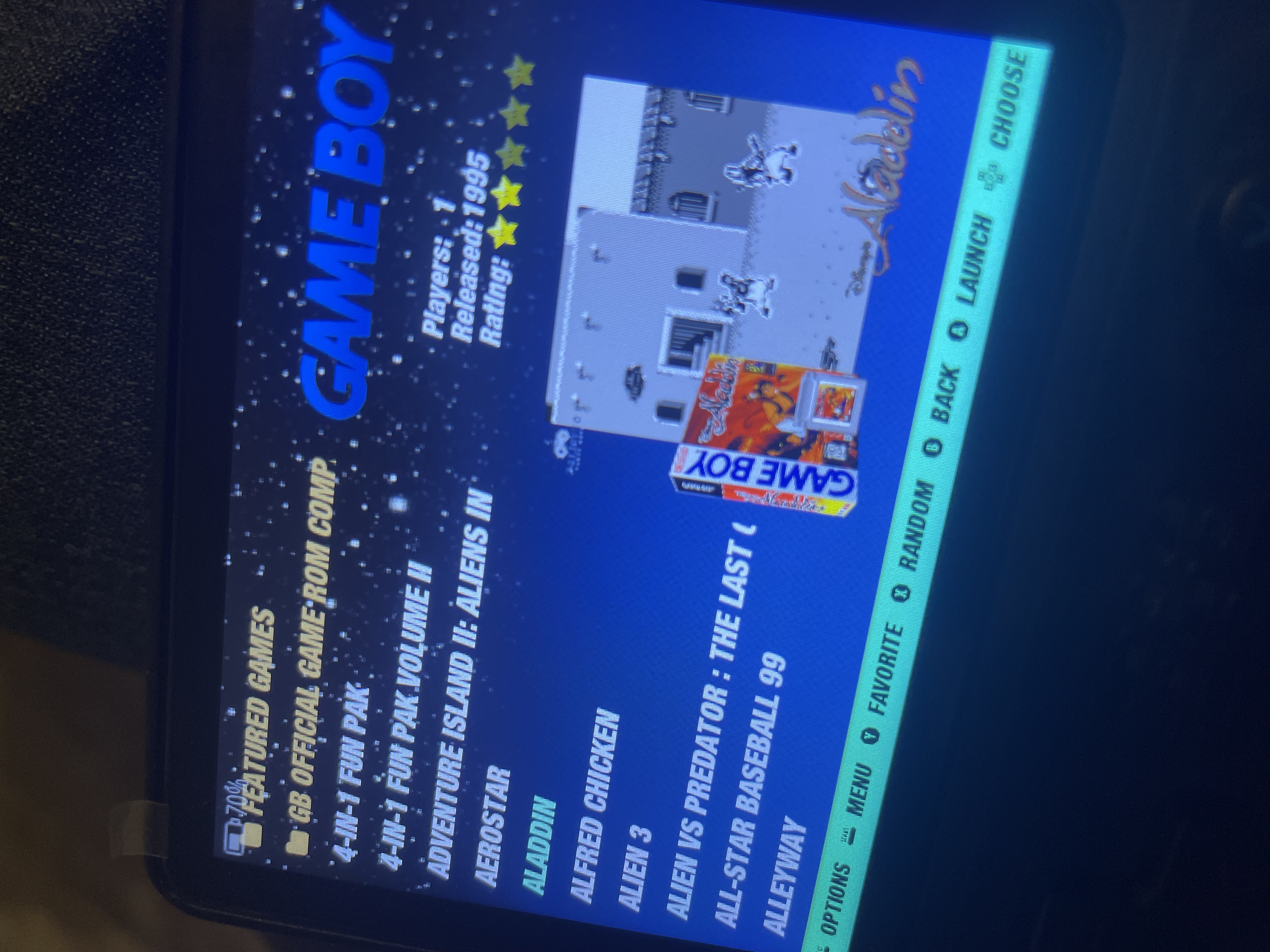
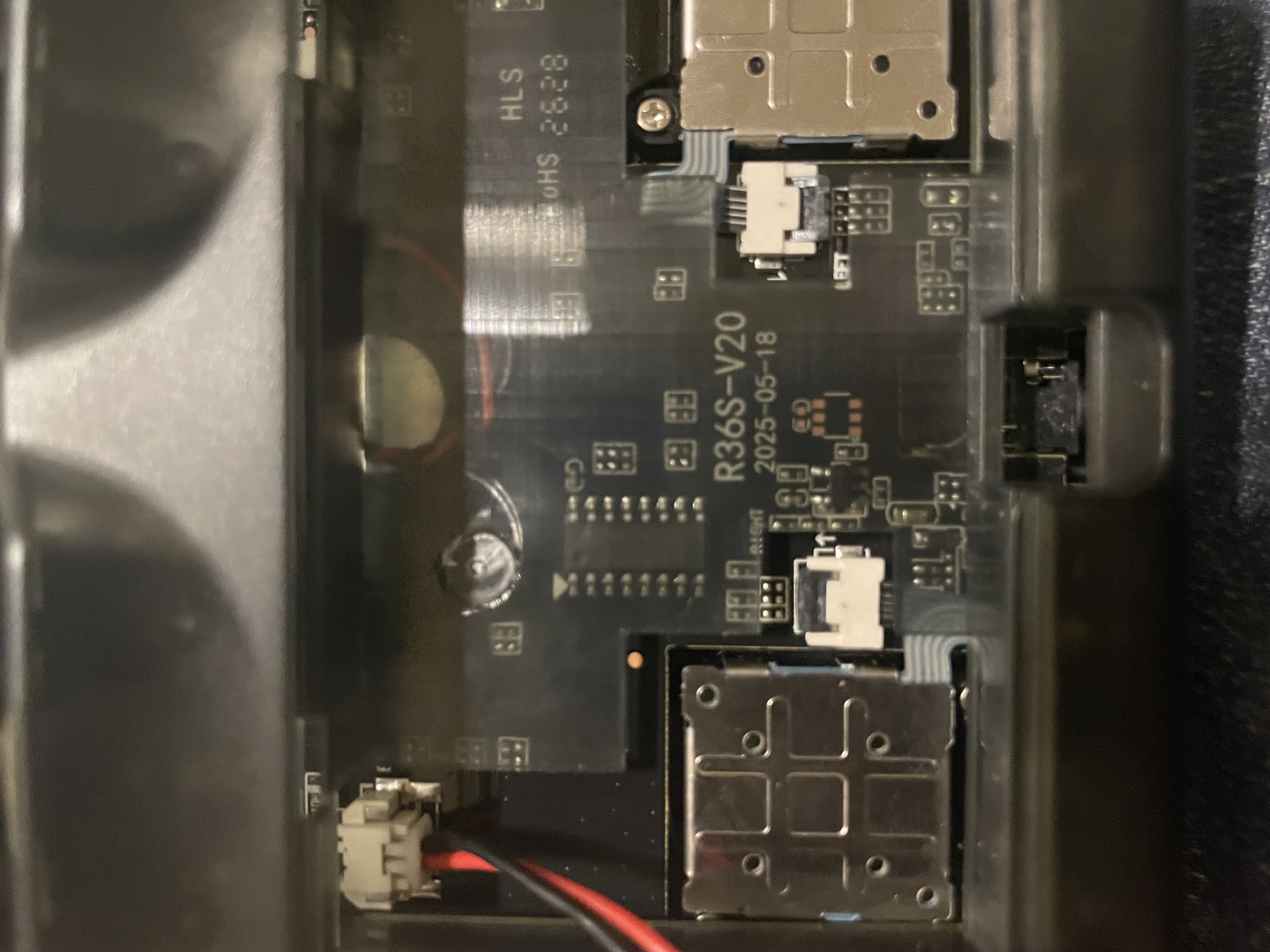
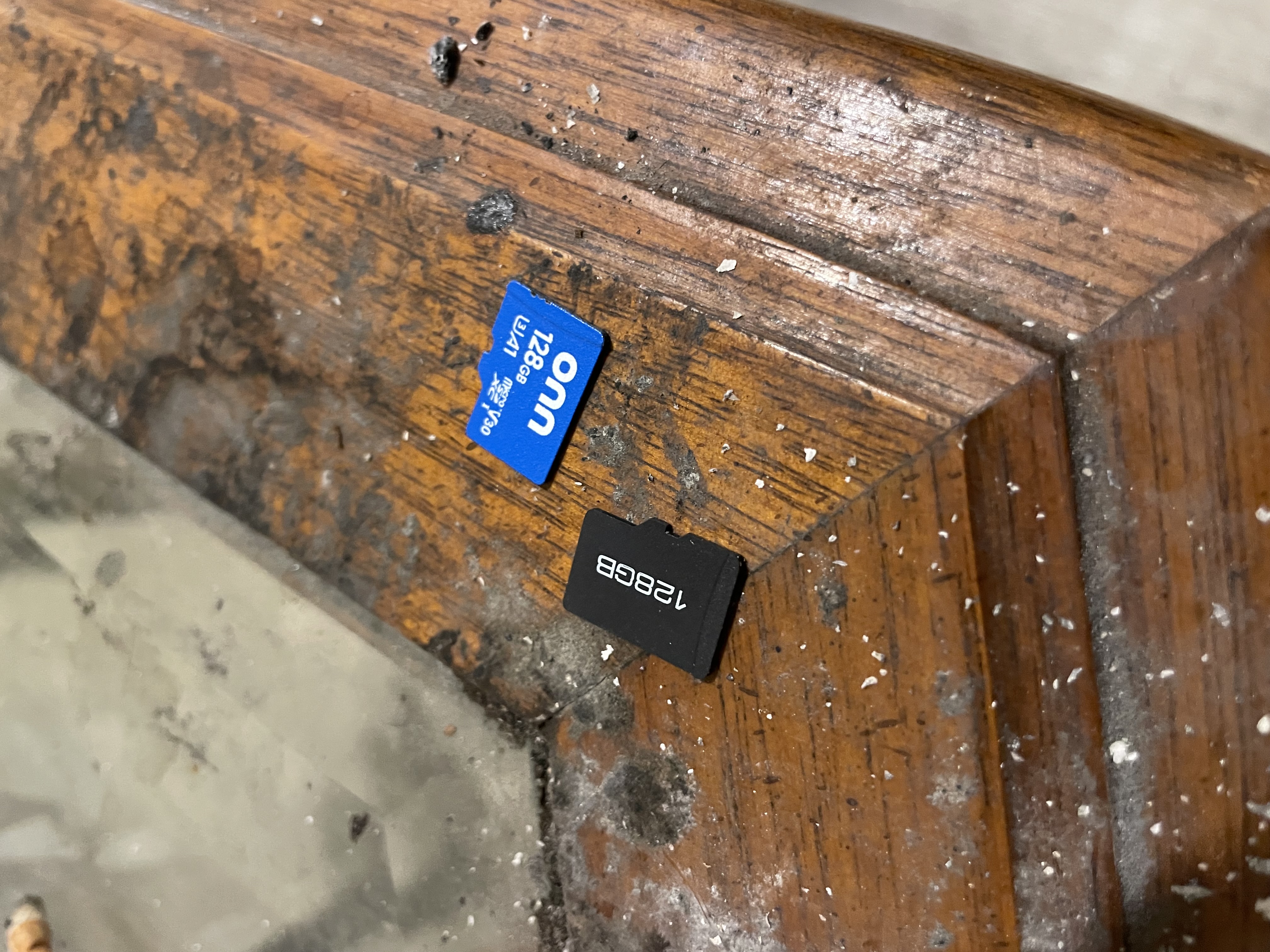
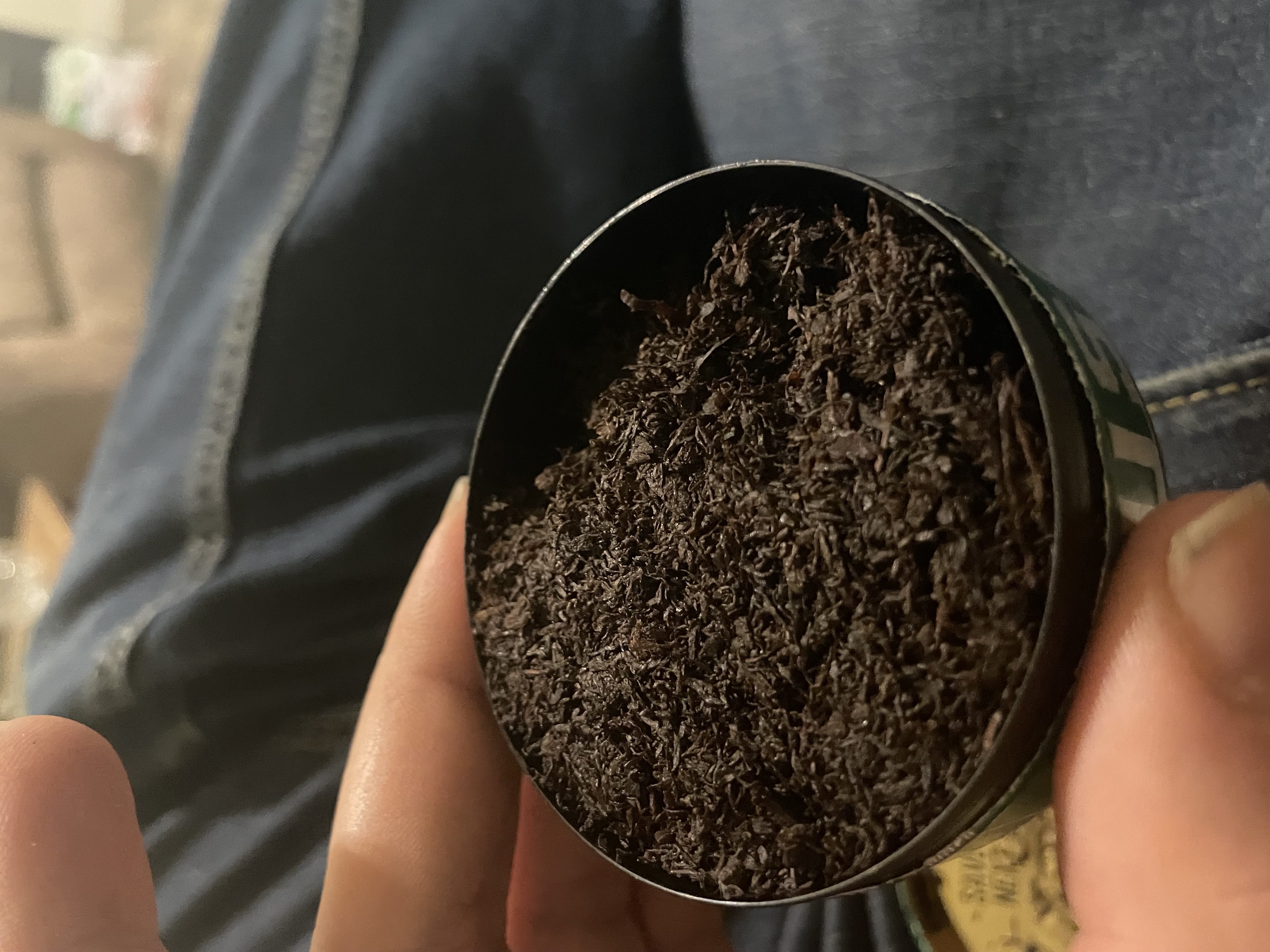
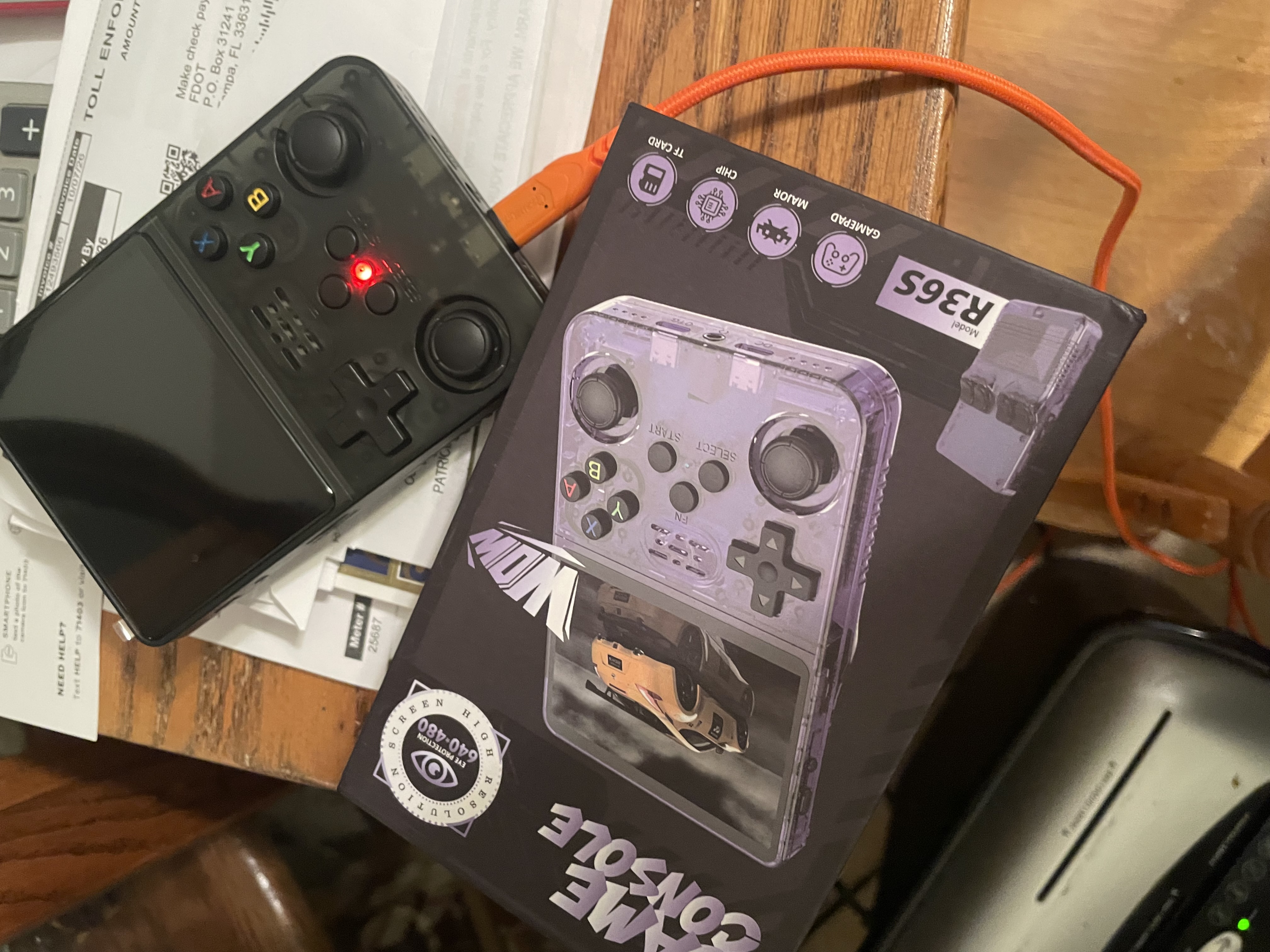
I haven’t tried mine with the WiFi dongle or otg I don’t have none of it..but definitely booting AeolusUX image and screen panel 4 .dtb..and we need a place to where it’s easier to find .dtbs or wether or not this 5-18-v20 board boots up with something arkos4clone or darkos..the boot loader .ui stuff may be different and will not allow it..so I’m stuck with AeolusUX and do have a couple new sd cards but was able to save the old one With Onn card reader… so neat these are being cool came back in a big way I also have 2nd one coming the Suebah rm36 promotional fall Xmas holiday sales model..will be in next week. |






|
ArchR did not write to card completely with stock sd card deleted and formatted I do have darkos4clone another one that works for v20 board..this model come with bad sd card just back it up save .dtb and delete it. It’s useable of the 94gb out of 128gb. idk im just waiting till mine corrupts more it still good i have new sd cards. |

|
Why are you posting off topic? |
|
Sorry I just post my collections and working on a project of it still..that’s going medium well a couple OSes I can’t get to run but that’s ok.
Sent from Yahoo Mail for iPhone
On Monday, November 23, 2026, 8:32 AM, Mariano Dupont ***@***.***> wrote:
Why are you posting off topic?
—
Reply to this email directly, view it on GitHub, or unsubscribe.
Triage notifications, keep track of coding agent tasks and review pull requests on the go with GitHub Mobile for iOS and Android. Download it today!
You are receiving this because you commented.Message ID: ***@***.***>
|


Uh oh!
There was an error while loading. Please reload this page.
Uh oh!
There was an error while loading. Please reload this page.
Hi! I'd like to share R36S Link Monitor, a Wi-Fi diagnostics tool I built for my R36S Plus running ArchR.
It shows:
The interface is native C++/SDL2 and works with the handheld's controls. It can be useful for checking adapter reception and finding a better position for a stable connection.
New in v0.2.0: The app adapts to the R36S Plus (720×720) and the original R36S (640×480). The landscape layout uses the full width and shows five nearby networks at a time. Use Up/Down on the D-pad to scroll through the rest.
R36S · 640×480 landscape
R36S Plus · 720×720
Both screenshots were rendered by the app in demo mode with fictional data.
The v0.1.0 binary was tested on a physical R36S Plus running ArchR 3.0.2, including live diagnostics. For v0.2.0, both layouts and scrolling were tested with SDL2 on Linux. A physical handheld test of v0.2.0 is still pending. The original R36S needs a compatible USB Wi-Fi adapter for live diagnostics.
It currently installs as a standalone Tools entry and uses ArchR's existing SDL2/SDL2_ttf libraries and system fonts. Live AP scans need suitable privileges; the included installer requires Python 3.
Would this be useful as an optional Tool/package for ArchR? I'd welcome feedback from maintainers and users, especially on the preferred packaging/integration approach.
All reactions