Repository navigation

Pixelion Captions 0.1.2
This release adds macOS support and a Windows installer, so you no longer need to unpack a ZIP by hand.
Changes
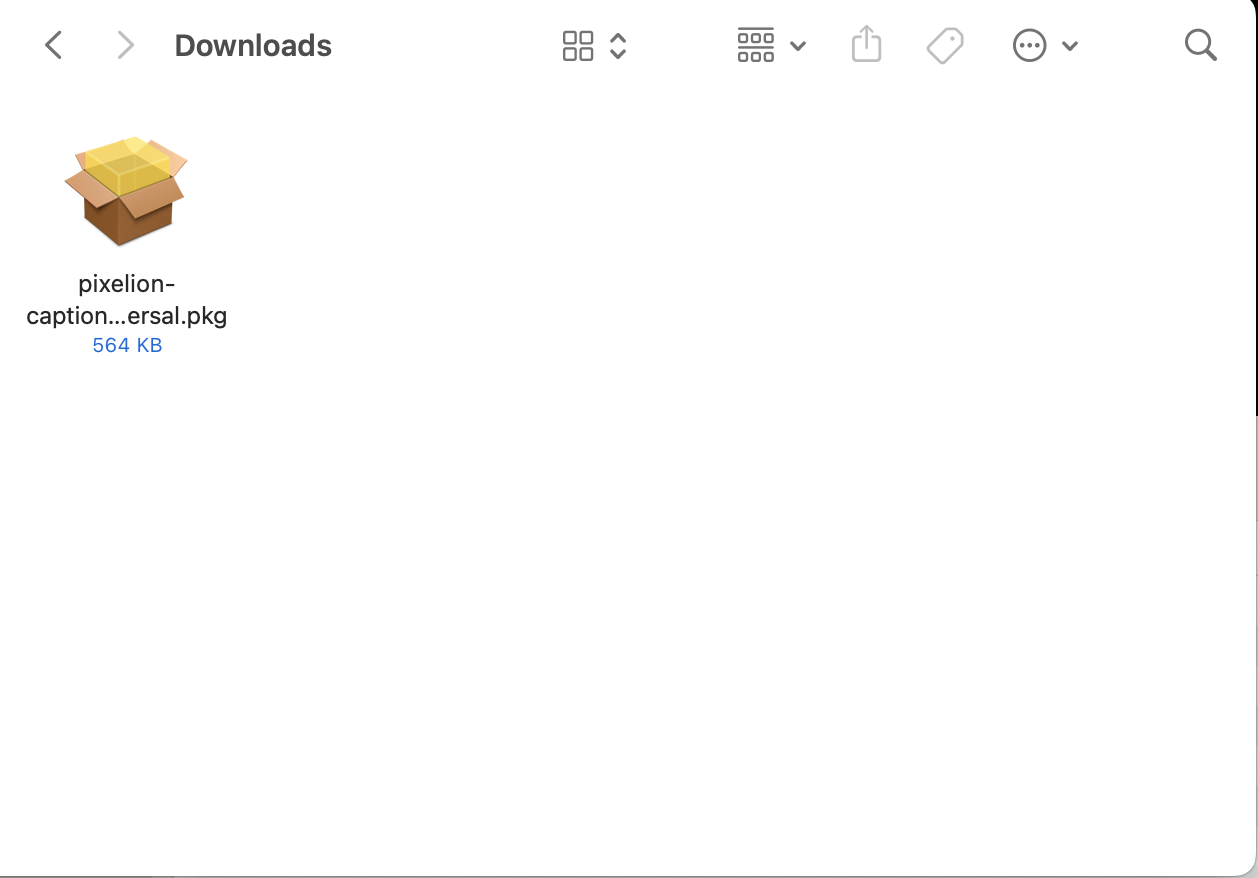
- macOS support: Pixelion Captions now runs on macOS 13.7 (Ventura) and later as a universal build for Apple silicon and Intel.
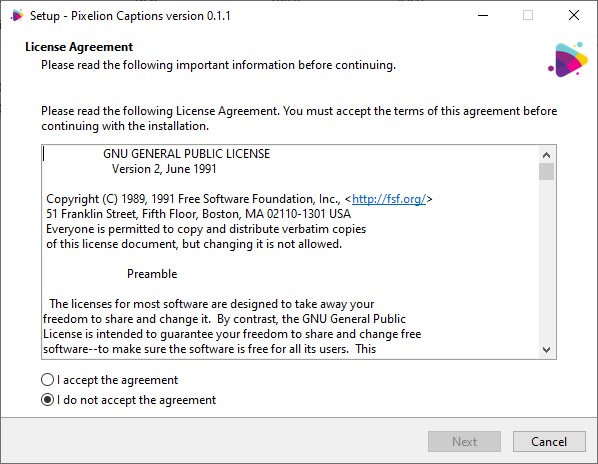
- New Windows installer: the setup .exe finds your OBS Studio install, copies the plugin, and adds an uninstaller. It upgrades in place and keeps your settings and saved transcripts. The ZIP is still available.
- New install guides with screenshots for Windows and macOS in the wiki, and an updated README.
Install
- Close OBS Studio.
- Download the package for your platform below. The source ZIP is not needed to run the plugin.
- Windows: run pixelion-captions-0.1.2-windows-x64-installer.exe. The plugin ZIP is available if you prefer a manual install. Step-by-step guide: Installing on Windows
- macOS: open pixelion-captions-0.1.2-macos-universal.pkg and follow the steps. Step-by-step guide: Installing on macOS
- Open OBS Studio, open the Docks menu, and select Pixelion Captions.
A free Pixelion.ai account is needed to sign in. Translation requires a Pixelion Pro plan.
See the README and the install guides in the wiki for full usage instructions and requirements. Tested with OBS Studio 32.2.2 on Windows and macOS.
Checksums
pixelion-captions-0.1.2-macos-universal.pkg: 845f20951a3a2c5bcea2b8eb5177f42f58a0768bbe3f2399b7a412fa30a1d834
pixelion-captions-0.1.2-source.zip: 3bd5f0af55b94edf7bd58d378e4bc95e59d108ac6497dedc2d919ebefc451f9e
pixelion-captions-0.1.2-windows-x64-installer.exe: a4308f38bb90a54fd83d68fbb96afe782d41cea22850756f7851e87f9d061088
pixelion-captions-0.1.2-windows-x64.zip: e226c5478af886a2d1d09a9c469638ea05405b243a0008abfc9afd6a70844966