Repository navigation
Getting Started
The Wiki Home Page provides instructions for just getting the base Arcade Simplex example working. But to easily checkout and modify the extensions, you should do the following:
-
Download and Install Git. Once downloaded…
-
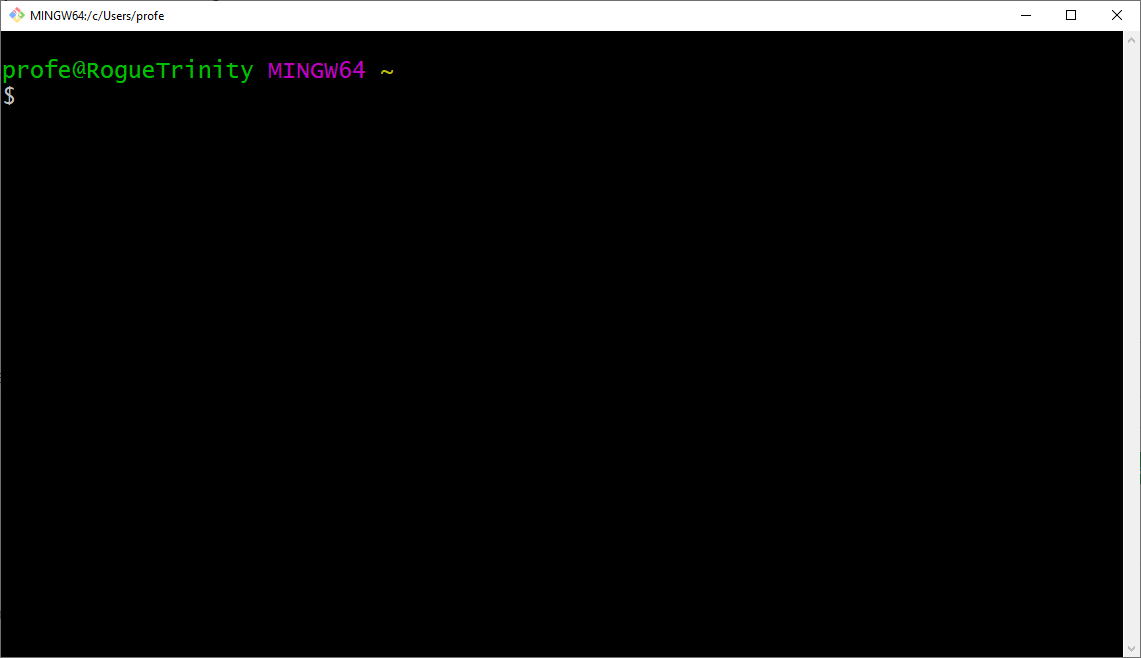
Run: Git Bash
-
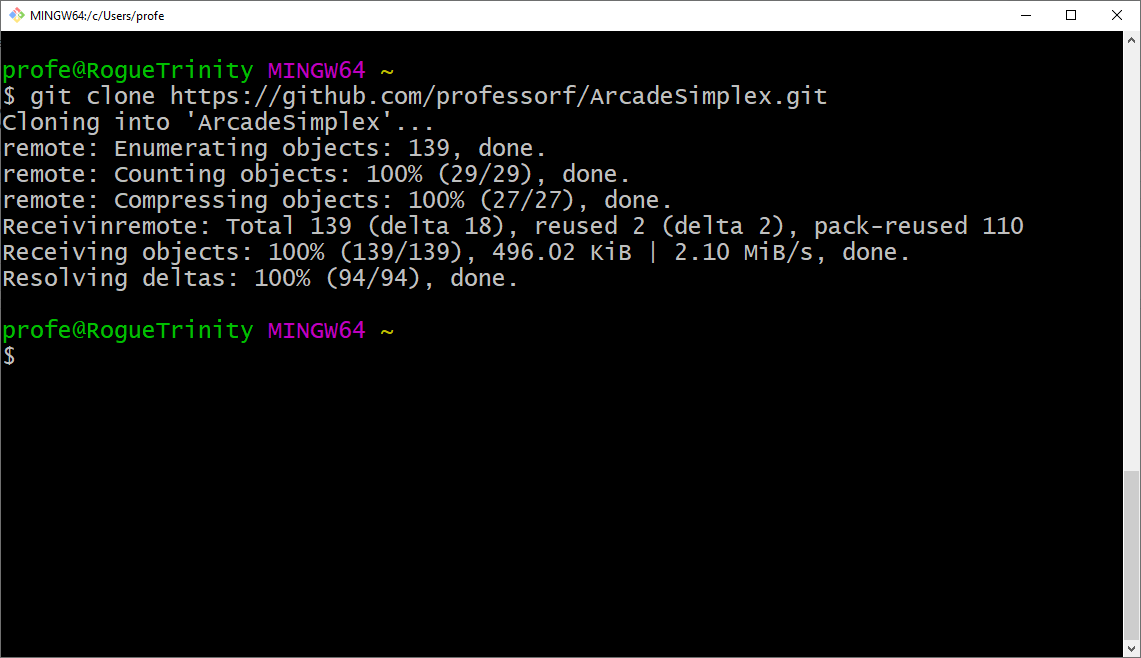
Type: git clone https://github.com/professorf/ArcadeSimplex.git
-
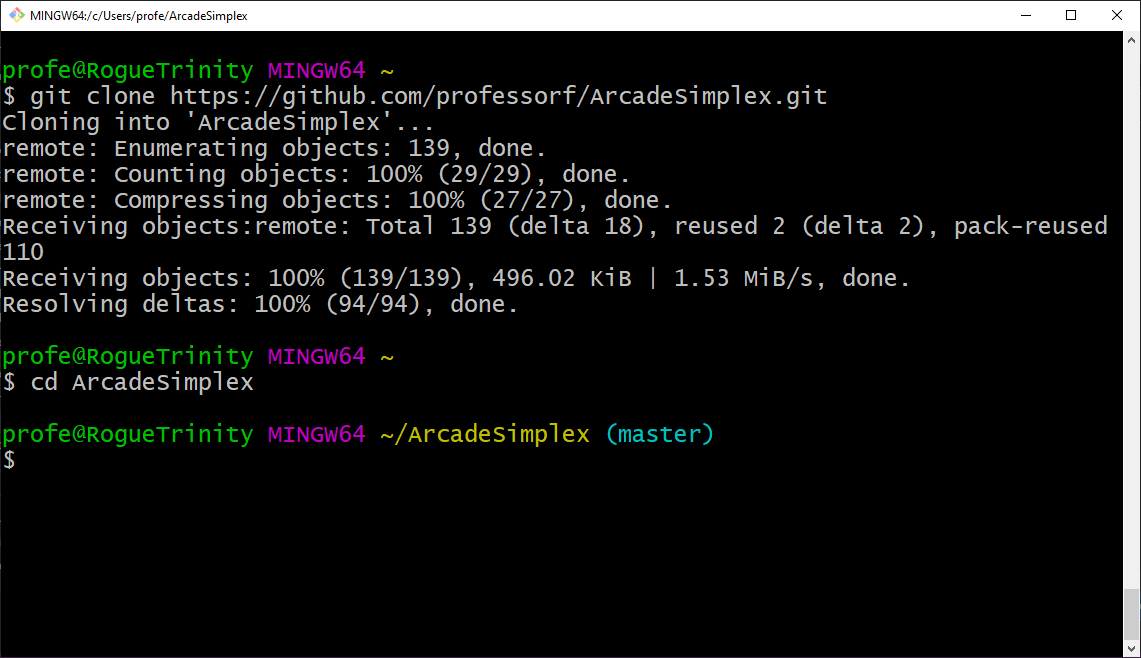
Type: cd ArcadeSimplex
-
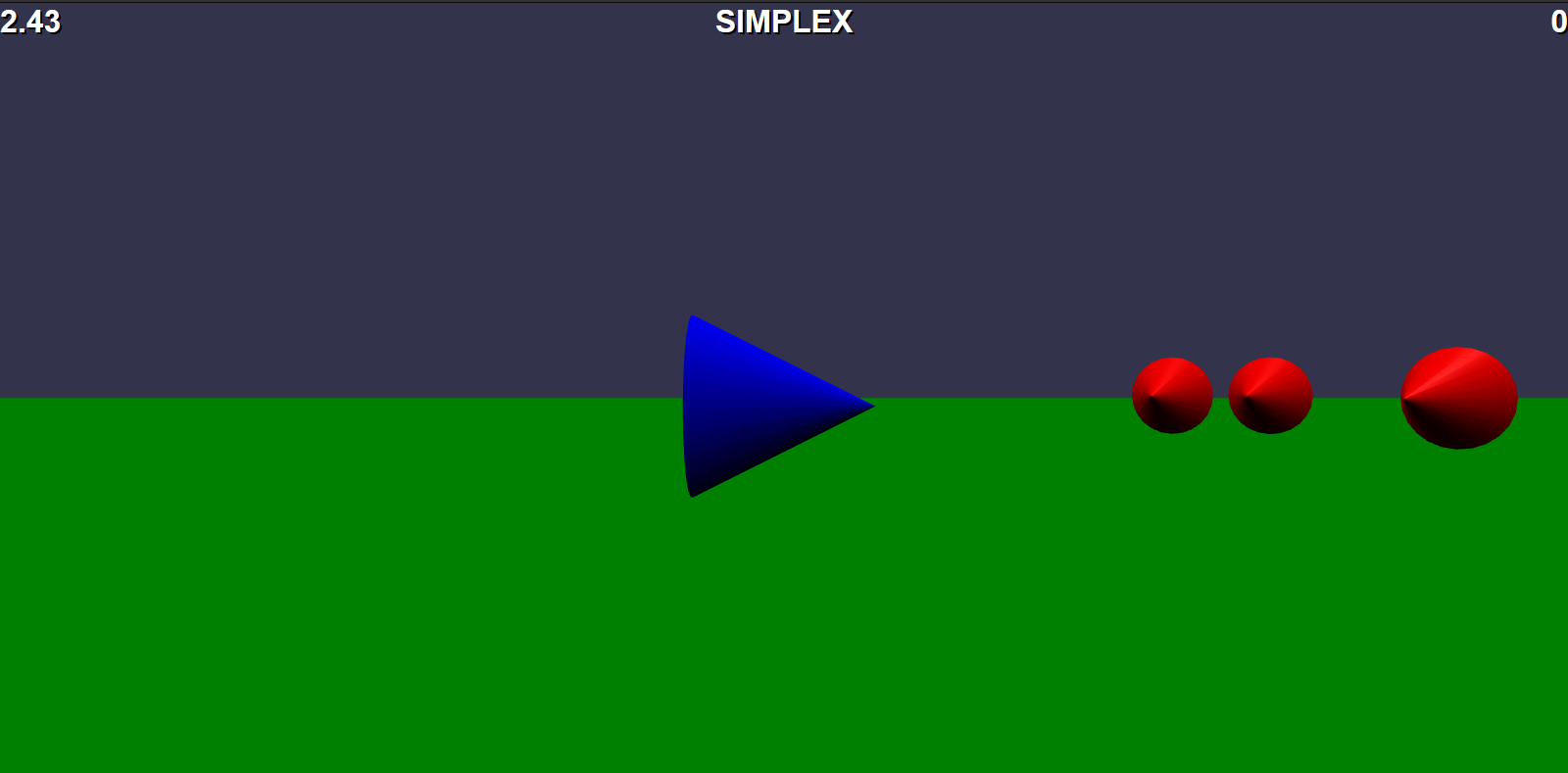
Type: start firefox ./arcadesimplex.html
-
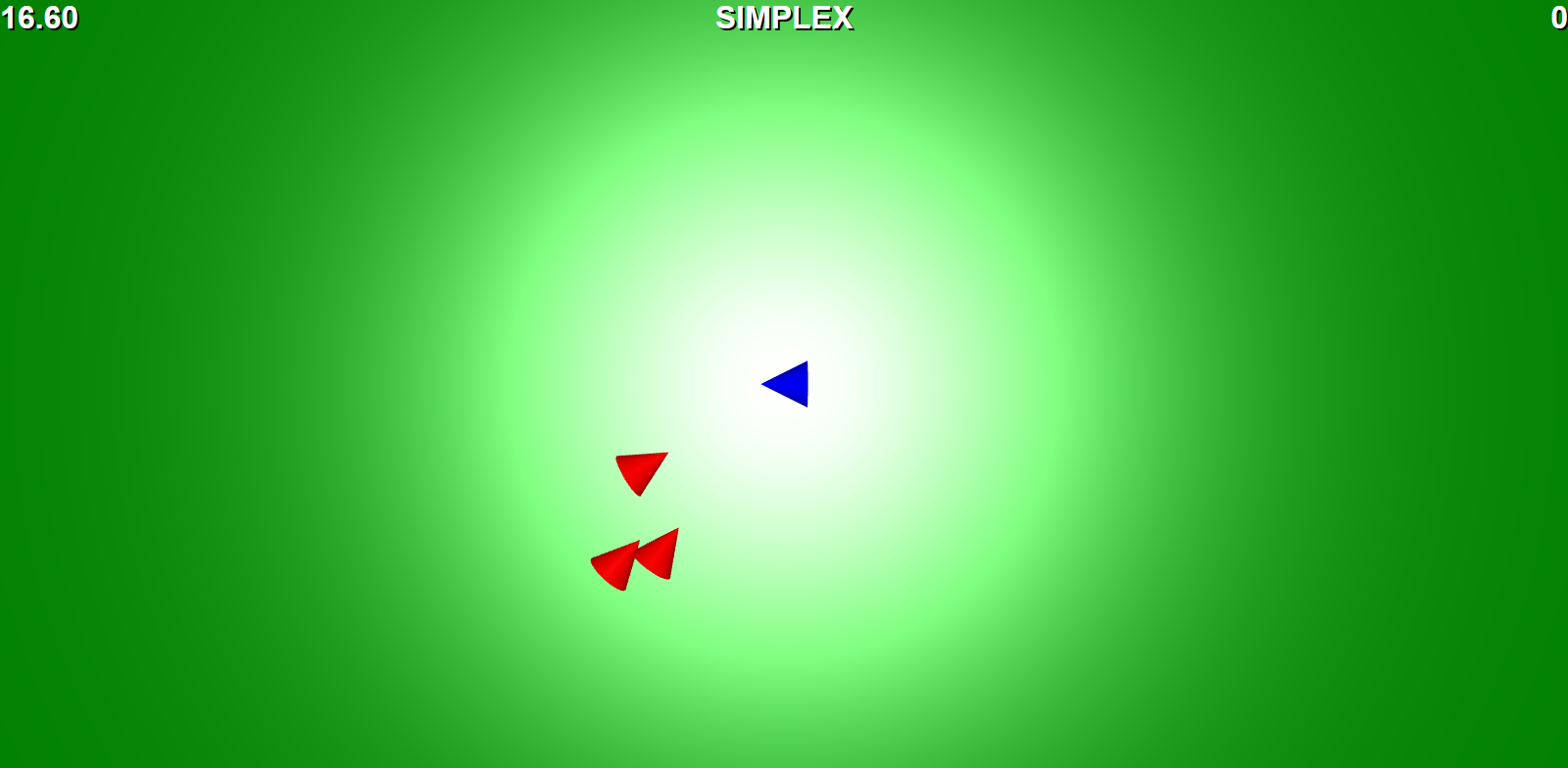
Type: t — optional, switches to top view
CONTROLS
- W,A,S,D: Forward, Rotate counter-clockwise, Backwards, Rotate clockwise
- Enter: Fire
- T: Top View
- Arrow Keys—Up, Down, Left Right: Zoom In,Out; Pan Left, Right
- Left-mouse click & drag in window: Orbit
- Ctrl-R: Restart the game