Repository navigation
Paste an image into the AI assistant and have it analyse the content and add the relevant details to the notes. #1743
myrandomcoolprojects
started this conversation in
Anything about Poznote

Replies: 3 comments

|
Working on it. 😊 |
0 replies
|
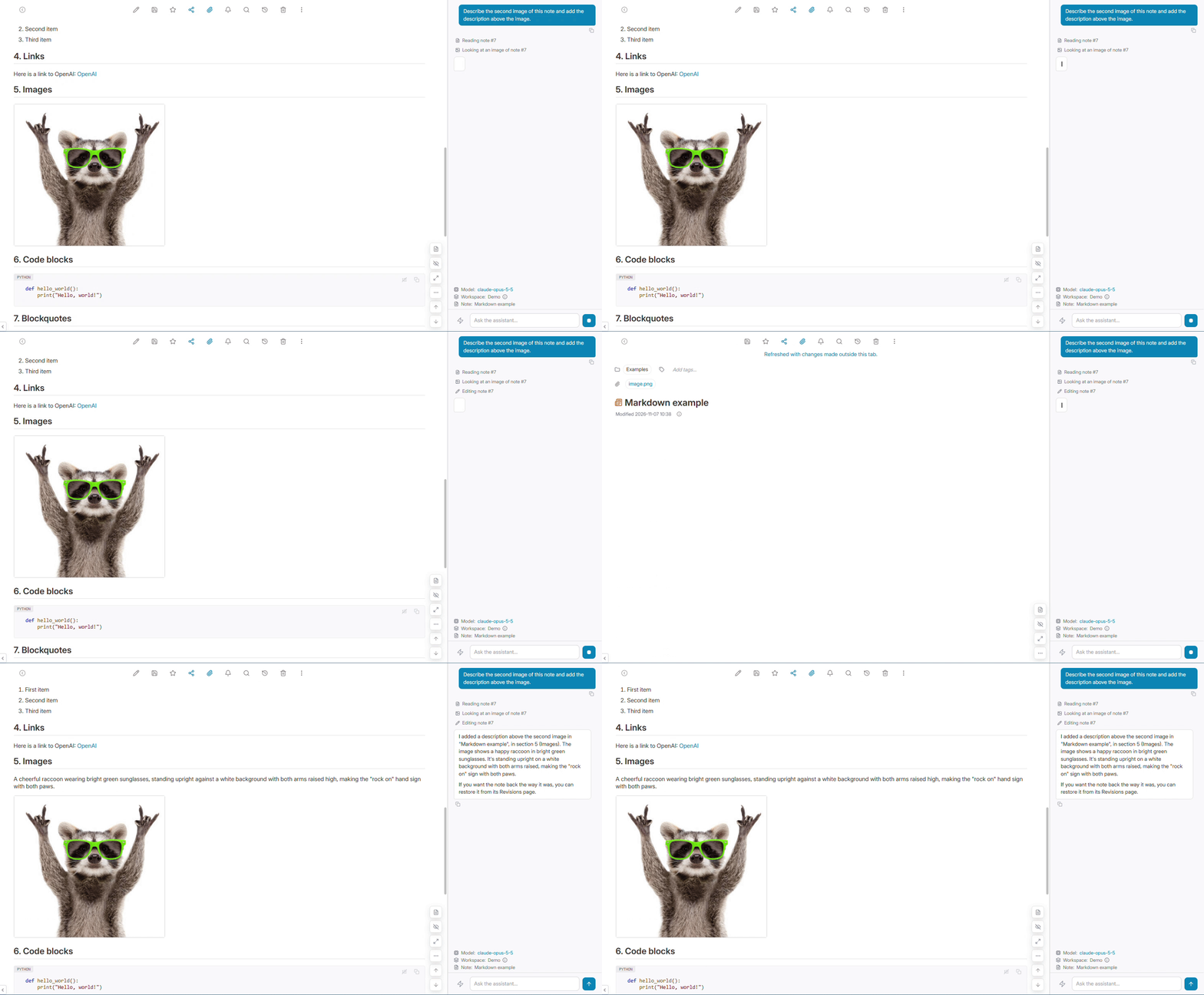
This is now possible, and it will be in the next release. 😊 It works a bit differently from pasting into the chat: paste or drag the image into a note, then ask the assistant about it ("What do you see on images in this note", "what is written on this receipt?"). The image stays where you want the details anyway, and the assistant looks at it when you ask. It needs a model that can read images, which most recent Claude, GPT and Gemini models do, as well as vision models in Ollama. With a text-only model the assistant will simply tell you it cannot see images. If you use the MCP server, attached images now come back as real images too, so this also works from Claude Desktop or any other MCP client. Thanks for the idea! |
0 replies
|
0 replies
Sign up for free
to join this conversation on GitHub.
Already have an account?
Sign in to comment


Uh oh!
There was an error while loading. Please reload this page.
I want to paste an image into the AI assistant so it can extract the relevant details and add them to my notes (e.g., “Add this product to the note”).
Or even attaching an image and having the AI assistant be able to read it.
Is something like this possible?
All reactions