Repository navigation
Dakota - what's your own custom build testing workflow? #5082

Replies: 3 comments 7 replies

|
Great topic start! I'm setting up my own first test on-premise I use harness Now building a customized Afterwards I'm going to fine-tune and finalize the complete If everything checks out I can share the |

|
Speed, VPN and Adaptation Recording @remkolems That's very cool, omp harness will have to go on the todo list :) Speed: Yes thumbs up also and subjectively Dakota does seem snappier. AI opinion on this pasted below. VPN: One gotcha I haven't found a custom build solution for yet on Dakota is VPN clients. It's trivial on Classic ie dnf5 install into your custom image. For Dakota though, several of the mainstream VPN providers only provide deb/rpm solutions which obviously are not Dakota compatible. In the case of Mullvad, pulling apart the rpm for bst rebuild would foreseeably be a mess due to all the Mullvad code dependencies, probably doable with enough work. In the case of Nordvpn, it seems feasible to unpack the binary from the rpm but I haven't attempted. Killswitch is key. Relying on wireguard, openVPN or network manager native vpn connections means you get guaranteed leakage of your isp ip on every connection drop, without additional firewall rules and so the proprietary killswitch code seems important and Dakota does not yet appear to have a viable proprietary VPN install path which might be a daily drive veto for some users? So I wonder what VPN strategy Dakota team or Gnome OS recommend for VPNs? Adaptation: Strategically, I wonder what the best process is for recording these sort of user pioneering adaptations of Dakota should be? ie should early adopters be building a knowledge base/faq/wiki/gist for HOWTOs about successful experiments with all the cool extras beyond the official Dakota product (or possibly within the project) so that each new user doesn't have to reinvent the wheel on these HOWTOs? @remkolems omp harness seems like a great example of something potentially useful to others but not necessarily part of the core project? == AI opinion on relative speed of Dakota == uutils (Rust) coreutils: Dakota ships uutils-coreutils as the default instead of GNU coreutils. Benchmarks show ~⅓ faster on operations like base64 when the CPU exposes AVX2 — and that's just one tool; the whole CLI layer is affected. systemd-boot + UKI vs GRUB2: Dakota boots via systemd-boot with Unified Kernel Images, which has a leaner, faster boot path than Classic's GRUB2. composefs backend: Dakota uses composefs for its immutable root, which is more efficient than the default bootc backend Classic uses. Thinner package set: Dakota carries ~20 Bluefin-specific elements on top of GNOME OS, versus Classic's ~80 base + ~60 DX RPMs. Less software = less memory pressure and less background activity. Newer kernel & Mesa: Dakota runs the freedesktop-sdk kernel (6.19+) and Mesa 26.x, while Classic tracks Fedora's cadence, which lags. |

@castrojo I added mcp straight away when it was available. Very valuable indeed! If you need any additional help or resources - with long time commitment of course - with
Good point! That was my idea about sharing my experience here as well. omp nowadays creates 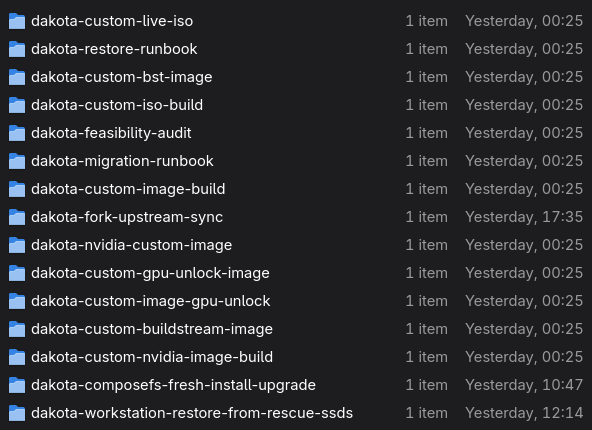
I personally haven't looked into VPN yet. If I cannot install it straight away, I convert apps to Brew or flatpack or request upstream for PRs. For this OS install for example, I converted Important caveat/tip: I use https://github.com/vectorize-io/hindsight as my main memory back-end for all my harnesses. I can't emphasize enough how incredible this experience overall has been over time. |

Your favorite search engine will find several guides to implementing a VPN Killswitch using those additional firewall rules. Pretty sure your AI would have an easier time of implementing those and adding activation to the pre-up / post down hooks, giving you an easier path to killswitch functionality than trying to get the proprietary apps working. I think it would be worth investigating at least. |
|
Have they got a slogan? 'Everything is better in hindsight" ha, does look fascinating, so if I understand correctly, the ability to self ratchet up the knowledge ladder seems brilliant, real AI As for a Dakota VPN solution with a leak proof killswitch, this seems to be an interesting Euro initiative to improve flatpak based VPNs "€508,640 The funding, managed by Modal Collective with organizational support from Para-Real Ltd., specifically targets the creation of a dedicated VPN portal. This feature will allow third-party VPN applications running inside a Flatpak sandbox to manage system-level network connections securely, addressing current gaps where such functionality lacked dedicated portals. " In the interim, I will test a couple of Nix store VPN flakes on Dakota when I get a chance. Of all the possible VPN solutions that seems to me to be the most promising work around. Nix works already so VPNs should work too in theory but might need to add a systemd unit in the bst... |
|
@elwoodos > I think it would be worth investigating at least. My take is firewall rule based killswitches can get messy ie Docker forward rules may also be needed for your containersand if the tunnel provider round robins the endpoint ip then rules may break etc. It's certainly an option, appreciate the comment |

|
VPN: Confirming that I've now successfully installed and tested the nordvpn cli on a custom Dakota image using Nix (bst to add /nix, install nix determinate, install vpn flake add a systemd unit) - working. Presumably other proprietary VPN apps eg Mullvad etc could/would work similarly |
|
I've done a lot the last couple of days: DevSecOps SOP. Summary Not all fixes are fixable yet, must be merged upstream by Freedesktop team. I want to stay mostly in line with the testing branch of the Dakota repo. Bluefin Dakota is an incredible experience again and very stable! Customization details(summarized by omp) Base: upstream testing @ bf27177. Fork diff: 62 files, +2058/−115 across 59 commits (git diff bf27177..stable). Everything below is fork-local unless marked. Harbor 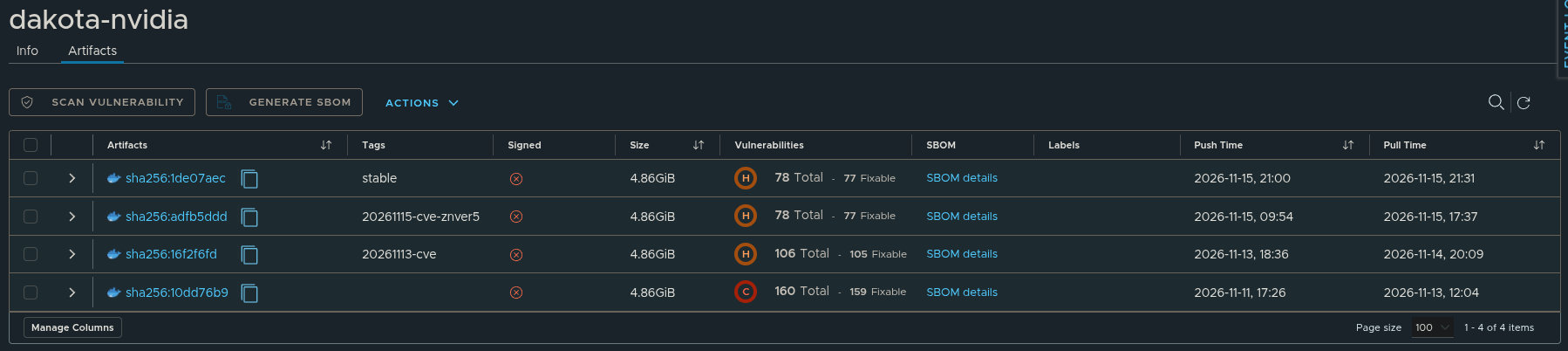
Customizations
Upstream disposition (recommendation)
|


Uh oh!
There was an error while loading. Please reload this page.
I'm wondering how everyone tests their own Dakota custom builds? What customising and testing workflows do you employ?
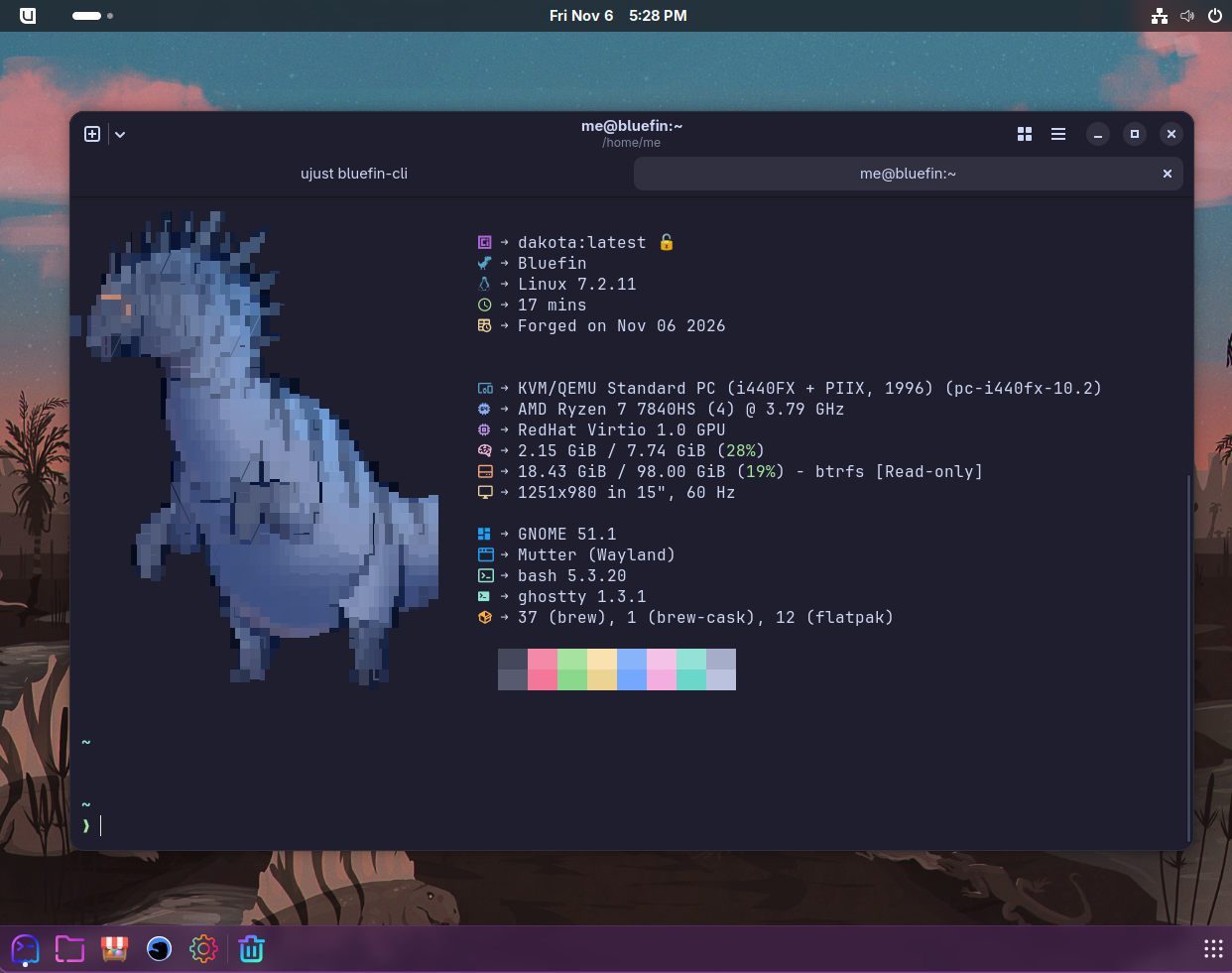
My current process is/was: "Fetch the Dakota repo, checkout the latest stable tag (so it builds), add my own local remote git forge, checkout my custom branch, add my customisations, new bst files and scripts and then run 'just show-me-the-future' from inside a bash script which passes env variables to all Justfile recipes at the same time, which amongst other things deletes the old bootable.raw, prompts the user for the desired qemu VM disk size, builds the VM ephemerally and then save/renames the resultant bootable.raw to be used in virt-manager for future non-ephemeral testing.
The build an iso path would have worked each time too I guess but I went with the bootable.raw approach instead. I found that the Control Center (excellent by the way) wouldn't practically work in the 'show-me-the-future' process because the default apps fill the default size vm disk immediately, hence I create the code to specify the vm disk size rather than take the default 30G.
Via bsts I've added nix to my images (clean way to add other packages not yet in flatpak or brew), printer drivers and various cursors and icons etc.
What do others do?
All reactions