Repository navigation
Daily Usage
To use this plug-in, simply browse to https://app.plex.tv/ Then when you are viewing a movie, show, season or episode from a shared server, you should see 3 new icons right under the title

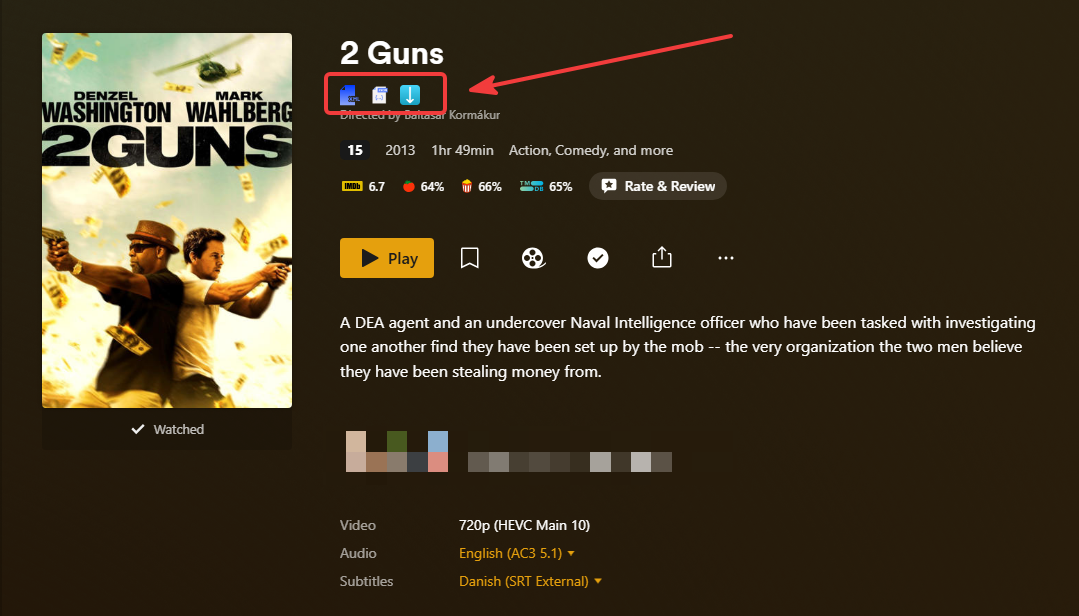
- First icon from the left is “Show XML”
- Middle icon is “Show JSON”
- And the icon to the right is “Download”
When you click on that, a new tab will open and show you the XML info for the media, just like it normally does for your own server Note that you also can select this on Show and Season level if needed
When you click on that, the same as above will happen, except it’ll show the information as JSON instead
When you click on that, a modal dialogue will show allowing you to select media’s and external subtitles you want to add to the download queue

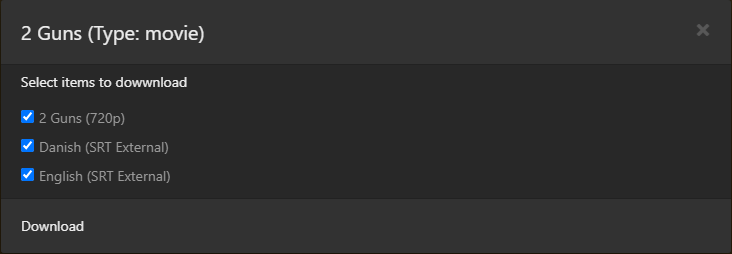
This works on an episode, a season, a show or a movie
Remember to start the queue afterwards!