Repository navigation
Installation
To install the plug-in, download the latest release from github and unzip it on your drive ( https://github.com/ukdtom/xmlplex/releases/latest )
Then in Chrome, paste the following into the url: chrome://extensions/
Make sure Developer mode is on ( Top right of the screen )

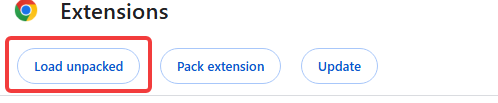
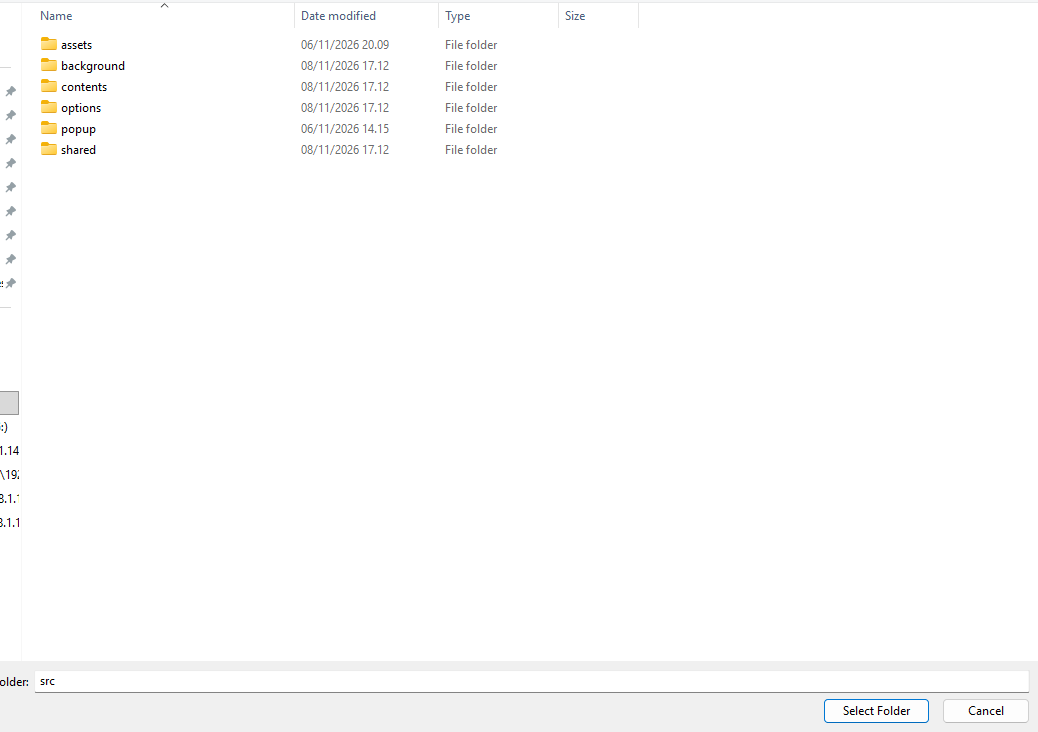
Click “Load Unpacked” on the top left of the screen, and select the “src” directory in the extracted download
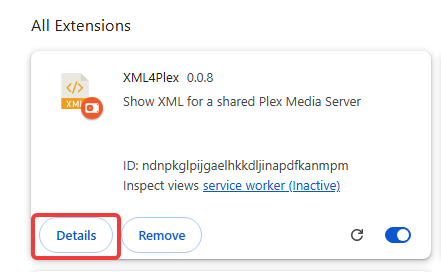
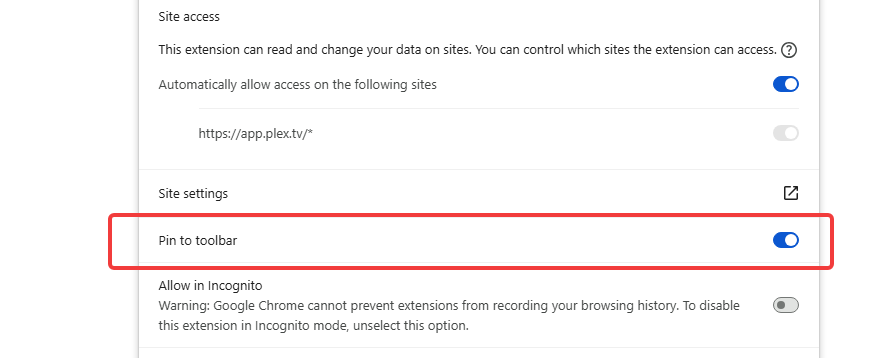
Click on “details” and make sure that “Pin to toolbar” is enabled
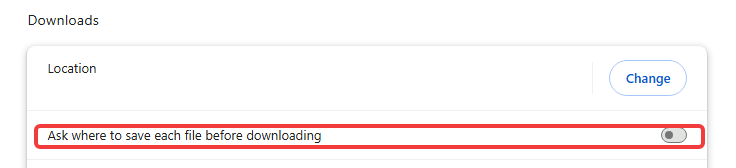
Then paste the following to the url in chrome chrome://settings/downloads and make sure that Chrome doesn’t ask where to download to. ( If you do not, then you will be prompted by Chrome for each download )