Repository navigation
Releases
Verdite2 v0.5.2

Fixes
- Crash that happened during the colluseum fight is now fixed
- Crash that happened just outside King Harvine's castle should now be fixed
Full Changelog: v0.5.1...v0.5.2
Verdite2 v0.5.1
Fixed bug causing experimental easing setting to leak into the default config of the release build, causing 2D camera mode to feel floaty.
If this setting is on for you currently, it will be turned OFF when you update. If you want to keep it on, go into F1 -> Settings -> Inputs -> Gamepad -> Fine Tuning -> Ease in and out.
Full Changelog: v0.5.0...v0.5.1
Verdite2 v0.5.0
It's been a couple weeks since the last update. The main focus for this update has been addressing criticism from a 4chan thread saying that the default turn speed totally breaks the game's difficulty; they're totally right, and so I've rectified this in this latest release.
Also, if you still want to use a higher turn speed, there is now an option to make the enemies turn more aggressively so that you can't easily flank them. It still isn't great for KBM players, but if you are using an analog stick with the acceleration option, it works pretty well at keeping things balanced.
These features will also be in verdite3 soon!

New Features
- Added on-boarding procedure to help new players curate their experience.
- Added new difficulty adjustment slider for people playing with higher sensitivity or KBM. Enemies can now turn more rapidly to face you so that you can't so easily flank them.
- Optionally, spells can cast dynamic lights with a colour derived from their texture.
From Verdite3
- Added in game "PORT SETTINGS", so you no longer have to open imgui.
- You can now use the gyroscope to aim the bow
- You can inspect items with the right stick or the gyroscope when you pick them up
Fixes
- The game no longer crashes if you slide against a wall while noclipping
- Fixed vertex explosion
- Map screen no longer has black bars
- Slopes no longer have hairline seams
KFII-MAP
I have retired the map the port shipped with, now, the map binding will bring up the game's built in map, providing you have the item. If you still want to use it, you can enable it in Mods. I have also retired framestats.
Full Changelog: v0.4.0...v0.5.0
Verdite2 v0.4.0
I promised a gigantic update, and here it is!
Also, a special announcement: Work on verdite3 has begun! King's Field III and King's Field II have a lot in common under the hood, so I don't expect the first release to take very long. Most of the enhancements have already been ported over already.

Gameplay
- @Acranon's gearcompare mod is now an official feature, and is on by default.
Performance
- New "unlimited" framerate option
- Verdite2 can now use your GPU to assemble the world. Available as a sub option of Fast Geometry called GPU Geometry; also requires Z-buffer and perspective correction enabled to be active. Expect to see better results the better your graphics card is; on my 9070 XT, the coast scene at the start of the game goes from 200 fps, to 800 fps. If you have a low end GPU, you might only get +10 fps or so.
- A consequence of this option is that the new effects listed below are basically free to enable.
Graphics
- Water, instead of being a flat plane as in the original game, now has: waves, murk (so that you can't see the floating geometry at the bottom), and also reflects the world using planar reflections.
- Lights placed in the editor can cast dynamic shadows, including upon entities.
- Increased render distance (experimental)
- The HUD now animates at the render rate.
Bug Fixes
- Water no longer suffers from z-fighting issues
- Changing the aspect ratio in play no longer drops to the 4:3 VRAM fallback.
- A doubled vblank event is fixed (`0x801B via the RecompOne fork fix.
- Fixed crash that occurs in specific situations with planar reflections on screen.
- Fixed bug where murky water would make on screen text invisible by @Fiztba in #57
King's Field Remastered
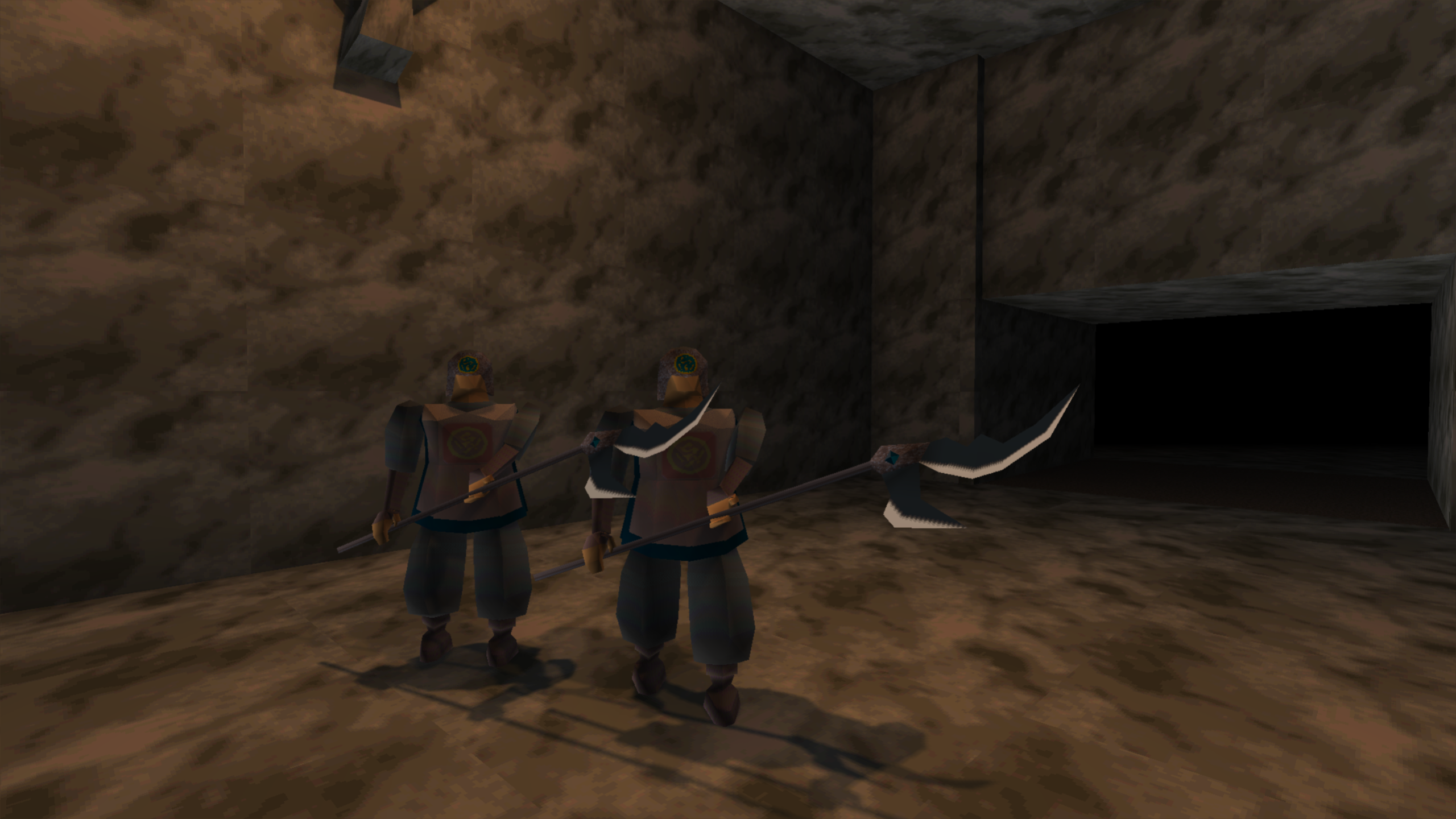
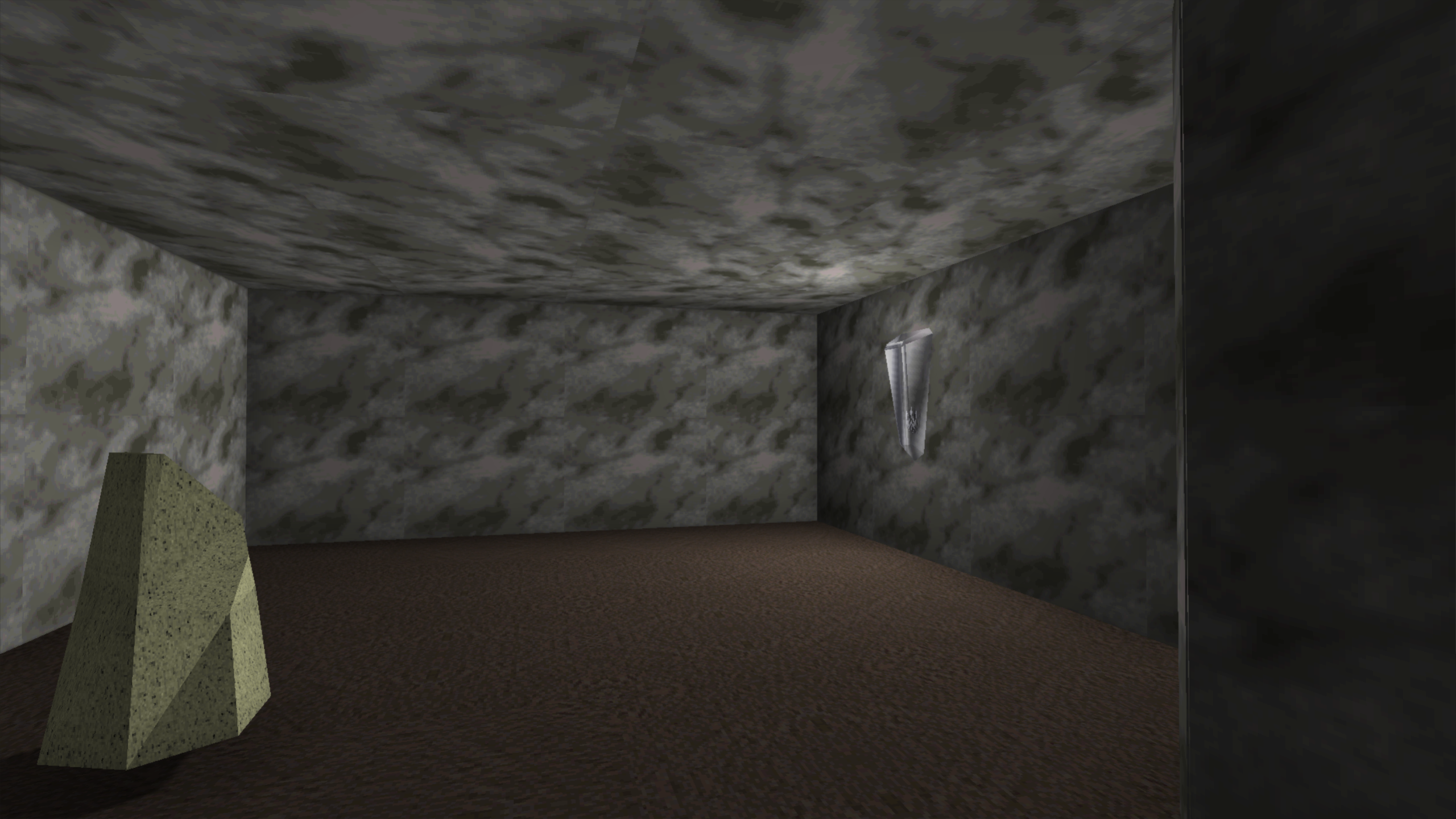
Most of the functionality required for the full remastering of the game's lighting is done. It is possible to place lights, change materials of various surfaces, change the level geometry etc. It's not very polished yet, so I will work on making it more pleasant to use before production ramps up. There is also some wicked issue with the z-buffer when a remaster pack is enabled. You can open it with Shift+E
Contributors


Assets 5
Verdite2 v0.3.3
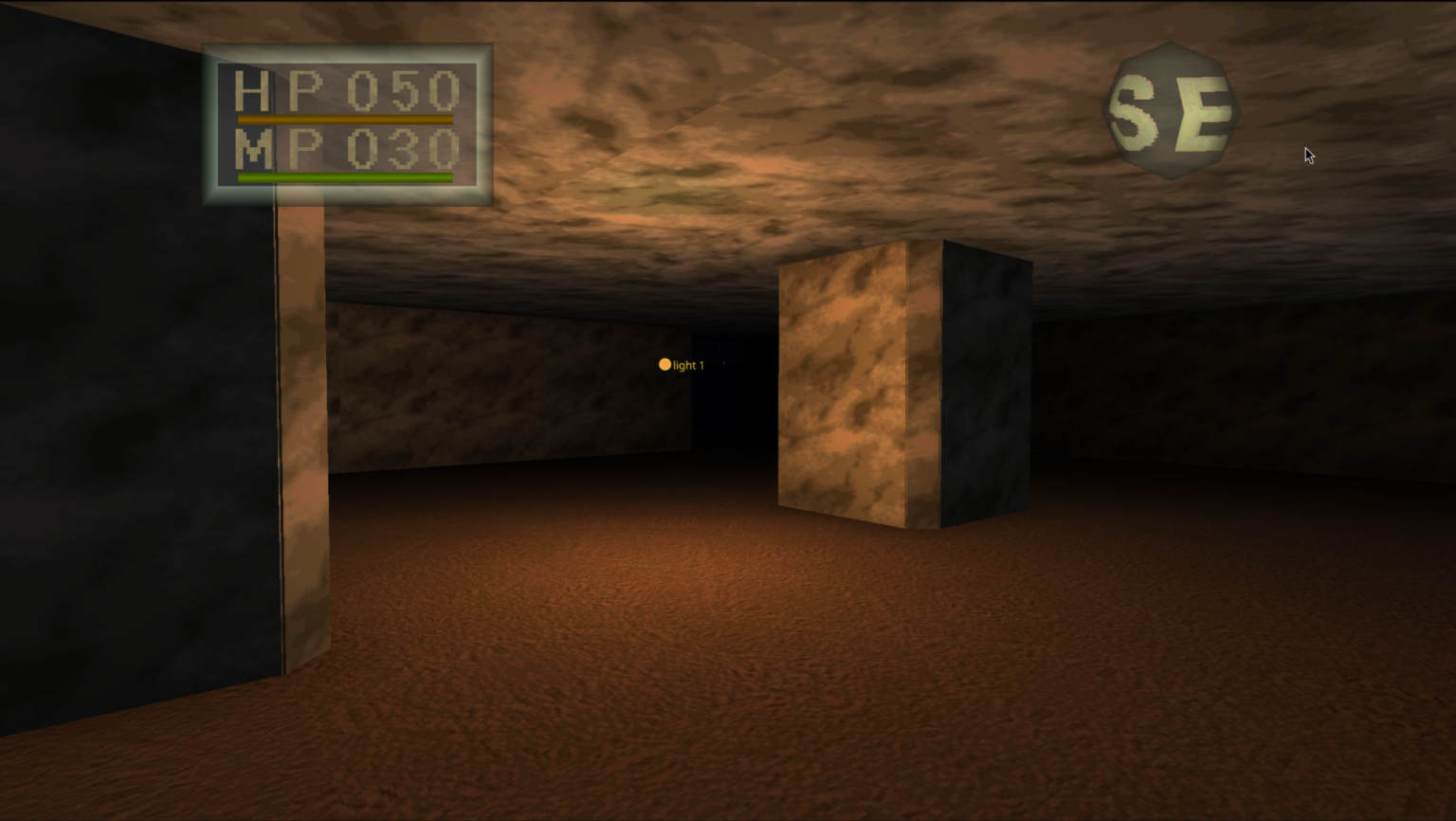
This will be the final update before 0.4.0, which will probably land in about a week. There is some crazy stuff in store, and I'm extremely thankful for all the enthusiasm surrounding this project, so stay tuned!
water.mp4
If you want to join the official Verdite Project discord server for previews and access to pre-release builds, join here
What's Changed
- DARK condition no longer causes strobing @Acranon in #42
- Keep the map's view cone when fog of war is set to "whole area" by @Acranon in #41
- Keep saved key bindings and volume when started from the launcher by @Acranon in #40
- Added discord link to readme, also added mod depot.
- Reduced perceived mouse latency by a factor of 5-7× in #45
- Fixed bug where gui would become unviewable on wayland after going in and out of fullscreen in #44
- Tell the player when a newer release is out by in #47
New Contributors
Full Changelog: v0.3.2...v0.3.3
Contributors
Assets 5
Verdite2 v0.3.2
Tiny hotfix meant to address graphical issues experienced by users with an NVIDIA graphics card.
What's Changed?
- Fixed issue where the NVIDIA driver mis-compiled a conditional in the vertex shader, causing world surfaces to lose their textures and draw as a flat colour
- Added experimental screen-space and planar reflections
Full Changelog: v0.3.1...v0.3.2
Verdite2 v0.3.1
Interrim release focused mainly on fixing some stuff up on Windows. There could be issues on Nvidia since I don't have an Nvidia computer to test it.
Windows
- Fixed VSync on Windows (hopefully 💀)
- Fixed related issue with reading the control when vsync is on causing insane performance loss.
- Borderless Fullscreen as an alternative fullscreen option. (Useful for AMD systems with bad drivers)
Graphics
- Sensible defaults for normal computers.
- Ascii Entertainment spash plays again
- Fixed minor graphical issue with SSAO
Debug mod
- Added options for recording cinematic videos
Full Changelog: v0.3.0...v0.3.1
Verdite2 v0.3.0
Lot's of incredible changes this week mostly focused on graphical stability and performance. Very exciting stuff! I'm working on a quick trailer for YouTube, so stay tuned.

What's new
Graphics
- Added Mipmaps
- Fixed evil texture filtering not working
- Fixed missing geometry viewed from oblique angles
- 4× the polygon buffer to stop geometry from being dropped.
- Fixed secret doors being transparent with AO on.
- Fixed shop entry sometimes replacing textures with stale textures.
- Instead of overlaying a bitmap, dialogue now renders proper text on the screen, allowing it to render over a live 3D scene, as well as allowing it to display at whatever aspect ratio is desired.
- Fixed flickering in the death fade and damage flash above 20 FPS.
Frame Rate and Smoothness
- Water and scrolling textures now animate at the game's frame rate instead of the tickrate.
- Added interpolation to the head bobbing animation.
- Fixed graphical errors and stutters when performing a level transition
- Area initialization is now performed during startup.
- Fixed bad performance when water is on screen.
Performance and Internals
- Rewrote recompiled map-tile and object/creature traversal in native C#, allowing the game to track which parts of the game are being drawn (this means nothing today but enables us to add cool features in the future).
- Added an optional area-aware ambient occlusion mode using the above feature. Not good atm, disabled.
Audio
- High quality reverb option.
- Better audio interpolation options.
- Positional 3D Audio.
Interface and Presentation
- Launcher now extracts the PS1 memorycard logo and uses it as the taskbar icon.
- Fixed poorly scaled map.
- Enhancements are enabled by default now.
Full Changelog: v0.2.0...v0.3.0
Verdite2 v0.2.0
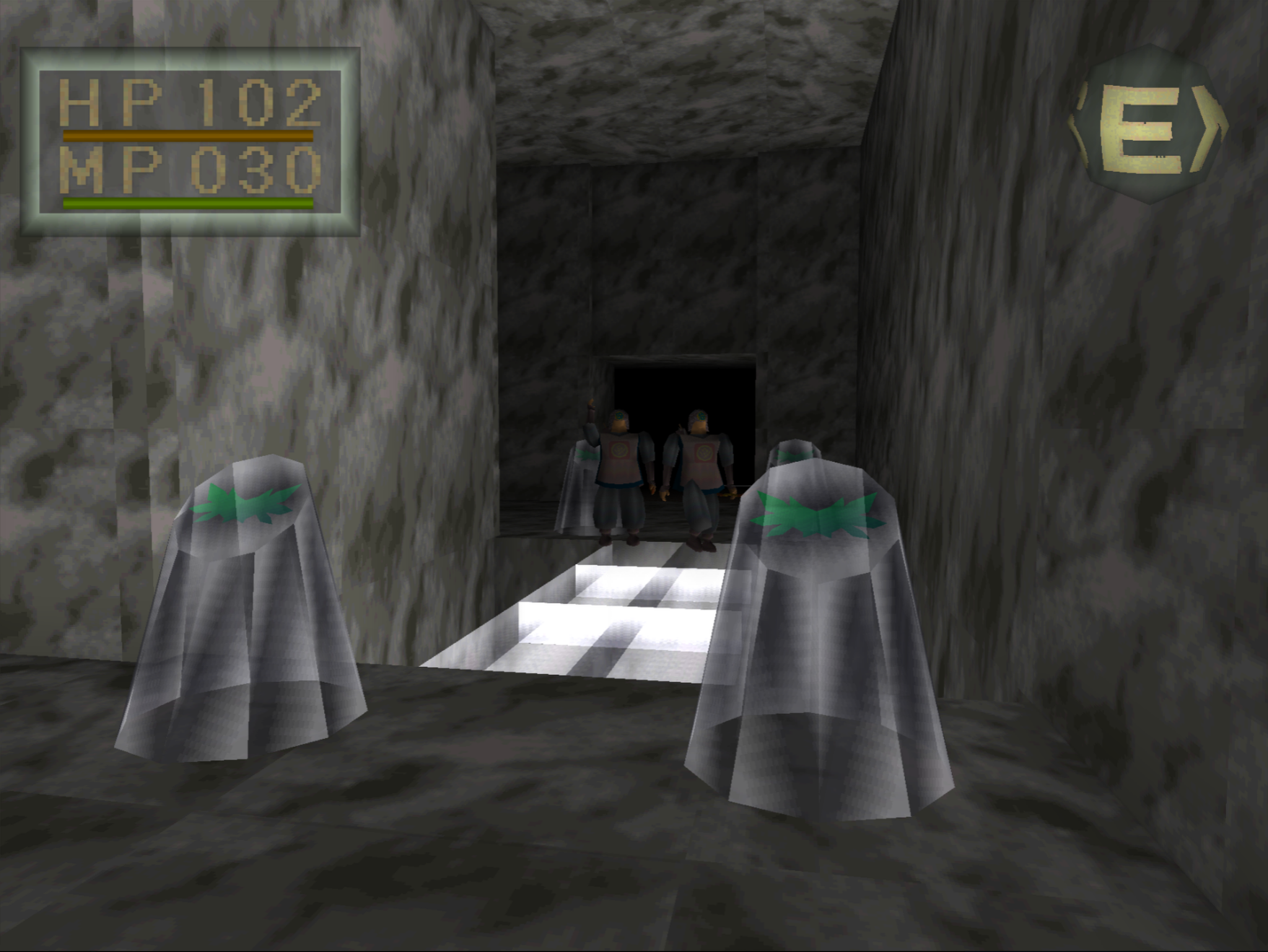
First Public Release of Verdite2
Verdite2 ships no game data. You need your own dump of King's Field (NTSC-U, SLUS-00158) as a .chd, or .cue / .bin.
The first time the game is ran, Verdite2 will ask for your disc, where it will then build the game locally on your machine; in other words, no proprietary game data is shipped in this binary.
What's Changed
- Fixed music speed
- Added widescreen support (also 16:10 and ultrawide)
- Added agentic tooling for observing and interacting with the game
- Added true-color 24-bit output
- Fixed margin-latch handling
- Separated presentation logic from game logic, allowing the game to run at 20 Hz while rendering at higher rates
- Added a dynamic map
- Added first-run game building from disc images
- Named 997 library functions through signature matching
- Backported changes from upstream RecompOne
- Added mouse interaction with in-game menus
- Added frame profiling, frame capture, and a C# geometry pipeline
- Added per-pixel lighting, including fog and lighting
- Used C# geometry pipeline to improve Z-buffer depth handling and culling
Known Issues
- On windows, using V-sync causes major performance loss and frametime issues.
- On windows, there is screen tearing at the screen's native refresh rate (to get around this, set your cap slightly higher)
- On windows, full screen effects that appear when you take damage, appear to "travel" across the screen
- There are intermittent visual holes in the level geometry
- Z-buffer does not account for billboards
- This game has NEVER been tested on an NVIDIA machine, so YMMV. Please open an issue if anything comes up.