Repository navigation
Releases: windex-drinker/PolySwitch
Release list
PolySwitch 0.4.18 — profiles, recovery and KDE themes

AI-generated software: PolySwitch was developed with AI assistance. This is an experimental native KWin effect.
New since 0.4.15
- First-run walkthrough with replay from Settings.
- Named appearance profiles with native import/export. Background images are embedded; importing adds a profile without changing your current look.
- Undoable appearance reset, disable control, and installed rollback tools and instructions.
- Automatic KDE light/dark and accent following, live theme updates, complementary glow palettes, and automatic/manual/mixed modes with individual overrides.
- Optional Plasma SVG interface artwork and a separate Plasma color source.
- Smooth auto-upright roll with adjustable idle delay and animation duration; interaction cancels the roll.
- Remove the old embedded background import button.
Download without compiling
The binary archive is only for KDE neon 24.04, x86_64, KWin 6.8.1, Qt 6.11.1. Extract it and run:
./install-binary.sh --check-only
./install-binary.sh
Authenticate only in KDE’s prompt. Save work, sign out/in normally, then enable PolySwitch in Desktop Effects. Open with Meta+Shift+P. Do not restart KWin manually. The installer checks compatibility and checksums, backs up the old plugin, and includes disable/rollback/uninstall helpers. Other systems should build from source; distribution patches can affect compatibility.
The binary download is about 215 KiB and the plugin about 524 KiB, with debugging information removed. Personal backgrounds, profiles and backups use additional space. Complete GPL-3.0-or-later source archives and SHA-256 checksums are attached.
Validation
Three CTest checks pass. Isolated Wayland UI tests cover the walkthrough, profile selection/apply/reset/undo, persistence, theme changes, SVG artwork and smooth upright animation. A separate virtual KWin test verifies native profile export/import/cancel with input release and the disable state. See validation notes.
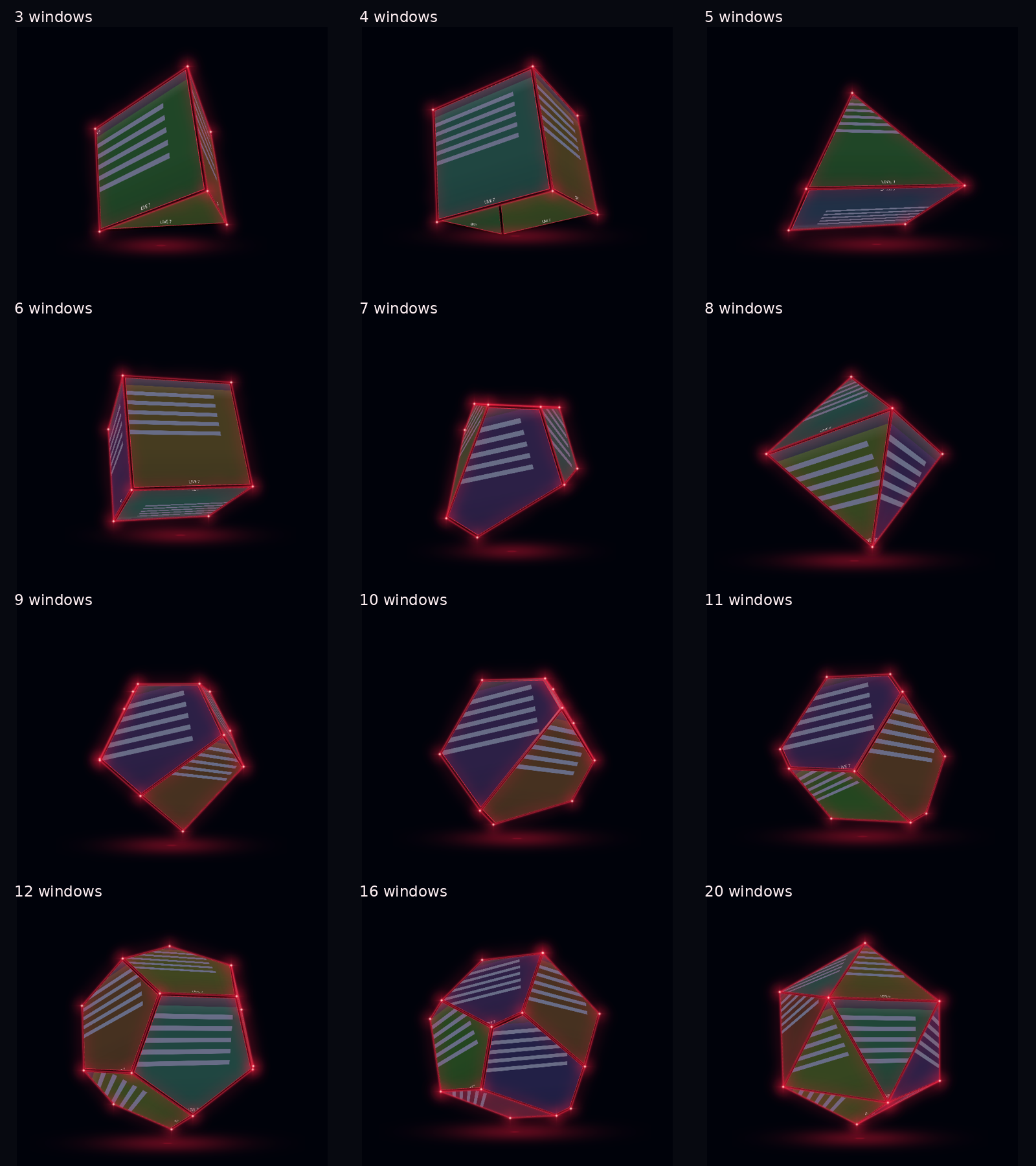
PolySwitch 0.4.15 — smooth shape morphs and native image picker
AI-generated software: PolySwitch was developed with AI assistance. This is an experimental native KWin effect.
New in 0.4.15
- Import background image… now opens KDE’s normal file-selection dialog. PolySwitch releases input while it is open and returns to Settings after choosing an image or Cancel. The embedded browser remains as a fallback.
- Live task changes now morph the shape smoothly: surviving windows retain their identities, closed faces stay joined and planar, new faces grow into place, and closing faces contract. Rapid changes continue from the current animated pose.
- Adjust Shape transition duration (180–1200 ms, default 650 ms) or turn Smooth shape changes off in Settings.
- Imported backgrounds and the optional header continue to persist.
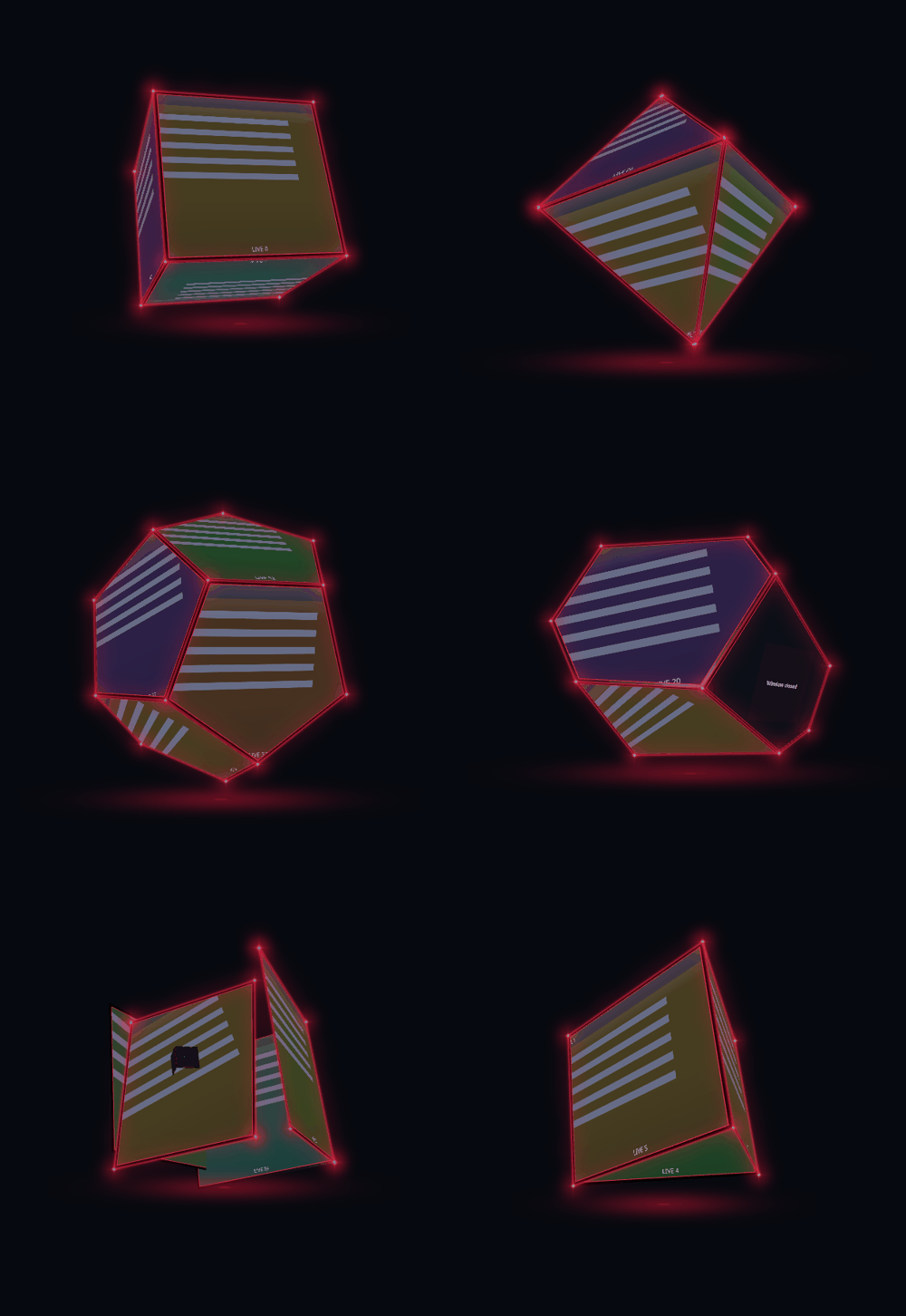
Download without compiling
The binary archive is for KDE neon 24.04, x86_64, KWin 6.8.1, Qt 6.11.1. Extract it, open a terminal inside that folder, and run:
./install-binary.sh --check-only
./install-binary.sh
Authenticate in KDE, save work, sign out/in normally, then enable PolySwitch in Desktop Effects. Open with Meta+Shift+P. Do not manually restart KWin. The installer backs up the old plugin; disable/rollback/uninstall scripts are included. Other platforms should build from source; matching version numbers alone do not guarantee compatibility with distribution patches.
Complete GPL-3.0-or-later source archives and checksums are attached. Build instructions and project documentation.
Validation
Three CTest checks passed. Coverage includes planar/joined morph geometry, final shape counts, stable identities, mid-transition retargeting, portal import/cancel/error behavior and saved image copies. Isolated Wayland tests rendered live 3–12 task transitions; a separate virtual KWin test verified native chooser deactivation and return to Settings after import/cancel.
PolySwitch 0.4.13 — experimental
AI-generated software: PolySwitch was developed with AI-generated code, directed and tested by its creator. This is an experimental native KWin effect.
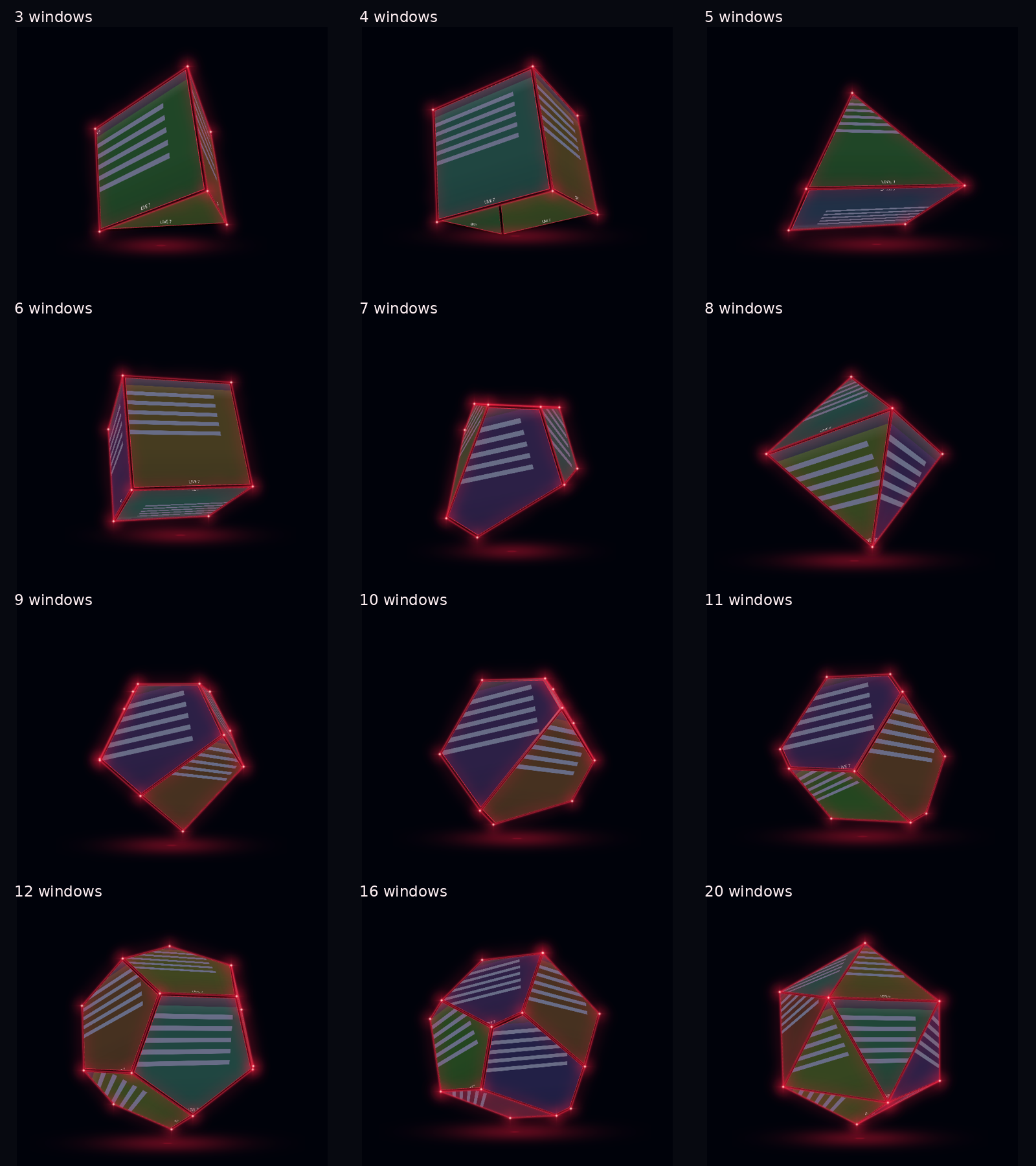
A 3D window switcher with live previews, changing polyhedra, search, keyboard navigation, mouse momentum, zoom, automatic upright alignment and independent passive/hover glow controls. Is opened by pressing Meta+shift+p and gets installed as a desktop effect
Download without compiling
Use the binary archive only on KDE neon 24.04, x86_64, KWin 6.8.1, Qt 6.11.1. Extract it, open a terminal in that folder and run:
./install-binary.sh --check-only
./install-binary.sh
Authenticate in KDE, save work, sign out/in normally, then enable PolySwitch in Desktop Effects. Do not manually restart KWin. The installer checks versions and checksum, backs up the old plugin and includes disable/rollback/uninstall scripts. Distribution patches can still affect compatibility.
Other distributions/versions: use the complete source archives and the build instructions. GPL-3.0-or-later.
Preview
Validation
Core tests and isolated Wayland integration checks passed, including primary-monitor input routing, one-second idle alignment with Settings open, geometry through 64 windows and independent passive glow settings. See docs/VALIDATION.md.