Repository navigation
Custom Keypair
If you need to generate your own secret key pair to encrypt the authorization process, please refer to the following tutorial.
Please note that our own signed secret key pairs are not recognized by the public.
- We used the keytool tool that comes with Java Developer's Kit to generate asymmetric secret key pairs.we need to install the Java Developer's Kit and start the command line.
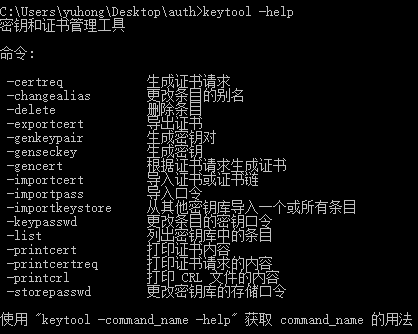
- Get the relevant help using keytool-help.
- Enter the following command to start creating a secret key pair demo.jks file
keytool -genkeypair -alias demo -keystore demo.jks
After the command is executed, the system will prompt for the first and last name, unit and organization, etc., which will be recorded in the certificate.Follow the instructions and you will see the resulting certificate file.
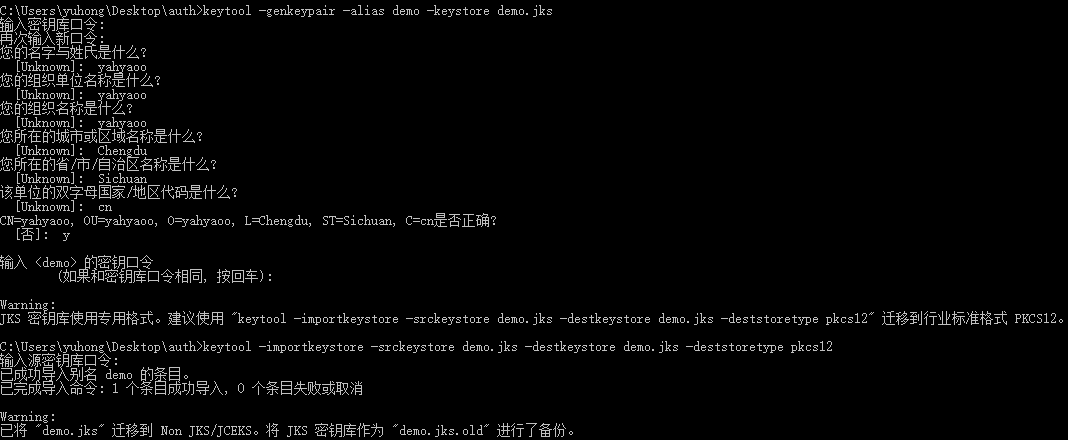
The resulting secret key file is shown below:

4.Copy the file to the spring-security-sso-auth-server/src/main/resources/