Repository navigation
Features Editor Tools Build Profile Scenes
Unity 6 build profiles can inherit the global scene list or keep a custom list. Use Tools > Wallstop Studios > Unity Helpers > Sync Build Profile Scenes to copy the global list into inherited profiles. Profiles that override global scenes keep their custom lists.
Open Project Settings > Wallstop Studios > Unity Helpers > Build Profiles to
choose the folders to search. The default is Assets; an empty list selects no
profiles. Every configured folder must already exist below Assets.
Enable Auto Synchronize Build Profile Scenes to synchronize after Unity's scene-list change event, settings changes, domain reload, and returning to EditMode. It is off by default. Work is queued once and runs when the Editor is idle; there is no continuous scene-list polling. New profiles can be synchronized with the menu command before the next scene-list change.
The copy preserves scene order, paths, scene GUIDs, and enabled flags, including disabled entries. Matching profiles are left alone. Only changed profiles are saved; unrelated dirty assets are not saved by this tool.
BuildProfileSceneSync lives in WallstopStudios.UnityHelpers.Editor.Tools and
is available on Unity 6 only. Its API also works in an idle batch-mode Editor.
#if UNITY_EDITOR && UNITY_6000_0_OR_NEWER
using UnityEngine;
using WallstopStudios.UnityHelpers.Editor.Tools;

string[] folders = { "Assets/Settings/Build Profiles" };
if (!BuildProfileSceneSync.TrySynchronize(folders, out int updated, out string error))
{
    Debug.LogWarning(error);
}
#endif
Null folders search Assets. An empty collection changes nothing. Invalid folders,
PlayMode, imports, compilation, builds, and reentrant calls return false with an
error. A failed batch can have updated earlier profiles; inspect the error and
retry after correcting it.
Assigning EditorBuildSettings.globalScenes from a script does not raise Unity's
sceneListChanged event in the qualified Unity 6000.6.7 Editor. Call
TrySynchronize explicitly after that assignment. Normal scene-list edits that
raise the event use the automatic path.
Each batch records a grouped Undo operation before changing profiles. Undo restores the in-memory list; save the profiles again to persist that reversal. File writes are outside the full Undo guarantee. Automatic synchronization can copy the current global list again after a later scene-list event; disable it when preserving a manual reversal.
These native Unity 6000.6.7 light-skin captures show the settings panel before and after adding the Build Profiles group. Both captures passed with no render errors. The qualification record retains the capture fixture, controller, source hashes, and process receipts.
| Before | After |
|---|---|
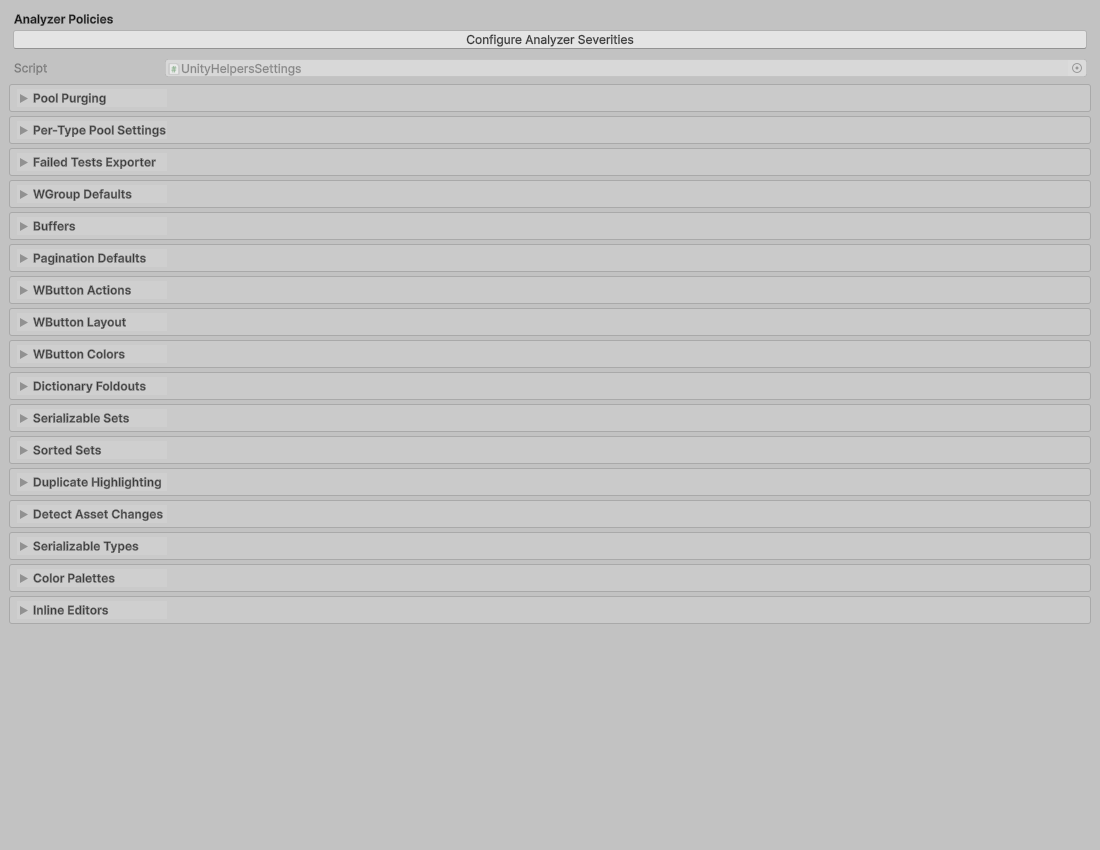 |
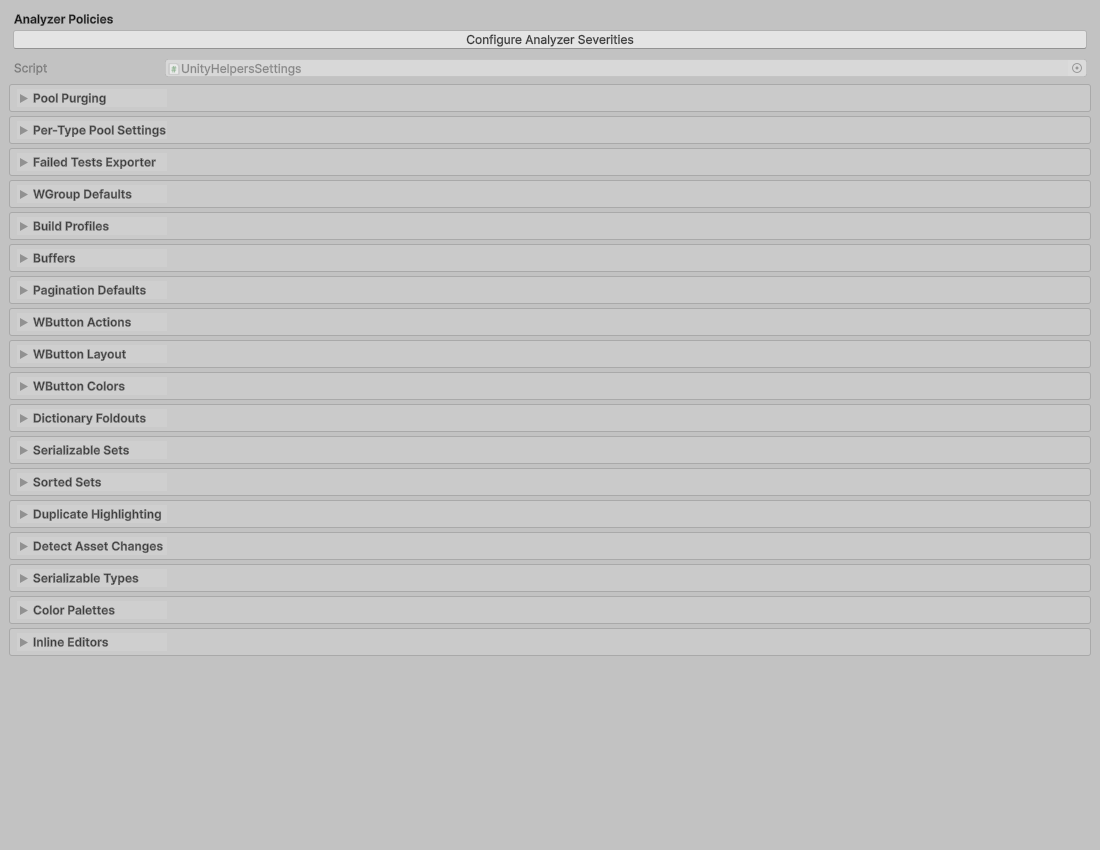 |
Failed saves restore the previous in-memory scene list so the same synchronization can be retried after correcting the write problem. The synchronizer checks destination-specific native save errors as well as dirty state, because Unity can clear the dirty flag even when the file write fails. A successful save may retain identical disk bytes when the global list was already persisted before an unsaved edit. Profiles whose in-memory scene lists already match are not saved.