Repository navigation
Nagi 1.6.0

New
- Multiple artists: Songs can have several artists, each linking to its own artist page. Choose the separators in settings.
- Volume normalization: ReplayGain (EBU R128) evens out loudness between tracks.
- Taskbar media controls: Play, pause and skip from the taskbar.
- Online sources: TheAudioDB, Fanart.tv and MusicBrainz for artist info and NetEase for lyrics. Reorder the sources or turn them off in settings.
- Lyrics:
.txtfiles beside your songs are shown as plain, unsynced lyrics. - Accent color: Pick your own accent color instead of dynamic theming.
- Pick One: A new button plays a random folder, artist, album, playlist or genre.
Improved
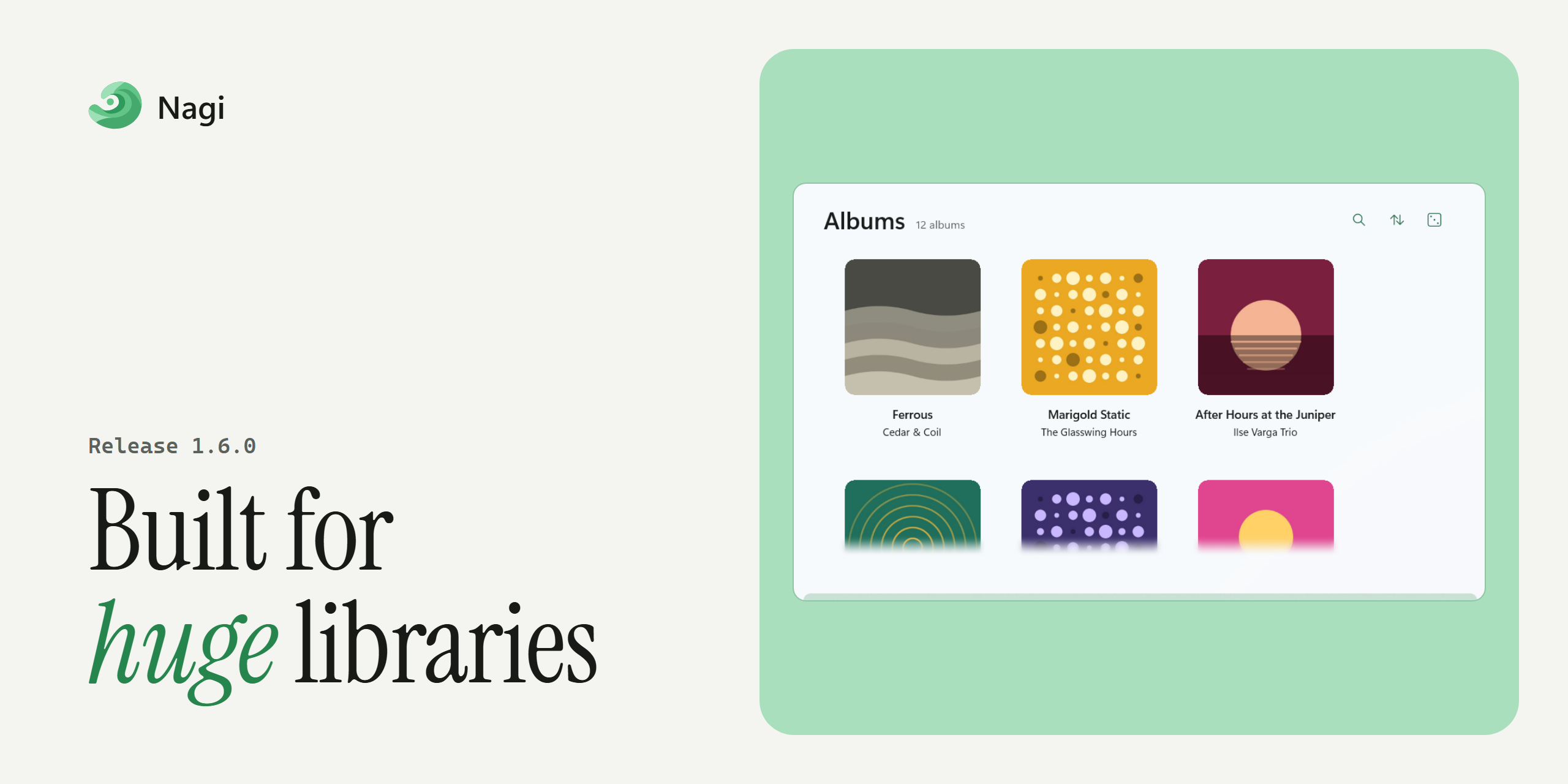
- Large libraries: Collections of 500,000+ songs load without lag or high memory use.
- Animations: Smoother player and mini-player animations, and micro-animations on more buttons.
- Memory: Images and library operations use much less memory.
- Startup: Nagi starts faster and restores its window position more reliably.
- Tags: Better compatibility when reading tags.
- Lyrics: Better timing for lyrics fetched online.
Fixed
- Nested subfolders were scanned twice or missing from the library.
- Equalizer bands and presets were not applied correctly.
- Lyrics timestamps drifted out of sync or showed as 00:00.
- Stuttering and crashes when scrolling the Artists and Albums pages.
- Window size and sidebar state were not saved between sessions.
- Nagi did not close properly after a reset.
- Instability during library scans.
- Long text did not wrap in several places.
This release drops the x86 (32-bit) build. If something looks wrong after updating, reset settings first, then file a bug report.


Full changelog: 1.5.0...1.6.0