Repository navigation
Nagi 2.5.0

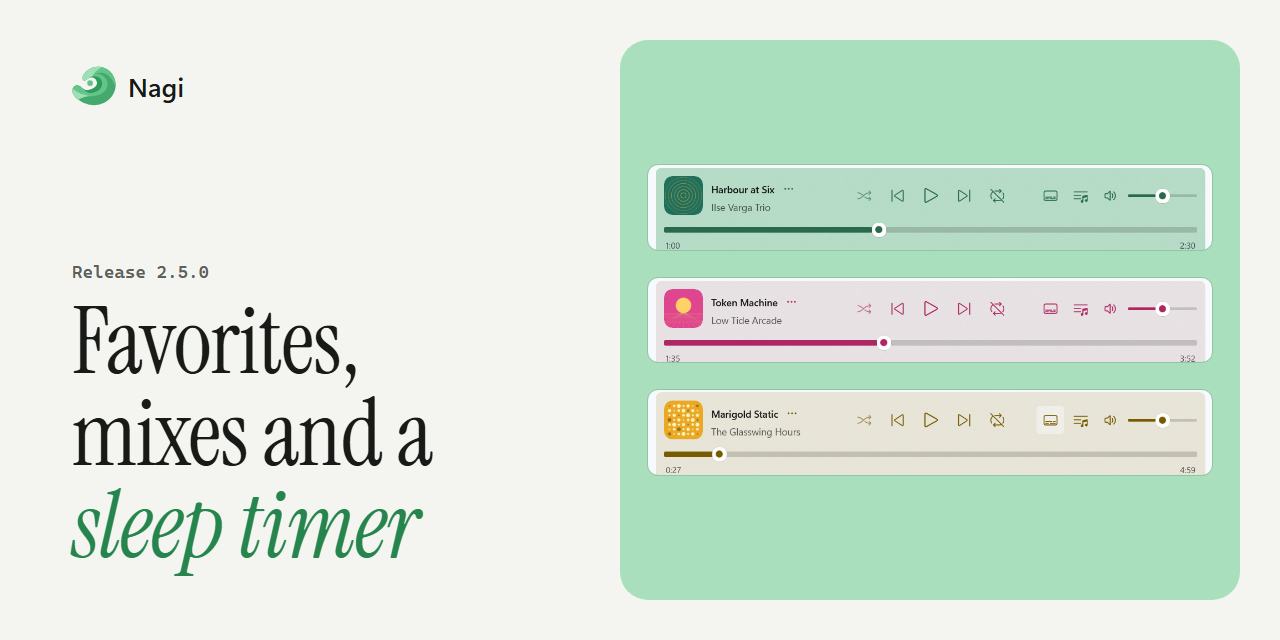
New
- Favorites and listening history: Mark songs as favorites with Ctrl+D, filter your library by favorites, and search your recent listening history.
- Listening mixes: More Variety spaces out artists and avoids recent plays, Rediscover brings back songs you haven't heard in 30 days, and Unheard plays tracks you've never played. Play for… builds a queue of the length you choose.
- Sleep timer: Stop playback after the current song, at the end of the queue, or after a set time.
- Audio controls: Choose your audio output device, and change playback speed from 0.5× to 2× without changing pitch.
- Automatic library updates: Nagi picks up changes in your music folders by itself.
- Guided setup: New users choose key settings during onboarding.
- Taskbar shortcuts: Shuffle All Songs and Open Mini-Player are in the taskbar jump list.
- Plain lyrics: Lyrics without timestamps are shown as plain text.
Improved
- Visual polish: Refined page and player layouts, artwork transitions, queue and history panes, scroll edges and backdrops.
- Large libraries: Faster search, metadata processing and loading.
- Accessibility and translations: Better names for controls and song lists for screen readers, and updated translations.
Fixed
- Backups: Backups include your settings, and restoring one brings them back with your library.
- ReplayGain: Corrected the loudness measurement, and the same files are no longer scanned twice at once.
- Window: Nagi restores a maximized window correctly and keeps its layout when minimized.
- Library and queue: Fixed combined artist links, sorting refreshes, smart playlist previews, jumping rows in recently played, and the current and upcoming tracks shown in Up Next.
- Listening history: The song playing when you close Nagi is recorded.


Full changelog: 2.4.0...2.5.0