Repository navigation
Nagi 2.6.0

New
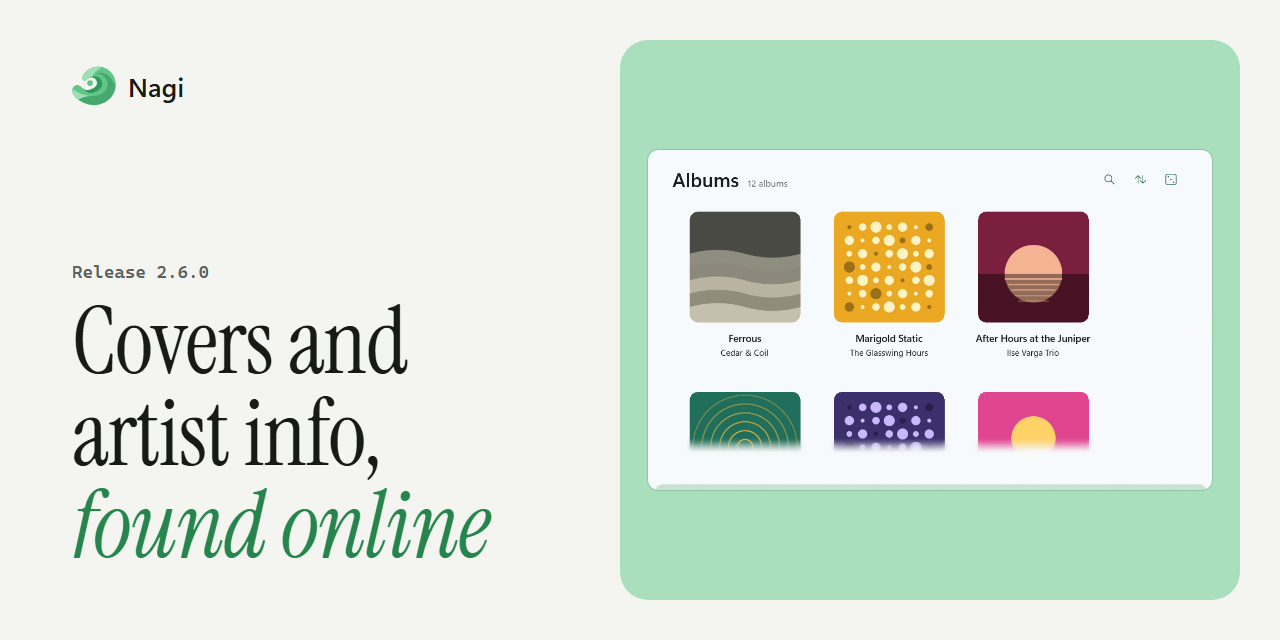
- Album covers and artist info: Albums without art get covers from online sources, and tracks without their own art show their album's cover. Artist biographies can come from Wikipedia and artist images from Deezer, and artists missing either are checked again.
- Discord Rich Presence: Shows the album cover, what you're listening to and the track's progress, with a timer that stays in step with playback.
- Song lists: Choose which columns song lists show, and open a song's details from its menu with Song Info.
- Lyrics translations: Translations in LRC files appear under the original line.
- Windows media controls: Nagi shares the track's length and position with Windows, so lyrics overlays and other media tools can follow and seek playback.
- Scrobbling: Scrobbles include MusicBrainz IDs and more track details, read from every tag format.
- Command line: Launch Nagi with
nagi.exefrom any terminal; the alias keeps working across updates. - Taskbar jump list: Shuffle All Songs and Open Mini-Player have icons.
Improved
- Accessibility: Settings inputs and the artist image menu work with screen readers and the keyboard.
- Consistency: Album pages match their sibling pages, the queue's total duration is formatted like every other duration, and the artist sort is labelled correctly.
- Translations: Updated by the community on Crowdin.
Fixed
- Media keys: Play and pause from your keyboard or the Windows media controls work like Nagi's own buttons, including starting your queue after playback stops.
- Restored queue: Songs that are no longer in your library are removed when Nagi restores your last session.
- Covers and artist images: Album covers stay in step with their tracks and are rebuilt when cached images go missing, replaced covers are cleaned up, and artist images are found again.
- Playlists: Fixed importing an M3U whose name is taken, deleting a smart playlist's cover, smart playlist date rules in your date format, and matching accented capital letters.
- Folders: Nagi won't add a folder inside, or around, one already added. Folders that only hold subfolders can play all, and folder errors are shown instead of hidden.
- ReplayGain: Files whose tags can't be written keep their ReplayGain, and scan failures are shown.
- Stability: Playback, playlist and navigation failures no longer crash the app. Fixed the tray popup, dropping a file while playback is stopped, the seek slider, and the sleep timer when the playing song is removed.
- Languages: Artist biographies come in your language, errors and Discord text are translated, and backup names use the Gregorian date in every language.


Full changelog: 2.5.0...2.6.0