Repository navigation
Releases
Releases · Bonziuu/Apex-AdBlocker
Apex AdBlocker 1.0.1


⬇ Pobierz Apex-AdBlocker-1.0.1.zip
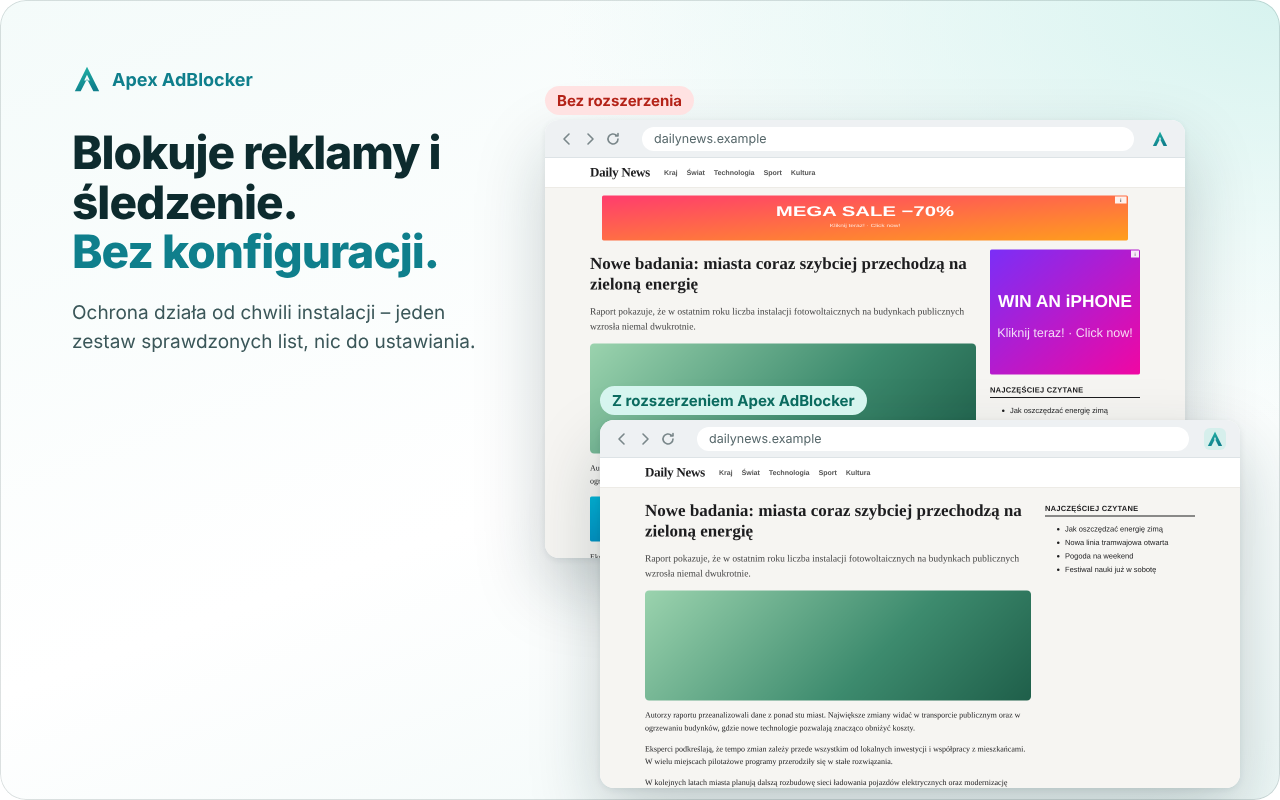
Instalacja
- Pobierz Apex-AdBlocker-1.0.1.zip (link powyżej) i rozpakuj w stałym miejscu.
- Otwórz
chrome://extensionsi włącz Tryb dewelopera. - Kliknij Załaduj rozpakowane i wskaż folder
Apex-AdBlocker.
Co nowego
- Polskie Filtry (Oficjalne Polskie Filtry, CC BY-NC-SA 4.0) są osobną listą
pl, oddzieloną od list na licencji GPL. Działają domyślnie, tak jak w 1.0.0; filtrowanie pozostaje takie samo. - W ustawieniach Polskie Filtry są widoczne jako osobna pozycja na karcie „Ochrona”, a sekcja „O wtyczce” (zakładka „Więcej”) podaje autorów i licencje list według nowego podziału.
- Zaktualizowana dokumentacja licencji (
THIRD_PARTY_NOTICES.md,LICENSING.md) i polityka prywatności. - Przygotowanie wydania: narzędzia i kontrole pakowania, bez nowych funkcji.
Bez telemetrii, kont i serwera – polityka prywatności.
ENG

⬇ Download Apex-AdBlocker-1.0.1.zip
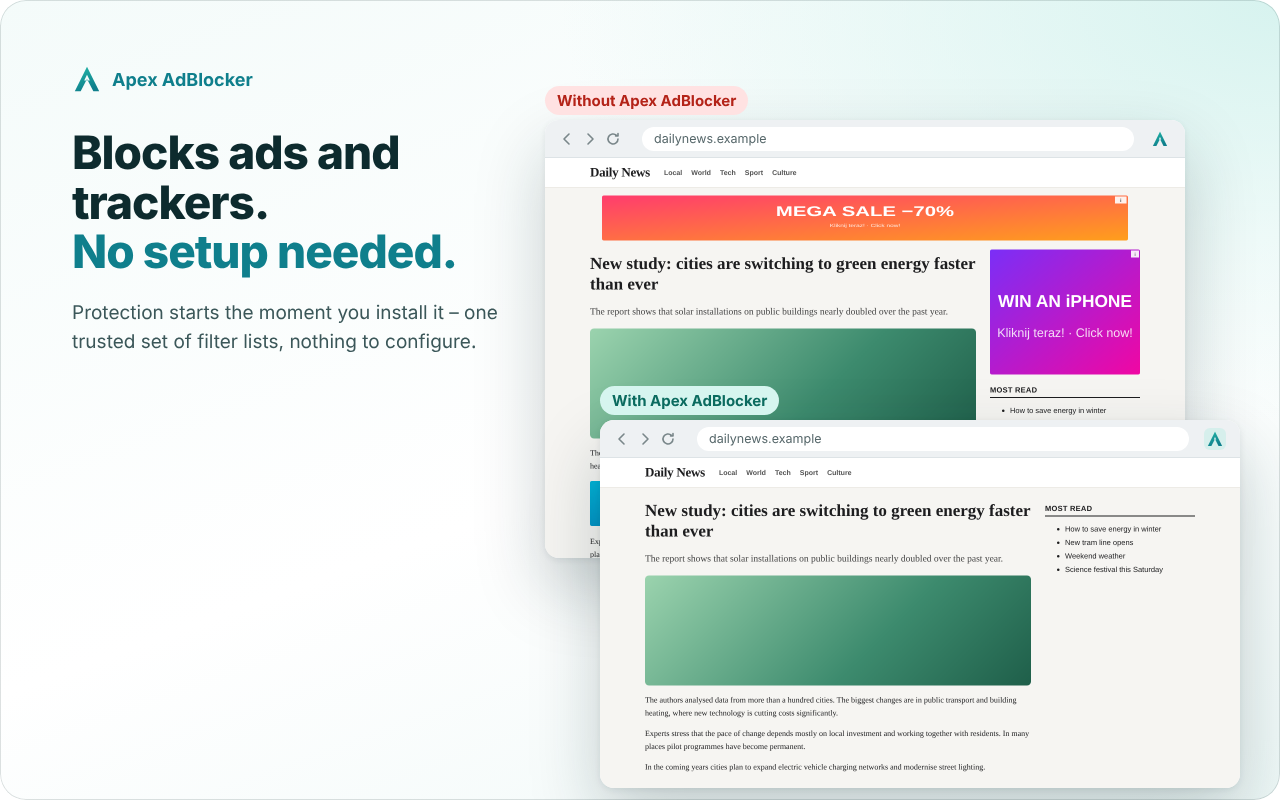
Installation
- Download Apex-AdBlocker-1.0.1.zip (link above) and extract it to a permanent location.
- Open
chrome://extensionsand turn on Developer mode. - Click Load unpacked and select the
Apex-AdBlockerfolder.
What’s new
- Polish Filters (Official Polish Filters, CC BY-NC-SA 4.0) are a separate
pllist, kept apart from the GPL-licensed lists. They are on by default, as in 1.0.0; filtering stays the same. - In the settings, Polish Filters appear as their own entry on the “Protection” tab, and the “About” section (“More” tab) lists the authors and licences of the lists according to the new split.
- Updated licensing documentation (
THIRD_PARTY_NOTICES.md,LICENSING.md) and privacy policy. - Release preparation: packaging tools and checks, no new features.
No telemetry, accounts or servers – privacy policy.
Apex AdBlocker 1.0.0


Pierwsze wydanie pod nazwą Apex AdBlocker (wcześniej ChromeBlock)
⬇ Pobierz Apex-AdBlocker-1.0.0.zip
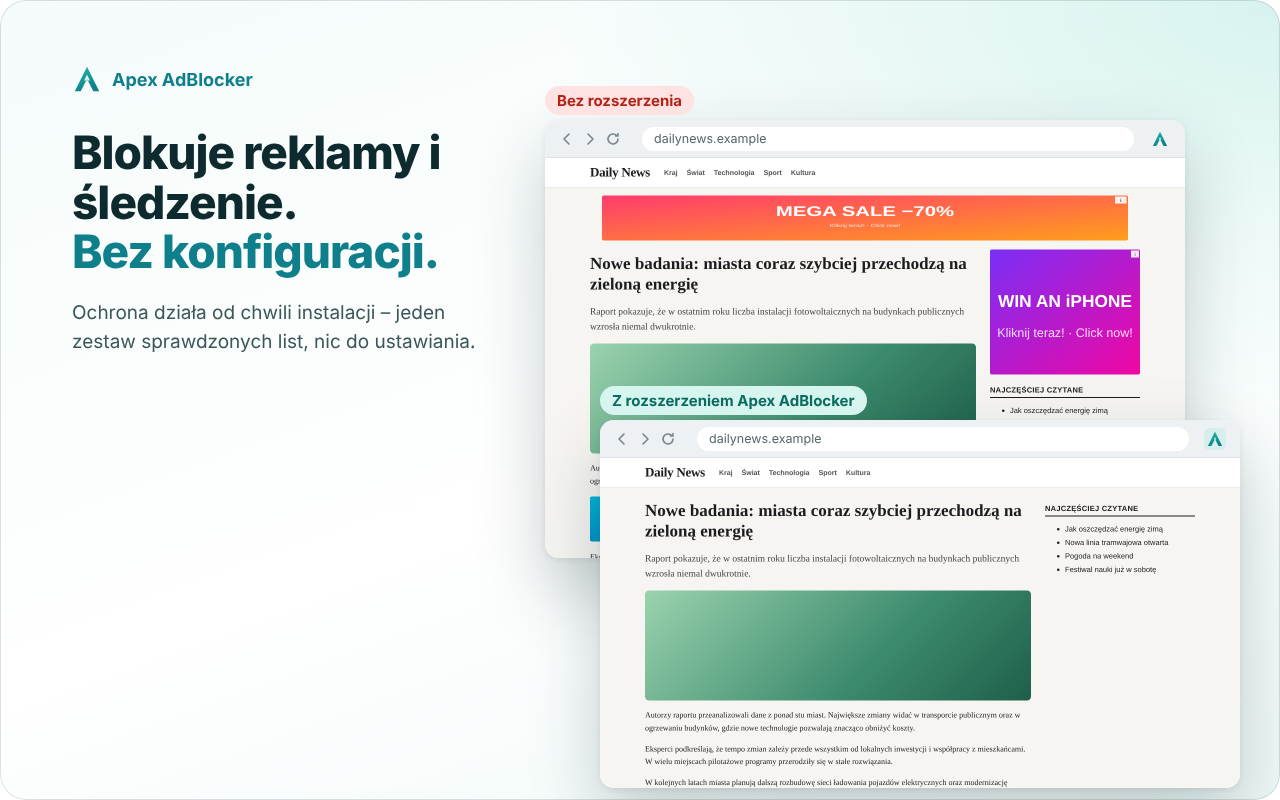
Instalacja
- Pobierz Apex-AdBlocker-1.0.0.zip (link powyżej) i rozpakuj w stałym miejscu.
- Otwórz
chrome://extensionsi włącz Tryb dewelopera. - Kliknij Załaduj rozpakowane i wskaż folder
Apex-AdBlocker.
Co nowego
- 🌍 Interfejs po polsku i po angielsku
- 🕵️ Ochrona przed wykrywaniem rozszerzenia przez strony
- 🔐 Weryfikacja nadawcy wiadomości
- 🎨 Nowe ikony i logo: ✓ gdy ochrona działa, pauza gdy jest wyłączona
Bez telemetrii, kont i serwera – polityka prywatności.
ENG

First release under the Apex AdBlocker name (formerly ChromeBlock)
⬇ Download Apex-AdBlocker-1.0.0.zip
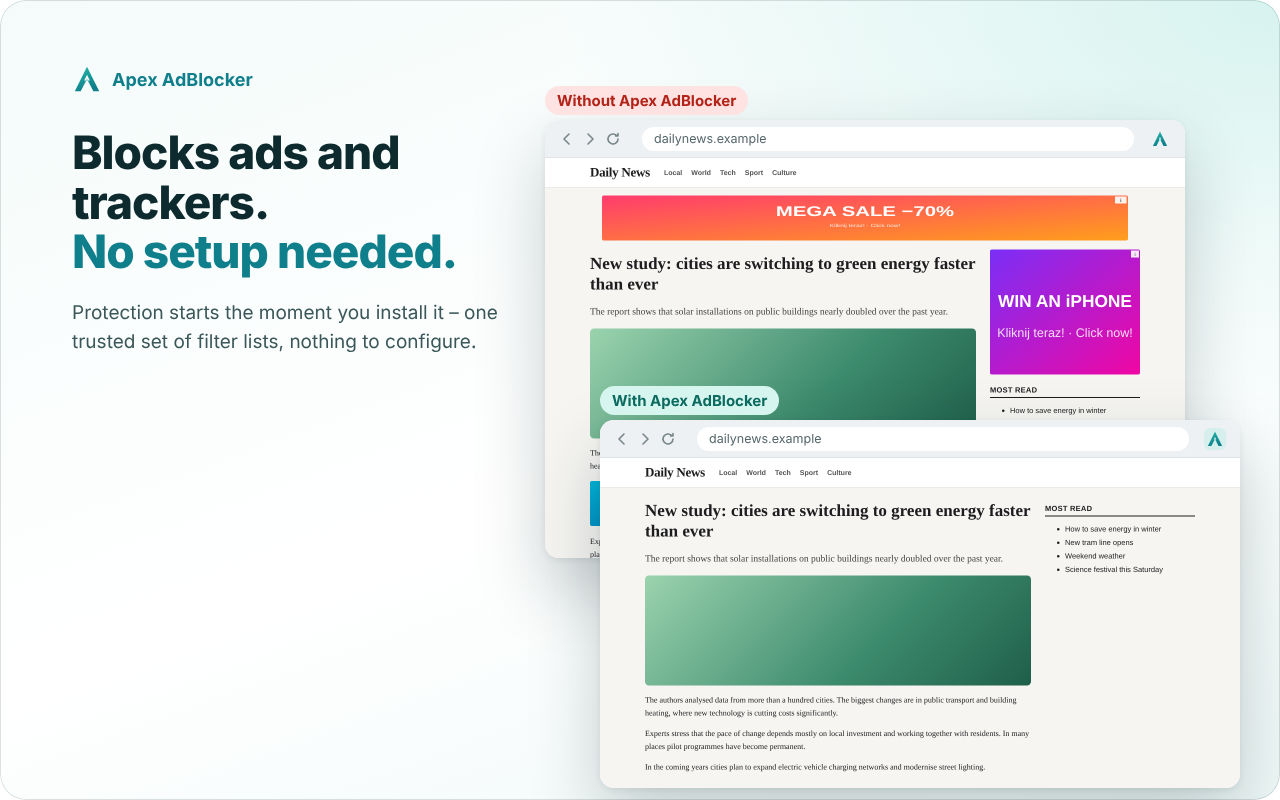
Installation
- Download Apex-AdBlocker-1.0.0.zip (link above) and extract it to a permanent location.
- Open
chrome://extensionsand turn on Developer mode. - Click Load unpacked and select the
Apex-AdBlockerfolder.
What’s new
- 🌍 English and Polish interface
- 🕵️ Protection against sites detecting the extension
- 🔐 Message sender verification
- 🎨 New icons and logo: ✓ when protection is on, pause when it’s off
No telemetry, accounts or servers – privacy policy.