Repository navigation
Start up
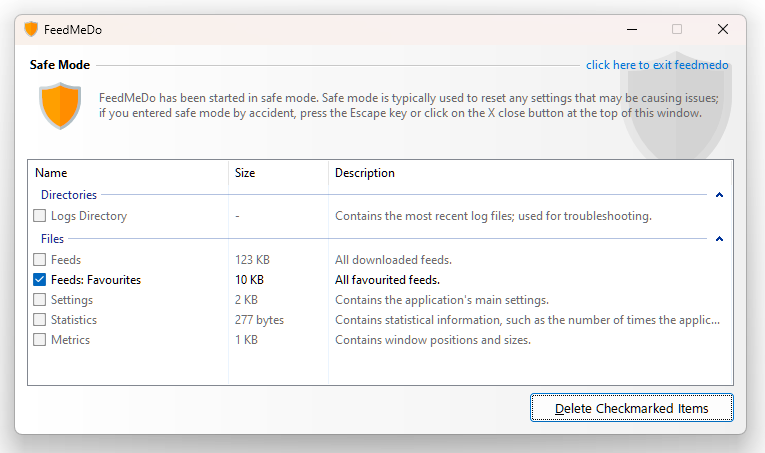
If you're encountering any problems with FMD, you can launch the application in Safe Mode.
- Hold down Ctrl+Shift as soon as you launch the application
FMD should then open a safe mode window allowing you to delete any specific configuration files; checkmark the files to delete, and then click on the Delete Checkmarked Items button and they'll be removed.