Repository navigation
Releases
Remote Bob v1.0.4

Video: Remote Bob in Slack
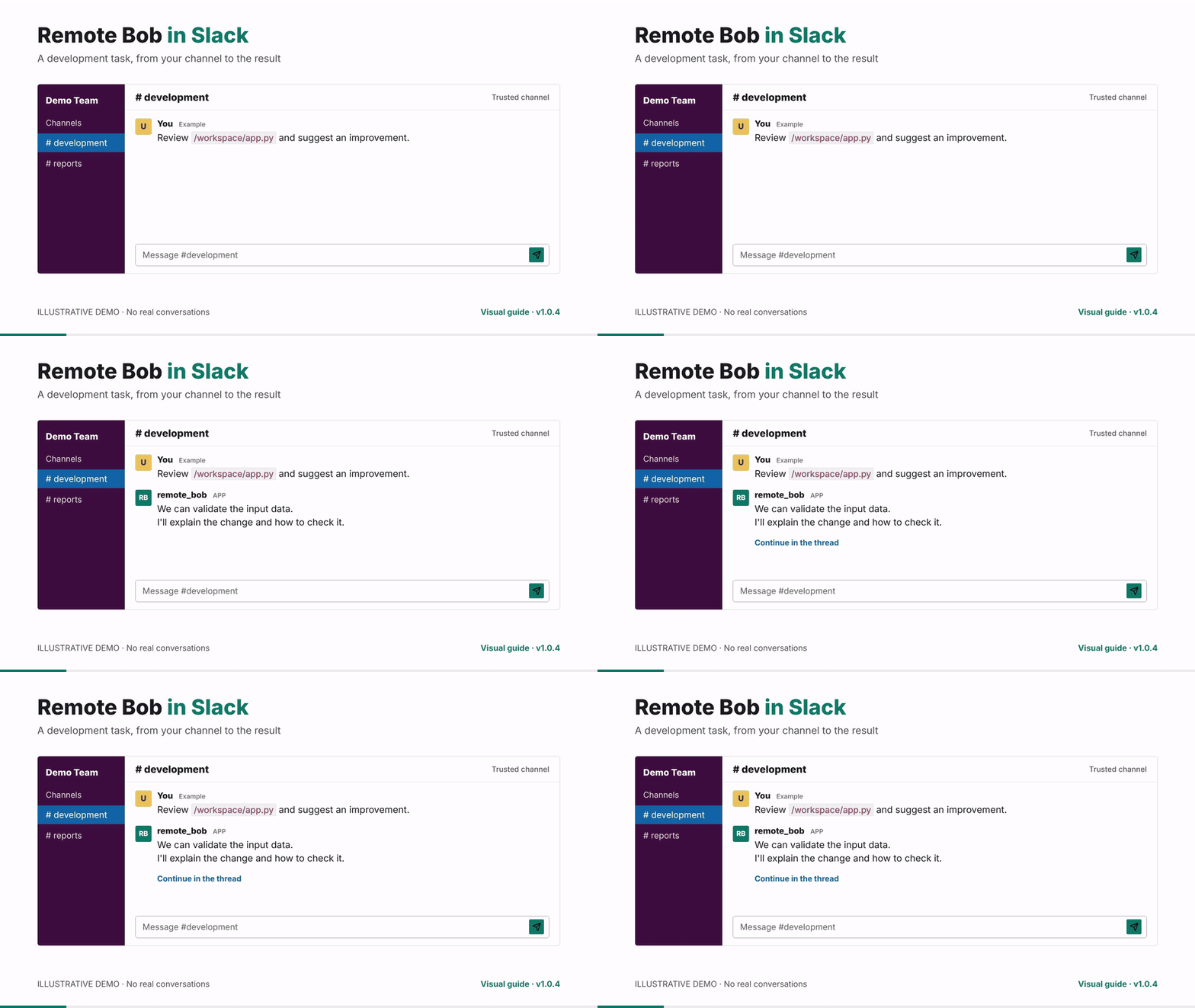
Watch the full video (MP4, 1:50, 1080p)
· Download MP4
· Editable source and chapters
An English-only visual tutorial, created with
HyperFrames, covering the
features available in Remote Bob v1.0.4:
| Time | Topic |
|---|---|
| 00:00 | Remote Bob in Slack |
| 00:10 | App setup, tokens, container and invitation |
| 00:24 | Request a task without an @mention |
| 00:37 | Continue with context in the same thread |
| 00:48 | Attach images and documents |
| 01:01 | Cancel an active job |
| 01:12 | Recurring reports, UTC and channel delivery |
| 01:27 | Chat with /jobs versus verification/retry with /run |
| 01:39 | Trusted channels, local API and persistent files |
Illustrative demo, not a live session recording. Responses and the
schedule ID are examples. No real Slack or IBM tasks were executed to produce
the video. All on-screen text is in English, including example conversations,
channel names and filenames. The video has no audio.
The original release notes are preserved below. The video is hosted in the
repository and linked here as documentation; the published v1.0.4 tag and
runtime code have not changed.
Highlights
- Remote Bob is the new project name. The repository, Compose project,
image, and container are namedremote_bob; the Compose service remainsbob. - Active jobs remain available for polling, streaming, and cancellation when
BOB_MAX_JOBSis exceeded. Only finished runs are evicted, oldest first. - Background process launch errors now reach a terminal failure state with
exit code126and a visible diagnostic. A missing executable still uses127. - Invalid bytes in background output are replaced instead of leaving a job
unfinished. Regression tests cover final SSE events and verify/retry flows. REMOTE_BOB_URLis the preferred API URL setting for Slack and the scheduler.
ExistingHARNESS_URLsettings remain supported as a fallback.- Updated README, Slack setup guides and manifest, runtime project context,
OpenAPI export, and Postman collection.
Upgrade Notes
Stop the old deployment using its existing Compose file before switching to
this release, so it releases port 8080:
podman compose down
git remote set-url origin https://github.com/BrUn3y/remote_bob.git
git fetch origin --tags
git switch --detach v1.0.4
podman compose up --build -d
Keep your existing .env and workspace/ directory. The
./workspace:/workspace bind mount is unchanged; attachments and persisted
schedules stay in that directory. A fresh checkout needs those files transferred
before starting. Docker users can replace podman with docker.
The previous BrUn3y/IBM_Bob_Harness repository URL redirects to the renamed
repository. Do not reuse the previous repository name if that redirect should
remain available.
An already-installed Slack app must be renamed separately in Slack's app
settings: app name Remote Bob, bot display name remote_bob. Existing
tokens remain usable; editing the manifest does not rename a live app.
API paths, job types, orchestration markers, IBM's bob command, and .bob/
configuration remain compatible. The API version remains 1.4.0. The pinned
IBM Bob Shell 2.0.5 and Node.js 24.21.0 runtimes are unchanged.
Verification
- 125 tests passed on Python
3.12.14, with unhandled pytest thread
exceptions treated as errors. - Includes local Python/bash integration tests for output decoding,
cancellation, timeout, and verify/retry, without live IBM or Slack calls. - Python compilation, Bash syntax, Compose configuration, and Git whitespace
checks passed. - One existing Starlette/AnyIO deprecation warning remains.
This is a source release. No prebuilt container was published, and the complete
container image was not rebuilt or exercised against live IBM/Slack services
for this release.
Changes
- Job lifecycle reliability: #7
- Rename to Remote Bob: #8
- Full comparison: v1.0.3...v1.0.4
Bob Shell 2.0.5 and Slack file support
Highlights
- Upgrades the container to IBM Bob Shell 2.0.5.
- Pins Node.js to 24.21.0 and verifies the Bob Shell tarball with SHA-256 before installation.
- Disables Bob Shell runtime auto-updates to keep container builds reproducible.
- Bounds the startup license/authentication preflight to 60 seconds and one turn while preserving visible failures.
- Adds Slack file attachment handling, persisted thread context, upload cleanup and quota controls, duplicate-event suppression, concurrency limits, and cancellable jobs.
- Adds
DELETE /jobs/{id}and updates the REST API to version 1.4.0. - Adds workshop documentation plus Postman and OpenAPI examples.
Upgrade notes
Rebuild the image so the pinned Bob Shell, Node.js runtime, and settings are applied:
podman compose up --buildBob Shell 2.0.5 supports Node.js 22 or later. The container uses the pinned Node.js 24.21.0 package; host and systemd installations are not changed by this release.
Verification
- 105 offline pytest tests passed.
- The Podman image built successfully with Bob Shell 2.0.5 and Node.js 24.21.0.
- The Bob tarball checksum was accepted; an intentionally incorrect checksum was rejected before installation.
- The running container returned HTTP 200 from
/healthwith Bob present.
Changes
- Bob Shell 2.0.5 upgrade and hardening: #6
- Full comparison: v1.0.2...v1.0.3
Bob shell 2 integration
Bob Shell 2.x Integration
Upgrades the harness to be compatible with Bob Shell 2.x, which introduced a breaking CLI change and a new transcript format.
CLI command change
Bob 2.x replaced the flat-flag invocation with a run subcommand:
| Before (1.x) | After (2.x) | |
|---|---|---|
| Command | bob --accept-license -p <prompt> --chat-mode=<mode> --yolo |
bob run --accept-license --mode <mode> <prompt> |
| Version | 1.0.5 |
2.0.1 |
The --yolo flag is no longer needed — headless mode auto-approves by default.
Transcript parsing
Bob 2.x changed its output format from ---output--- block markers to separator-delimited
(──────────) turn transcripts with labeled Assistant (N) segments.
The Slack bot's clean_output() function now:
- Detects the 2.x separator format and extracts the last
Assistantsegment. - Falls back to the 1.x
---output---block logic for backward compatibility. - Falls back further to plain noise-stripping if neither format is detected.
Files changed
Dockerfile/docker-compose.yml— version pin bumped to2.0.1api/server.py— updated_bob_cmd()to emit the newrunsubcommand shapeapi/slack_bot.py— added_extract_bob2_answer()and updatedclean_output()api/test_server.py— assertions updated to match the new command structure
IBM_Bob_Slack_Integration
Public release of Bob Harness — a container that wraps IBM's Bob
Shell and turns its headless, one-shot CLI into a long-running service you can
drive over HTTP, from Slack, or on a schedule.
Bob Shell has no native server mode. This project wraps its
bob -p "<prompt>" --yolo --chat-mode=unrestricted-dev invocation and adds a
REST API, a verify/retry loop, a Slack bot, and a cron scheduler on top.
✨ Highlights
- REST API (FastAPI, v1.3.0) — call Bob programmatically: synchronous,
streaming (SSE), or fire-and-forget async jobs. - Verify / retry loop —
POST /runre-runs Bob until a shellcheck
command passes (exit 0), up tomax_attempts. - Bidirectional Slack bot — talk to Bob in a channel with no @-mention;
it replies in-thread over Socket Mode (no public URL required), with a
live rotating "Bob is thinking…" placeholder. - Cron scheduler — register recurring runs via
POST /schedules; a
persisted registry survives restarts and posts results to Slack. - Custom
unrestricted-devmode — full read/edit/command/browser/mcp access,
governing the whole container. - Single-container deployment —
serve-allruns the API and the bot
together; ships with aHEALTHCHECKand a compose-level healthcheck.
🔌 REST API
| Method | Path | Purpose |
|---|---|---|
GET |
/health |
Liveness / readiness probe |
POST |
/invoke |
Run Bob and wait for the full result |
POST |
/stream |
Same, streamed as Server-Sent Events |
POST |
/jobs |
Fire-and-forget async run → {id, status} |
GET |
/jobs, /jobs/{id}, /jobs/{id}/stream |
List / poll / stream jobs |
POST |
/run |
Run with a verify/retry loop |
POST |
/schedules |
Register a cron job |
GET/DELETE |
/schedules, /schedules/{id} |
Manage schedules |
POST |
/schedules/{id}/run |
Trigger a schedule now |
Interactive docs at /docs (Swagger) and /openapi.json.
🚀 Getting started
cp .env.example .env          # add your BOBSHELL_API_KEY (+ Slack tokens)
podman compose up --build     # or: docker compose up --build
curl http://localhost:8080/health

- Full docs: README.md
- Slack setup, step by step: SLACK_SETUP.md
- HTTPie / Postman collection to try every endpoint: httpie/v1.0.0 — Bob Harness: run Bob Shell autonomously via REST API, Slack & cron
First public release of Bob Harness — a container that wraps IBM's Bob
Shell and turns its headless, one-shot CLI into a long-running service you can
drive over HTTP, from Slack, or on a schedule.
Bob Shell has no native server mode. This project wraps its
bob -p "<prompt>" --yolo --chat-mode=unrestricted-dev invocation and adds a
REST API, a verify/retry loop, a Slack bot, and a cron scheduler on top.
✨ Highlights
- REST API (FastAPI, v1.3.0) — call Bob programmatically: synchronous,
streaming (SSE), or fire-and-forget async jobs. - Verify / retry loop —
POST /runre-runs Bob until a shellcheck
command passes (exit 0), up tomax_attempts. - Bidirectional Slack bot — talk to Bob in a channel with no @-mention;
it replies in-thread over Socket Mode (no public URL required), with a
live rotating "Bob is thinking…" placeholder. - Cron scheduler — register recurring runs via
POST /schedules; a
persisted registry survives restarts and posts results to Slack. - Custom
unrestricted-devmode — full read/edit/command/browser/mcp access,
governing the whole container. - Single-container deployment —
serve-allruns the API and the bot
together; ships with aHEALTHCHECKand a compose-level healthcheck.
🔌 REST API
| Method | Path | Purpose |
|---|---|---|
GET |
/health |
Liveness / readiness probe |
POST |
/invoke |
Run Bob and wait for the full result |
POST |
/stream |
Same, streamed as Server-Sent Events |
POST |
/jobs |
Fire-and-forget async run → {id, status} |
GET |
/jobs, /jobs/{id}, /jobs/{id}/stream |
List / poll / stream jobs |
POST |
/run |
Run with a verify/retry loop |
POST |
/schedules |
Register a cron job |
GET/DELETE |
/schedules, /schedules/{id} |
Manage schedules |
POST |
/schedules/{id}/run |
Trigger a schedule now |
Interactive docs at /docs (Swagger) and /openapi.json.
🚀 Getting started
cp .env.example .env          # add your BOBSHELL_API_KEY (+ Slack tokens)
podman compose up --build     # or: docker compose up --build
curl http://localhost:8080/health

- Full docs: README.md
- Slack setup, step by step: SLACK_SETUP.md
- HTTPie / Postman collection to try every endpoint: httpie/