Repository navigation
Releases
Silo Harness 0.12.0

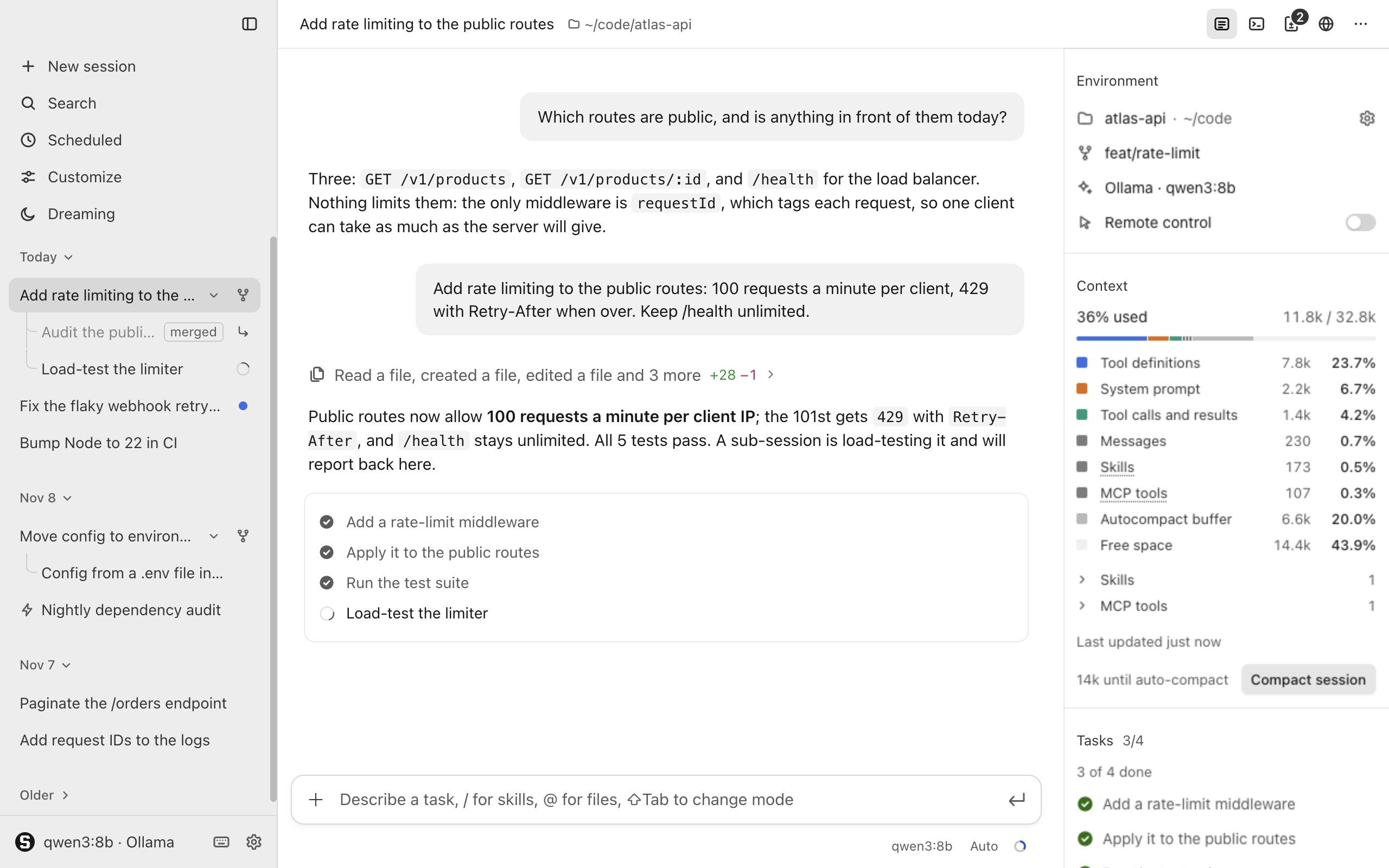
Auto mode now works like Claude Code's, the app says much less, and sessions work in a Silo folder in Documents by default.
Highlights
- Auto mode with a safety check. A second model decides what the rules do not, so read-only commands like
aws sts get-caller-identityrun without a card. - Less text everywhere. Settings, pages, cards and notices keep a label and at most one short line.
New
- A Silo folder. Sessions work in
~/Documents/Siloby default; the app makes it if it is missing. - Choose a folder. The welcome screen shows the folder's path and a menu of the Silo folder, recent folders and any other.
- Allow a blocked action. "Allow" on the line, on the phone or in "Recently blocked" in Settings → Permissions runs it once when the agent tries again.
Improved
- Blocks the agent reads. A blocked action is one quiet line, "Auto mode blocked … · Allow", and the agent gets the reason and carries on.
- Pauses after repeated blocks. After 3 blocks in a row or 20 in a session, Auto mode pauses and actions ask again.
- A quieter welcome screen. The paragraph and the suggested prompts are gone.
Fixed
- Typing a question mark.
?in an empty chat box types instead of opening the shortcuts, which stay on ⌘/.
Security
- Fails closed. An error, a timeout or an unclear answer from the check blocks the action; with no model to run it, risky actions ask.
- Always asks.
sudo, and deleting the home folder,/, the working directory or a system folder, ask even in Auto mode. - Your rules only. A project's settings.json may not set
autoMode, so a repository cannot widen what the check allows.
For developers
- Auto mode settings.
autoMode.environment,autoMode.allowandautoMode.modeldescribe your setup to the check, add allow rules and choose its model (configure.md). - Block events. The agent emits
auto_blockedandauto_allowed, and a blocked call is anauto_blockedtranscript item.
Install
For Apple silicon Macs. Download Silo-Harness-0.12.0-arm64.dmg below, open it and drag Silo Harness into Applications; the .zip holds the same app.
The app is not notarized: on first launch, open it once, then allow it in System Settings → Privacy & Security → Open Anyway.
| File | Size | SHA-256 |
|---|---|---|
Silo-Harness-0.12.0-arm64.dmg |
128 MB | 6a2d04d1e2b6eb1933e5fb27643591eca73aec0c06fc1e074ee00924d8f26b04 |
Silo-Harness-0.12.0-arm64.zip |
124 MB | 1d0cdcd98903a71a791c0557279f7ccb77b6e9bde623f3a8b1b289e1181971bb |
Full changelog: v0.11.1...v0.12.0
Silo Harness 0.11.1
Fixes tool results being shown with the wrong tool call when using Ollama models.
Fixed
- Tool results with Ollama. Each result now stays with the call that produced it, including in sessions saved before this release.
Install
For Apple silicon Macs. Download Silo-Harness-0.11.1-arm64.dmg below, open it and drag Silo Harness into Applications; the .zip holds the same app.
The app is not notarized: on first launch, open it once, then allow it in System Settings → Privacy & Security → Open Anyway.
| File | Size | SHA-256 |
|---|---|---|
Silo-Harness-0.11.1-arm64.dmg |
128 MB | 909bcb4c719fcc6c4881c2fa19fa4852f6df3858ed78ab66558d34626116f8f5 |
Silo-Harness-0.11.1-arm64.zip |
124 MB | 90159e3614487aa1c2b33f87556c6bf534e0531f0b4c1b57fbfdefa8ad4a5414 |
Full changelog: v0.11.0...v0.11.1
Silo Harness 0.11.0
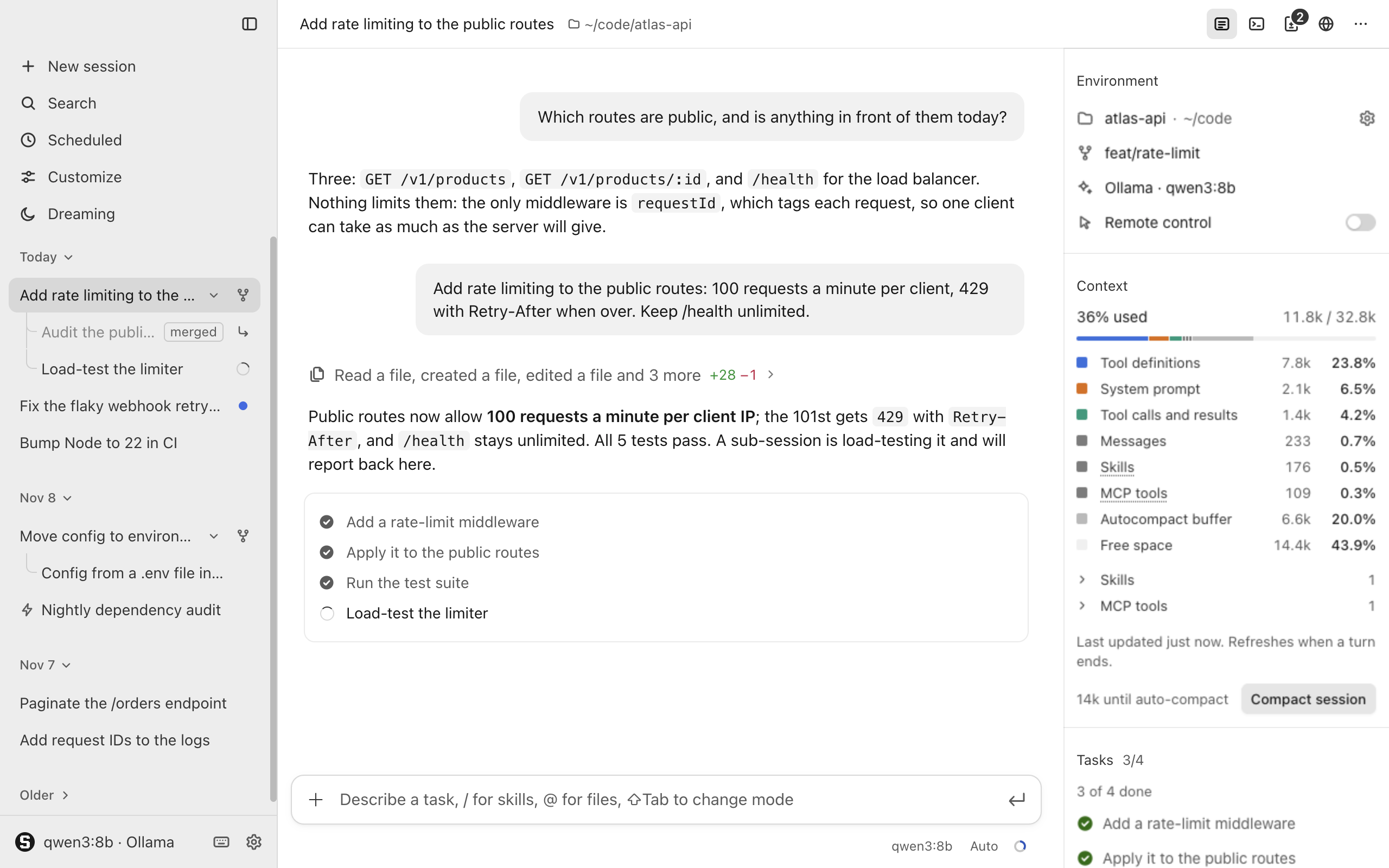
Pull requests, documents and artifacts now appear as cards in the conversation, and sessions can message each other.
Highlights
- Chat cards. Pull requests a reply names or the agent creates or views, and documents and artifacts it writes, appear as cards like Claude Code's.
- Messages between sessions. Each message between sessions, and a sub-session's brief and report, is one muted line in both conversations, such as "Messaged deploy fix ›".
New
- Pull request cards. Each card shows the state, title, files and lines changed, checks and review through your own
gh, and a click opens the pull request. - Document and artifact cards. Markdown, HTML, PDF and text files the agent writes, and artifacts, share one compact card with "Reveal in Finder" on hover.
- Allow for this session. Messaging an unrelated session can be allowed for the rest of this session from its card, and the choice is never saved for the project.
Improved
- Waiting plans. A message or sub-session report reaching a session whose plan awaits your decision waits too, and messages queued when a run ends are never lost.
- Unread marks. A session that is not on screen gets the blue dot as soon as a message from another session reaches it.
- On the phone. The remote page shows the same message lines and simpler cards: pull requests link to GitHub, documents and artifacts say they are on your Mac.
Fixed
- Mod cards. Turning on a mod the agent just wrote, from its own card, leaves the card saying "is on".
Security
- Messages carry no authority. A message from another session is a request from another agent, never you, and cannot answer approvals, questions or plans or change the permission mode.
- Scheduled and dreaming sessions. Sessions a scheduled task or a dream started, and their sub-sessions, can message only their parent and own sub-sessions; anything else is refused at once.
For developers
- Prompt origin in hooks.
UserPromptSubmitgetssilo_origin, saying where the prompt came from, andsilo_from_sessionwith the sending session's id and title. - Session messaging tools.
session_listsays which sessions take messages without your approval, and the sending agent learns whether its message started a run or waits.
Install
For Apple silicon Macs. Download Silo-Harness-0.11.0-arm64.dmg below, open it and drag Silo Harness into Applications; the .zip holds the same app.
The app is not notarized: on first launch, open it once, then allow it in System Settings → Privacy & Security → Open Anyway.
| File | Size | SHA-256 |
|---|---|---|
Silo-Harness-0.11.0-arm64.dmg |
128 MB | c920d57f585eb249c5e9ae5edc5e81285ad3e491dc26ed9b7a0874aa6736e4bf |
Silo-Harness-0.11.0-arm64.zip |
124 MB | 6fc2e7168acf71a4688b17d41e1c70e00c42d8c69a2b51ee70e6e733a951af1a |
Full changelog: v0.10.0...v0.11.0
Silo Harness 0.10.0
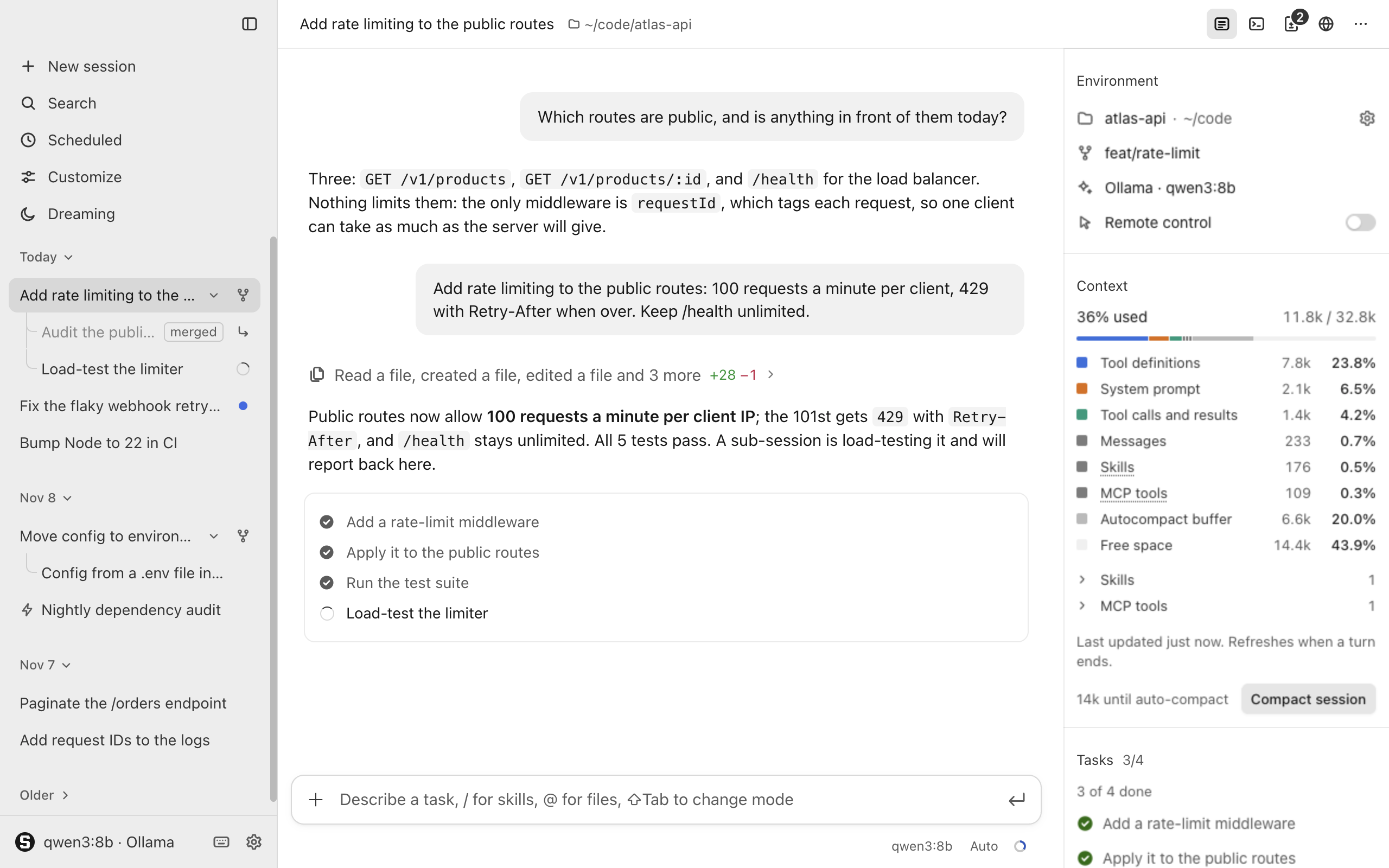
The Browser pane becomes a browser you can sign in with: its own profile, tabs, sign-in popups, downloads, and an agent that asks before using a site.
Highlights
- Its own profile. The Browser pane's cookies are kept apart from the app's pages, artifacts and mods, and you stay signed in from one launch to the next.
- Browser tabs. The pane holds up to 12 tabs with icons and titles; ⌘⇧N opens one, ⌘W closes it and ⌘L goes to the URL bar.
- The agent asks first. The first time the agent uses a site, a card asks to allow it once, for the session or always; your own servers never ask.
New
- Sign-in popups. A "Sign in with …" window opens as a card over the pane that you can drag, and the sign-in completes on the page.
- Cookies and site data. Turn off "Keep cookies after quitting" to clear site data on quit, or use "Clear browsing data" to sign out of every site.
- A downloads tray. Files save to Downloads or a folder you choose, never overwriting another, and a tray lists them with "Open", "Cancel" and "Show in Finder".
- Find in page. ⌘F in the pane opens a find bar with a match count; Enter and ⇧Enter move between matches, and Esc closes it.
- Zoom per site. ⌘+, ⌘− and ⌘0 zoom the page, each site keeps its level after a relaunch, and a chip in the URL pill resets it.
- A context menu. Right-click a page for spelling suggestions, links in new tabs, copying, a DuckDuckGo search, "Save as PDF…" and "Inspect Element"; ⌥⌘I opens DevTools.
- Blocked popups. When a page opens too many popups, "A popup was blocked · Show" appears under the URL bar, and "Show" opens it in a tab.
- Links from the chat. With "Open links from the chat in the Browser pane" on, a web link in a reply opens in a new tab of the pane.
- Browser settings. Settings → Browser gathers the profile, downloads folder, chat links, allowed and always-asking sites, exempt hosts and saved permission answers.
- Delete all sessions. Settings → History can delete every session after a confirmation, keeping them in the trash for as long as "Keep deleted sessions for" says.
- Delete all custom mods. Settings → Mods can move every mod of yours to the macOS Trash after a confirmation, while built-in and project mods stay.
Improved
- A permission bar. Camera, microphone, location and notification requests ask on a bar under the URL bar, Chrome's way; USB, HID and serial devices are always refused.
- Connection marks. A grey lock marks a secure page, and "Not secure" marks a plain HTTP one.
- On the phone. The remote page shows the browser's cards worded as on the Mac and can allow a site once or for the session.
Security
- Local files ask first. When the agent opens a file outside the session's folder, it asks first with the full path;
javascript:anddata:pages are refused. - Sensitive sites. The agent asks before every action on sign-in, email, bank, broker, wallet, payment and password vault pages, except in Bypass, and you can add sites.
- Refused in every mode. The agent cannot type passwords, one-time codes or card details outside your development hosts, solve CAPTCHAs, answer permission requests or proceed past certificate errors.
- Asks even in Bypass. A click that looks like a purchase or creating an account, and every download the agent starts, waits for your "Allow" or "Deny".
- JavaScript by mode.
browser_evalshows its code on a card: Ask always asks, Auto asks for code touching cookies, storage, network, passwords or field values, and Plan refuses. - Certificate warnings. An invalid certificate stops the page at "This connection is not private"; "Proceed anyway (unsafe)" lets that site through until the app quits.
- Project settings. A project's
settings.jsoncannot choose which sites the agent uses without asking.
For developers
- A tabs tool. The new
browser_tabstool lists, opens, selects and closes tabs, and every other browser tool acts on the active tab. - A reason argument.
browser_navigate,browser_click,browser_type,browser_press_key,browser_evalandbrowser_tabstake an optionalreason, which hooks see intool_input.
Upgrade notes
- Sign-ins carried over. The first launch copies your sign-ins to the new profile and says so once; a site keeping its sign-in in local storage may ask again.
Install
For Apple silicon Macs. Download Silo-Harness-0.10.0-arm64.dmg below, open it and drag Silo Harness into Applications; the .zip holds the same app.
The app is not notarized: on first launch, open it once, then allow it in System Settings → Privacy & Security → Open Anyway.
| File | Size | SHA-256 |
|---|---|---|
Silo-Harness-0.10.0-arm64.dmg |
128 MB | a65e0af33631ec8f69a2653c838fd1f5ff1854b5a416cc0d566d7063b2ca6b81 |
Silo-Harness-0.10.0-arm64.zip |
124 MB | f4287aceca3d2916d34a02e5235df61191bce51f5787bf78d25d884f37b3b065 |
Full changelog: v0.9.1...v0.10.0
Silo Harness 0.9.1
Fixes in the Browser pane: passwords, one-time codes and card details stay out of what the agent reads, and sites ask before using your camera, microphone, location or notifications.
Security
- Hidden field values. Password, one-time code and card fields read "•••" in everything the browser tools report, so their values never reach the transcript, hooks or exports.
- Typing without echoing.
browser_typestill fills such fields but reports only how many characters went in, and the transcript and hooks show "•••". - No password screenshots.
browser_screenshotis refused while a filled password, code or card field has the focus or shows its value on screen. - Sites ask first. Pages and artifacts ask before using your camera, microphone, location or notifications, or opening links in other apps, and remember answers until the app quits.
- Yours to answer. Only you can answer a site's permission request, never the agent; full screen and clipboard copying work without asking.
Install
For Apple silicon Macs. Download Silo-Harness-0.9.1-arm64.dmg below, open it and drag Silo Harness into Applications; the .zip holds the same app.
The app is not notarized: on first launch, open it once, then allow it in System Settings → Privacy & Security → Open Anyway.
| File | Size | SHA-256 |
|---|---|---|
Silo-Harness-0.9.1-arm64.dmg |
128 MB | de473834af081e892862e5c32ea4891e5a4a001796f42e383f79b09dcc831fc7 |
Silo-Harness-0.9.1-arm64.zip |
124 MB | 8c623406d51139ea91037445de9cf66dcafb3c9646de6e7ed8e12634b4259e69 |
Full changelog: v0.9.0...v0.9.1
Silo Harness 0.9.0
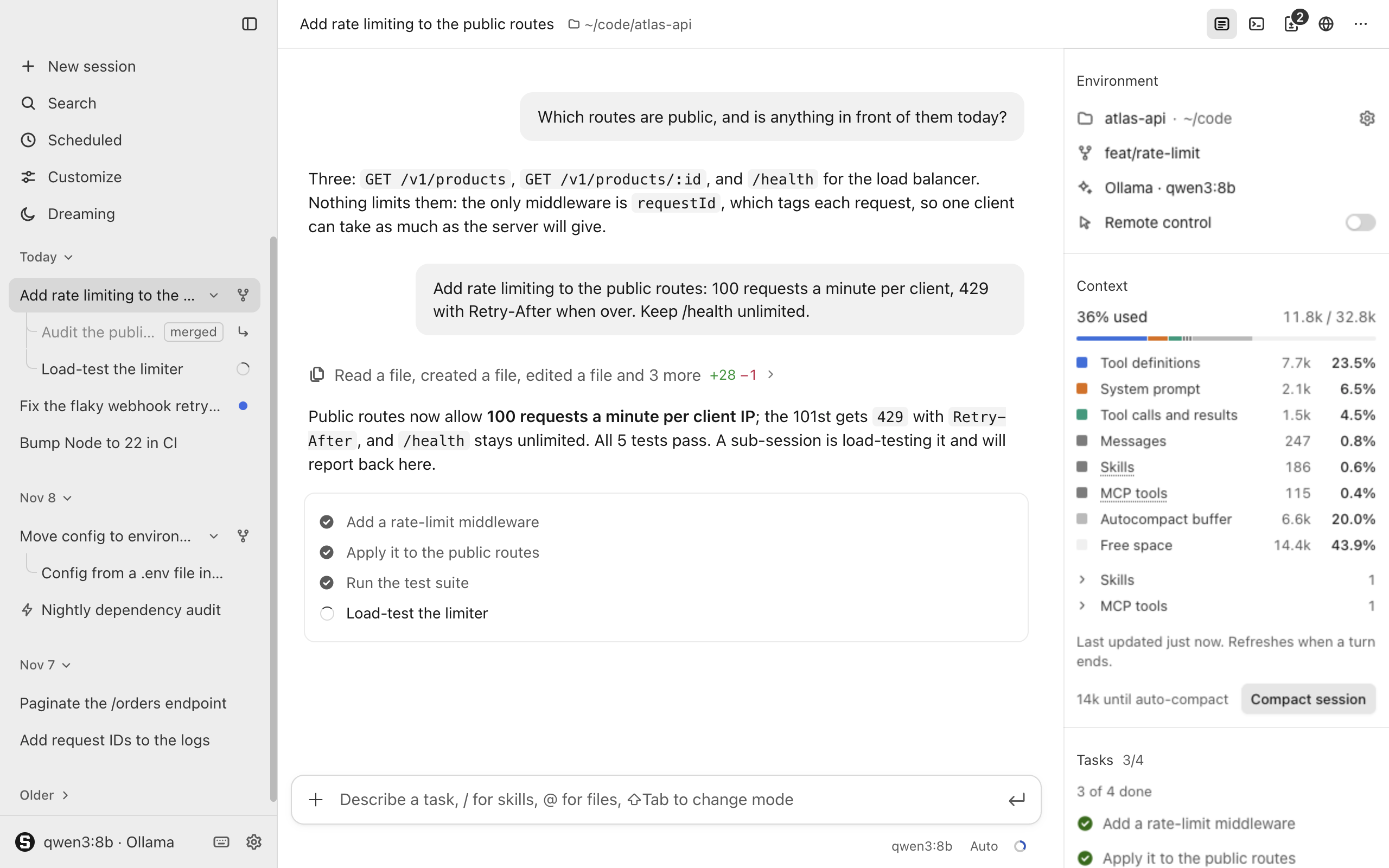
Scheduled tasks and Dreaming get pages of their own, looks are previewed and used without switches, and the rail and mod tabs open and close like the browser.
Highlights
- Scheduled and Dreaming pages. Scheduled and Dreaming open pages of their own in the main column, laid out like Claude Code's, instead of Settings sections; ⌘[ goes back.
- Looks without switches. Backgrounds, chat bar looks, conversation looks and themes need no switch: preview any in its Settings → Mods tab, then "Use" applies it.
New
- Scheduled tasks. The Scheduled page lists tasks as cards to search, filter and sort; each task's page has "Run now", an "Active" switch and its run history.
- Task form and templates. The "New task" form sets instructions, folder and schedule, from once to a custom cron rhythm, and five templates fill it in for you.
- Dreaming page. A card per project shows its mode, last report and waiting suggestions; a "Suggestions" tab applies or dismisses them, and project pages run dreams.
- New looks and sets. "New ⌄" on each look tab asks the agent or uses a template, and a set like Hyperspace offers "Use the whole set".
Improved
- Rail and mod tabs. The top bar's first icon or ⌘⇧E toggles the rail, and side pane mod tabs close with × until the ⋯ menu shows them.
- Lightning bolt and moon. Sessions from scheduled runs sit with the others by date, with a lightning bolt before the title; a dream's session shows a moon.
- Agent-written looks. The chat card for a look the agent wrote offers "Preview" and "Use" instead of "Turn on".
- Appearance settings. Settings → Appearance keeps Light, Dark and System, now called "Colour scheme", with rows that open each look tab.
Security
- One question, once. The first "Use" of your own or a project's look asks what its pages may do; built-in looks never ask.
For developers
- Opening pages.
harness.ui.openPage()opens the Scheduled or Dreaming page, or the "New task" form, andharness.ui.openSettings()with those names does too. - Look previews. Looks may name a
previewpicture,mod_checksays whether one is in use and approved, and a mod's switch covers only its panels and commands.
Upgrade notes
- One theme only. Themes stop stacking: of several themes that were on, the last one applied stays in use, and your chosen looks stay too.
Known issues
- Runs need the app. Tasks run only while the app is open and the Mac awake; a run missed by under a day happens once afterwards.
Install
For Apple silicon Macs. Download Silo-Harness-0.9.0-arm64.dmg below, open it and drag Silo Harness into Applications; the .zip holds the same app.
The app is not notarized: on first launch, open it once, then allow it in System Settings → Privacy & Security → Open Anyway.
| File | Size | SHA-256 |
|---|---|---|
Silo-Harness-0.9.0-arm64.dmg |
128 MB | 9a8a719b897e243b23cc860ac67404046cf12a77e436b03420b5c34143fb0359 |
Silo-Harness-0.9.0-arm64.zip |
124 MB | ba2cc8037198915b6a222d48815dac4fdf78e625acb3d364b4702b738374b47a |
Full changelog: v0.8.0...v0.9.0
Silo Harness 0.8.0
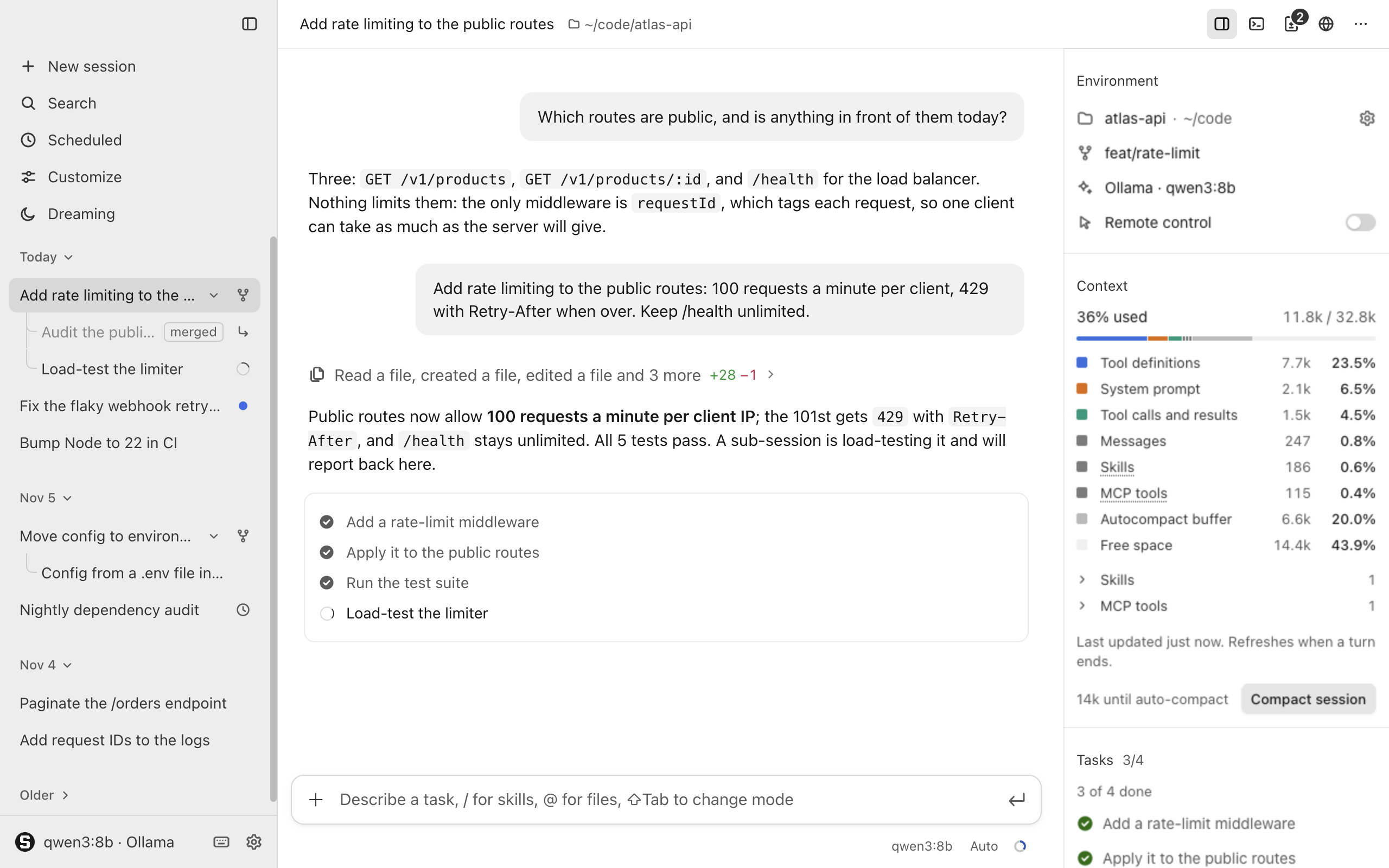
The app moves closer to Claude Code: hooks in its format, its permission prompt, a question card, one quiet line per tool call, and its rail layout.
Highlights
- Claude Code hooks. Hooks in
~/.silo-harness/settings.jsonrun around tool calls, prompts, compaction and session events in Claude Code's format, so your existing hooks work; see docs/hooks.md. - Claude Code's permission prompt. The approval card looks like Claude Code's: "Deny" and "Allow once ⌘↵" at the bottom, ⌄ for session or project rules, and Esc denies.
- Questions from the agent. The agent can ask you one to four multiple-choice questions, in every mode; answer with a click, 1–4 or your own words under "Other".
New
- Hooks in Settings. Settings → Hooks lists the hooks in effect and where each comes from, plus recent runs with their decision, exit code, time and stderr.
- Hooks in the conversation. A hook that blocks something or fails leaves a quiet note, and the status line shows a running hook's status message.
Improved
- One line per call. With "Tool activity" on "Summary", a single call folds too ("Edited a file +3 −1"), and an answered approval stays in its call's row.
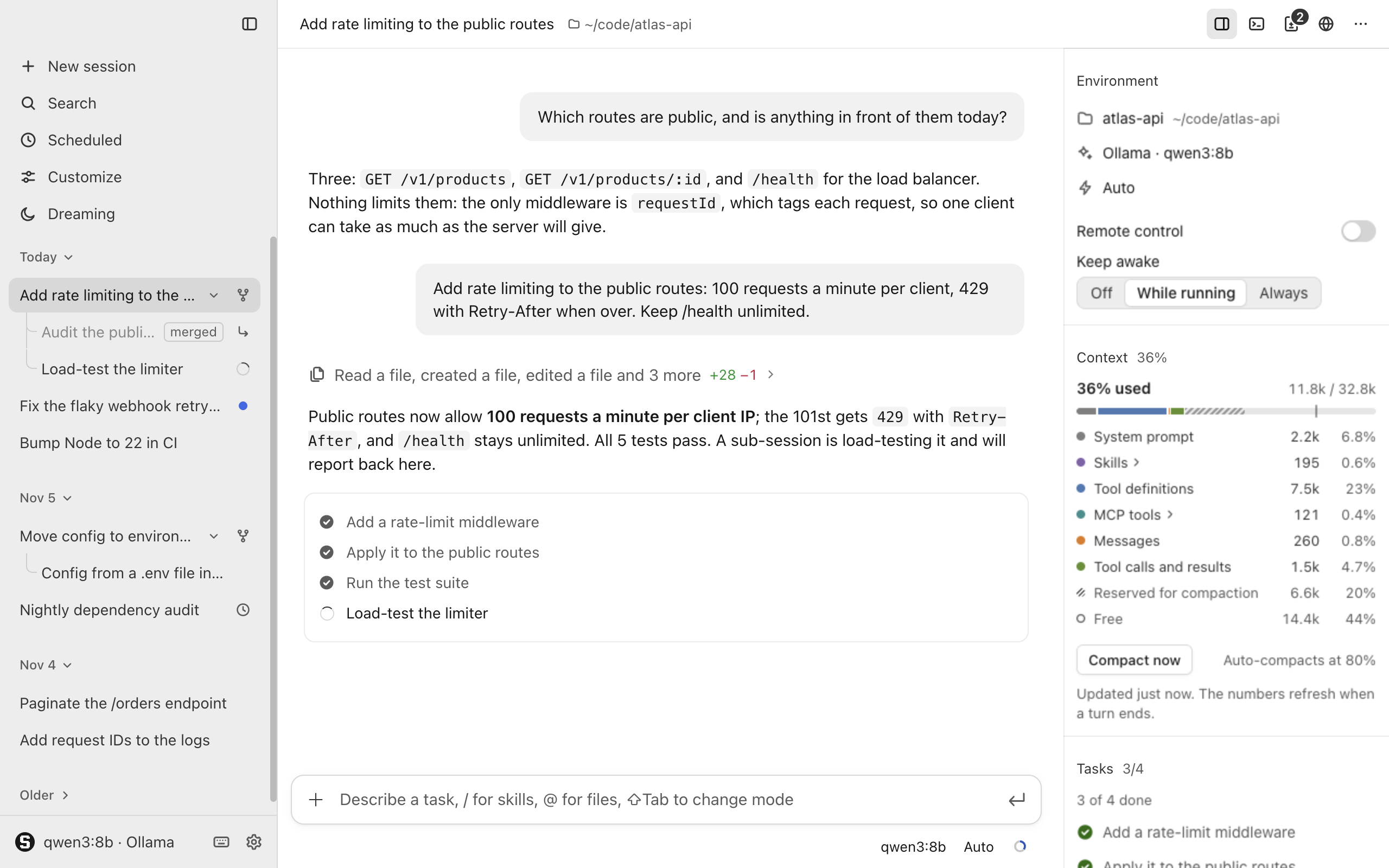
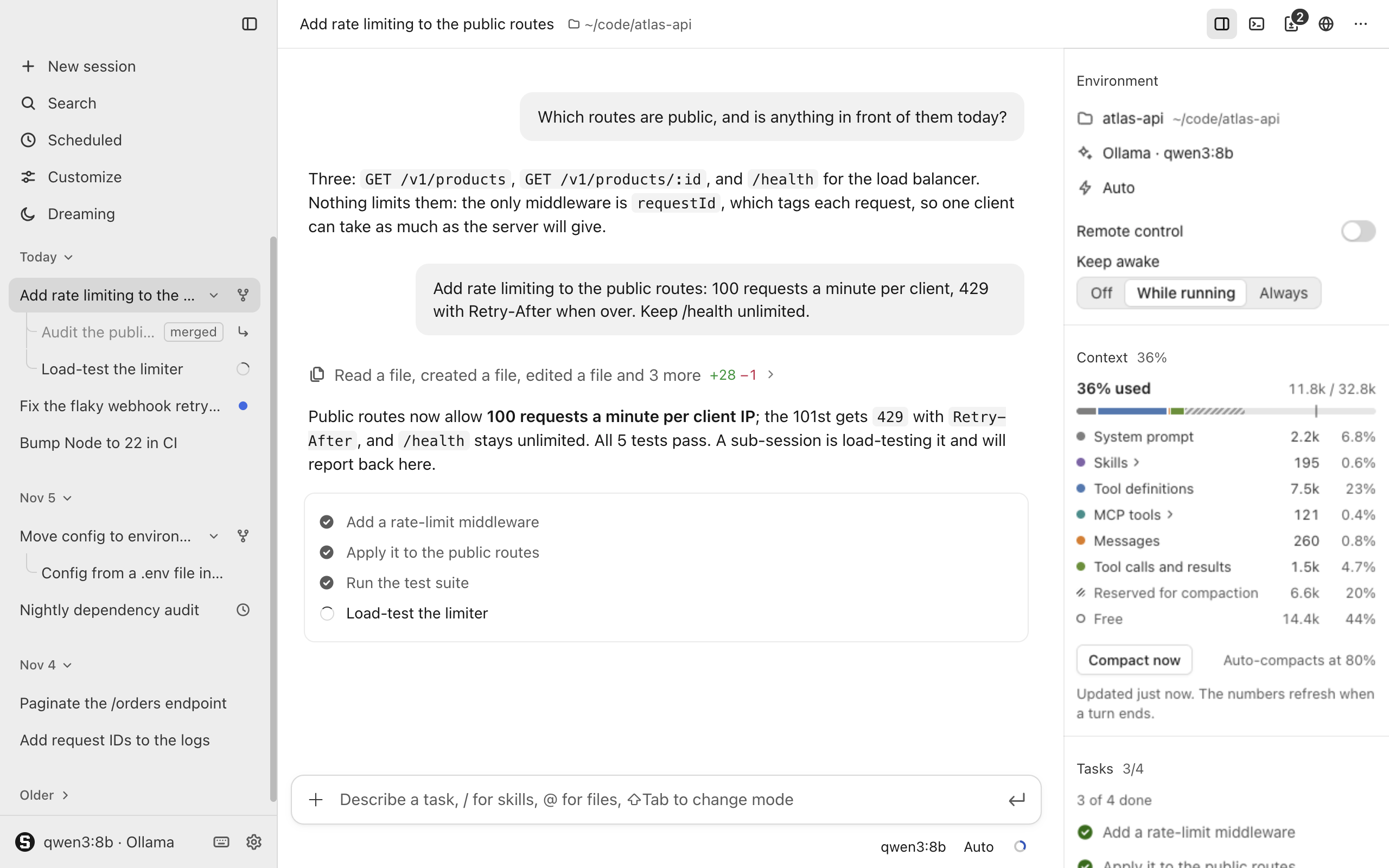
- Rail layout. Environment shows the folder, repository, branch, provider, model and "Remote control" but no mode row or "Keep awake"; Context follows Claude Code's layout.
- Footer and status line. The footer names the model and mode in muted 12 px text, and the status line stays on one line with the side pane open.
- Quieter Auto mode. Auto mode says why it stopped in a quiet line on the card, and the mode menu's icons are neutral; only Bypass stays red.
Security
- Hooks need your trust. Hooks from a project's
settings.jsonrun only after you trust the file, and turning on a mod with hooks says plainly what it allows.
For developers
- What hooks can do. Hooks can refuse, ask about, allow or change a tool call, and send the agent back to work when a run ends.
- Hooks in mods. With the
hookspermission,harness.hooks.on('PreToolUse', handler)works like a command hook, and a newworkerseat runs a hidden page. - Mod APIs.
harness.ui.openSettings(section)opens Settings at a section, andharness.project.git()withconfig:readreturns the session folder's repository and branch. - Question tool name. Hooks see the question tool as
AskUserQuestion.
Install
For Apple silicon Macs. Download Silo-Harness-0.8.0-arm64.dmg below, open it and drag Silo Harness into Applications; the .zip holds the same app.
The app is not notarized: on first launch, open it once, then allow it in System Settings → Privacy & Security → Open Anyway.
| File | Size | SHA-256 |
|---|---|---|
Silo-Harness-0.8.0-arm64.dmg |
128 MB | 81d1c4963afe61b7be0187694358bf739d1eaa3ea6be97d190b81eec416d6572 |
Silo-Harness-0.8.0-arm64.zip |
124 MB | 67e53cca7fc67a38103add66acfebbc4d4791458a1754915838845b69115dfa3 |
Full changelog: v0.7.0...v0.8.0
Silo Harness 0.7.0
A bundled Glass theme turns the window into frosted, translucent layers in the style of macOS 26, and the website gets the same look.
Highlights
- Glass theme. The bundled Glass theme, off by default, turns panes, bars, cards, menus and dialogs into frosted glass, while the conversation stays plain text.
New
- Glass over backgrounds. With a background in use, the panes are frosted over it while the conversation lets it through at your Dim setting.
- Light, dark and themes. Glass works in light and dark, and Paper or Midnight turned on after it recolour the glass through their tokens.
- Reduce transparency. With "Reduce transparency" on in System Settings → Accessibility → Display, every layer is opaque in the same colours.
Improved
- A glass website. The project's page has a frosted top bar and glass cards, install blocks and chips in both themes, with no scripts needed.
Install
For Apple silicon Macs. Download Silo-Harness-0.7.0-arm64.dmg below, open it and drag Silo Harness into Applications; the .zip holds the same app.
The app is not notarized: on first launch, open it once, then allow it in System Settings → Privacy & Security → Open Anyway.
| File | Size | SHA-256 |
|---|---|---|
Silo-Harness-0.7.0-arm64.dmg |
128 MB | d9410dd3c9aeb9f1848aca86c876d38c63ad97f1467004642d3f83750dfeeaa7 |
Silo-Harness-0.7.0-arm64.zip |
124 MB | 2d45433b6d97662eeb2f9a19ea44a01d8ee3c520c4bbd958246871fef8333df5 |
Full changelog: v0.6.0...v0.7.0
Silo Harness 0.6.0
Silo Harness, the new name of Open Harness, works with whichever model service you use and can be set up from a file or the command line.
Highlights
- Now Silo Harness. Open Harness is now Silo Harness, and nothing you have is lost or needs to be moved by hand.
- Named providers. Add any number of providers to
settings.json, each typed asopenrouter,portkey,openai,anthropic,groq,deepseek,together,ollama,lmstudiooropenai-compatible; see docs/configure.md. - A command line tool. The
silocommand lists, adds, removes, tests and switches providers, reads and sets config and runsdoctor, with or without the app running.
New
- Model settings. Settings → Model and the model button pick a provider and its model, and "Test" says how long one tiny request took.
Improved
- Plain errors. A missing key names its variable; a refused key, unknown model or unreachable address names the provider; the setup strip flags what is missing.
Security
- Keys stay hidden. Keys never reach the window, logs, transcript, mods or command output; Settings shows only "Set (OPENROUTER_API_KEY)" or "Not set".
- No keys in projects. A project's
settings.jsoncannot hold a key or choose which key is sent where:apiKey,apiKeyEnv,portkey.baseURLand similar fields are ignored. - Command line keys.
silotakes a key only through--key-envor--key-stdin, never as an argument.
For developers
- Provider entries. An entry can set its base URL, key variable (
apiKeyEnv) or key (apiKey), model, model list, headers and token limits, and"provider"picks one. - Command details. Every
silosubcommand takes--jsonand--helpand reports success in its exit code, and the running app applies changes within a second. - Renamed variables.
SILO_HARNESS_CONFIG_DIR,SILO_HARNESS_USER_DATA,SILO_HARNESS_CLI_LINK_DIRandSILO_HARNESS_TERMINALreplace theOPEN_HARNESS_…variables, which still work, andTERM_PROGRAMis "Silo Harness". - Mods unchanged. The mod protocol,
mod.json, CSS tokens and bridge are unchanged, andharness.info.app.namesays "Silo Harness". - Setup for coding agents. settings.schema.json describes every field,
settings.jsonaccepts a"$schema"key, and coding agents find exact steps in docs/configure.md.
Upgrade notes
- Folders move on launch. The first launch renames
~/.open-harnessto~/.silo-harness, leaving a link behind, and moves the data folder to~/Library/Application Support/Silo Harness. - Failed moves. If a move fails, it is logged: the config folder keeps its old name, and the data folder starts empty, leaving the old one untouched.
- Old names still read. Projects use
.silo-harness/andSILOHARNESS.md, but.open-harness/,OPENHARNESS.md,OPENAGENT.mdandOPENCODER.mdare still read when the new ones are absent. - A new command name. The command is now
silo; Settings → General → "Command line tool" links it into~/.local/binand removes the oldopen-harnesslink. - Remove the old app. Once Silo Harness has started once, drag Open Harness to the Trash.
Install
For Apple silicon Macs. Download Silo-Harness-0.6.0-arm64.dmg below, open it and drag Silo Harness into Applications; the .zip holds the same app.
The app is not notarized: on first launch, open it once, then allow it in System Settings → Privacy & Security → Open Anyway.
| File | Size | SHA-256 |
|---|---|---|
Silo-Harness-0.6.0-arm64.dmg |
128 MB | 2edad4a493d5c7b05321931c6499b656576a01c0b8b4da2508d2e89813e88293 |
Silo-Harness-0.6.0-arm64.zip |
124 MB | be538e0f68ad313be6fb652ee706b77bef06731358bed0322eecd1338335c37d |
Full changelog: v0.5.0...v0.6.0
Open Harness 0.5.0
The window turns white and grey like Claude Code, 0.4.0's warm look becomes a bundled theme, and Settings → Mods gets a tab for each kind of mod.
Highlights
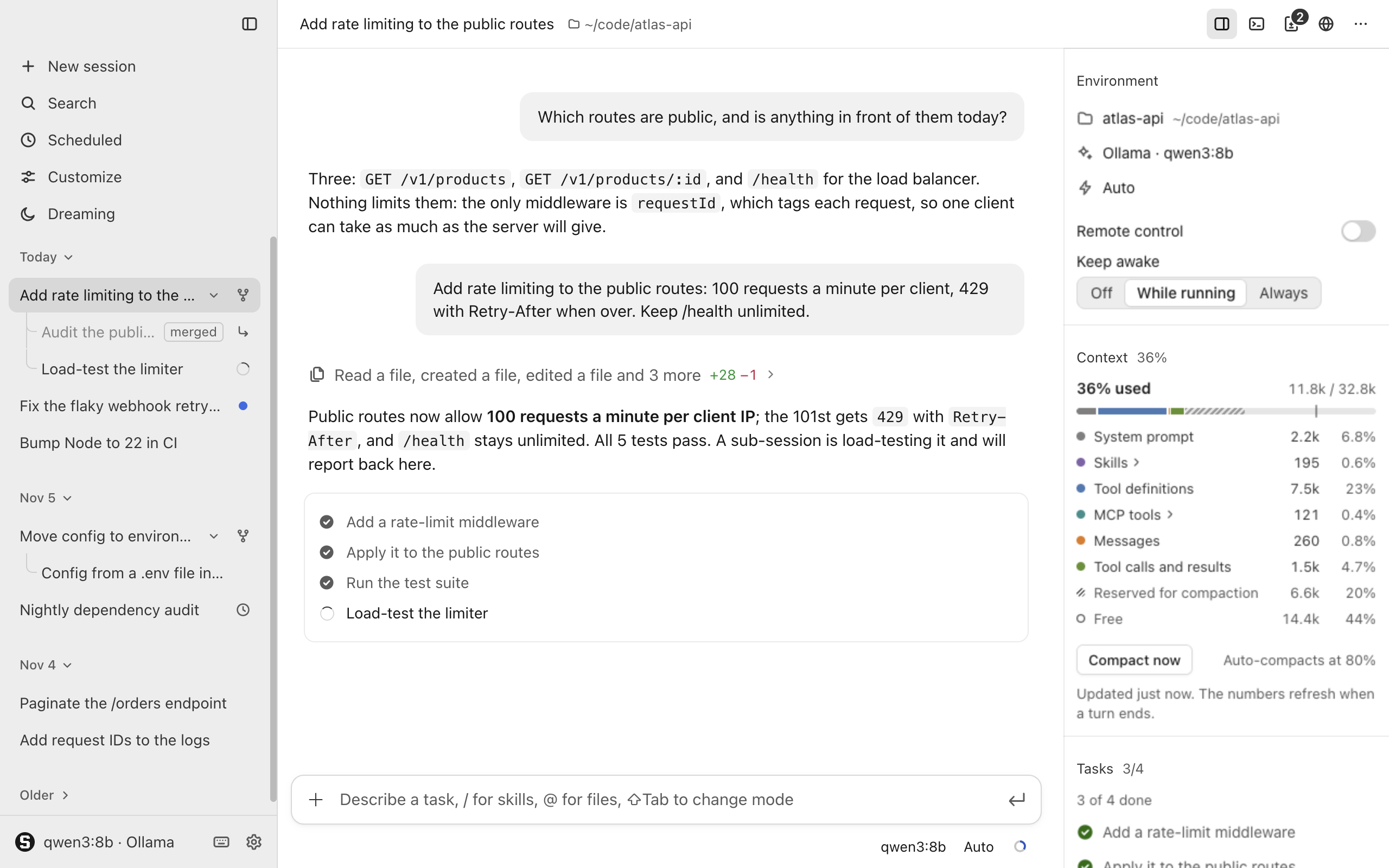
- White and grey. Surfaces are neutral white and light grey, or near-black in dark, with no warm tint anywhere, as in Claude Code.
- A tab per kind. Settings → Mods has a tab for each kind (Mods, Backgrounds, Chat bar, Conversation and Themes), and the look tabs open with their picker.
New
- A new icon. The icon is an S on a grey LED dot-matrix board on a light tile, and the sidebar and empty page draw the same S.
- Paper theme. A bundled theme, off by default, brings back 0.4.0's paper surfaces and terracotta accent; turn it on in Settings → Mods.
- Use the whole set. A mod with a conversation look, chat bar look and background offers "Use the whole set" on its card in each tab.
- New and Install everywhere. "New" and "Install" are on every tab, and the "New" form starts at the tab's kind and can write a starter theme.
Improved
- Grey buttons. Buttons are white with a hairline, the confirming one a grey fill, and dangerous actions use red text and a red hairline.
- Meaningful colour. Blue marks links, focus and switches; green and red mark diffs, success and failure; amber marks Auto mode, a filling context and waiting sessions.
- Same palette everywhere. The phone page, the bundled mods' pages and the mod kit's
h-btnuse the same palette and buttons. - A shorter Appearance. Settings → Appearance keeps Light, Dark and System with rows to each look tab, which search hits and new-look chat cards also open.
For developers
- Theme tokens. New tokens such as
--button-fill,--switch-on,--spinner,--markand--attentionlet a theme colour each role, and--accentis the blue; see docs/mods.md.
Install
For Apple silicon Macs. Download Open-Harness-0.5.0-arm64.dmg below, open it and drag Open Harness into Applications; the .zip holds the same app.
The app is not notarized: on first launch, open it once, then allow it in System Settings → Privacy & Security → Open Anyway.
| File | Size | SHA-256 |
|---|---|---|
Open-Harness-0.5.0-arm64.dmg |
128 MB | a7eb71ea68ede73acfe09eed9989e156507bc96c712bffda0525b278c21b1625 |
Open-Harness-0.5.0-arm64.zip |
124 MB | 51d87545b272cbb47500601be6d0a81e32ccfabf032824bd4803fbaa59dd46c5 |
Full changelog: v0.4.0...v0.5.0