Repository navigation
Part 3 UI Mockup Storyboard
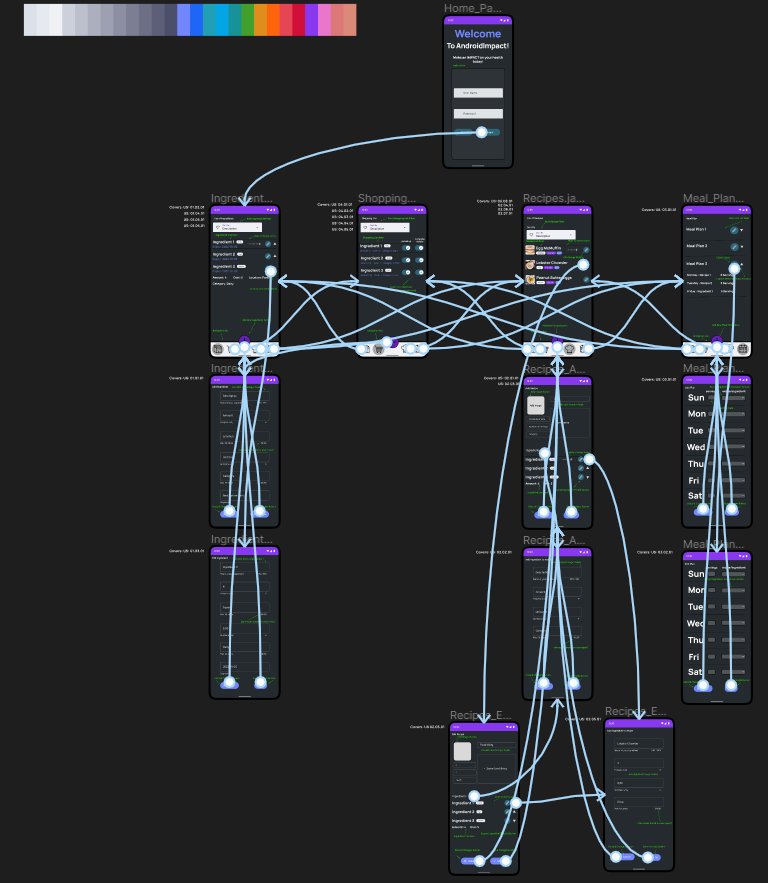
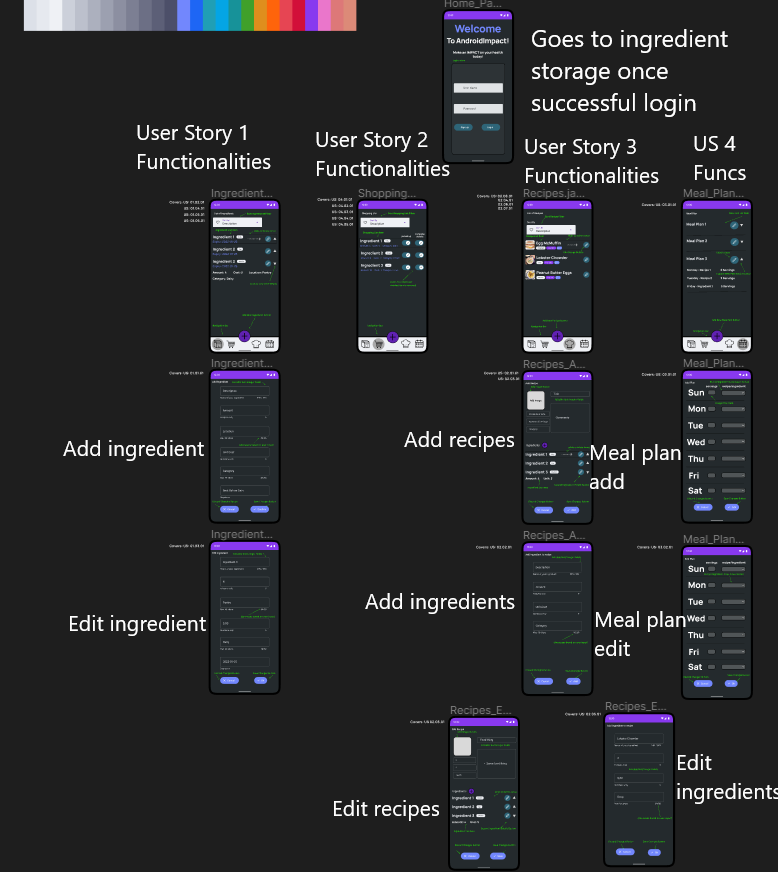
The storyboard was constructed using Figma. The entire team had input in the design of the UI Mockup and Storyboard flow.
In case there is an issue with the images, here is the link to the figma project.
NOTE: only pages with UI changes have screenshots here. The rest have stayed the same.
SUMMARY: for the most part, the figma stayed the same for US3 and US4 as those have not been developed yet. US1 and US2 had some minor design changes.
pages-androidimpact-storyboard-google-chrome-2022-11-04-13-37-31_Uc7j2wVS.mp4
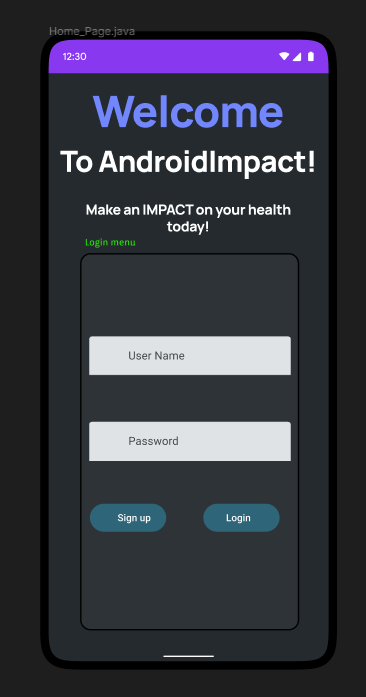
- Changed home page to login page
- Will redirect to ingredient storage by default after successful logins
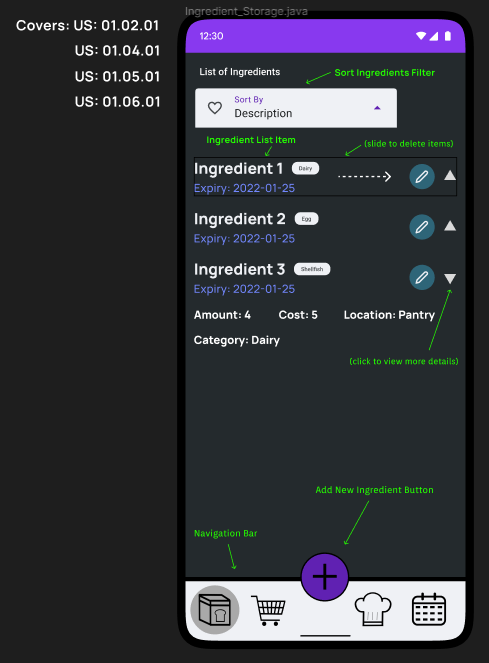
- Floating action button is now global; it shows on all for main US pages
- Not pictured: Category is only a chip, not text when expanded to show more details
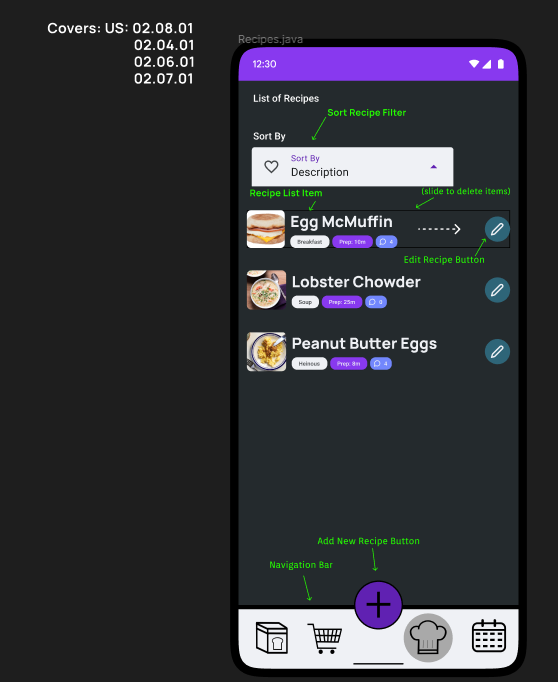
- Floating action button change
- Removed view recipe activity; will be a dropdown box now
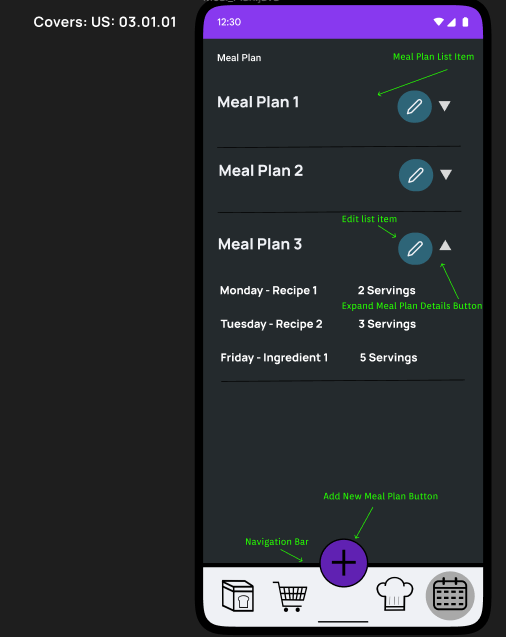
- Floating action button change
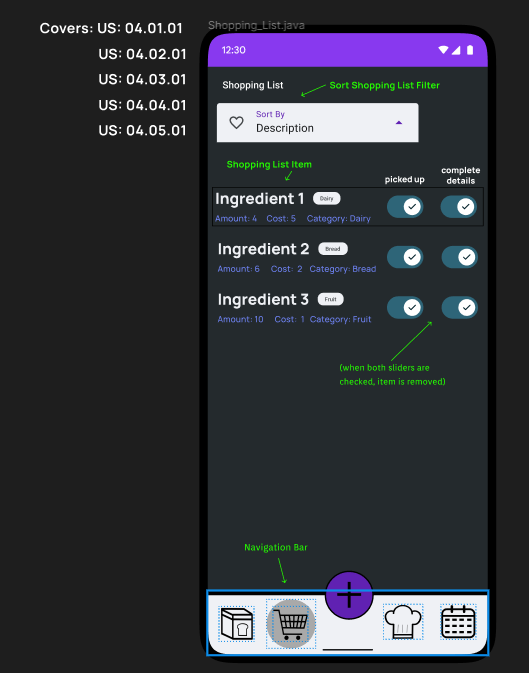
- Floating action button change