Repository navigation

The first release of DebugVision: a log viewer that turns the logs your software already writes into a picture of what it
does, with the features of DebugView++, a timeline, and a command line version.
Downloads
| File | |
|---|---|
DebugVision-0.1.0-windows-x64.zip |
Windows 10/11 x64: debugvision.exe is self-contained (no installation, no Visual C++ redistributable needed), with dvcli.exe and dvtest.exe |
debugvision_0.1.0-1.deb12_amd64.deb |
Debian 12 (bookworm) |
debugvision_0.1.0-1.deb13_amd64.deb |
Debian 13 (trixie) |
SHA256SUMS |
checksums of the files |
On Debian, install the package with its dependencies:
sudo apt install ./debugvision_0.1.0-1.deb13_amd64.deb
It installs into /opt/debugvision, with debugvision, dvcli and dvtest in /usr/bin and an entry in the
applications menu.
Features
- Sources: Win32 OutputDebugString (local and global), log files (tailed through truncation and rotation, DebugView++
.dblogand Sysinternals.logformats), program output, standard input, UDP (with multicast and a sender filter),
TCP, the Sysinternals DebugView agent, and log files on a web server over http(s) - Drag and drop: drop a log file to open it, an executable or script to run it, or an
http(s)://link to tail it - http(s) sources: Range requests fetch only the new bytes; works through http, https and SOCKS proxies (e.g. an
ssh -Dtunnel), with proxy authentication (basic, digest, NTLM, Negotiate), the proxy settings of Windows, and
suggestions for the SOCKS proxies found on this computer - Views and filters: views as tabs, each with its own filters: include, exclude, highlight, token, stop, track, once,
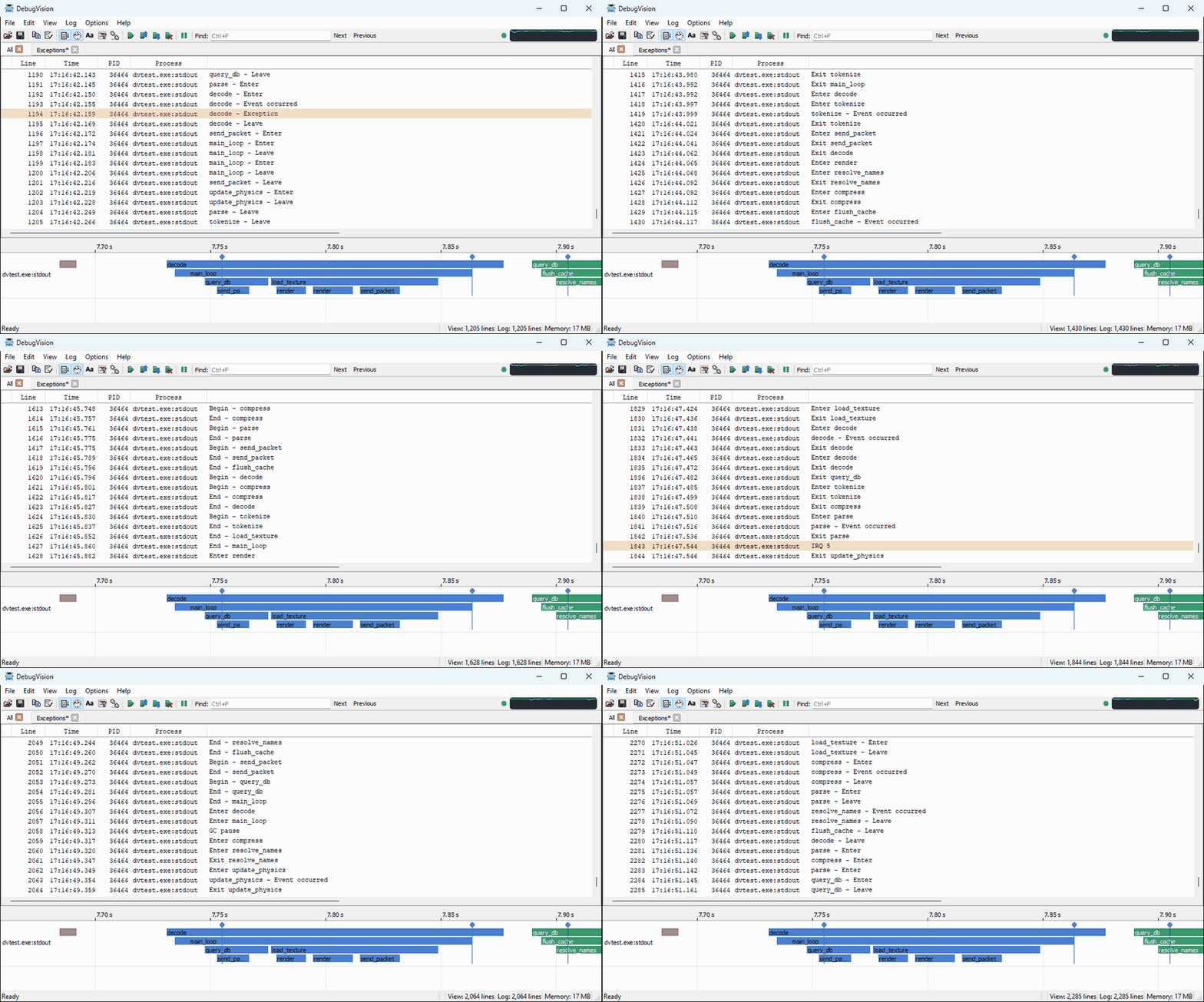
clear, beep and bookmark, as regular expressions (PCRE2) or plain text; find, bookmarks, process colors, clock or relative time - Timeline: the lines of a view on a time axis, as spans from a begin line to an end line and as events, with rules
in the filter dialog;dvtestgenerates test data for it - Columns: show, hide and reorder them; double-click the separator in the header to fit a column to the visible lines
- Traffic indicator: an optional light and graph of the incoming lines in the toolbar
- Saving: the log, the view or the selection in DebugView++
.dblogformat; views, filters and sources as a configuration file - dvcli: capture and filter on the command line, write to the console and/or a
.dblogfile, quit on a message,
exit when all sources have ended, send UDP test messages - User manual: compiled into both programs (
debugvision --help, Help > User Manual,dvcli --webhelp)
macOS and other Linux distributions: build from source, see the README.