Repository navigation
Releases
ROG Control v1.0.2.7

Manual installation required for this update. Download
Rog-Control-V1.0.2.7.zip, extract it, open a terminal from your desktop (not from ROG Control), enterRog-Control-V1.0.2.7/rogcontrol, and runbash install.sh. Keep your normal user account; do not run the whole installer with sudo. The older app updater can kill its own installer when it stops the tray service, so the app's update button cannot reliably install this fix. Your profiles and settings are preserved by the installer.
Changes
- Decky: GPU clock ceiling, live CPU/GPU temperatures and fan speeds, GPU sleep status, and active-profile feedback.
- Profile requests report pending, applying, applied, failed, or superseded status, including an actionable message for locked sessions.
- Plugin installation supports root-owned Decky directories and refuses unsafe symbolic-link or unrelated plugin destinations.
- Manual app installation restarts a previously running app after the library is replaced.
- Shared CPU planning, fan-curve handling, service queries, and boost detection reduce duplicated code. Removed unused GTK assets and obsolete helpers.
Decky plugin v0.1.3
- Refreshes CPU and GPU temperatures and fan speeds approximately once per second.
- Shows the installed plugin version and presents a clearer hardware readout.
- Removes the saved GPU ceiling display line while retaining the ceiling control.
- Isolates ROG Control commands from Decky’s bundled Python environment to address HTTPS update-check errors.
ROG Control Decky v0.1.3
ROG Control Decky v0.1.3
- Refreshes CPU and GPU temperatures and fan speeds approximately once per second.
- Shows the installed plugin version and a clearer hardware readout.
- Removes the saved GPU ceiling display line while retaining the ceiling control.
- Isolates ROG Control commands from Decky's bundled Python environment to address HTTPS update-check errors.
ROG Control v1.0.2.6
Changes
- Added Time of Day keyboard lighting, which changes colour with local time while the desktop app is running.
- Fixed preservation of GPU settings across profile and power changes.
ROG Control Decky v0.1.1
- Fixed installation when the Decky plugins directory is owned by root; the installer now requests administrator access before replacing plugin files.
- Added a GPU clock ceiling for the active ROG Control profile.
- Added live CPU and GPU temperatures and fan speeds at the top of the plugin.
- The desktop archive includes the CLI support required by these features. If v1.0.2.6 is already installed, reinstall it from the updated desktop archive before using the new Decky features.
ROG Control v1.0.2.5
Highlights
• RyzenAdj Curve Optimizer fix: Corrected encoding of negative Curve Optimizer offsets as 20-bit values (0x100000 + coall), fixing SMU command rejections on AMD Strix Point (Ryzen AI 9 HX 370) laptops (#2 / PR #3).
• UI & Battery Indicator: Refined Battery presentation with dedicated BatteryIndicator component and ensured memory/VRAM readings properly map to QML index bindings.
• Theme Controls: Added theme mode toggle directly to the window control bar.
• Installer fix: Guarded install state queries against premature subshell exit under set -e.
ROG Control v1.0.2.4
Bug-fix release
- Defer unavailable NVIDIA GPU profile writes.
- Ignore harmless overlapping fan-curve writes.
- Handle temporary Mutter/D-Bus disconnects during display refresh.
ROG Control v1.0.2.3
ROG Control v1.0.2.3 updates the Qt desktop controls and CPU profile handling.
Highlights
- Save the ASUS firmware thermal policy with each CPU profile, with choices for Default, Overboost, Silent, or following the OS power mode. Custom fan curves are restored after firmware mode changes.
- Use the expanded keyboard color picker, with palette and custom color controls.
- Improve power profile application when power-profiles-daemon is unavailable, and add graphics service controls.
- Add an optional NVIDIA display power-saving control on supported systems, with a reboot prompt when needed.
ROG Control v1.0.2.2
ROG Control v1.0.2.2 brings the Qt Quick desktop interface and hardware controls to the release branch, with improvements to graphics services and power handling.
Highlights
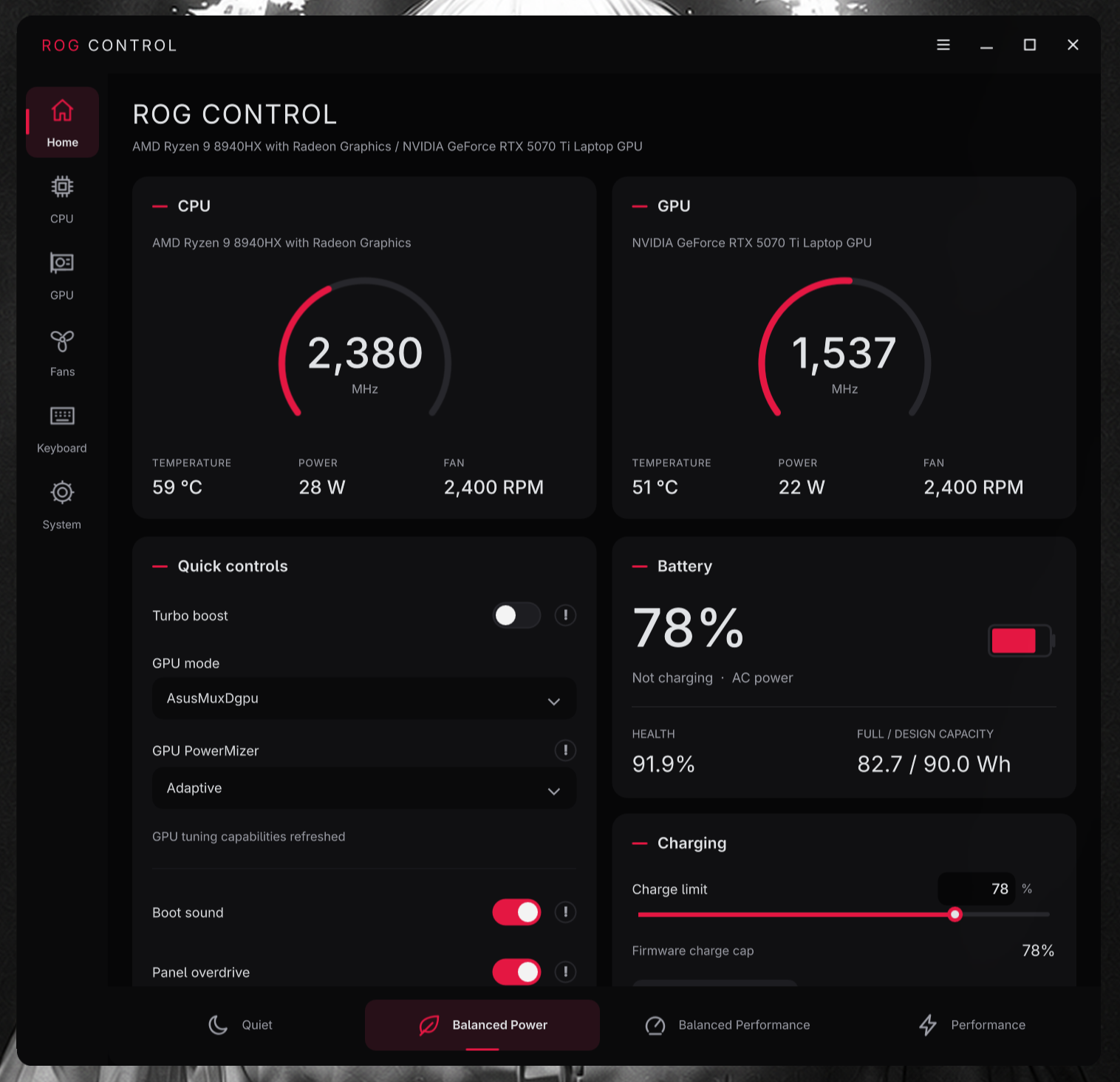
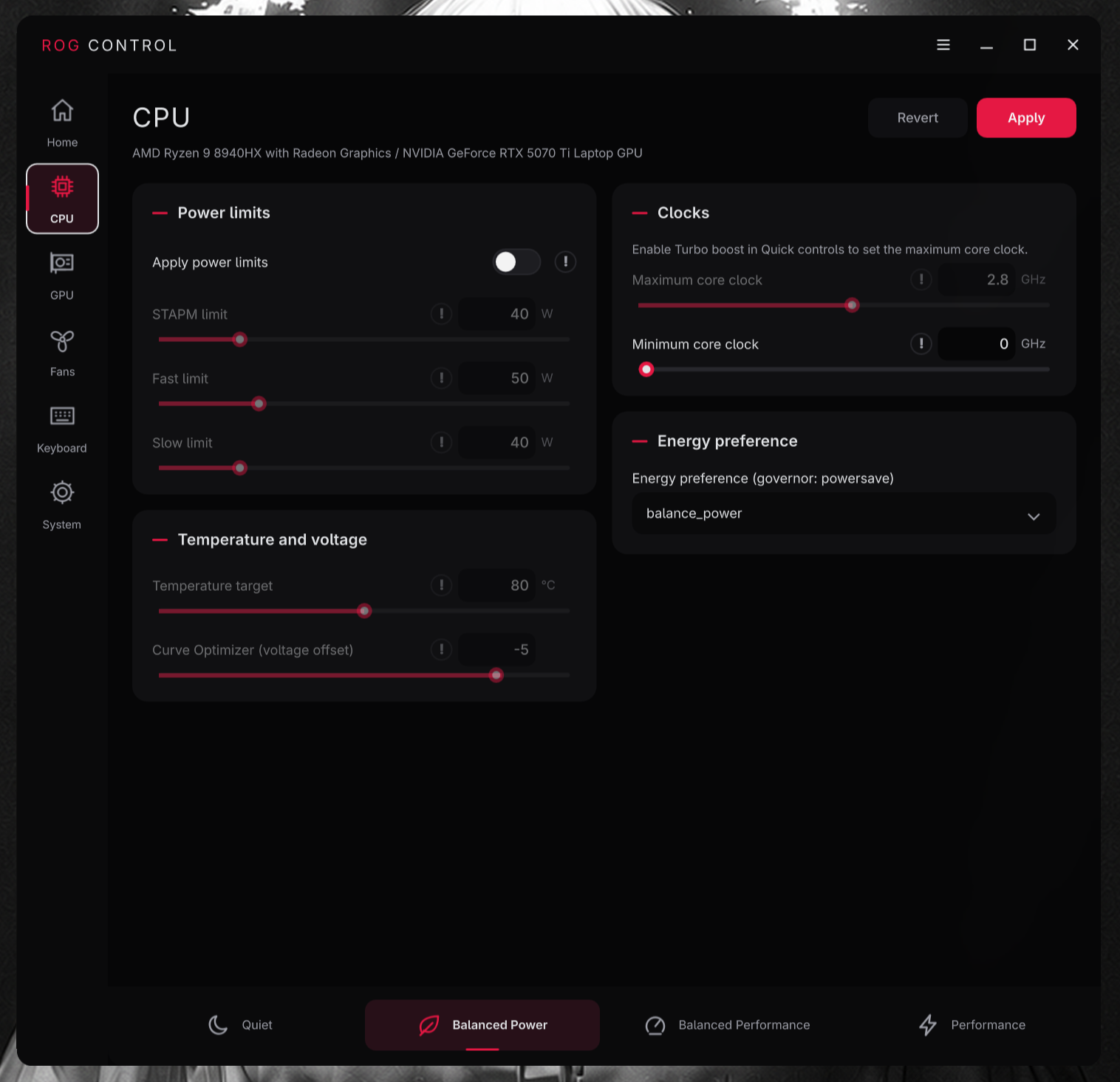
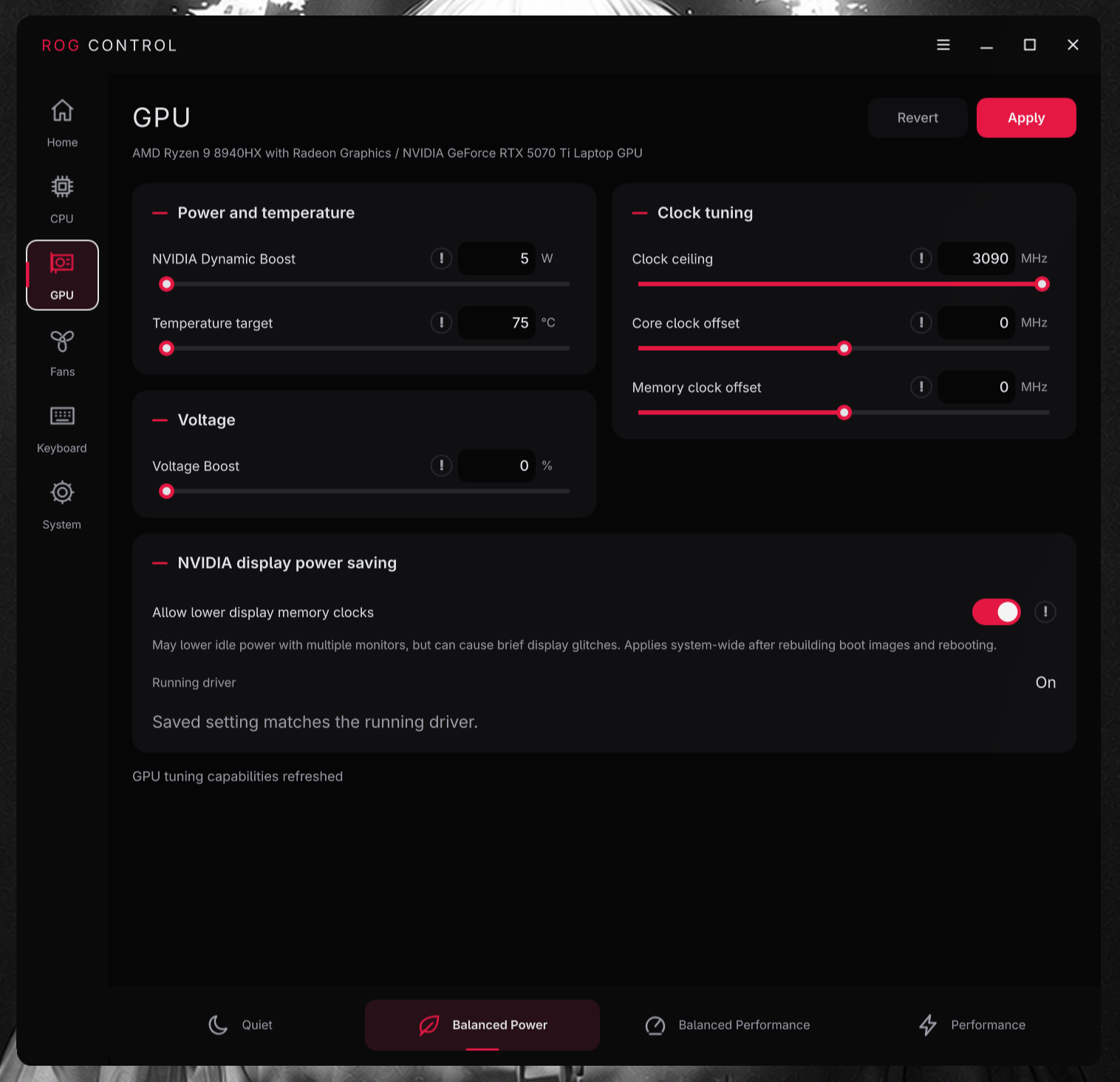
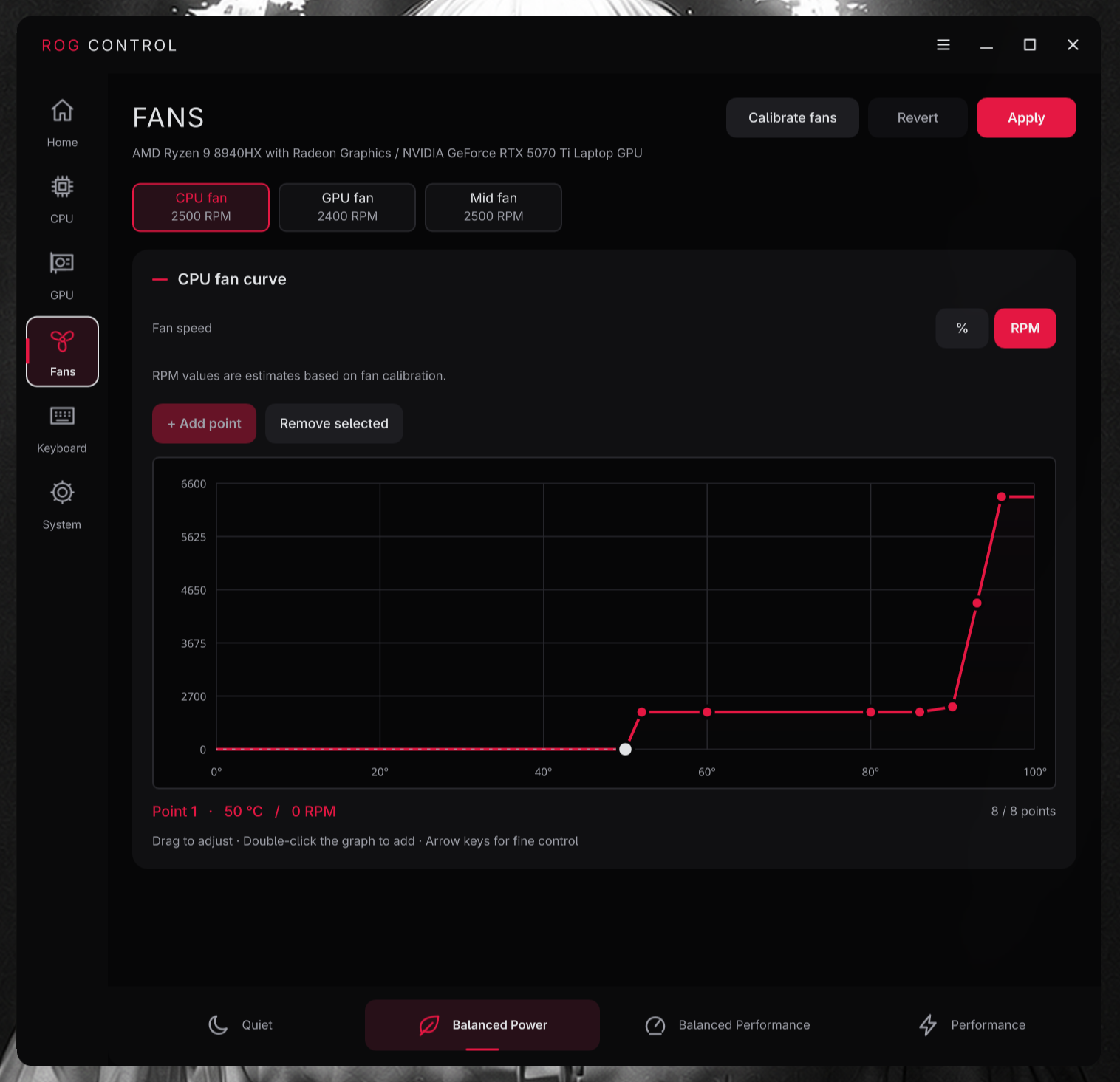
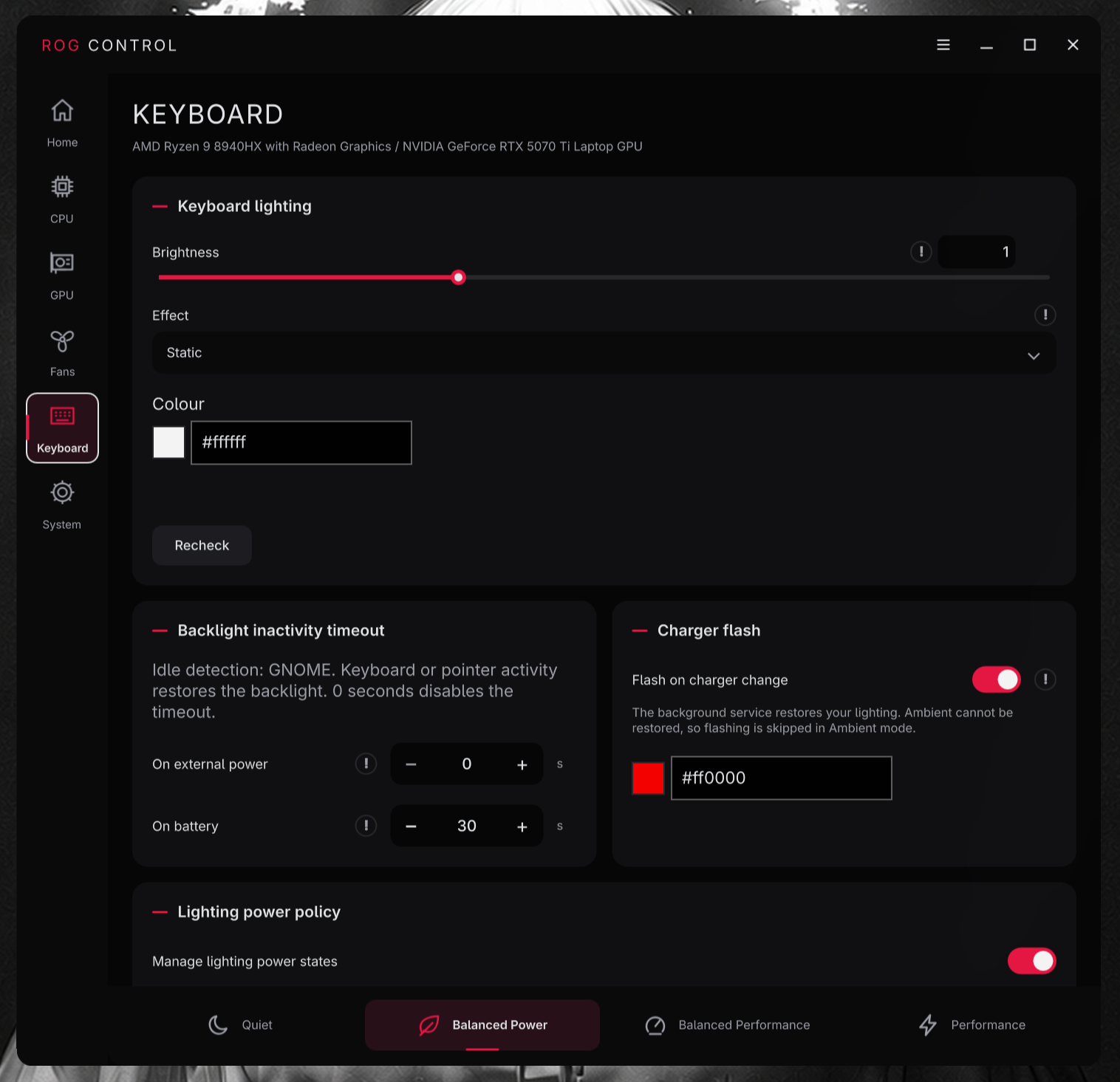
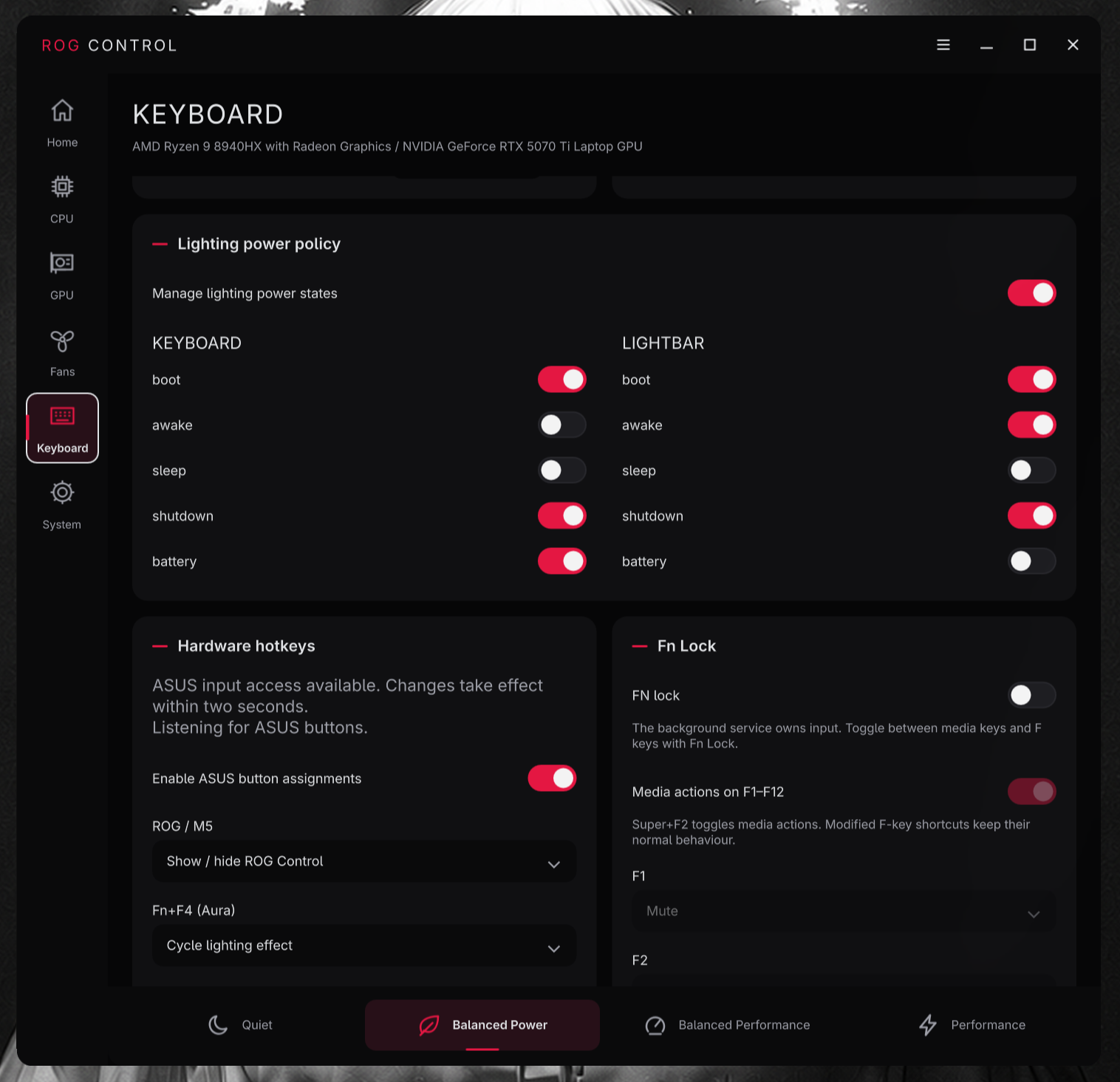
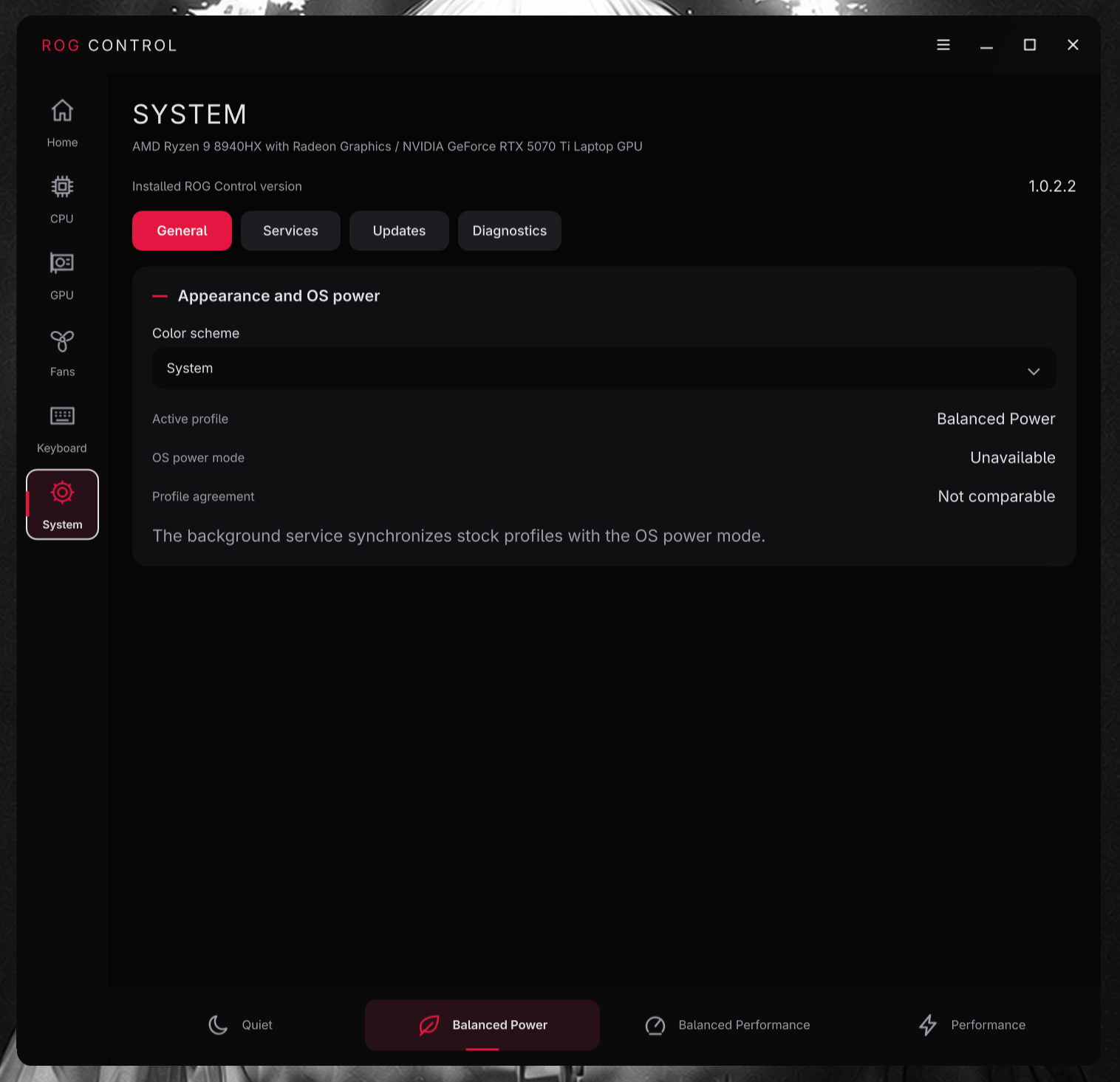
- Qt desktop interface: replaces the GTK interface with a native PySide6/Qt Quick application and refreshed Home, CPU, GPU, Fans, Keyboard, and System pages.
- Power profiles without PPD: when power-profiles-daemon is unavailable, stock profiles can use supported platform profiles or recognized CPU governors. A running PPD that rejects a change is not bypassed.
- Service controls: inspect and enable or disable the graphics daemon from System settings.
- NVIDIA display power saving: optionally enable lower display memory clocks on supported drivers, with boot image rebuilding and reboot handling.
- CPU and GPU fixes: improve AMD P-State boost control and retry behavior for power and graphics service operations.
Screenshots
 |
|
 |
 |
 |
 |
 |
 |
ROG Control v1.0.2.1
ROG Control v1.0.2.1 adds Decky Quick Access support and improves reliability across CPU power controls and keyboard reconnections.
New features
- Decky Quick Access plugin: view and switch ROG Control profiles, and adjust Turbo Boost and the CPU clock ceiling from Decky while using Gamescope. The System → Updates page can install and update the plugin. The installable plugin package and SHA-256 checksum are attached to this release.
Fixes
- CPU power management: reconcile Turbo Boost state across CPU policies and restore the app power mode promptly.
- Keyboard reconnection: tolerate supported keyboard devices disconnecting and reconnecting.
Screenshots
 |
 |
 |
 |
ROG Control v1.0.2.0
ROG Control v1.0.2.0 adds everyday automation, more keyboard controls, and a reorganized Quick Access page.
New features
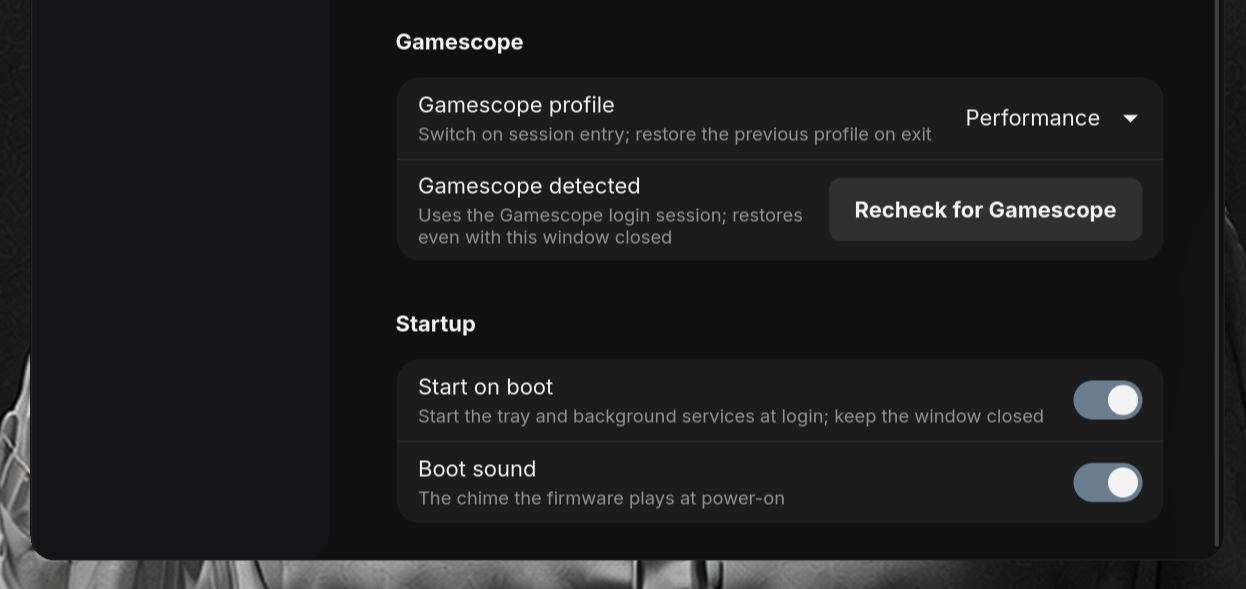
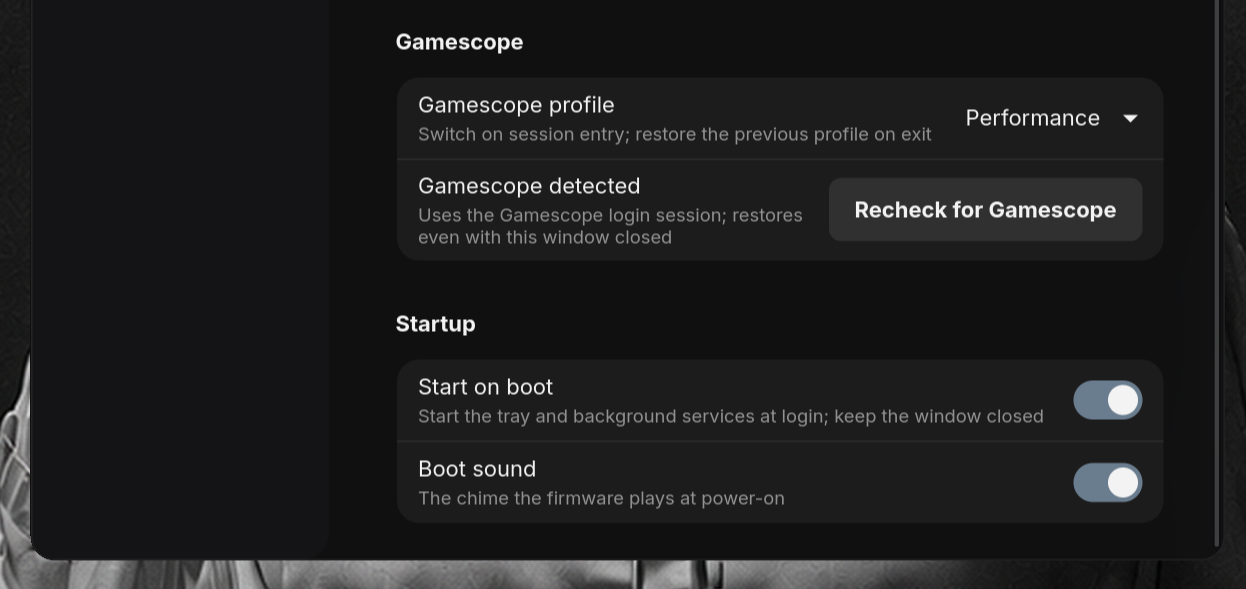
- Start on boot: choose whether ROG Control and its background services start automatically. When enabled, login starts the tray without opening the app window; disabling it prevents automatic startup.
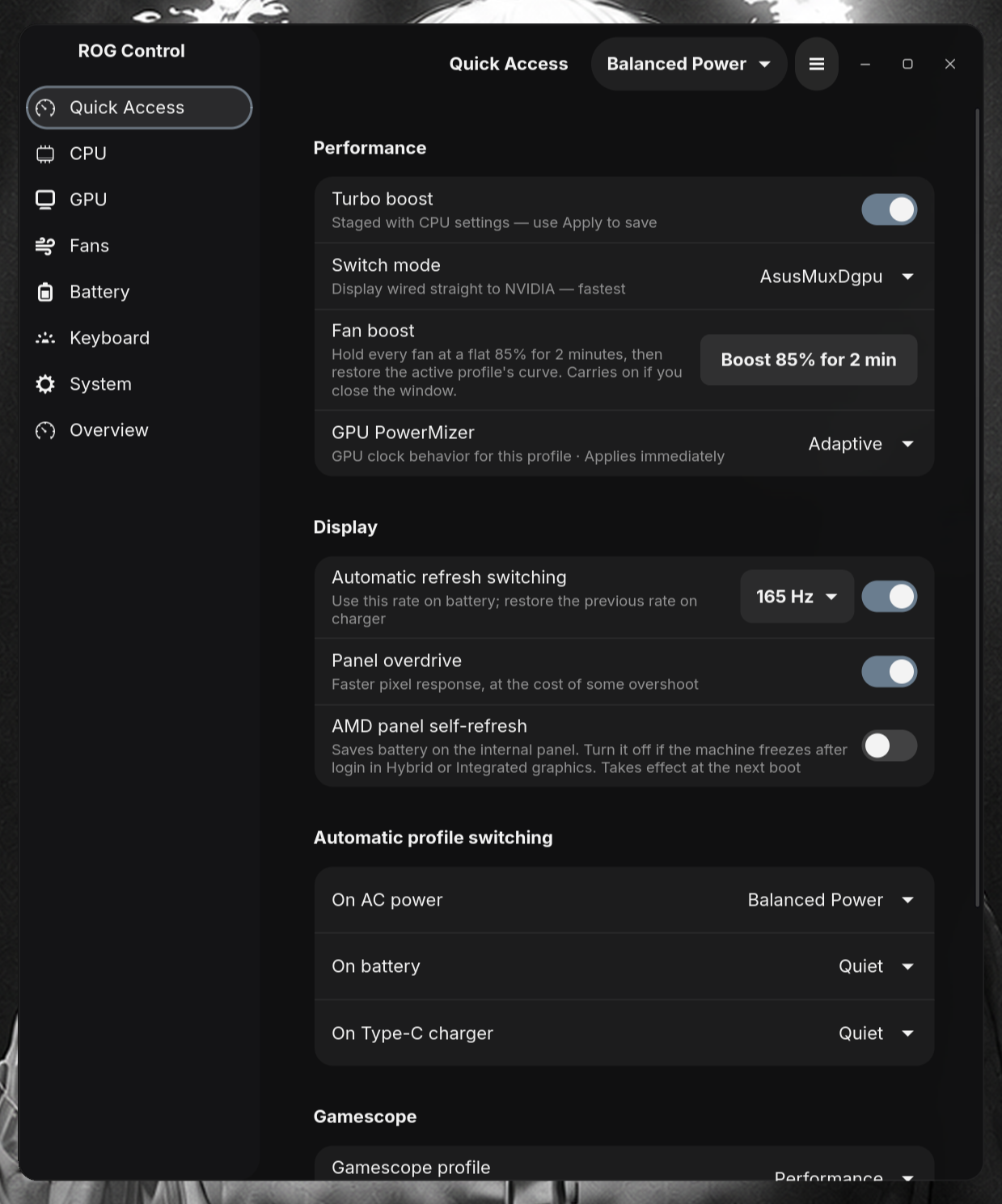
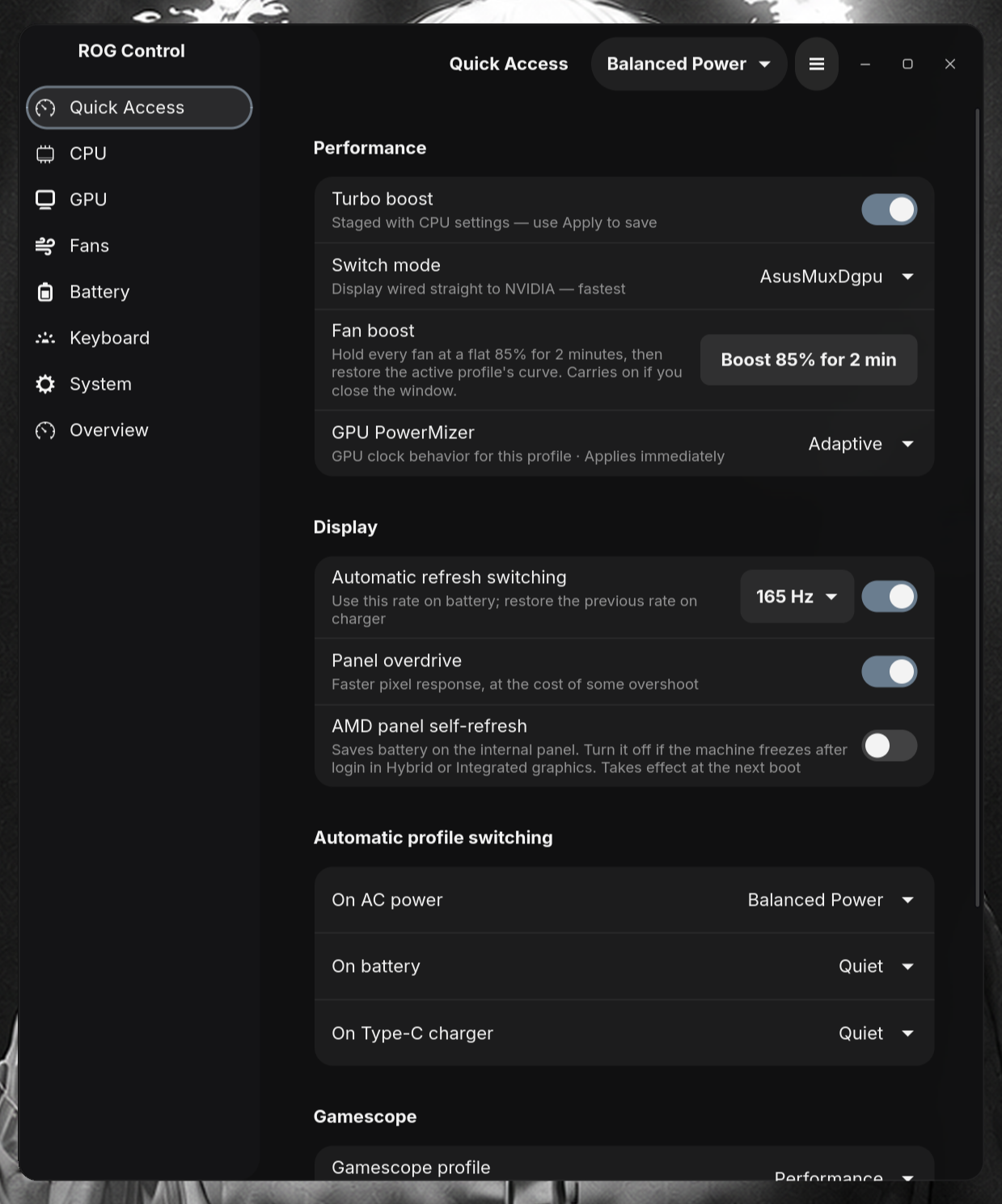
- Automatic display refresh: choose a supported refresh rate for battery power from the dropdown beside the toggle. Reconnecting AC or USB-C power restores the previous rate.
- Gamescope profiles: select a profile for the Gamescope session and restore the previous profile when leaving it, even with the window closed.
- Charge to 100% once: temporarily override the normal charge limit, then restore it automatically.
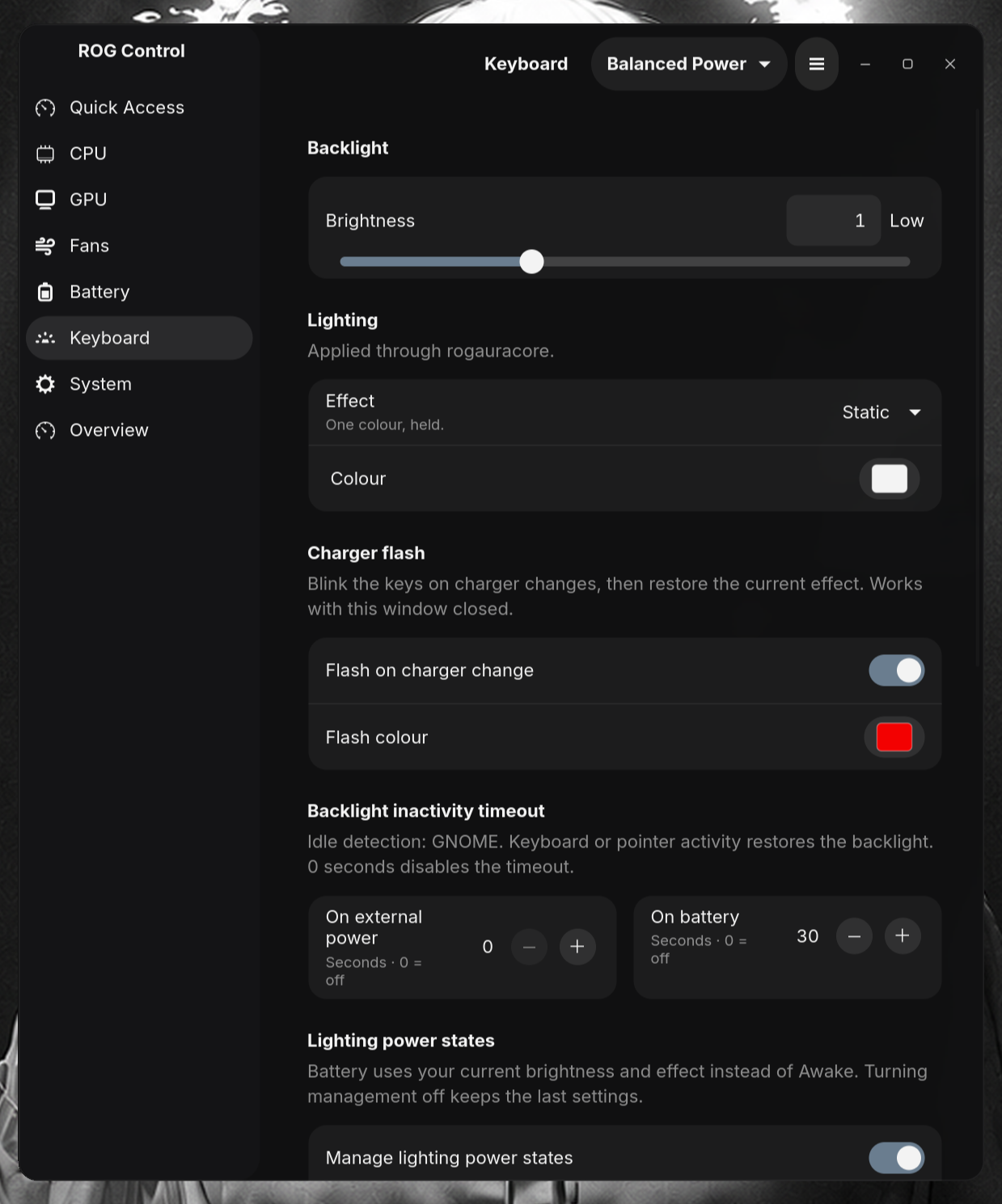
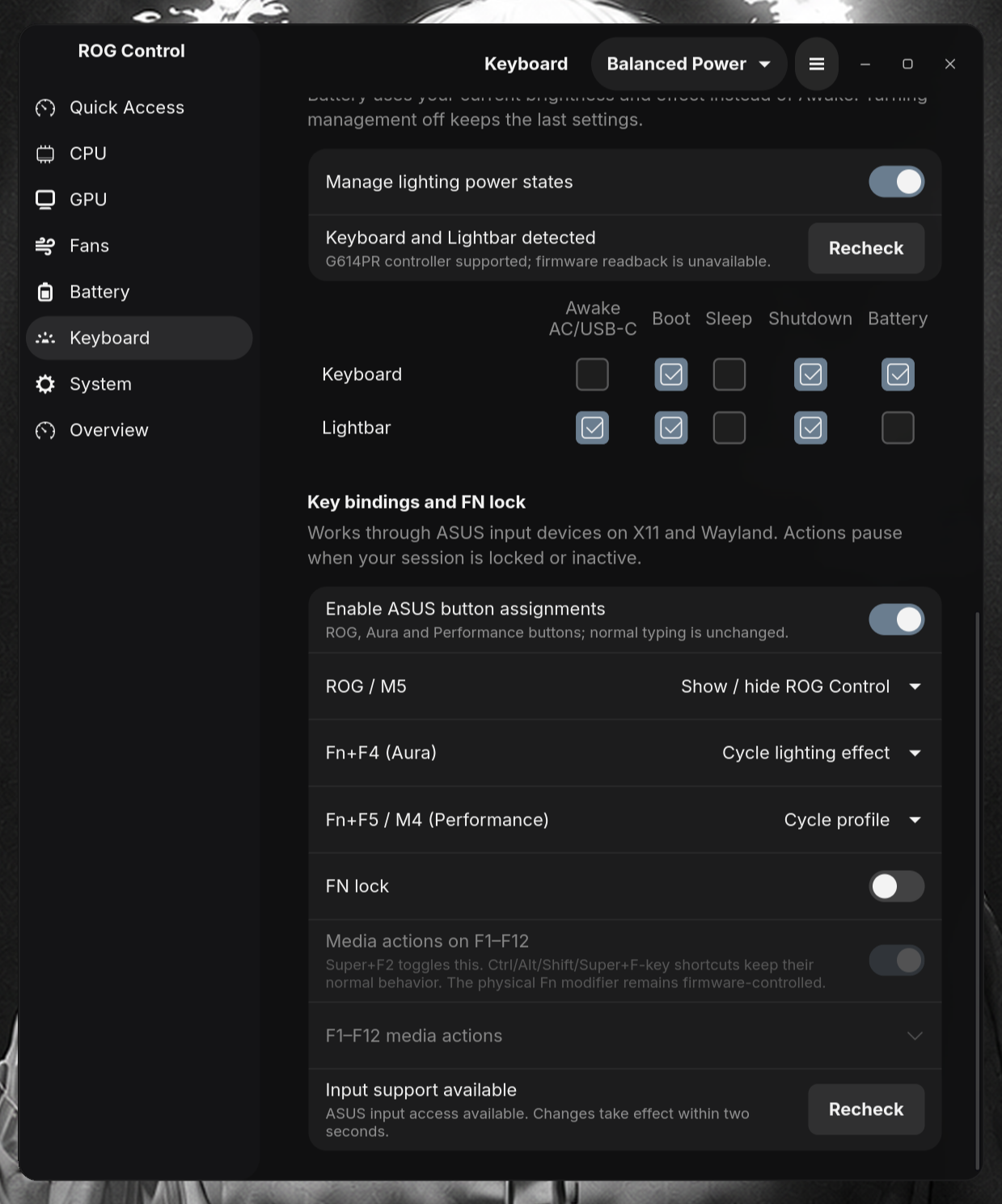
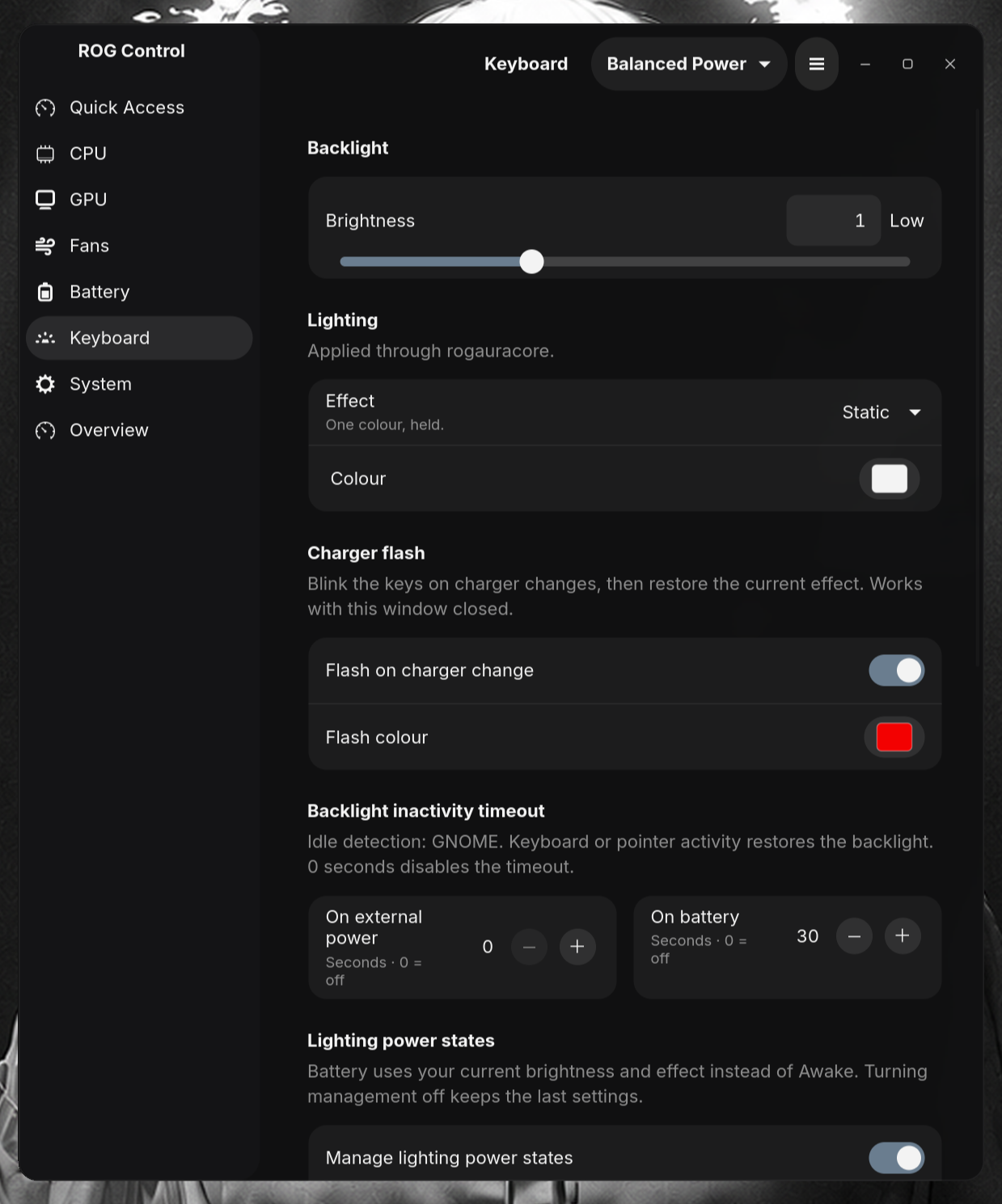
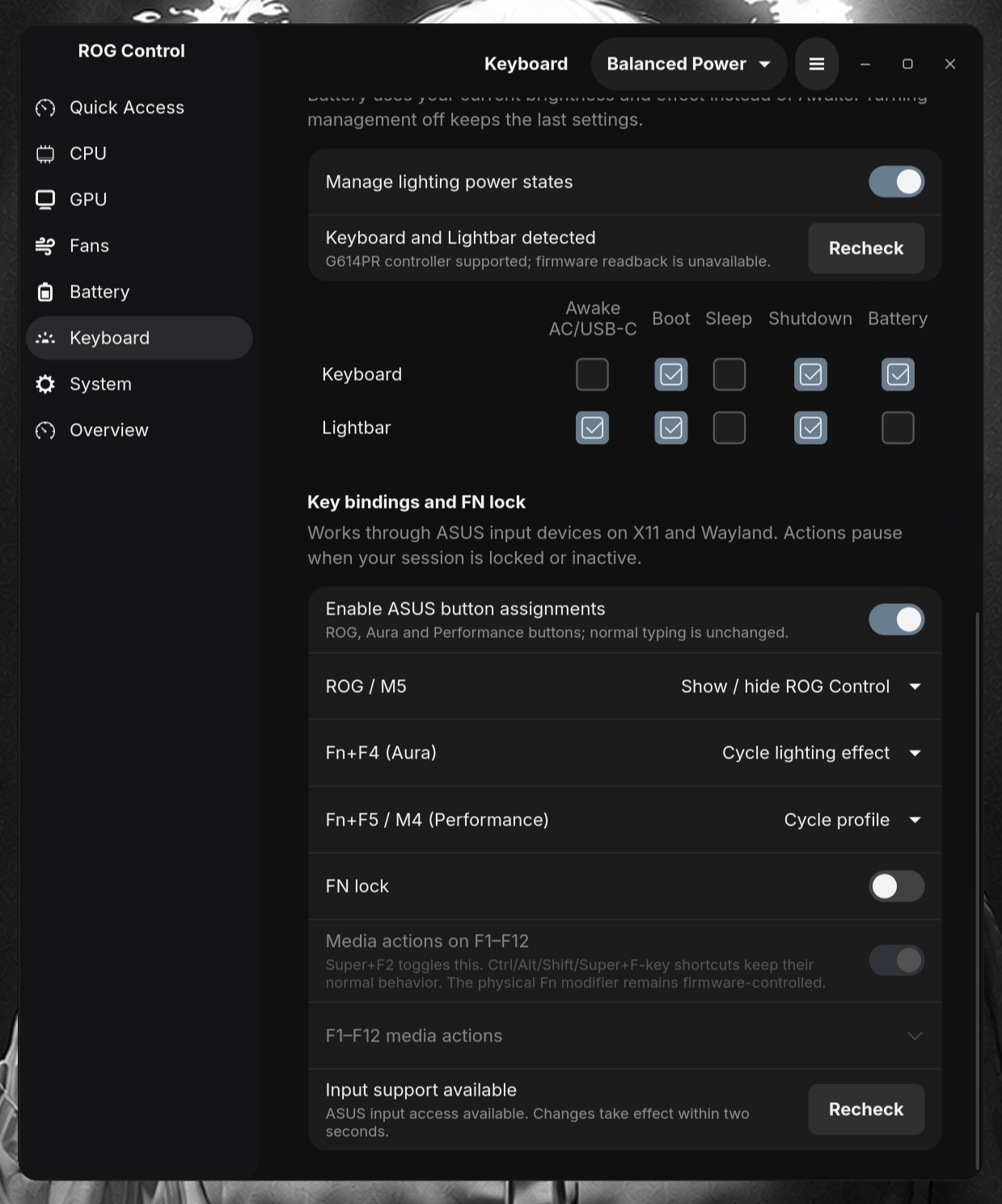
- Keyboard automation: separate backlight inactivity timeouts for external power and battery, plus lighting power-state controls for supported keyboards and lightbars.
- ASUS button assignments and FN lock: configure supported ROG, Aura, and Performance buttons, with software media-key mappings. Actions pause while the desktop session is locked or inactive.
- Quick performance controls: supported NVIDIA PowerMizer modes and a two-minute 85% fan boost.
Screenshots
 |
 |
 |
 |
ROG Control v1.0.1.9
ROG Control v1.0.1.9 improves everyday controls and NVIDIA GPU handling.
Interface improvements
- Choose between the original Overview list and a compact dashboard; your choice is saved.
- Find System settings in General, Services, Updates, and Diagnostics sections.
- See pending edit counts, highlighted controls, and clearer Apply and Discard actions. CPU and GPU pages explicitly warn that leaving discards unapplied edits.
- Type exact values beside sliders. Press Enter or leave the field to confirm, or Escape to cancel; values respect the control’s limits and step size.
GPU reliability
- Detect writable NVIDIA clock controls independently and use verified NVML clock offsets across graphics backends.
- Use quantization-safe memory clock steps.
- Skip NVIDIA commands while Cardwire blocks access and retry deferred GPU limits when Hybrid access returns.