Repository navigation

📦 About this release
Configure exactly how users authenticate with multi-step MFA, including FIDO2 security keys. Administrators have full control over MFA flows for each location, with stronger authentication options for high-security environments.
Users can now configure their Multi-Factor Authentication (MFA) factors directly in the desktop application at any time, even after enrolment. Admins can enforce stronger security without disrupting access, while users manage their authentication seamlessly.
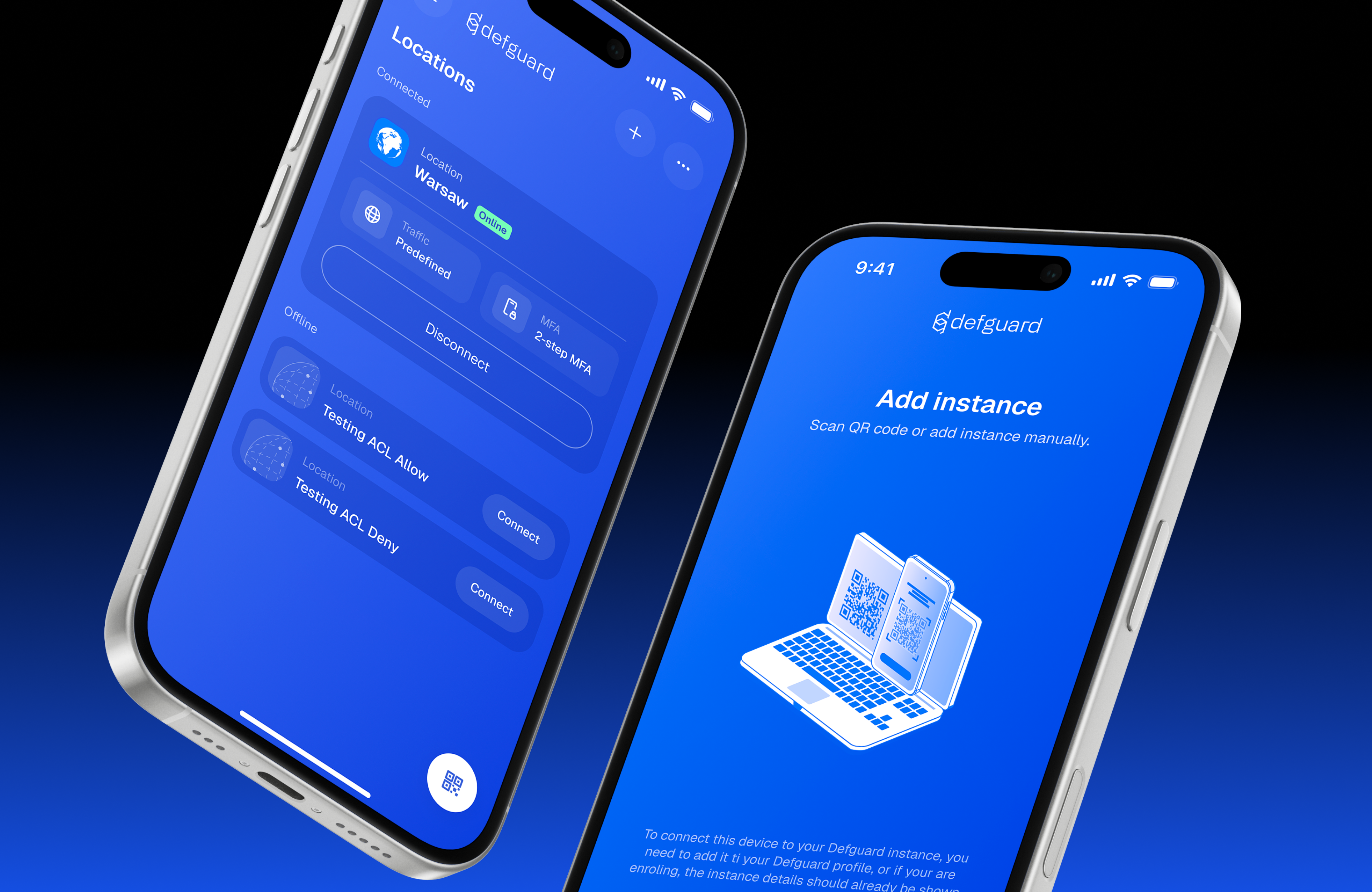
The Mobile Client has also been redesigned, joining the rest of the refreshed Defguard family.
Read more about this release on our blog.
✨ What's new
- Multi-step configurable MFA methods - build MFA flows from ordered steps, each with the factors allowed to pass it, enforce them per location and assign different flows to selected groups.
- Use FIDO2 hardware key as MFA factor - add it using the Desktop Client, configure an MFA Flow with FIDO2 Security Key factor, assign it to your location and connect using the latest Desktop Client.
- Configuring MFA factors in the Desktop Client - when a location requires an MFA method a user hasn't set up, the desktop client shows Configure MFA and guides them through the setup, without re-enrolling the instance. Users can also add more methods at any time.
- Bulk actions for Firewall module - select several rules to enable, disable, deploy or delete them at once.
- Split-DNS for Defguard clients - only your internal domains are resolved by the location's DNS servers through the VPN, while all other names use the device's normal DNS (check this issue for context).
- Handling multiple locations with DNS configuration connected simultaneously - each connected location's domains are resolved by that location's DNS servers, so users can stay connected to several locations at the same time.
- Ability to apply custom MTU to the client apps - set the MTU sent to the client apps per location, with group-level overrides for selected groups.
- Automatic WireGuard interface metric on Windows - in all traffic mode, the tunnel interface gets the highest priority to prevent traffic and DNS leaks outside the VPN.
- Bulk action to put enrolment token in Active Directory for the auto-provisioning process - select users and store their enrollment tokens in an Active Directory attribute in one step, ready for client auto-provisioning.
- Completely redesigned Mobile Client - update from Google Play, the App Store, or use the assets from the mobile release.
|
🧪 How to test
🚀 Quickly run the latest server components using one-line-script. For production deployments check this guide.
🔄 Worried that your users have to upgrade the client applications? Here you can check the client vs server feature compatibility matrix.
🙋 Feedback
We want to get as much feedback as possible, so we encourage you to:
💬 open a GitHub discussion
🪲 report any missing features or bugs as issues
Full changelog
- stable -> dev by @moubctez in #375
- Comment too long dev by @moubctez in #378
- Release automation attempt by @t-aleksander in #380
- Validate interface name by @jakub-tldr in #394
- port gateway keepalive fix from stable by @wojcik91 in #396
- chore: prerelease CVE fix by @wojcik91 in #411
- chore: update core dependency by @wojcik91 in #413
Full Changelog: v2.1.0...v2.2.0


