Repository navigation

If MandoCode ever opened to a wall of green borders and wouldn't let you type, this release fixes it.
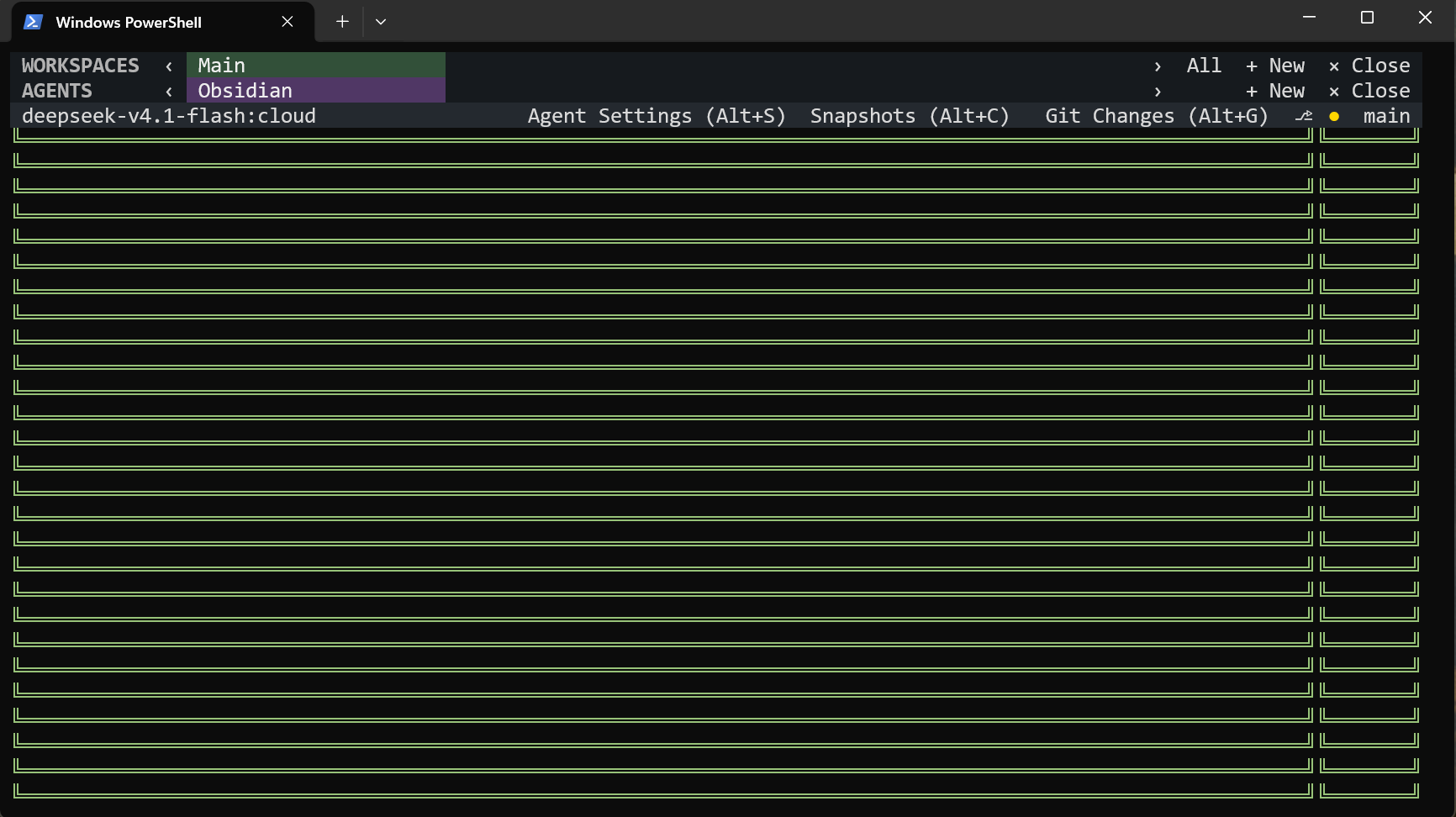
Before 0.16.2: what the first agent could look like on launch.
What was wrong
On some launches, the first agent filled with repeated prompt borders instead of the welcome screen, and the prompt ignored your typing. The only way around it was to open a second agent (Alt+N) and close the first (Alt+W). It has affected every release since v0.16.0.
What changed
- The prompt now appears once, in the right place, and accepts input as soon as it is shown.
- The same fix covers every panel that takes focus when it opens: file explorer, Git changes, settings, history, snapshots, and the setup screens.
- No workaround is needed any more.
Update
dotnet tool update -g MandoCode
Technical note
A focus request made while a component finished rendering could cause RazorConsole 0.6.0 to apply the same screen update twice, duplicating the prompt. MandoCode now waits for the render to finish before requesting focus. RazorConsole stays at 0.6.0 in this release.
Full details: CHANGELOG