Repository navigation

DigiNode Tools v26.11.02 - 2026-11-17
Monthly sponsors of DigiNode Tools can now join the Sponsors Preview, and get each new release two weeks before everyone else. This release also takes better care of your Raspberry Pi: it warns you if your Pi is short of power or getting too hot, can keep its bootloader up to date, and automatic security updates on Raspberry Pi OS now include the Linux kernel. Plus a tidier DigiNode Dashboard, which now also shows your operating system and when a new version of it is available.
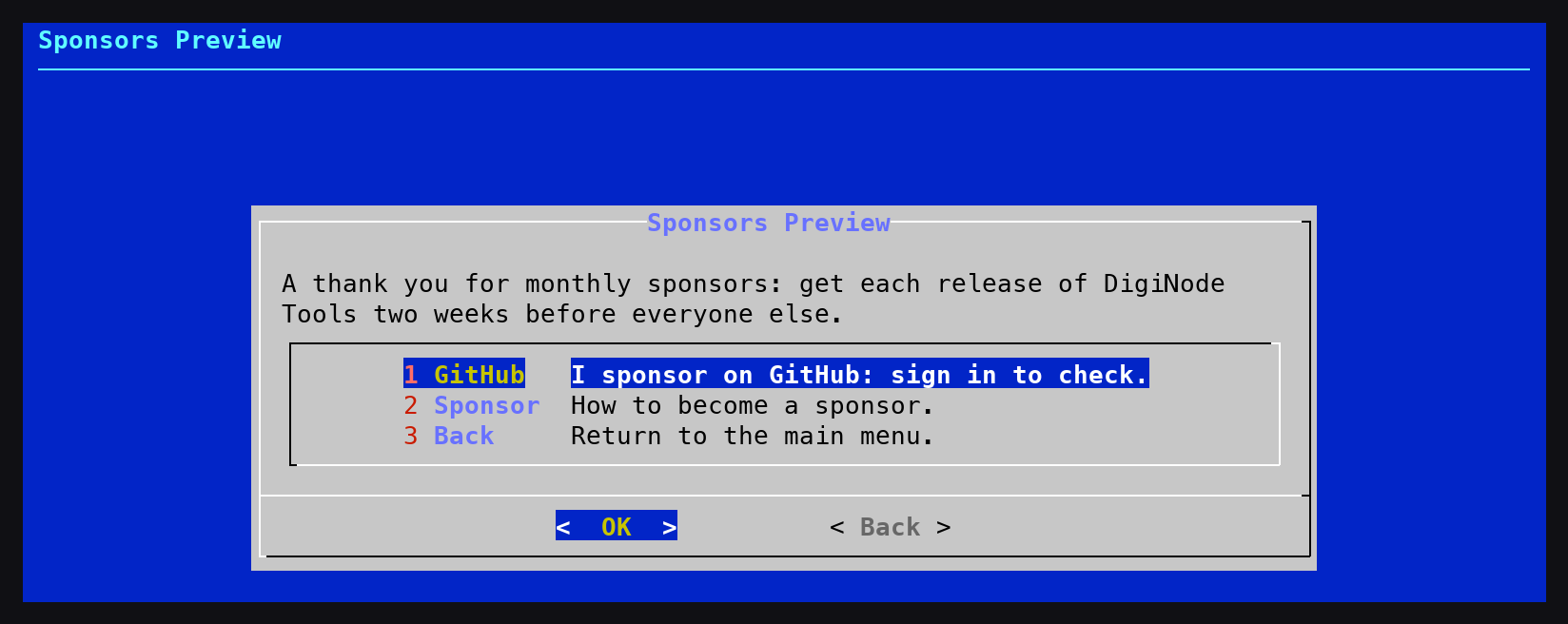
- New: Sponsors Preview - Monthly sponsors of DigiNode Tools can now get each release two weeks before everyone else, as a thank you for their support. Run
diginode-setup --sponsorpreview, or find it under Extras in the DigiNode Setup main menu. Sign in with the GitHub account you sponsor from, and it is checked automatically. Find out more at https://diginode.tools/sponsors/
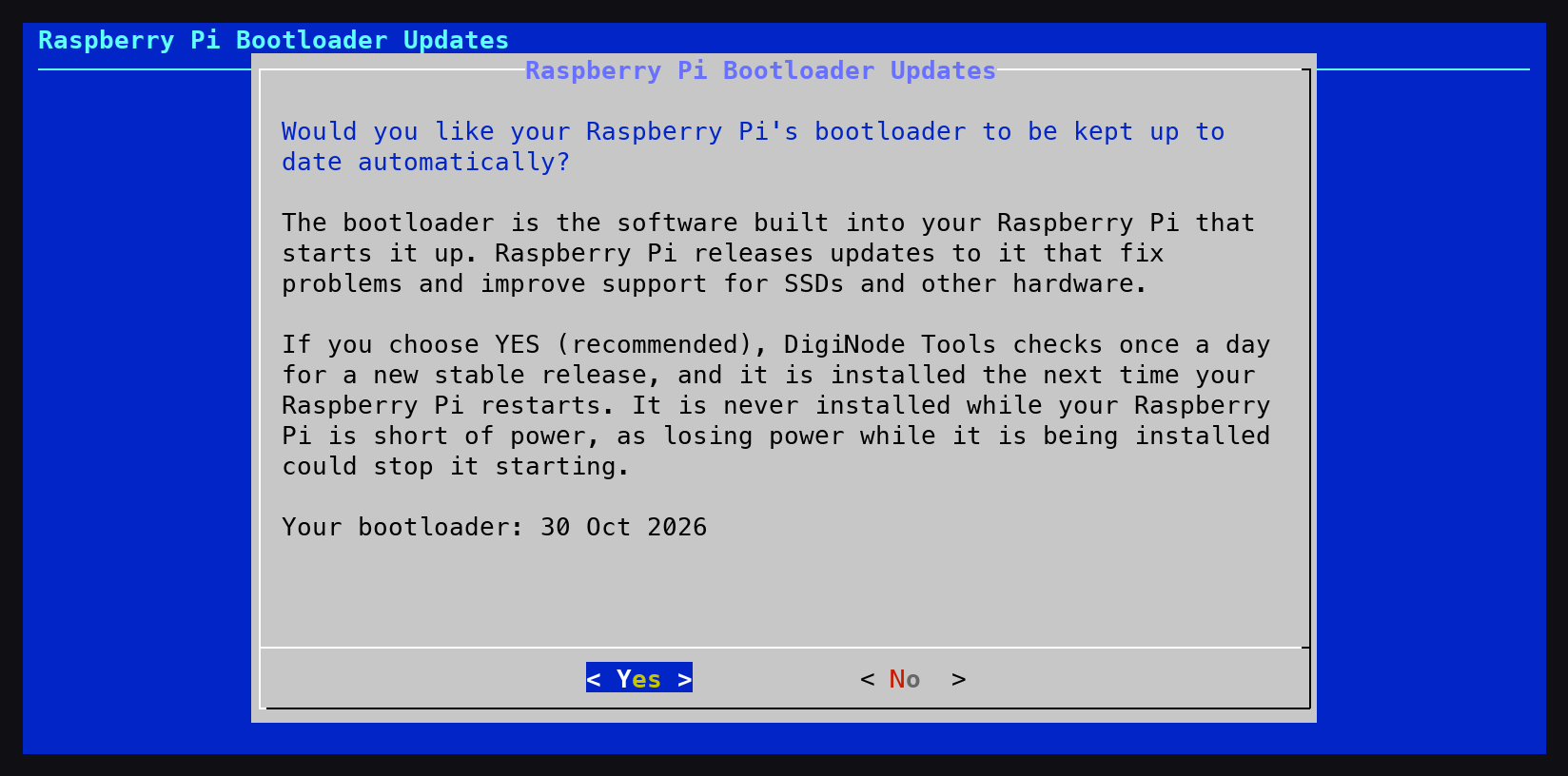
- New: Automatic Raspberry Pi bootloader updates - On a Raspberry Pi 4 or 5, DigiNode Tools can now keep the bootloader up to date. The bootloader is the software built into your Raspberry Pi that starts it up, and Raspberry Pi releases updates to it that fix problems and improve support for SSDs and other hardware. Once a day, DigiNode Tools checks for a new stable release, which is installed the next time your DigiNode restarts (automatically, if you turned on automatic restarts). It is never installed while your Raspberry Pi is short of power, as losing power while it is being installed could stop it starting. You are told which version is waiting to be installed, and when it has been installed. You are asked once whether you want this, and you can change it at any time from the System option in the DigiNode Setup main menu. For an unattended install, set UI_SYSTEM_EEPROM_UPDATES in diginode.settings.
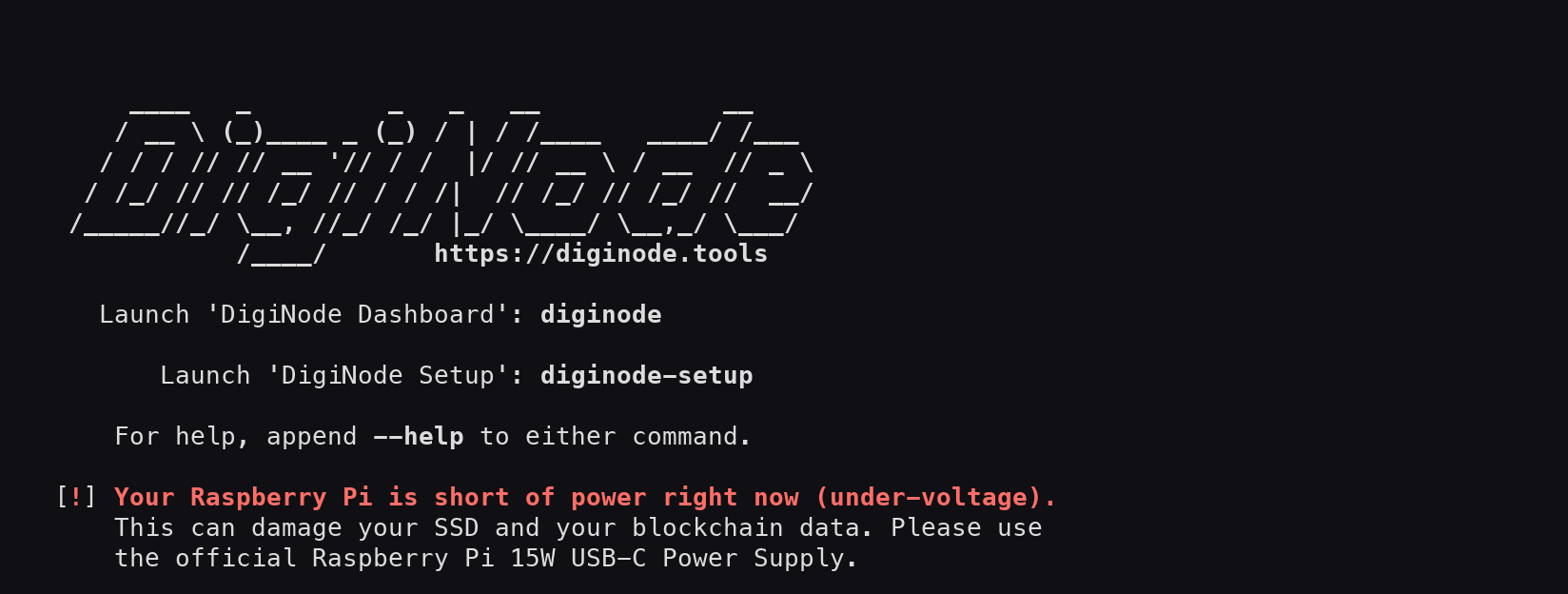
- New: Raspberry Pi power and temperature warnings - DigiNode Tools now warns you if your Raspberry Pi is short of power (under-voltage), which can damage your SSD and your blockchain data, or if it has got too hot and slowed itself down. On a Raspberry Pi 5, it also warns you if the power to its USB ports has been limited because the power supply isn't the official 27W one, which may not be enough for a USB SSD. You see the warning when you log in, when DigiNode Setup finishes and when you close DigiNode Dashboard, and DigiNode Dashboard shows it too. Nothing is shown when everything is fine.
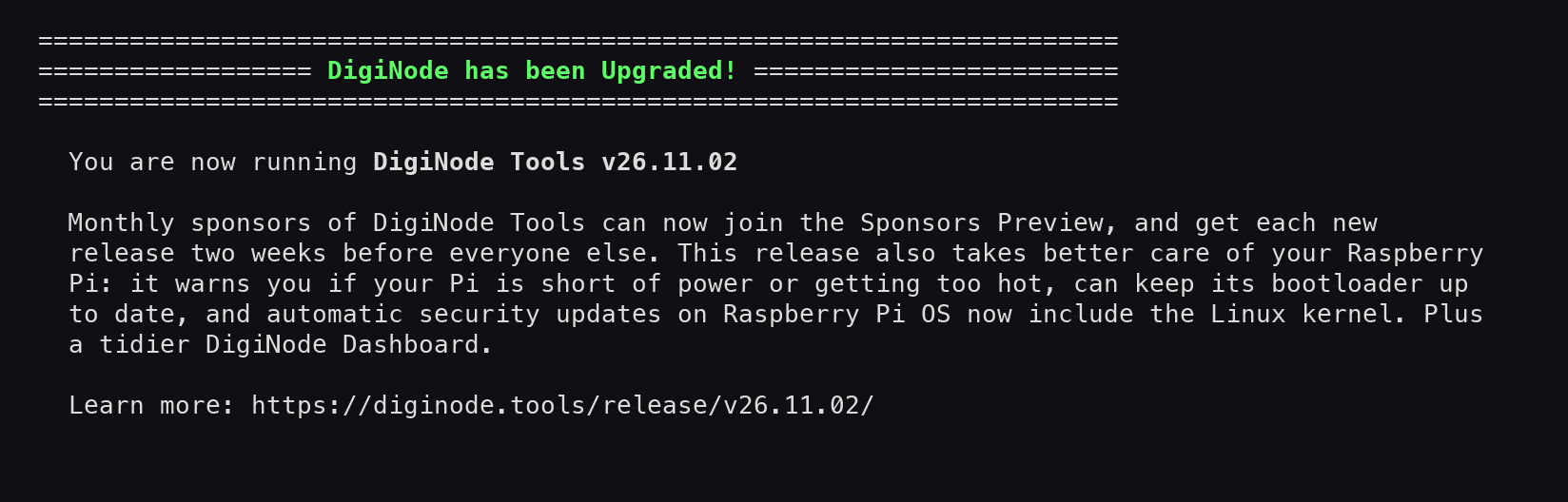
- New: What's new after an update - After installing a new version of DigiNode Tools, DigiNode Setup now tells you which version you're running, what's new in it, and links to its blog post. It also tells you when a new version of DigiByte Core has been installed. You'll see this from your next update.
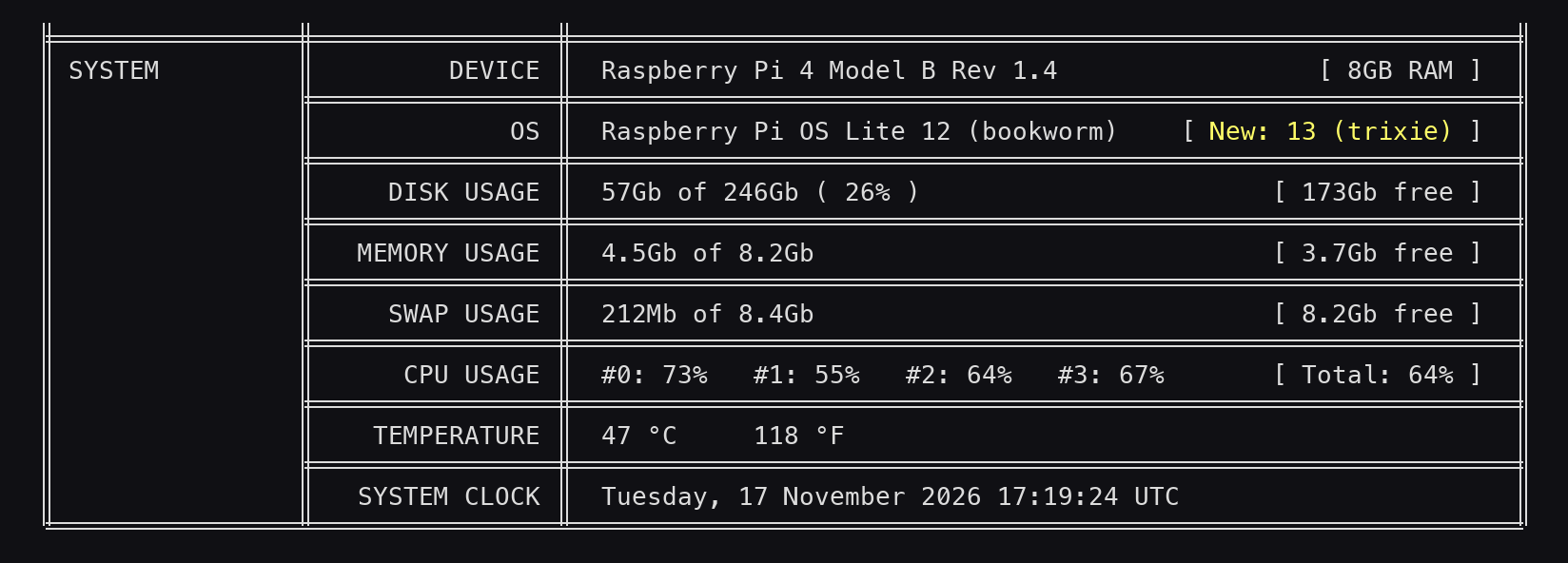
- New: Operating system on DigiNode Dashboard - DigiNode Dashboard now shows which operating system your DigiNode is running, and tells you when a newer version is available (Raspberry Pi OS, Ubuntu and Debian). On PCs and servers it now also shows what the computer is, not just on a Raspberry Pi.
- Fix: Security updates on Raspberry Pi OS - On Raspberry Pi OS, automatic security updates weren't installing updates to some of the most important parts of the system, including the Linux kernel, the C library (libc6), OpenSSL and the login system (PAM). Raspberry Pi OS uses its own versions of these, which Debian's security updates can't replace. Security updates now include them. If your DigiNode has been missing them, the first run may install a lot of updates at once, and your DigiNode will need to restart to finish (automatically, if you turned on automatic restarts).
- Fix: Tidier DigiNode Dashboard - The port test no longer shows "Location: null" when a port is closed. The testnet node now says Peers, like the mainnet node. The DigiAsset Core message now fits inside its box on a 100 column terminal. A port test skipped because it already passed now shows the port number. The port test also works now if your external IP address could not be found.