Repository navigation
Home

Your Wacom tablet, set up the Wacom way.
A free alternative to the Wacom driver for Apple silicon Macs. Wacom's last Intuos driver only supports up to macOS 11. The Tablet App for Mac takes over from there, and brings back to life your trusted Wacom tablets.
The Tablet App for Mac is laid out like the original Wacom app interface, so there is nothing new to learn. Tested with a Wacom Intuos4 on macOS 27 Golden Gate on an Apple silicon Mac.
⬇ Download the latest version · Website · User manual · Supported tablets · What's new
- Pen: pressure with a Soft to Firm tip feel, side buttons, eraser and tilt.
- ExpressKeys and the Touch Ring.
- Screen mapping.
- Different settings for each app, like the Wacom app's application list.
- Separate settings for each pen: each extra pen gets its own tile in the Tool row.
- Scribble: a canvas to test pressure.
- Lives in the menu bar and starts quietly at login.
- Updates inside the app: choose the newest stable version, or try a BETA and go back at any time.
- Eight languages.
- Free and open source (GPL-3.0), with no tracking.
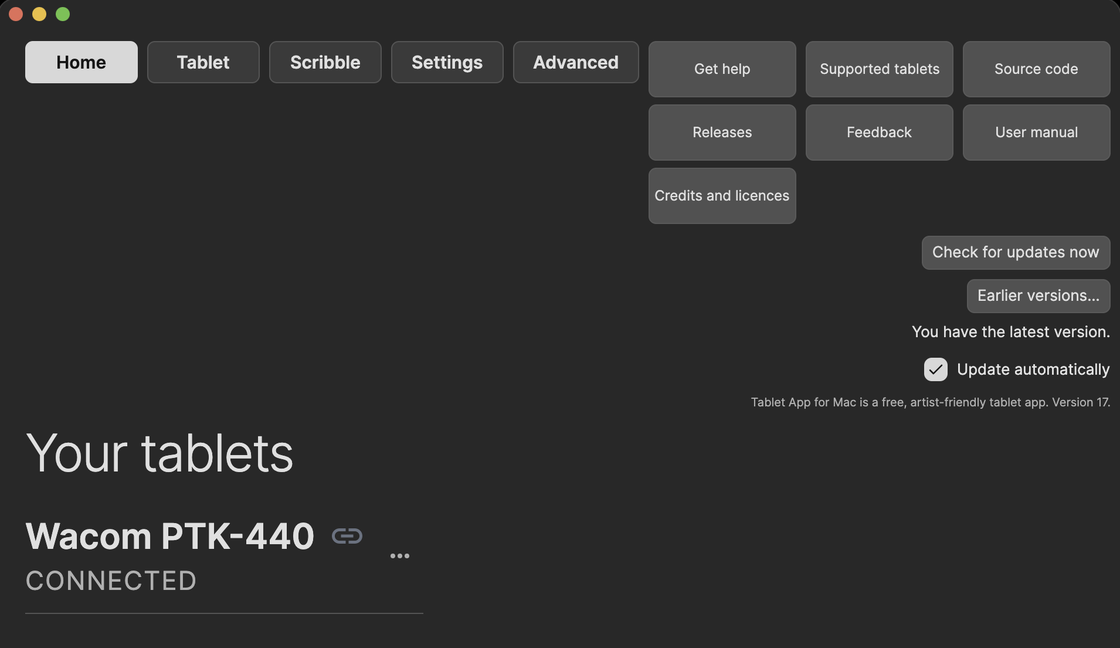
Your tablets and updates. Running a BETA? Go back returns you to the stable version.
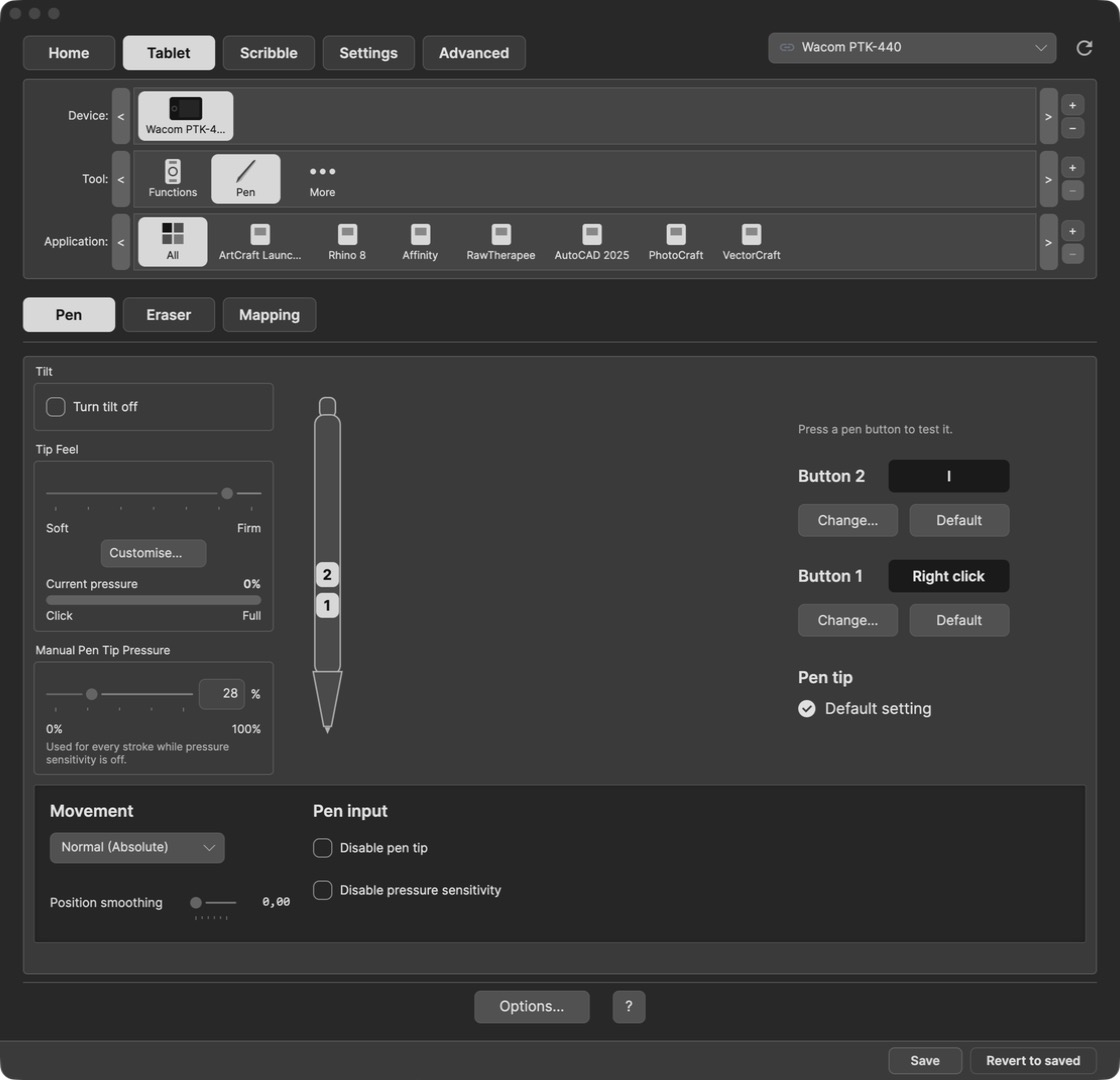
Add apps to the Application row with +. Each app keeps its own settings; All covers the rest.
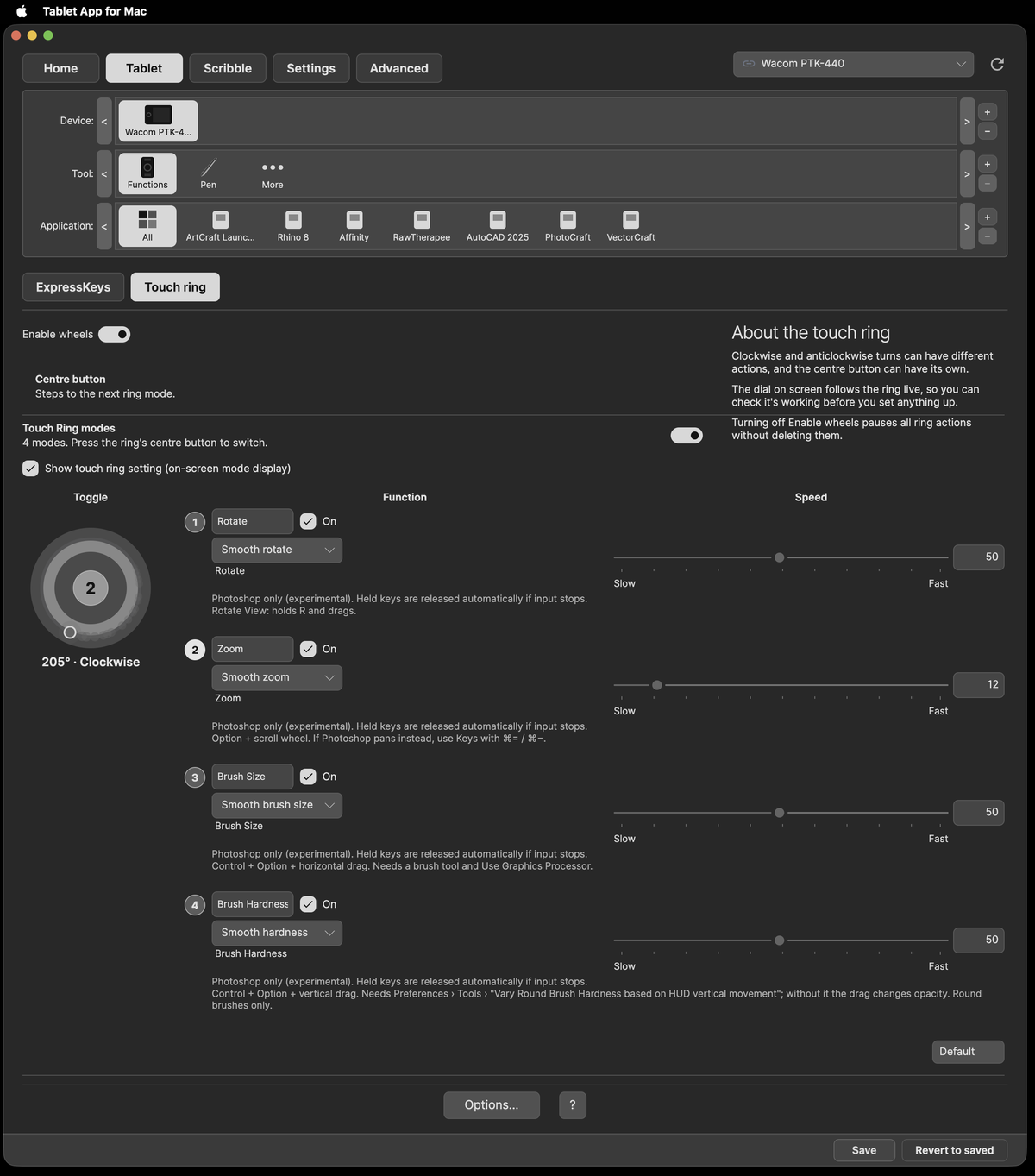
The active mode is lit, its number is on the centre button, and the angle and direction show under the ring.
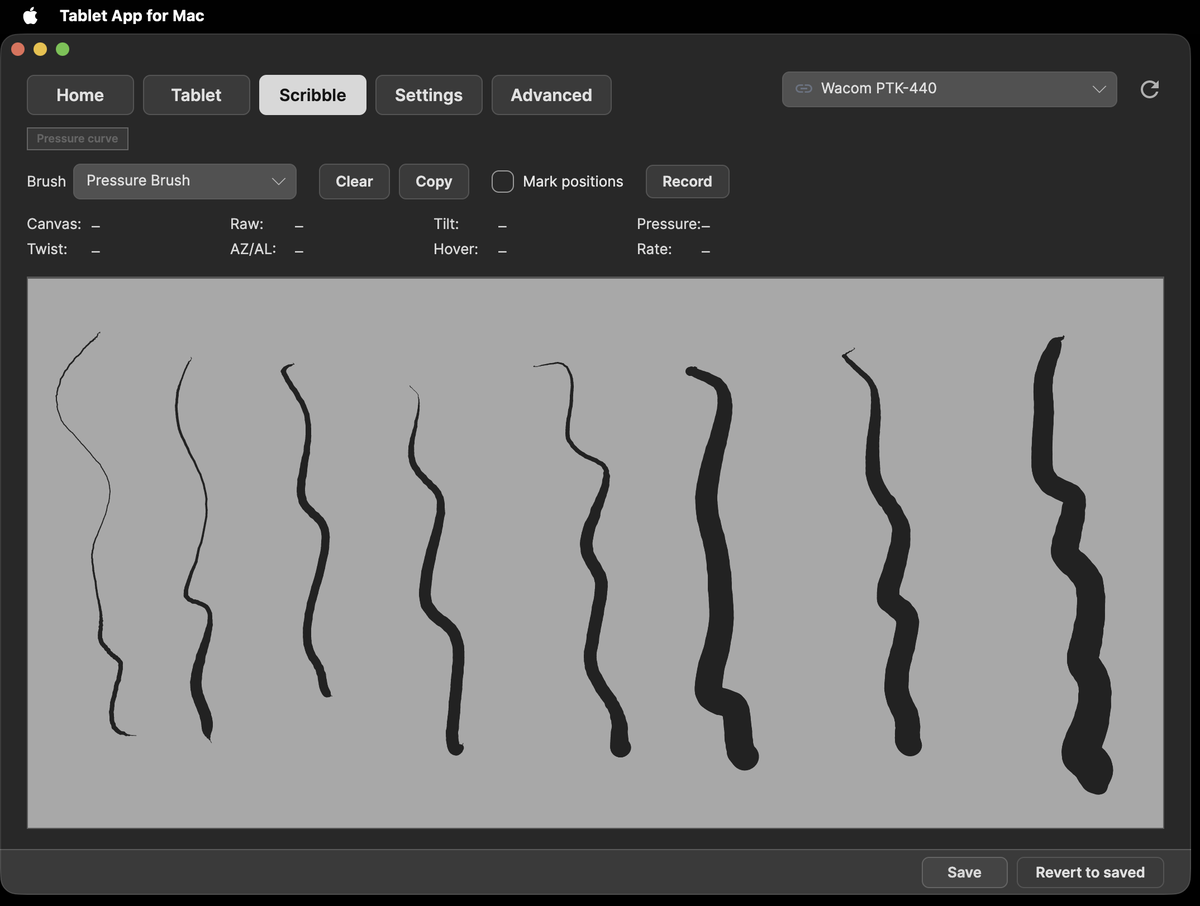
Draw to check pressure, with a precise crosshair cursor.
- A Mac with Apple silicon, macOS 15 or later.
- Input Monitoring and Accessibility permissions (Accessibility is called Device Control and Data Access on macOS 27).
- Uninstall the Wacom driver first, as both can't run at once.
- Download Tablet-App-for-Mac.dmg, open it and drag Tablet App for Mac onto the Applications folder.
- Open the app. If macOS says it can't be opened, go to System Settings › Privacy & Security and click Open Anyway.
- Allow Tablet App for Mac in Input Monitoring and in Device Control and Data Access (Accessibility), then reopen the app.
The full steps, with pictures, are on the website and in the user manual.
Tested only with a Wacom Intuos4 Small (PTK-440) on macOS 27.0.1. Use at your own risk.
Tablet App for Mac is a modified version of OpenTabletArtist and uses OpenTabletDriver. Full credits and licences are on the Credits page.
Not affiliated with Wacom. Wacom and Intuos are trademarks of Wacom Co., Ltd.