Repository navigation
OOXML Toolkit 0.2.0

0ae90c3  DominikPalo
Dominik Paľo
OOXML Toolkit 0.2.0 adds previews for EMF and WMF pictures — the Windows metafile formats that Office uses for pasted CAD drawings, Visio diagrams and Excel charts, and which no browser engine can display.
What's new
- EMF, EMF+ and WMF preview. Metafile images used to show “This image format cannot be previewed”. They are now converted to SVG and shown in the image view (Preview tab), in the slide preview and in the comparison view.
- Handles huge drawings. Large CAD floor plans with hundreds of thousands of shapes (a real 25 MB export has 410 000) render correctly. This needed
emf-converter4.11.3, which fixes a call-stack overflow upstream; the local workaround patch is gone along withpatch-package.
Good to know: a metafile is sized to the content that is actually drawn (not to its header frame as PowerPoint does), text uses the fonts installed on your machine, and a very large file takes a moment to convert (about 2 seconds for the 25 MB example).
Downloads
| Platform | File |
|---|---|
| macOS — Apple Silicon (M1 and later) | OOXML-Toolkit-0.2.0-mac-arm64.dmg |
| macOS — Intel | OOXML-Toolkit-0.2.0-mac-x64.dmg |
| Windows 10/11 (64-bit) — installer | OOXML-Toolkit-0.2.0-win-x64-setup.exe |
| Windows 10/11 (64-bit) — portable, no install | OOXML-Toolkit-0.2.0-win-x64-portable.exe |
| Linux (64-bit) — any distribution | OOXML-Toolkit-0.2.0-linux-x86_64.AppImage |
SHA256SUMS.txt lists the checksum of every file.
First launch — the builds are not notarized yet
- macOS: drag the app from the
.dmgto Applications and open it once — macOS blocks it. Then open
System Settings → Privacy & Security, scroll down and click Open Anyway next to
“OOXML Toolkit was blocked”. (macOS 14 and earlier: right-click the app → Open instead.)
From a terminal, this does the same:xattr -dr com.apple.quarantine "/Applications/OOXML Toolkit.app".
Notarization needs a paid Apple Developer ID; until then this one-time step is required. - Windows: SmartScreen may warn about an unrecognised app — choose More info → Run anyway.
- Linux:
chmod +x OOXML-Toolkit-0.2.0-linux-x86_64.AppImage && ./OOXML-Toolkit-0.2.0-linux-x86_64.AppImage.
If it does not start, install FUSE 2 (libfuse2/fuse2).
About OOXML Toolkit
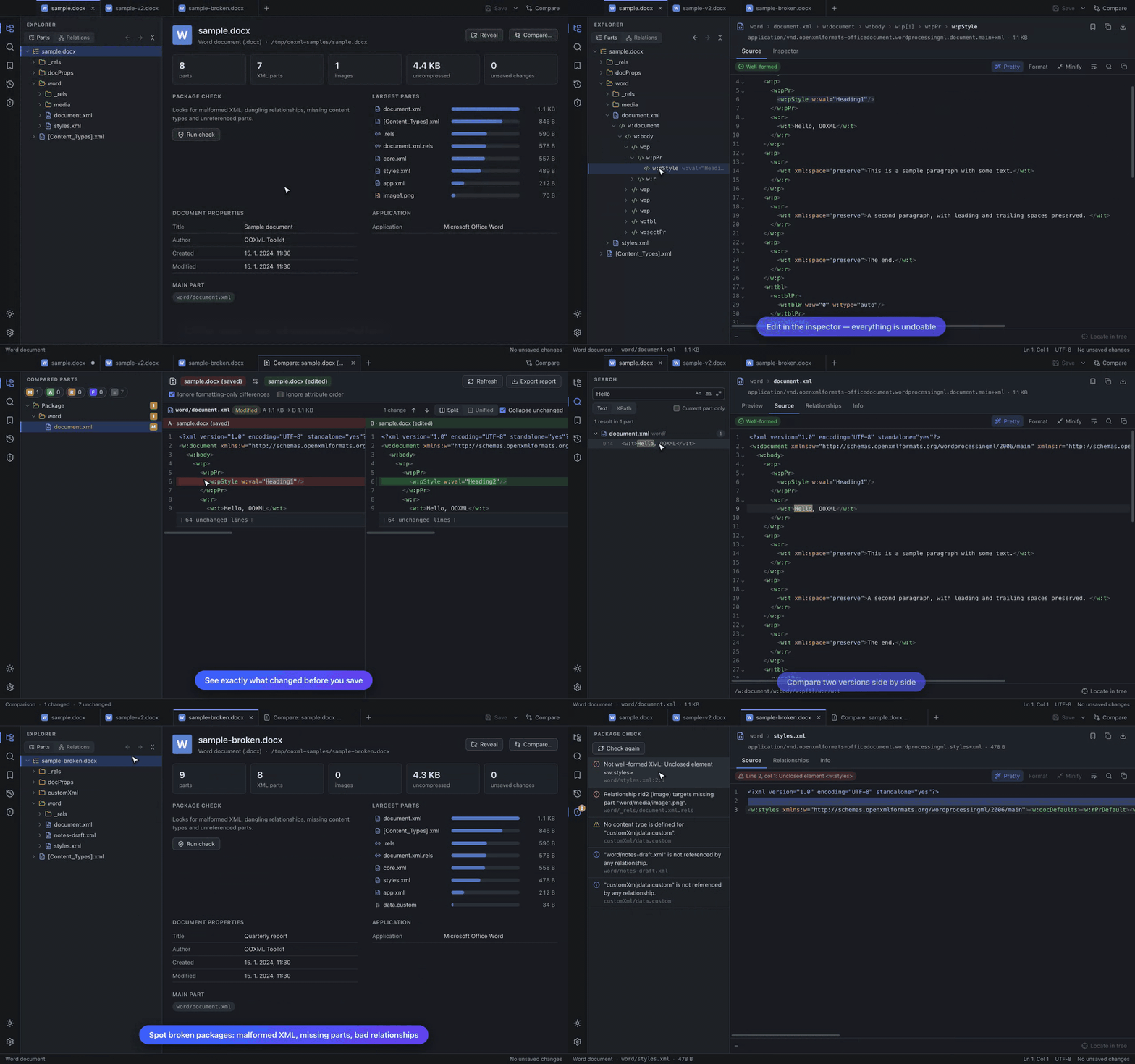
View, edit and compare Office Open XML packages (.docx, .xlsx, .pptx and friends) right down to the XML: a tree of every part and element, source editor and inspector, worksheet / document / slide previews, text / regex / XPath search, side-by-side comparison, bookmarks and history, and a package check. See the README and the user guide.
Known limitations
- Password-protected Office files and legacy binary formats (
.doc,.xls,.ppt) cannot be opened. - The package check verifies structure, not ECMA-376 schema validity.
- The slide and worksheet previews are simplified (no fonts/fills/charts; raw cell values).
- Builds are not notarized (see above) and there is no auto-update yet.
Full changelog: v0.1.1...v0.2.0