Repository navigation

·
6 commits
to main
since this release
e401a91
This commit was signed with the committer’s verified signature.
 DominikPalo
Dominik Paľo
Maintenance release: the app now runs on Electron 45, EMF / WMF previews are more faithful, and the project has contributing guidelines and a security policy.
Changed
- Electron 45. The app is built on Electron 45 (Chromium 156, Node 24.22), up from Electron 44, and
picks up the security fixes of the newer Chromium. - EMF / WMF previews. Metafiles are converted with emf-converter 4.24.0 (up from 4.11.3), which
places text, draws gradients and decodes CMYK images closer to how Windows renders them. - Dependencies. CodeMirror, React, electron-builder and the build tooling (Vite 8, electron-vite 6)
are up to date.
Project
- Contributing. The repository now has a code of conduct,
contributing guidelines,
a security policy for reporting
vulnerabilities privately, and issue forms for bug reports and feature requests. - Supply chain. Dependabot keeps dependencies and GitHub Actions current, pull requests get a
dependency review, every workflow action is pinned to a commit, and the repository is checked by the
OpenSSF Scorecard.
Downloads
| Platform | File |
|---|---|
| macOS — Apple Silicon (M1 and later) | OOXML-Toolkit-0.4.2-mac-arm64.dmg |
| macOS — Intel | OOXML-Toolkit-0.4.2-mac-x64.dmg |
| Windows 10/11 (64-bit) — installer | OOXML-Toolkit-0.4.2-win-x64-setup.exe |
| Windows 10/11 (64-bit) — portable, no install | OOXML-Toolkit-0.4.2-win-x64-portable.exe |
| Linux (64-bit) — any distribution | OOXML-Toolkit-0.4.2-linux-x86_64.AppImage |
SHA256SUMS.txt lists the checksum of every file.
First launch — the builds are not notarized yet
- macOS: drag the app from the
.dmgto Applications and open it once — macOS blocks it. Then open
System Settings → Privacy & Security, scroll down and click Open Anyway next to
“OOXML Toolkit was blocked”. (macOS 14 and earlier: right-click the app → Open instead.)
From a terminal, this does the same:xattr -dr com.apple.quarantine "/Applications/OOXML Toolkit.app".
Notarization needs a paid Apple Developer ID; until then this one-time step is required. - Windows: SmartScreen may warn about an unrecognised app — choose More info → Run anyway.
- Linux:
chmod +x OOXML-Toolkit-0.4.2-linux-x86_64.AppImage && ./OOXML-Toolkit-0.4.2-linux-x86_64.AppImage.
If it does not start, install FUSE 2 (libfuse2/fuse2).
About OOXML Toolkit
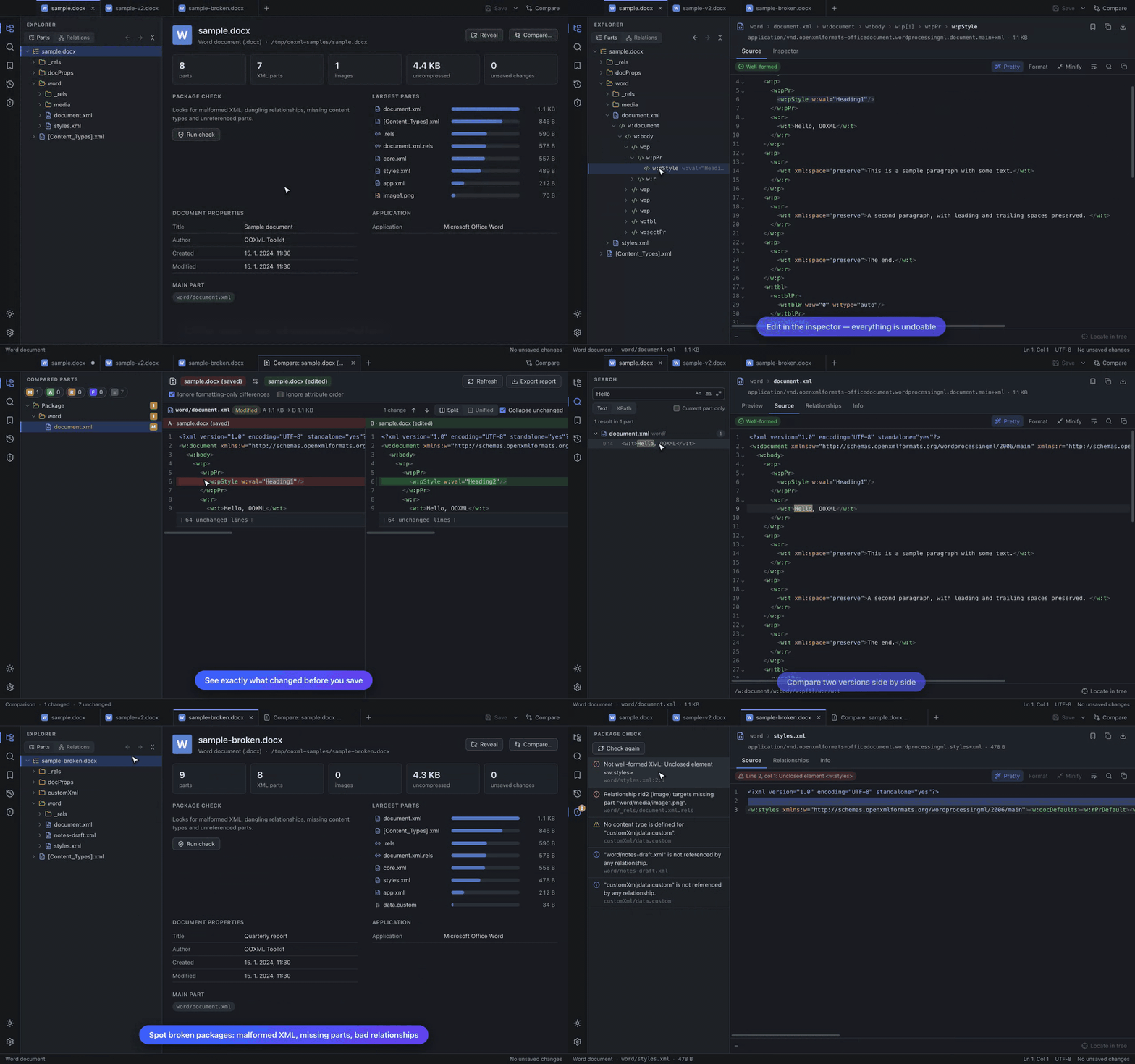
View, edit and compare Office Open XML packages (.docx, .xlsx, .pptx and friends) and OpenDocument packages right down to the XML: a tree of every part and element, source editor and inspector, worksheet / document / slide previews, text / regex / XPath search, side-by-side comparison, bookmarks and history, and a package check. Everything in 0.4.1 is included — see the README and the user guide.
Known limitations
- Password-protected Office files and legacy binary formats (
.doc,.xls,.ppt) cannot be opened. - OpenDocument files have no slide, document or worksheet preview yet.
- The package check verifies structure, not ECMA-376 schema validity.
- The slide and worksheet previews are simplified (no fonts/fills/charts; raw cell values).
- Builds are not notarized (see above) and there is no auto-update yet.
Full changelog: v0.4.1...v0.4.2