Repository navigation
Playdeck 6.0 — Less waiting. More playing.

Same shelf. Much less waiting.
Playdeck 6 preserves the bold native interface and removes repeated rendering work underneath it.
- Library refresh: 1,086 → 76 ms in the local 2,000-game / 20,000-session benchmark.
- Heavy scroll layout updates: 158 → 32 ms at the 95th percentile.
- Managed allocation during that workload: 118.6 → 29.9 MiB.
- Cached decoded artwork, retained virtualized rows, indexed session history and quieter focus/resize handling.
These are synthetic WPF layout measurements, not FPS or universal startup promises. Raw measurements and method.
A better play history
Foreground/background time, midnight-aware daily totals, weekly comparisons, average and longest sessions, clearer status reporting, CSV focus columns, stronger process identity checks and improved launcher handoffs. Older history is preserved. The UI closes when launching; the tracker exits after the game ends.
Downloads
- Playdeck-Setup-6.0.0.exe — recommended per-user Windows x64 installer, including runtime, uninstaller and Explorer integration.
- Playdeck-v6.0.0-win-x64.zip — extract and run Playdeck.exe.
- Playdeck-v6.0.0-source.zip — complete source and documentation.
- SHA256SUMS.txt — integrity hashes for all three files.
Uninstall preserves your library in %LOCALAPPDATA%/Playdeck. This build is unsigned. Only launches through Playdeck are tracked; protected games and some storefront handoffs may require a tracking executable. Sampled playtime includes pauses and is approximate.
Verified locally: 41 core/integration checks, 43 native UI checks, installed and extracted-app checks, install/upgrade/uninstall cleanup and preservation of the existing library. GitHub's independent Windows build also passed. Commercial-game/anti-cheat compatibility and the interactive installer wizard have not been exhaustively tested.
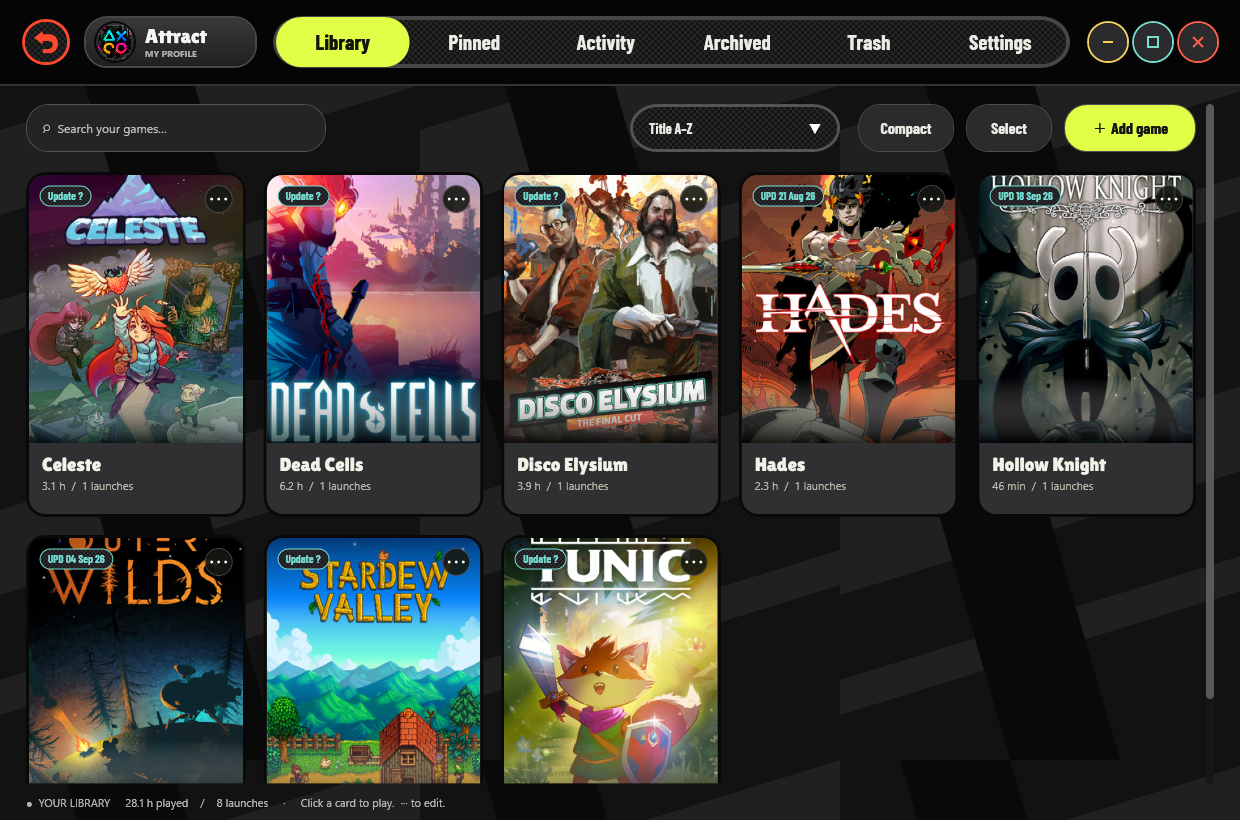
Banner: AI-generated promotional art. Screenshot: actual native app, with demonstration data.