Repository navigation

Release Notes — v0.0.52
Covers changes from v0.0.51 to v0.0.52.
Agent
-
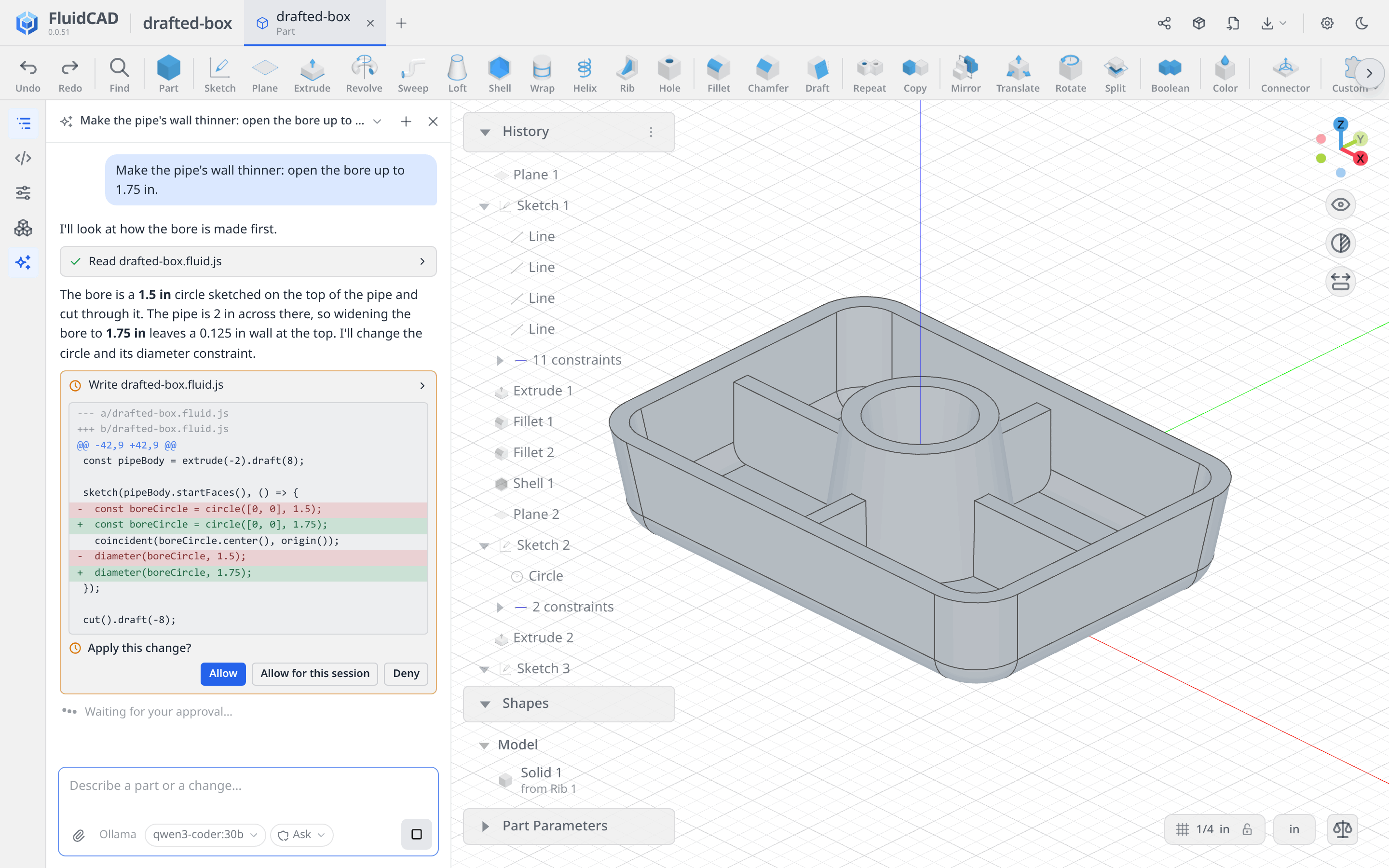
Click Agent, last on the left rail. Ask about the model or describe a change. The agent reads the code and the scene, measures, takes screenshots and edits the model files.
-
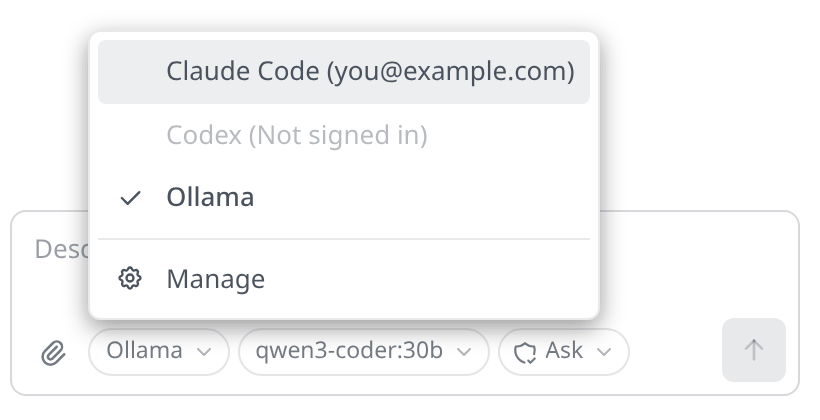
It runs your own Claude Code (on your Claude subscription) or Codex, signed in with your account. You can also use an API key (Anthropic, OpenAI, OpenRouter) or a local model (Ollama, LM Studio or any OpenAI-compatible server). FluidCAD does not charge for it.
-
Each change waits for you as a card, with the diff for a file edit: Allow, Allow for this session or Deny. The chip under the message box switches to Apply edits automatically.
-
Revert this turn puts back the files a turn changed.
-
Select faces or edges and they go with your message as
[1]. Pin the chip to point at more:[2],[3]. -
Attach images with the paperclip, a paste or a drop. Type
@to name a project file. -
The agent can search FluidCAD Hub and install a package. An install always asks first.
-
It works only through FluidCAD's own tools: no shell, and it never overwrites a file with unsaved changes in the editor.
-
Chats are saved in the project. Each answer shows the tokens it used, and a notice tells you when your plan's limit is near and when it resets.
-
Settings › Agent holds the agent for new chats, the edits mode, your API keys and local models, and the agents found on this computer.
Placing dimensions
-
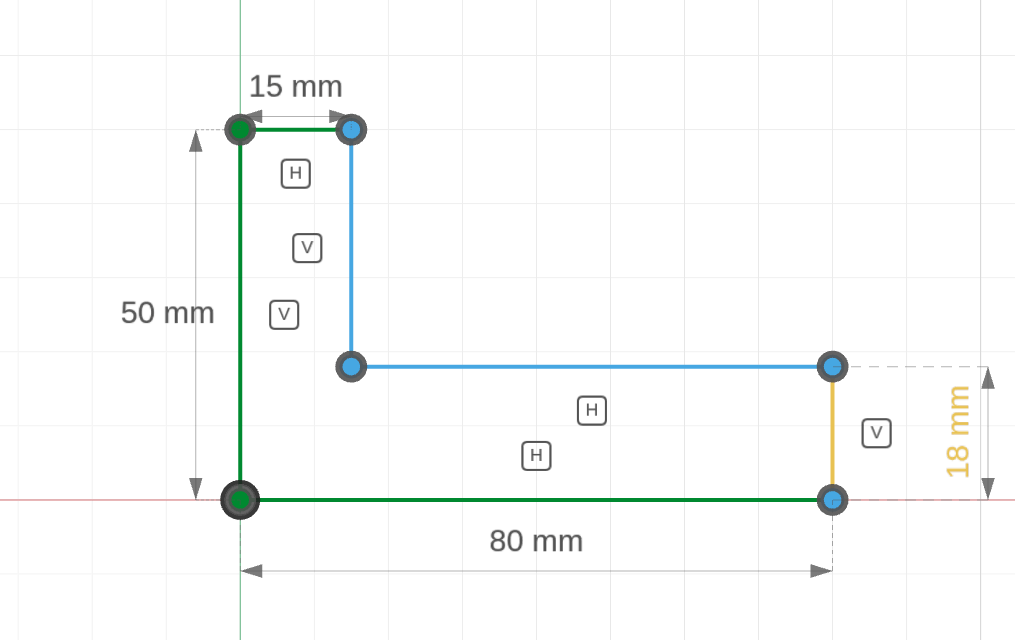
A new dimension follows the cursor. Click to place it where it reads best, then type the value. Type right away instead and it is laid out for you, as before.
-
Drag any dimension's label to move it. Reset label position in the History row's menu hands it back to the automatic layout.
-
The position is saved on the statement as
.labelAt(u, v). It moves only the label: the geometry stays the same. -
With one entity picked, click a second one to turn a length into the distance between the two.
Packages
- A package the project uses but this computer doesn't have now gets its own row in the Packages dialog, with its status, the install command and Install from the hub, in place of an alert.
MCP server
- New tools to search the hub, read what a package offers and install it into the project. Your MCP client asks before an install.
- Every tool is marked as read-only or as making changes, so clients know which to ask about.
- The screenshot tools can highlight each entry in its own colour.
Bug Fixes
- Unsaved changes in a browser tab you have closed no longer block writes to that file.
npx fluidcad mcpnow installs everything it needs to start:js-yamlwas missing from the package's dependencies.- In the desktop app, a page that closes no longer leaves its request open on the engine.