Repository navigation
v2.4.0

·
455 commits
to main
since this release

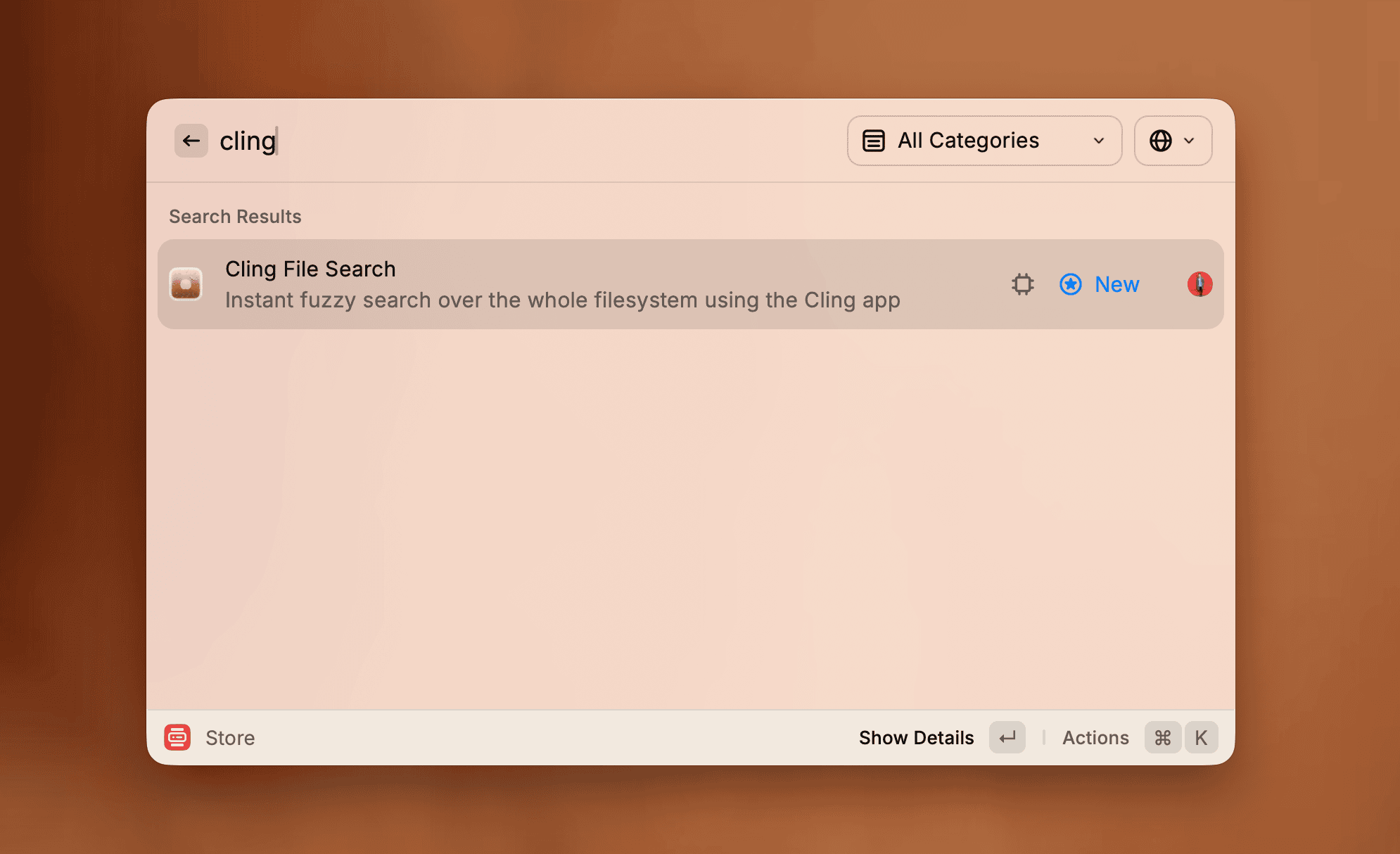
Raycast extension
Cling's fuzzy search extension is now generally available in the Raycast store!
Features
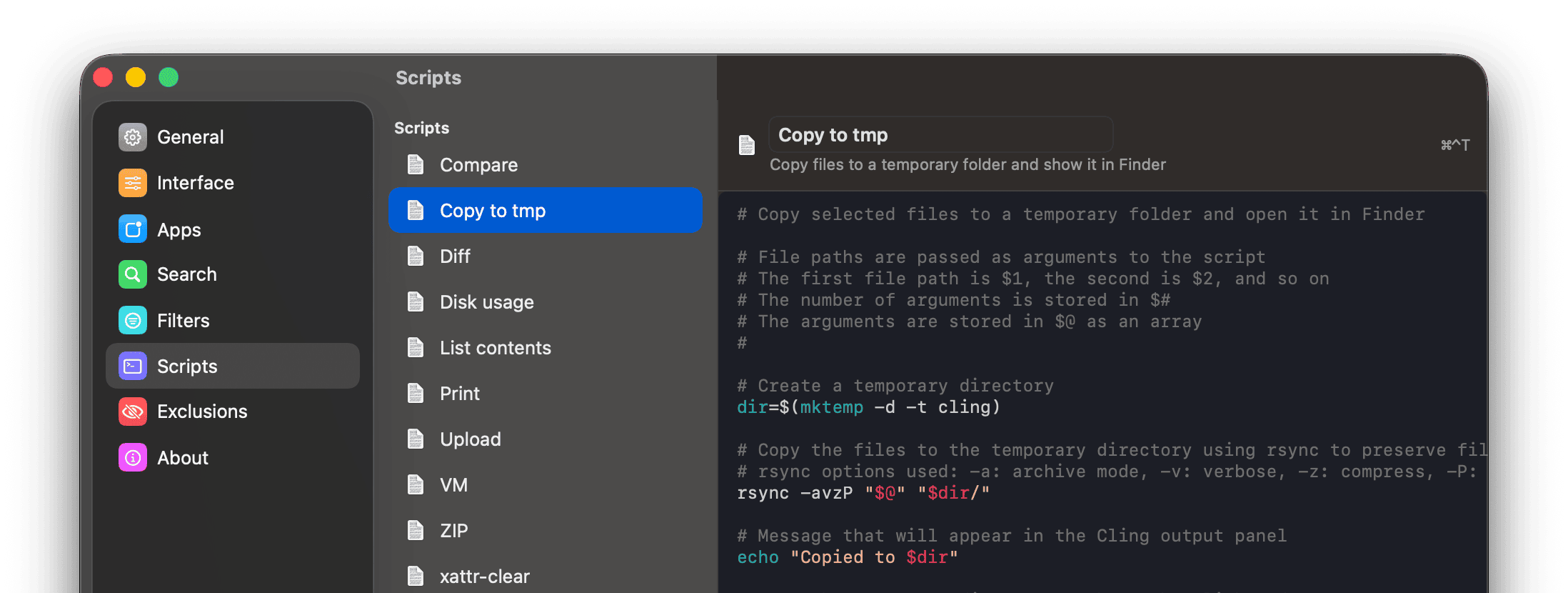
- Script Editor in Settings → Scripts
- Edit a script's code, name, and description in place, with create and delete built in
- Configure how each script behaves (file types, file-count limits, confirmation, running once per file, output) with toggles instead of editing comment settings by hand
- Each script has its own hotkey, pre-filled with an automatically assigned letter and changeable on the spot
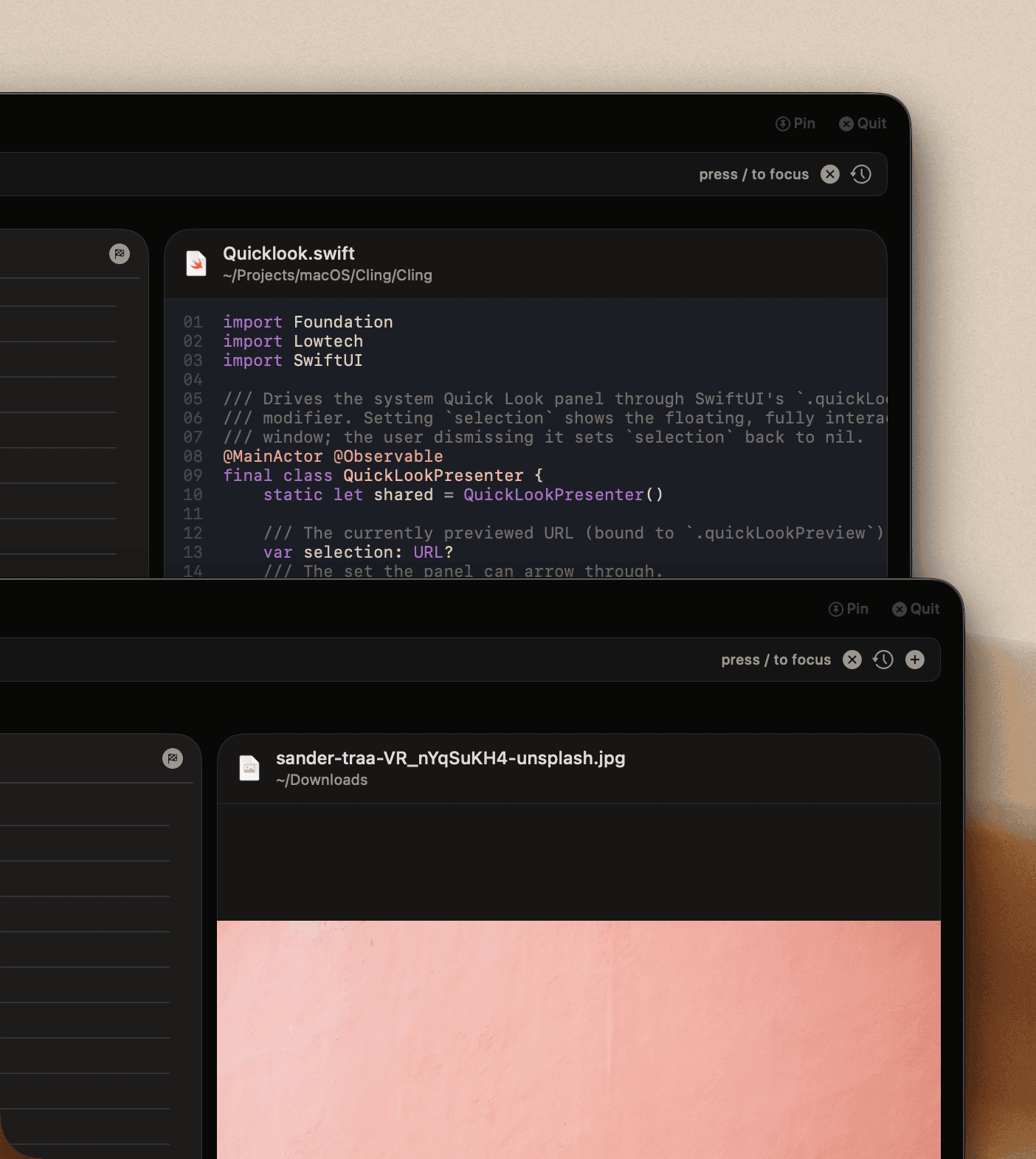
- File preview panel alongside the results, on by default and toggled with
⌘⇧P- Play and scrub video and audio, scroll PDFs, and pinch to zoom images, all inline
- Text and code files are syntax highlighted with line numbers
- Folders show their contents; archives and disk images (
.dmg,.iso,.zip,.rar, and more) list their entries without unpacking or mounting - Select several files and step through their previews with the
← →keys or the arrows in its header
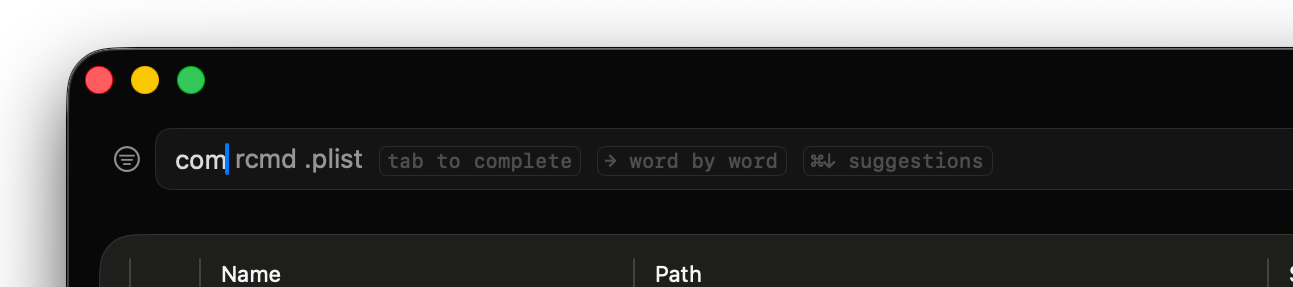
- Search autocomplete suggests a completion from your history as you type
Tabaccepts it in full,→takes it one word at a time⌘↓opens the full list of matching past searches
Improvements
- The Filter Editor is now reachable from Settings → Filters (previously it was only accessible by Option-clicking the filter button)
- The Settings window is resizable
- The show/hide hotkey can be set to Space, Return, Tab, or an arrow key, so combos like
⌥Spacework