Repository navigation
v1.1.0

·
146 commits
to main
since this release

Features
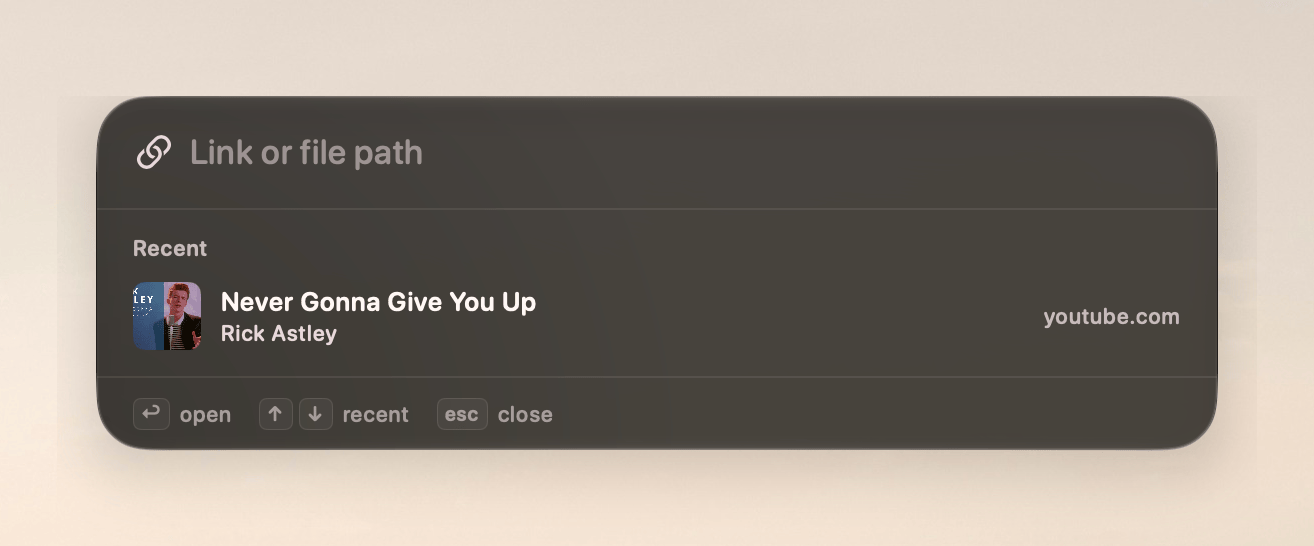
- Play songs from files and links by dropping them on the HUD, pasting them with
⌘V, or with Open File (⌘O) and Open URL (⌘L)Links to web pages are downloaded with yt-dlp, which Muskey can install for you
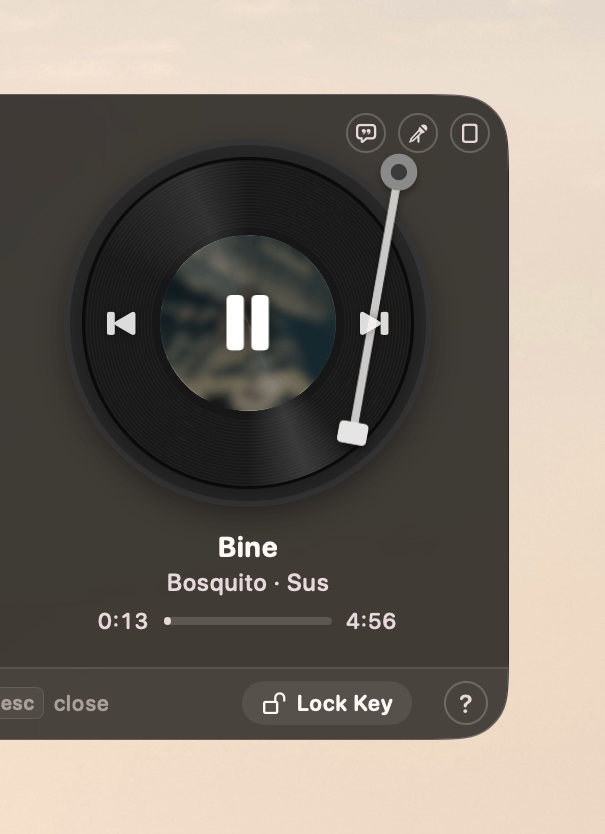
- Playback controls on the record, and a two-finger swipe to skip songs
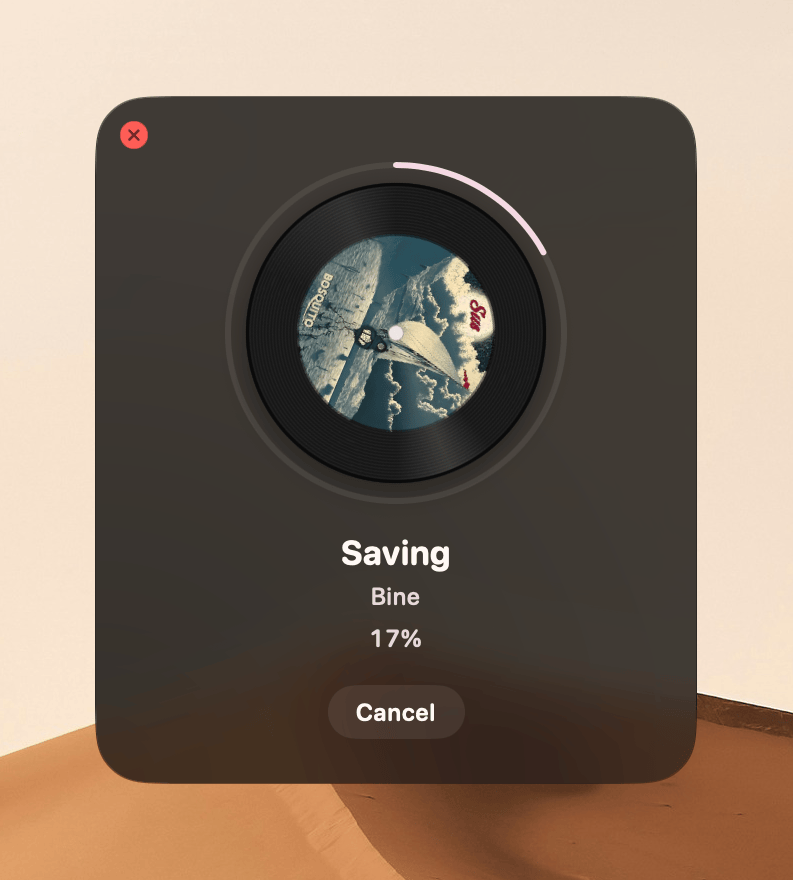
- Save Song with the changed key, tempo and instruments, as M4A, MP3 or WAV (
⌘S)Songs from other players are saved by recording them from start to end
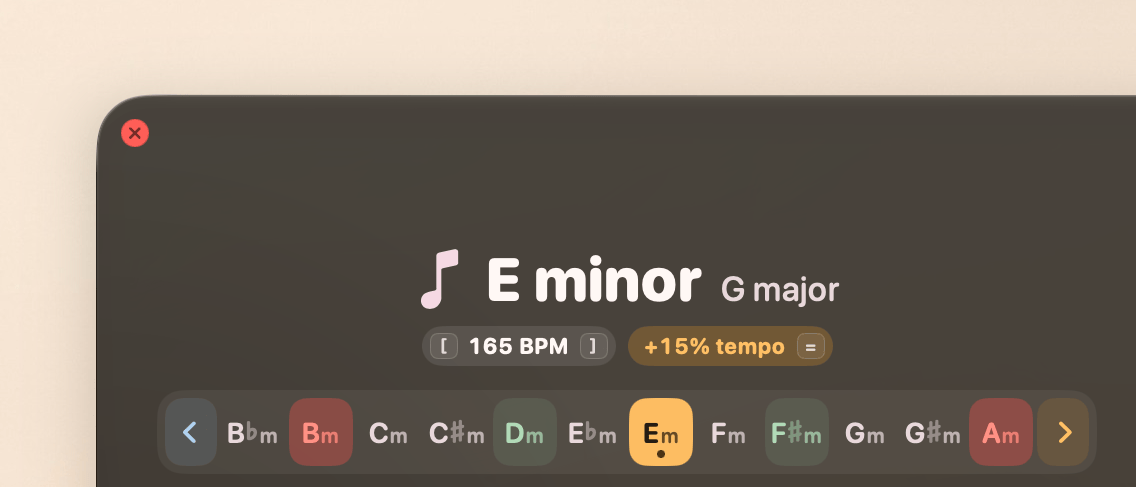
- Tempo of the song in BPM, under the key
- Change the tempo with
[and]without changing the keySongs from other players can only be slowed down, to as low as 50%
- Instant muting of instruments and vocals in songs opened in Muskey
- Volume for each instrument with a scroll over its circle
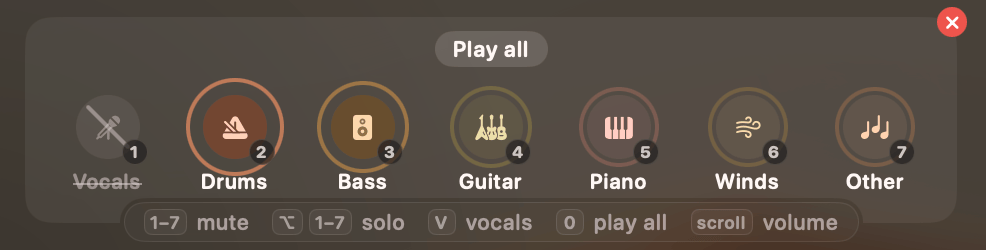
-
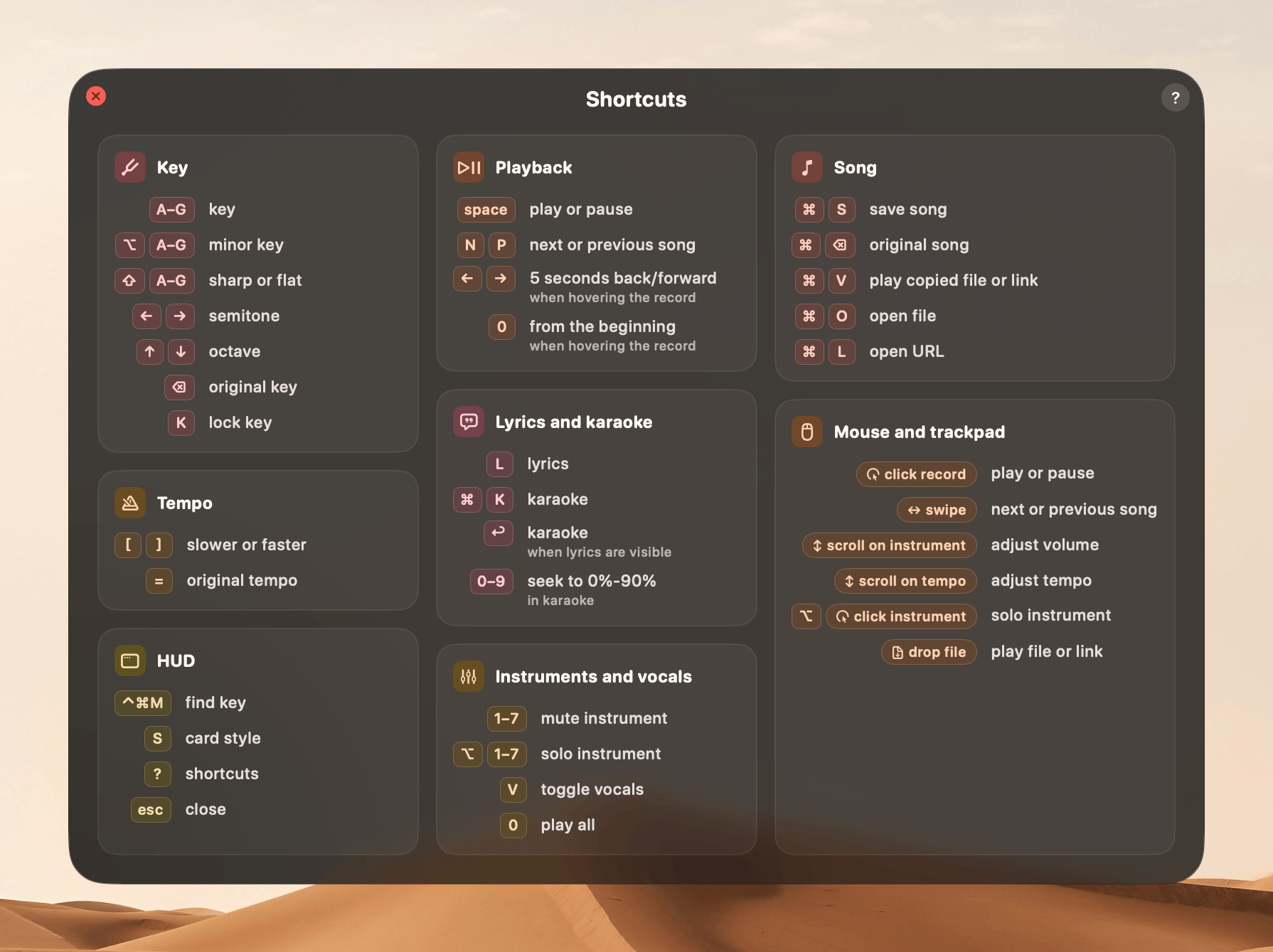
Seek and skip from the keyboard
Move 5 seconds back or ahead with
←→Start the song over with
0Jump to 10% to 90% of the song with
1to9over the record or in karaokePlay the next or previous song with
NP -
Shortcuts for every key and gesture, with
?
- Re-detect key with a click on the key
- Reset the key, tempo and instruments at once with
⌘⌫ - More synced lyrics from lrc.red, NetEase Cloud Music and the AMLL TTML DB
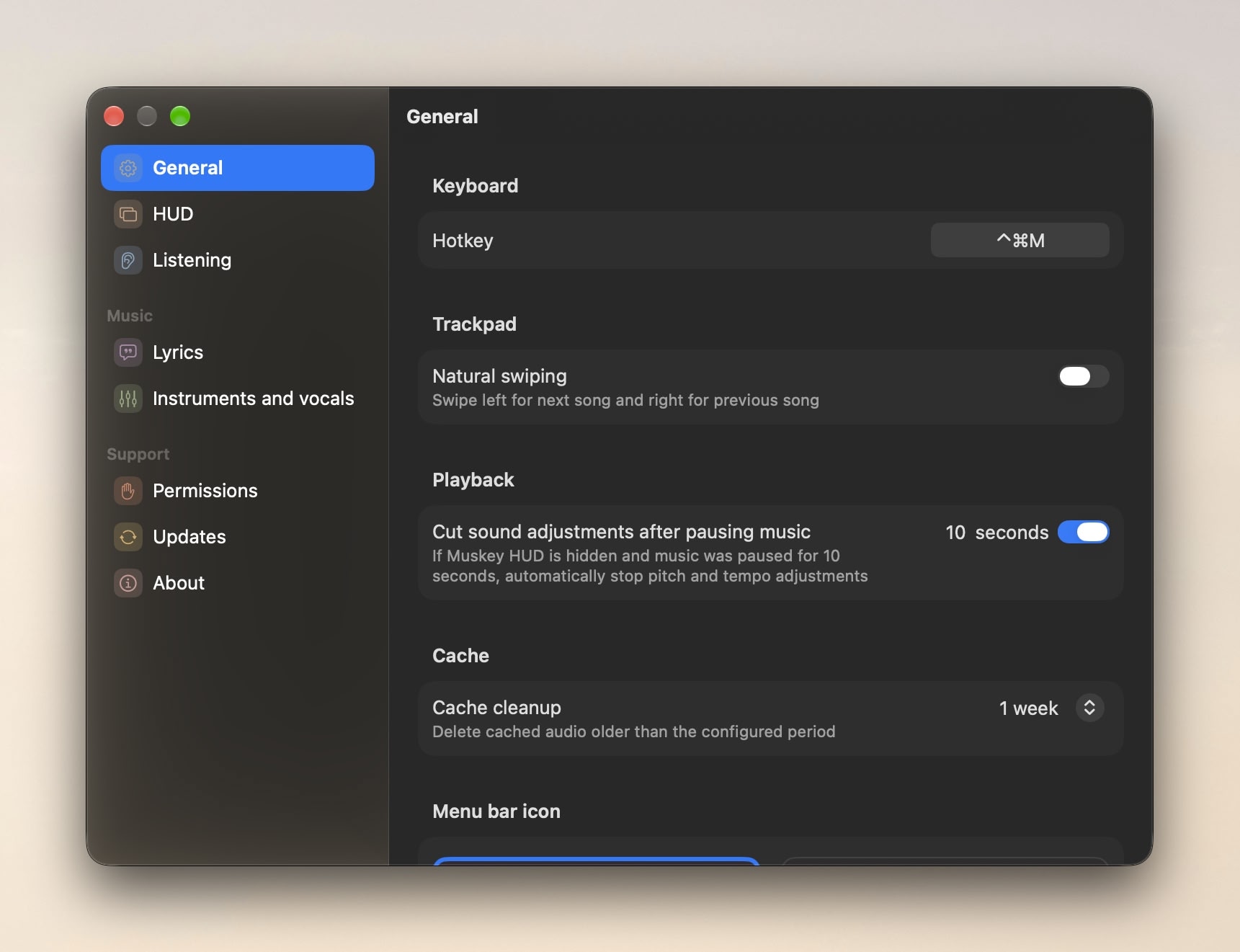
- Option to Cut sound adjustments after pausing music
- Cache cleanup for separated instruments and downloaded songs
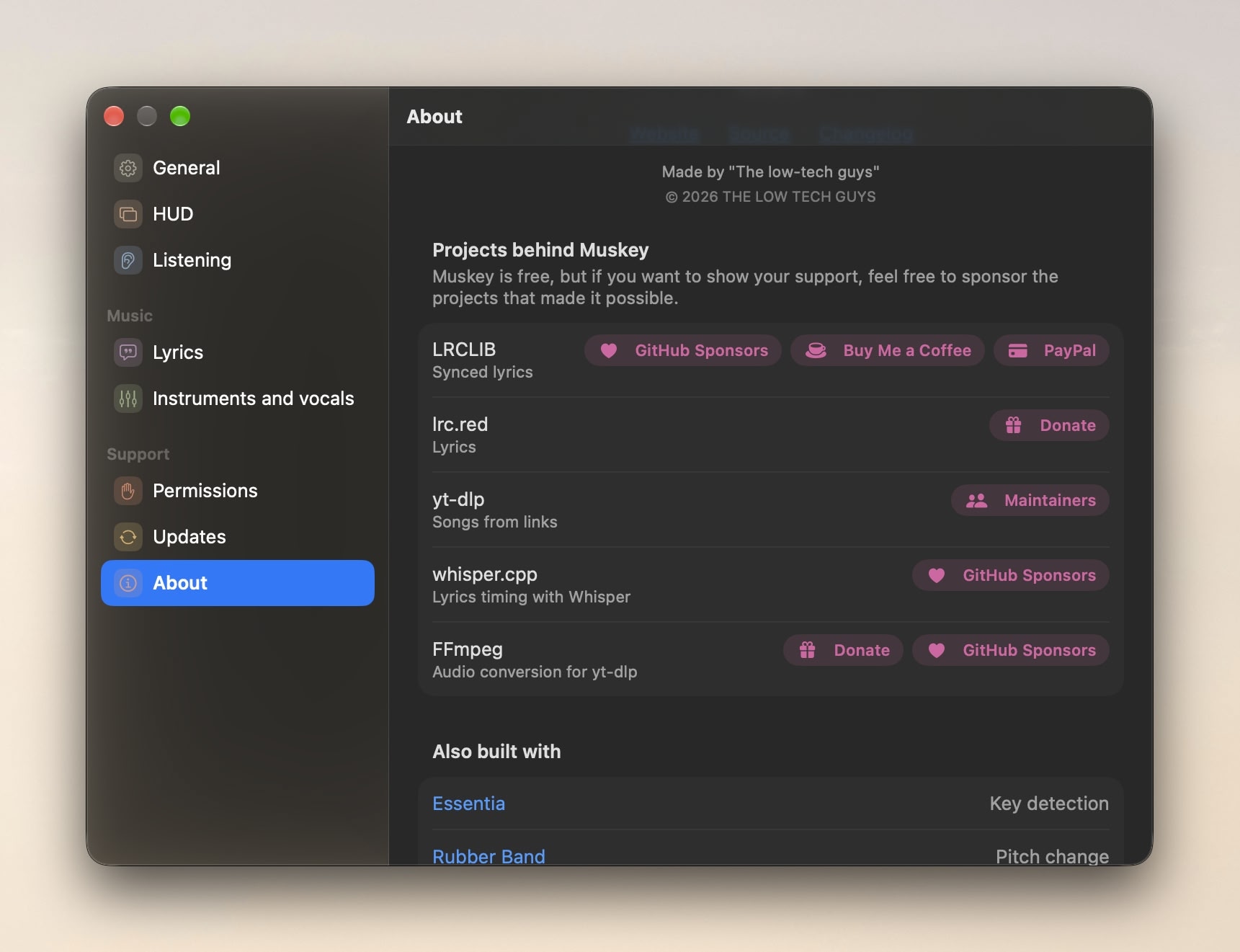
- About pane in Settings, with ways to sponsor the projects that Muskey is built on
Fixes
- Fixed a possible freeze when a key change stops or the output device changes while instruments or vocals are muted
- Fix right clicks doing nothing near the HUD
- Fix Settings opening behind other windows after
⌘,in the menu bar menu - Fix the HUD not moving when dragged while it listens
- Fix the HUD showing a key heard over two songs when the song changes during a listen
- Don't flip the keys to the other mode when Option is held while the pointer is away from the HUD
Improvements
- A song whose key was detected before shows its key instantly, without listening again
- The HUD stays open until it is closed, unless Auto-hide is enabled in Settings > HUD
- The HUD opens where it was last dragged
- Scroll over the time bar to move the song
- Karaoke starts the song over after a short countdown
- Karaoke opens with
⌘Kfrom the HUD - Vocals pill under the key in karaoke, which mutes or plays the vocals (
V) - Karaoke goes back to the start of the song with a fade
- Fade rewind effect, next to Scratch
- New colours for the instruments and vocals, which light up as each one gets louder
- Muted instruments are striped, with a faint red ring
- Lyrics are looked up again when the Mac is back online
- The key in the menu bar is as tall as the icons next to it