Repository navigation

·
24 commits
to main
since this release

Features
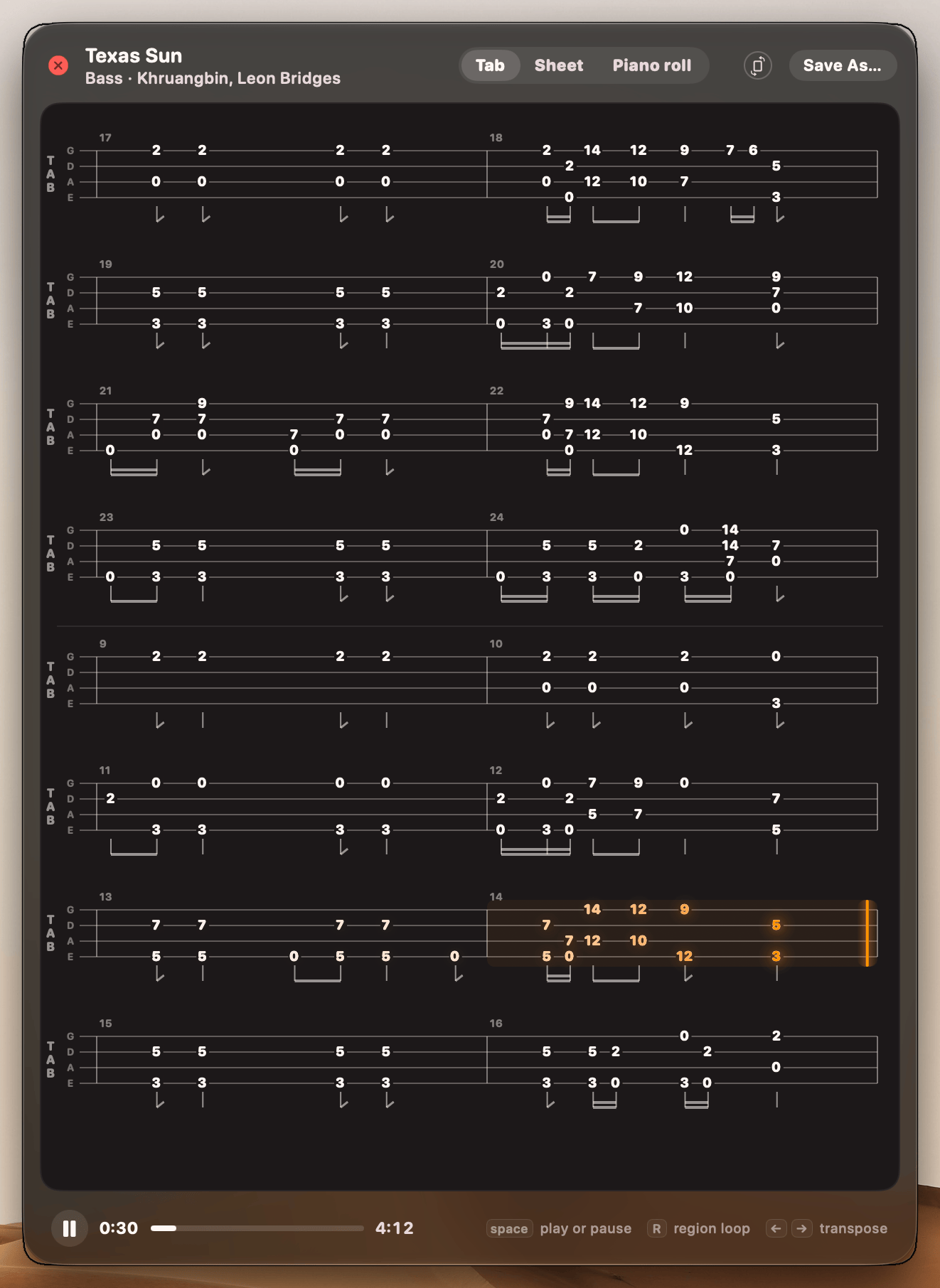
- Transcribe notes of any instrument into tab, sheet music or piano roll, with a local state of the art AI model (
T)Save the notes as MusicXML, MIDI or text tab
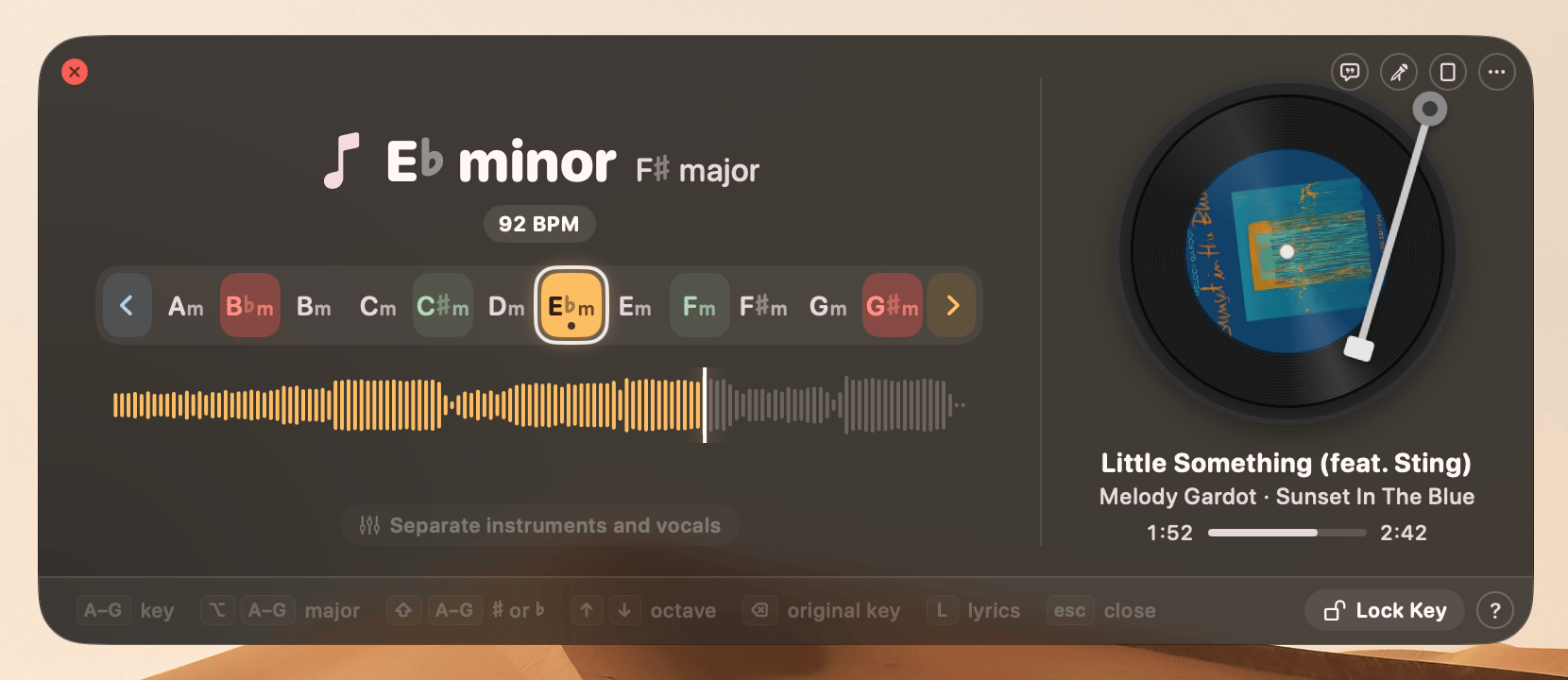
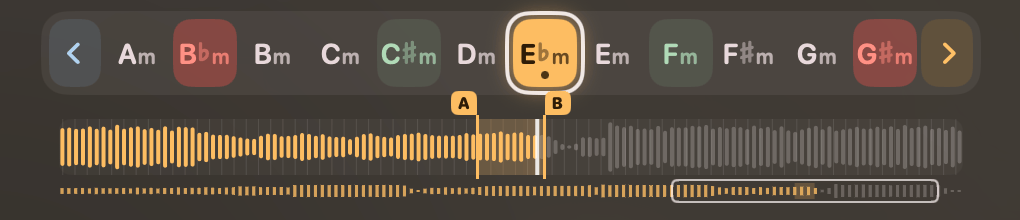
- Waveform of the whole song under the key row (
W)
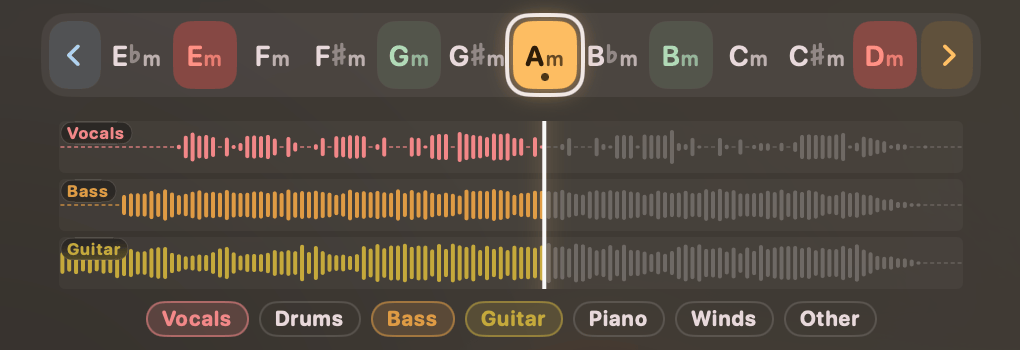
- One waveform per instrument (
⌥W)
- Region loop with
RThe ends snap to the beat, or to the notes once they are transcribed
Nudge an end with
←→while the pointer is over its tab
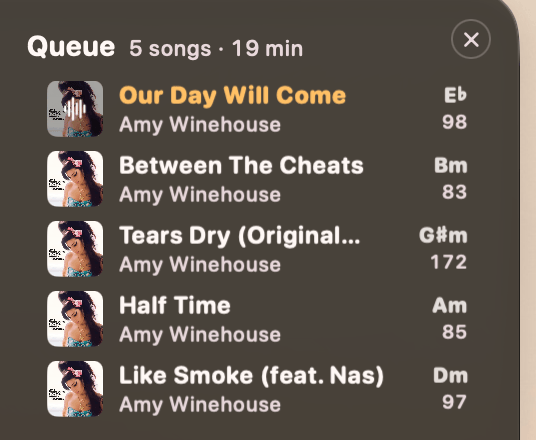
- Queue on the back of the record (
Q)Drop files on the HUD to play them now or add them to the queue
- Mini player that floats over other windows (
M)

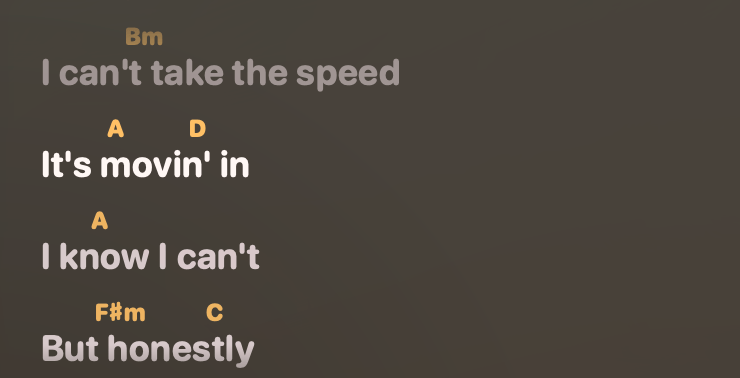
- Chords over the lyrics and in karaoke, for songs opened in Muskey
Transpose them with
←→, or set a capo with⌥←⌥→
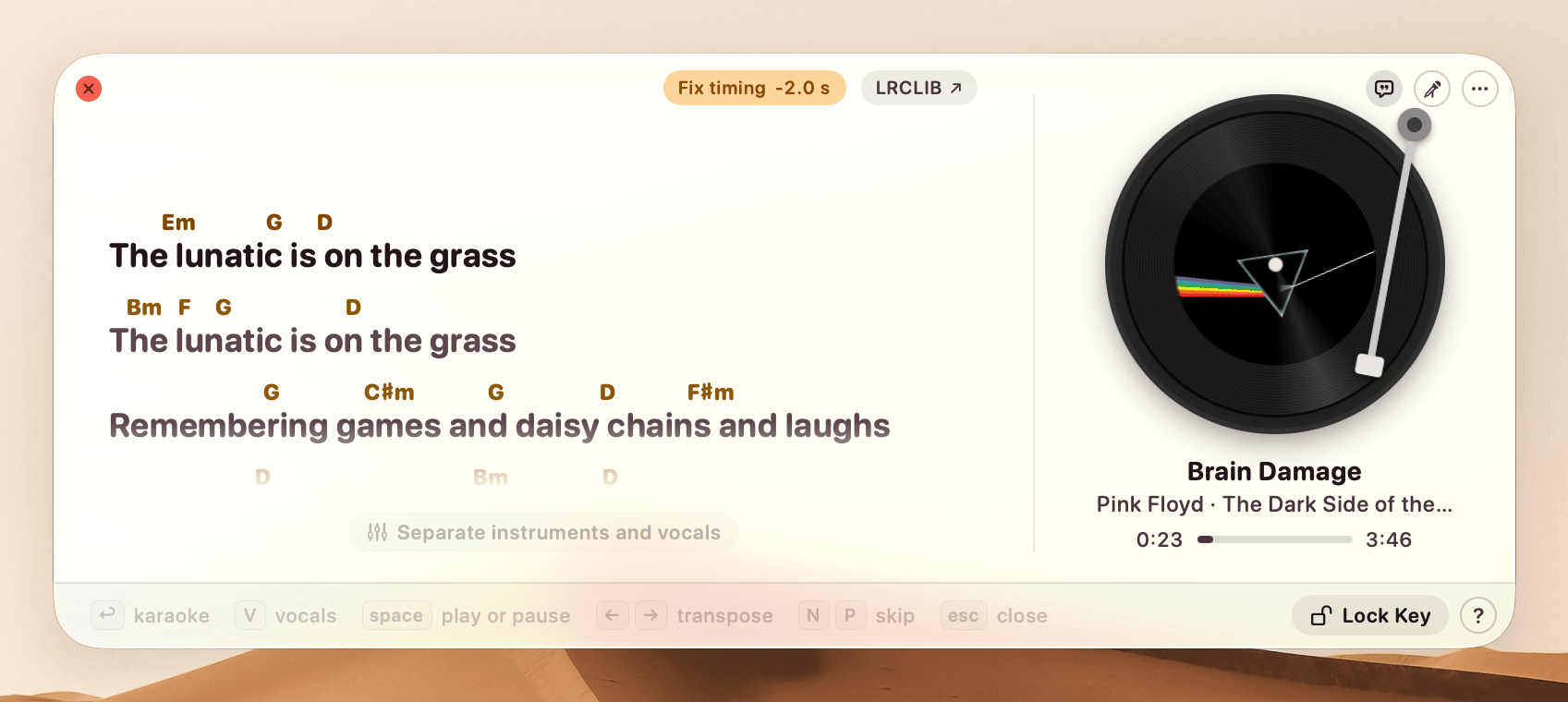
- Fix timing for lyrics that show early or late, detected through a local AI model running on the vocals
Move the lines half a second at a time with the arrows over the timing pill

Fixes
- Stop recording the Mac's sound while the song is paused during a listen
- Fix the HUD going on from where the song was when the song that plays is opened again
- Fix the keys over the HUD not working after a listen that heard silence or found no key
- Fix the keys over the HUD stopping when the HUD changes size under a pointer that stays still
- Fix songs from direct links showing a cache file name as their title
Improvements
- The HUD moves back to the bottom centre with
⌘⌥C - The selected key has a ring and a soft glow, to stand apart from the related keys
- Much lower CPU and energy use while the HUD shows a song that plays
- Record rotation speed can be changed in Settings > HUD
- Holding
⇧over the HUD highlights the sharp and flat keys that a letter picks - Lyrics without times follow the singing more closely
- Seeking works while the instruments are separated as the song plays
- Songs play untouched at their original key, without the pitch shifter in between
- Titles that end in a file extension like
.mp4show without it - The
⋯menu lists every action that has a key - Settings open with
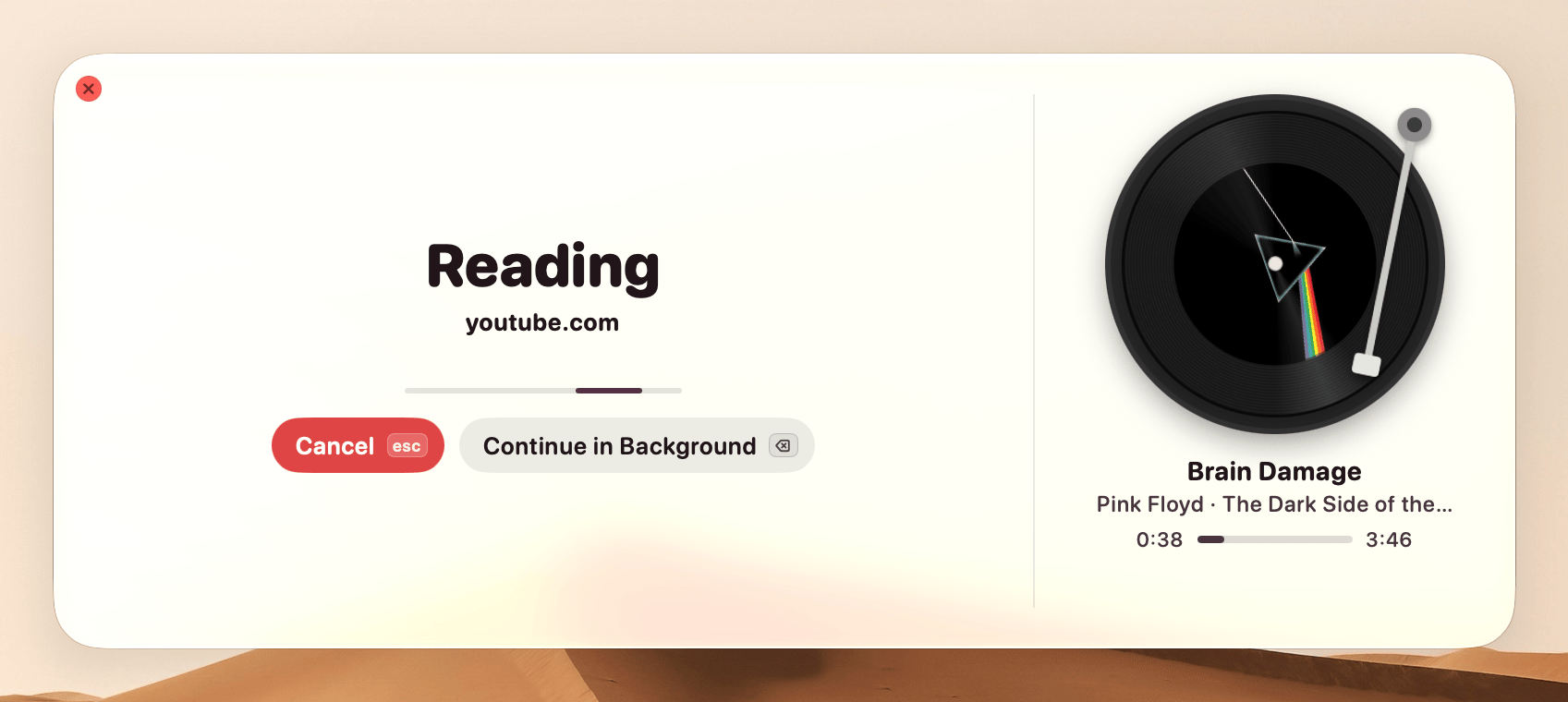
⌘,while the pointer is over the HUD - Links and network files show their download progress in the HUD, with Cancel (
esc) and Continue in Background (⌫)