Repository navigation
Simplerxy-0.0.4

Đã biên dịch ra binary hoàn tất, chỉ đem về và chạy.
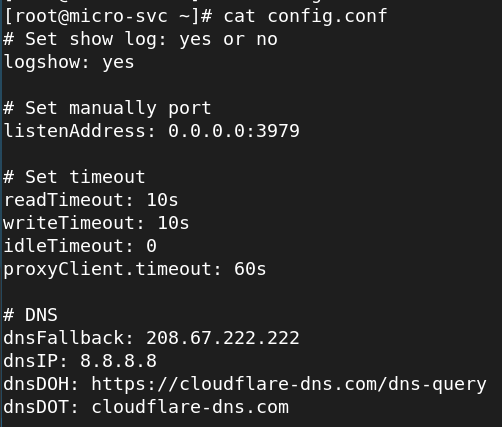
- Có gì khác: bổ sung cấu hình DNS bên trong Simplerxy, chủ động bật tắt coi log truy vấn DNS.
- Vấn đề gì còn tồn động: chưa mần chức năng cache DNS (hiển thị lịch sử truy vấn cache, dung lượng cache Megabyte, thời gian cache N giây). Lý do não hết suy nghĩ được rồi, vừa học vừa mần, lú lẫn thế sự.
- Trên Windows, dùng Notepad mở
WINDOWS_PROXY_TOGGLE.bat, tìmSimplerxy-win-amd64.exerồi thay phiên bản 64bit hay 32bit, chạy bậy là ăn cám, lưu lại. Bấm vào nó để chạy, nếu có hiện bảng firewall hỏi thì bấm "Yes" hay "Allow". Xài xong, bấm dấuXtrên cửa sổ dòng lệnh là được, nó sẽ tự trả về mặc định Windows như hồi chưa chạy proxy này. Hông xài nữa thì xóa tập tin.exeđi, vào Windows Firewall tìm mục đã thêm rồi xóa.
Compiled to binary, just download and run.
- What's new: Added DNS configuration directly inside Simplerxy, allowing you to manually toggle and view DNS query logs.
- Known issues / Pending features: DNS caching has not been implemented yet (showing cached query history, cache size in Megabytes, cache TTL in N seconds). Reason: My brain completely fried. Learning while coding made me lose my mind.
- On Windows: Open
WINDOWS_PROXY_TOGGLE.batwith Notepad, locateSimplerxy-win-amd64.exe, and replace it with your actual executable 32-bit or 64-bit version - run the wrong one and you're cooked. Save the file, then click to run it. If a firewall popup appears, click "Yes" or "Allow". When you're done, just close the command prompt window by clickingX, and Windows will automatically revert to its default state. If you no longer need it, delete the.exefile, then open Windows Firewall to find and delete the added rule.
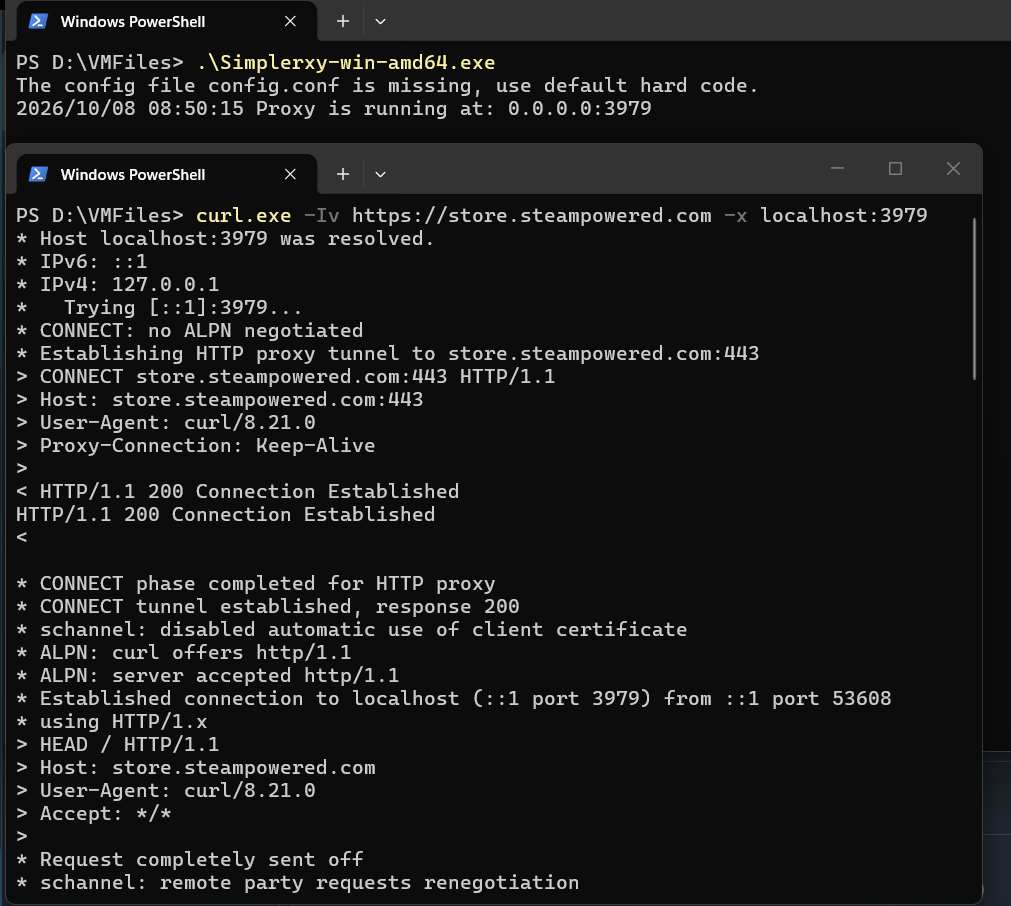
Hình cho đội Windows / Photos for Windows buddy: