Repository navigation
Releases
Releases · GKihlstadius/mr-mail
Mr Mail 0.7.1

Full Changelog: v0.7.0...v0.7.1
Mr Mail 0.7.0
Full Changelog: v0.6.1...v0.7.0
Mr Mail 0.6.1
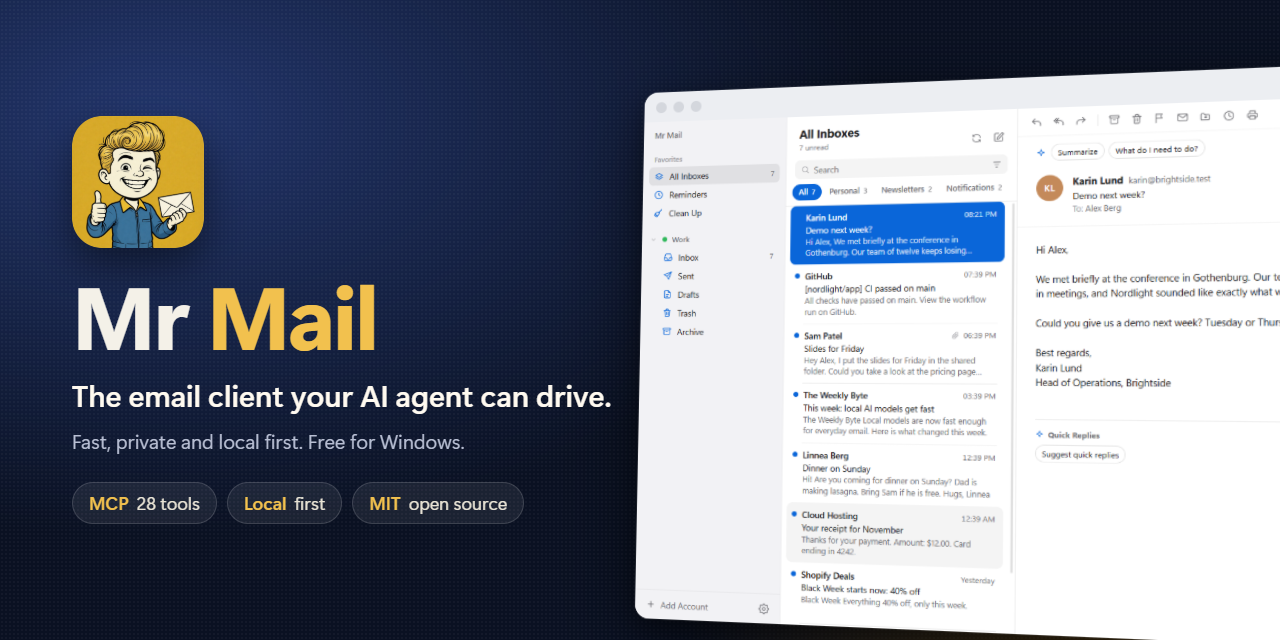
What's new
- New icon: a retro mascot with a letter.
- The taskbar shows the Mr Mail icon instead of the Electron icon.
- CI and release workflows: tagged versions are built and published automatically.
Install
Download MrMail-Setup-0.6.1.exe below and run it. Already on 0.6.0? The app offers the update itself.
The installer is not code signed yet: if SmartScreen appears, click More info, then Run anyway.
Mr Mail 0.6.0

The first public release of Mr Mail, a fast, private email client for Windows that your AI agents can drive.
Highlights
- 22 MCP tools for Claude Code, Zed and any MCP client: search, read, draft, edit drafts, attach files, read attachments (Word, Excel, PowerPoint, text), schedule, remind, clean up. Nothing is sent unless you ask.
- Smart inbox with Personal, Newsletters and Notifications tabs.
- Clean Up: see who sends the most, one click unsubscribe, archive or delete everything from a sender.
- Undo send, archive and delete. Multi select. Send later and Remind me.
- Actionable notifications: archive, mark as read or reply from Windows.
- English and Swedish, light and dark mode, automatic updates from GitHub Releases.
Install
Download MrMail-Setup-0.6.0.exe below and run it. The installer is not code signed yet, so SmartScreen may warn: click More info, then Run anyway.
Like it? See Support the project.