Repository navigation
Native DirectX 12 Experimental Benchmark for Linux — v0.1.6

An experimental Direct3D 12 benchmark for Linux that runs directly on NVIDIA GPUs — without Vulkan or VKD3D translation layers. Vulkan is included only as a separate comparison backend.
Install
Download the updated single-file installer NDX12-Benchmark-v0.1.6-G7az.run from this release, then run:
sudo bash NDX12-Benchmark-v0.1.6-G7az.runOpen Native DX12 Benchmark from the desktop or application menu. The installer does not automatically start GPU work.
Debug mode
To open the launcher with live debug output, run as your normal desktop user (without sudo):
ndx12-benchmark --debugThe terminal displays timestamped Run Log messages, benchmark and demo process output, launch commands and exit codes. Review debug output for private information before sharing it.
What's new
Native GPU benchmark workloads
- Updated DXIL → NIR → NAK compilation and native NVIDIA execution, including shared-memory optimizations and improved GPU command/resource handling.
- VRAM placement work for QMD, shader arguments and buffers.
- Compute suite, D4, K Chain, WaveForm, ParallelSort (including 4096-element variants) and FWHT workloads.
- Additional experimental workloads: Cube Matrix + Neural Grid, plus Sponza raster and lighting tests at 1080p and 4K.
- Separate Vulkan reference runs for supported workloads; results and memory placement remain explicitly identified.
Native graphics demos
- Earth 4K: animated globe, camera controls and on-screen HUD.
- nBody 128: native particle animation, with a separate Vulkan comparison option.
- nBody 10K / nBody 4K: 10,240-particle animation at 1920×1080 or 3840×2160.
- X11 and Wayland presentation paths, selected according to the desktop session where supported.
The package includes architecture profiles for GeForce RTX 20, 30, 40 and 50 series. GPU model, exact NVIDIA Open driver version and demo/workload support are checked separately. A packaged profile does not imply that every hardware/desktop combination has been tested.
Redesigned desktop application
- Qt Quick interface for Benchmark, Demos, Results, GPU Monitoring, GPU Control and Settings.
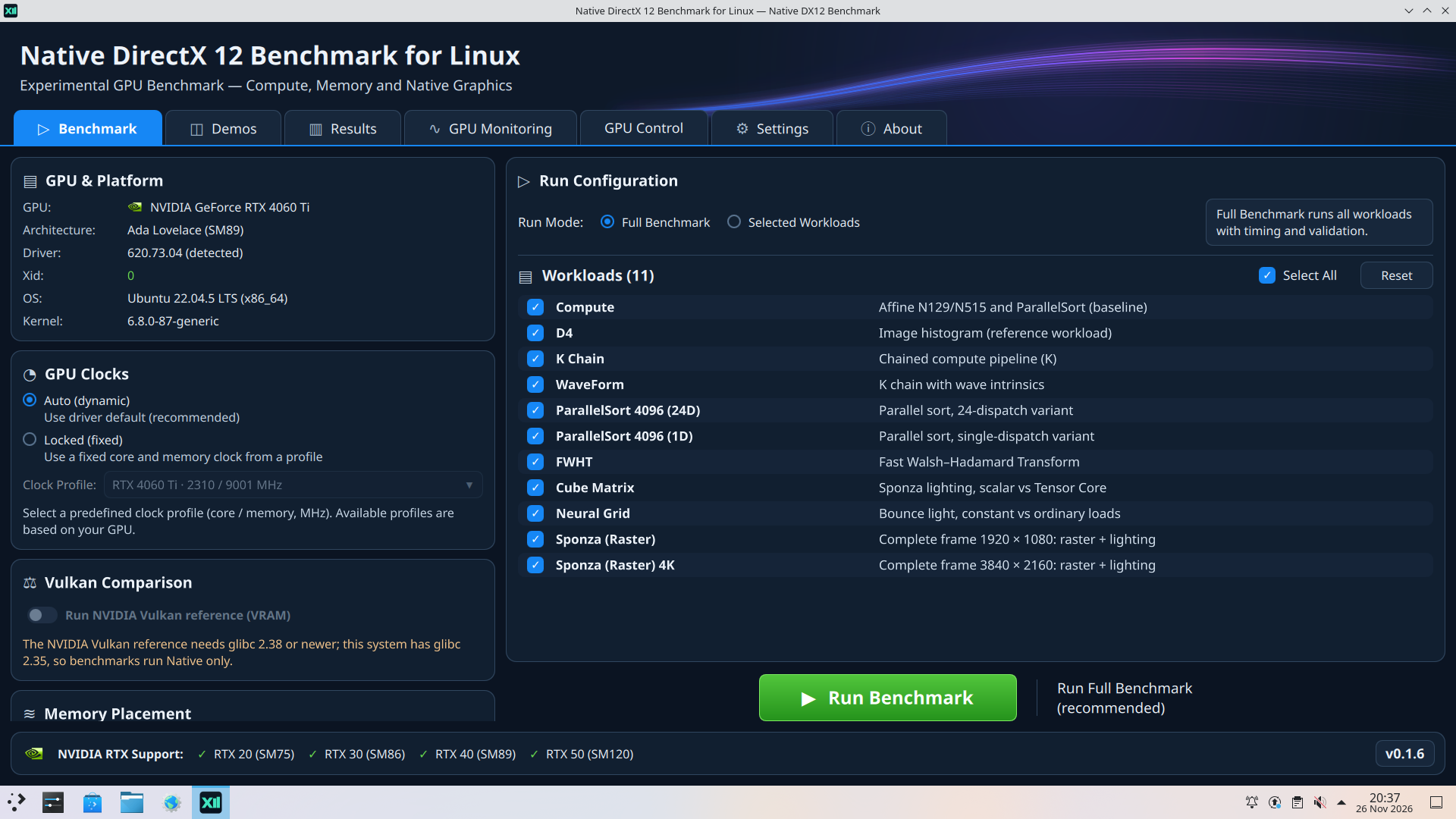
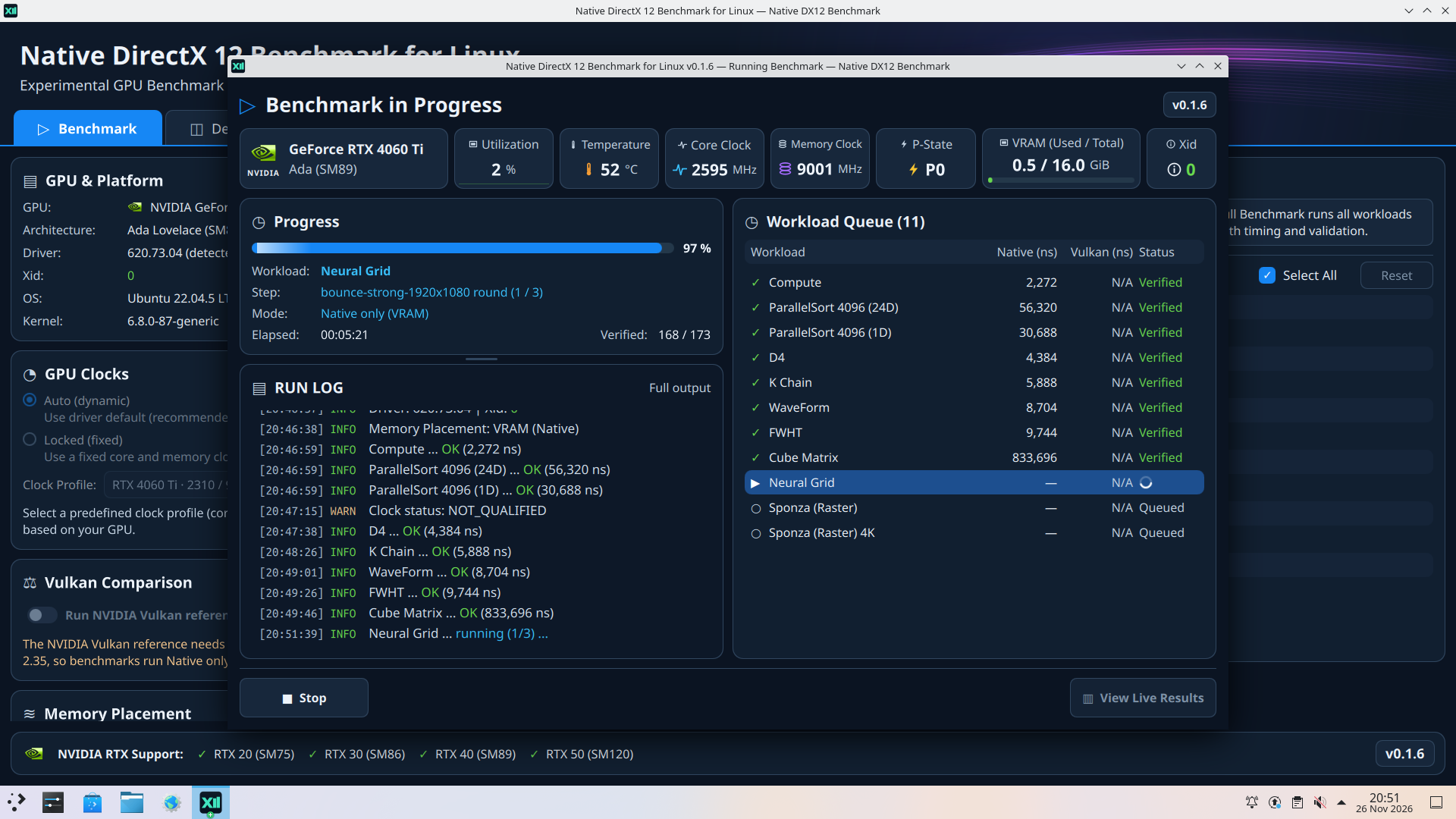
- Workload selection, Native/Vulkan comparison choices, progress display, Run Log and benchmark results.
- Single-file offline installer with a desktop launcher, update/rollback provisions and an uninstall option.
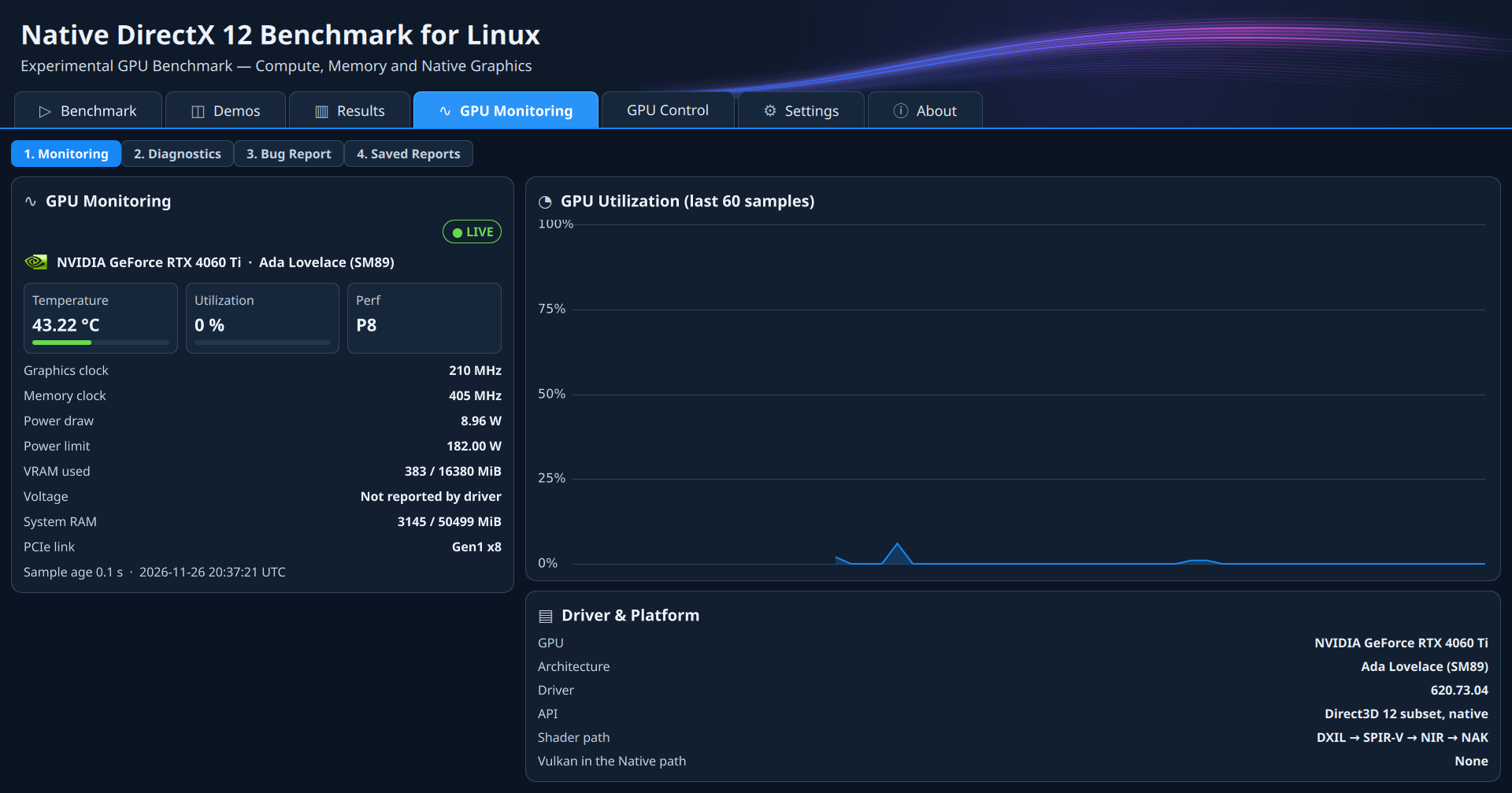
- GPU Monitoring: live temperature, utilization, graphics/memory clocks, memory usage and other available telemetry.
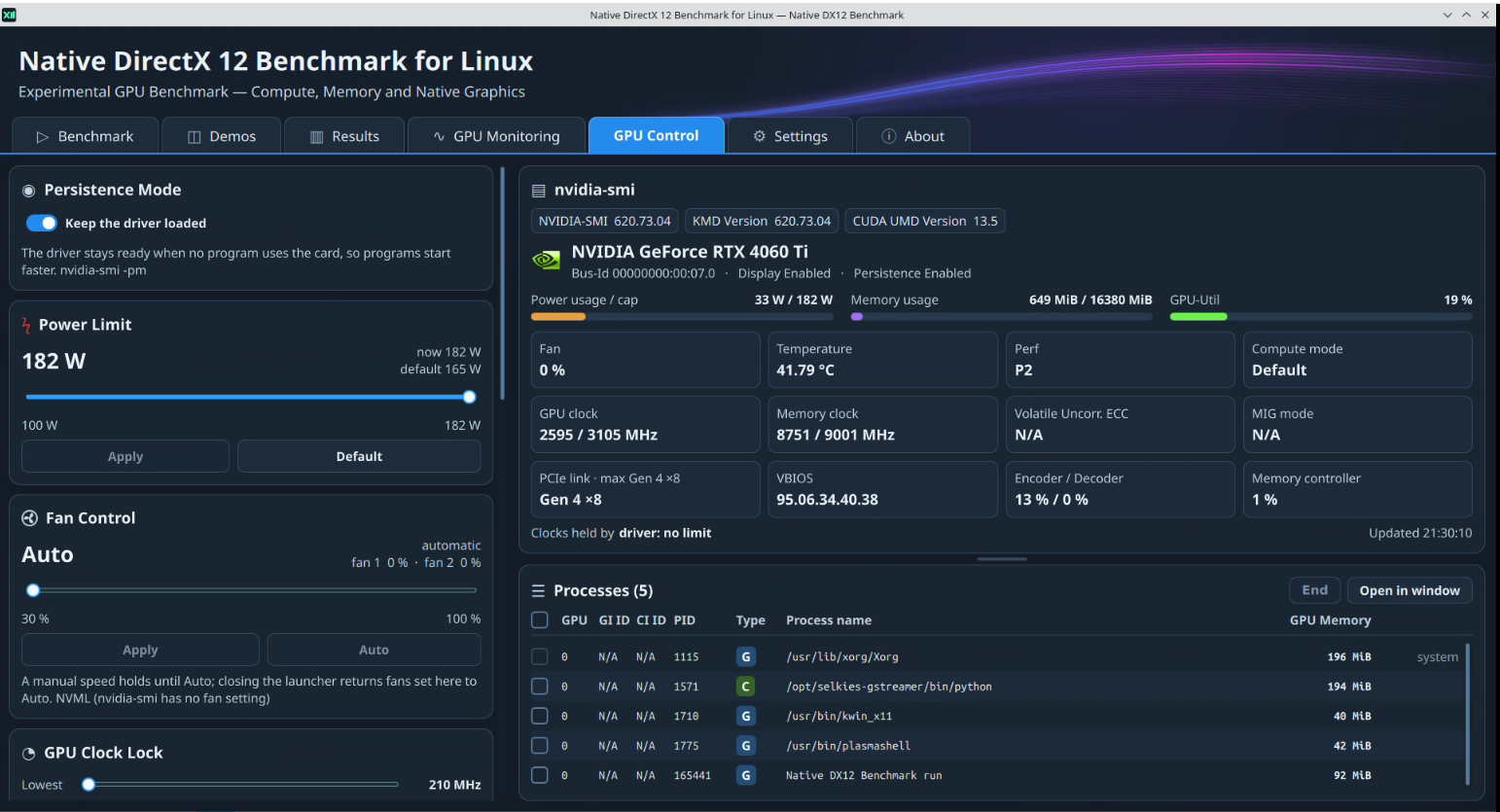
- GPU Control: selected
nvidia-smiand NVML functionality, including supported clock, power and fan controls; a GPU processes list can be opened in a separate window. Available controls depend on the card and driver.
Diagnostics, Bug Report and Saved Reports
- Diagnostics: one-click, read-only checks with terminal output.
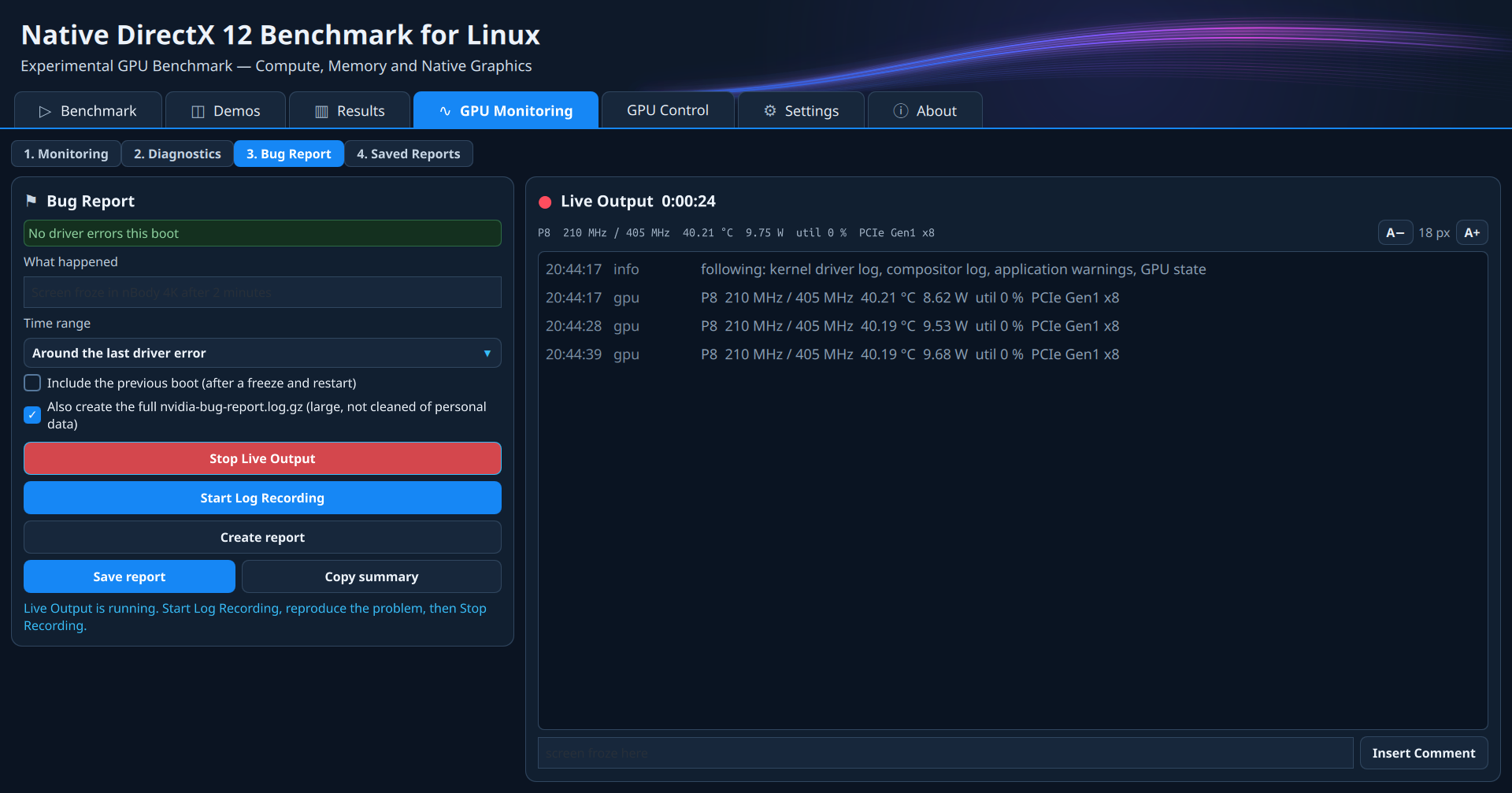
- Live Output: ongoing application and GPU events, with a text size control directly in the panel.
- Log Recording: start/stop recording independently from Live Output, add comments, and preserve repeated events in the record.
- Bug Report: create an English diagnostic report, preview it, copy a summary or save as Markdown or plain text. Where requested, an NVIDIA bug-report archive can accompany the report.
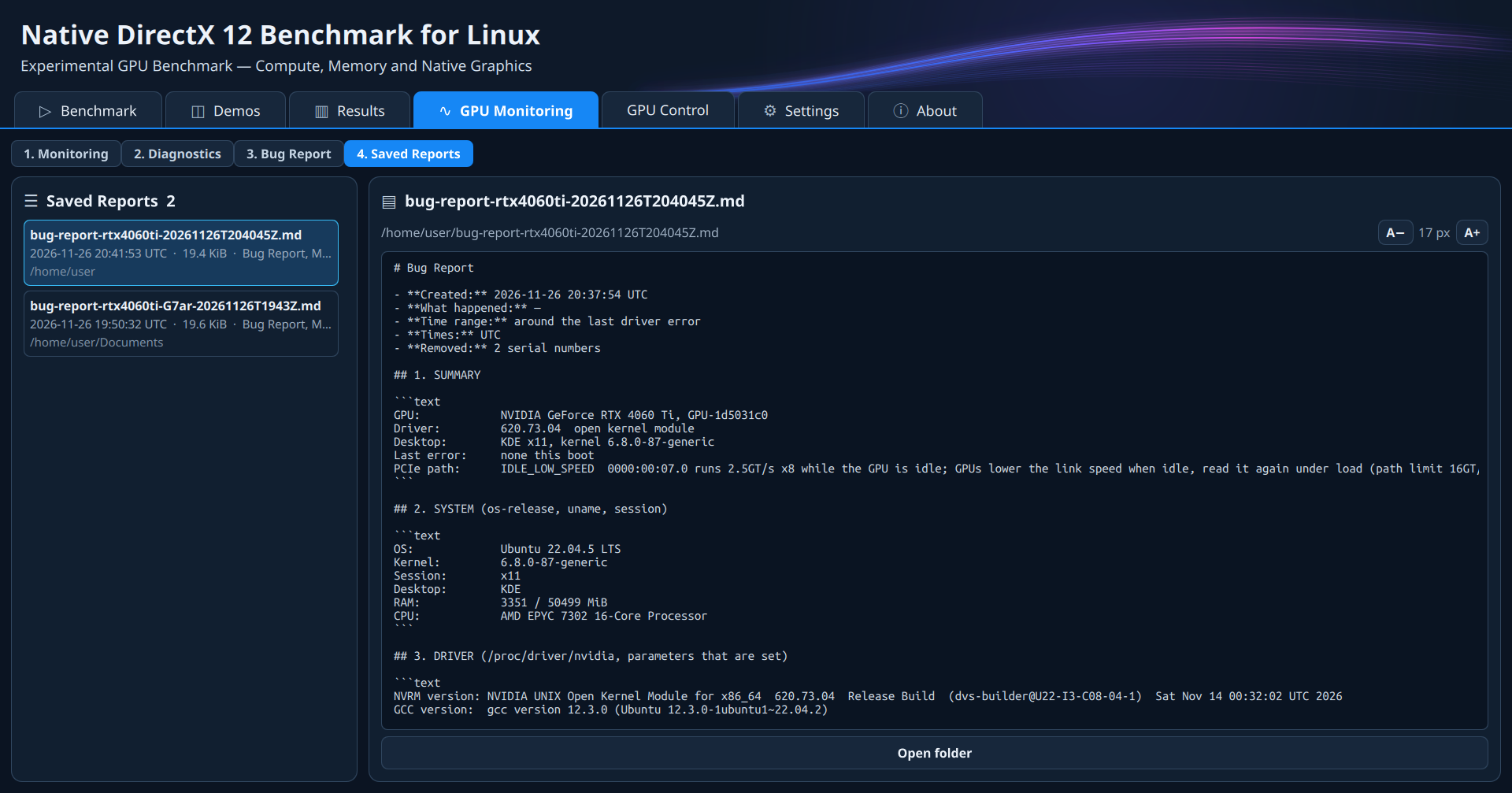
- Saved Reports: browse previously saved reports and view their contents directly in the application.
Inspect reports and attached diagnostic archives for personal or system-identifying information before sharing them publicly.
Interface preview
Screenshots of the updated v0.1.6 application.
Benchmark
Running Benchmark
GPU Monitoring
Bug Report and Live Output
Saved Reports
GPU Control
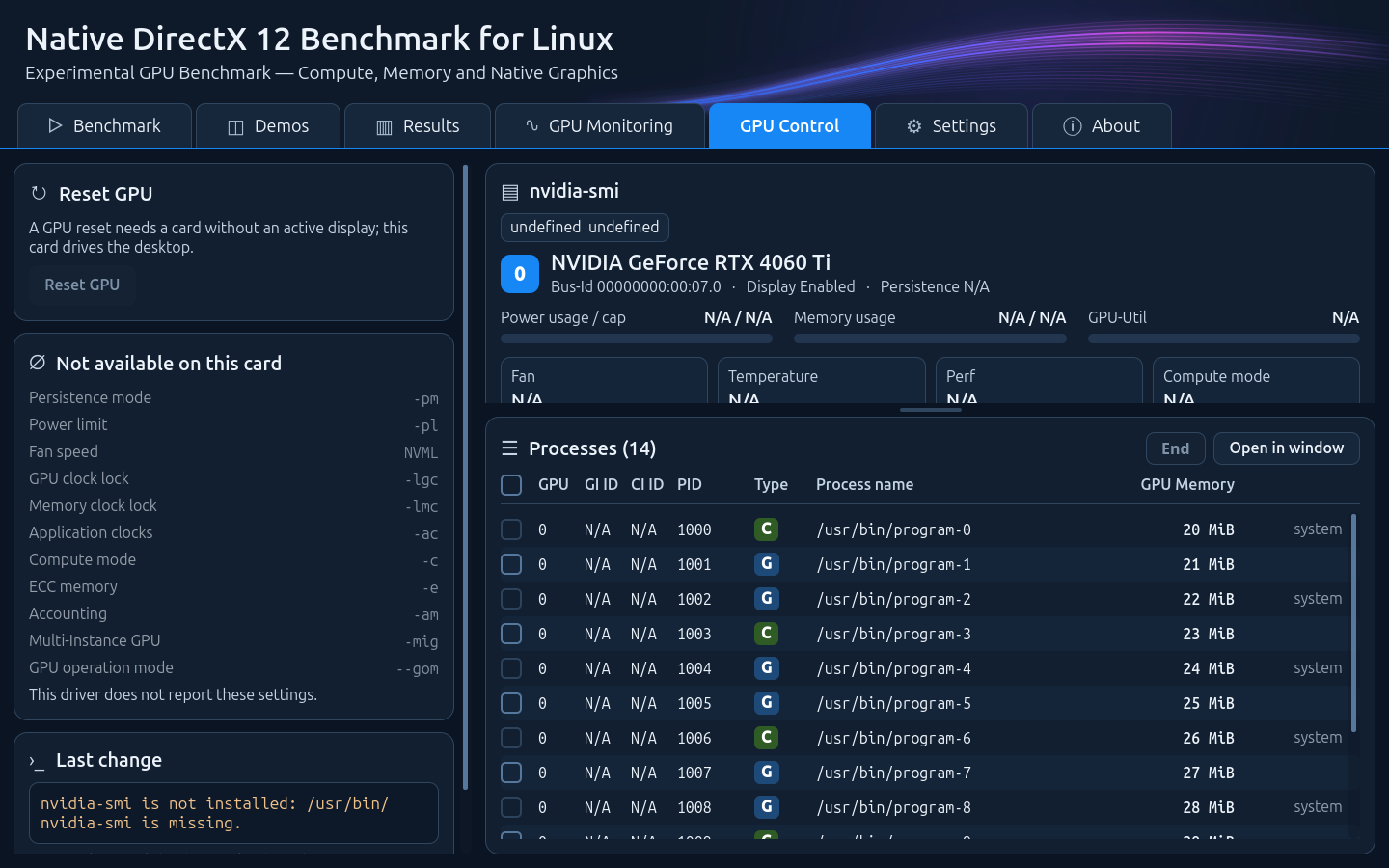
GPU Control — unavailable controls (UI test)
UI test showing unavailable controls when nvidia-smi is missing, with illustrative process entries.
Installer
- File:
NDX12-Benchmark-v0.1.6-G7az.run - Size: 544,344,394 bytes
- SHA-256:
4a5549d9827f1b5802c23ce66596f846def7ffe1fb834dbed1c9c37ecaa1977d
Validation and current limits
The preceding G7ax build completed the Native-only Full Benchmark on an RTX 4060 Ti with NVIDIA Open 620.73.04 (173/173 verified, no observed Xid errors). The normal Sponza raster workloads completed successfully at 1080p and 4K. The fix for false HELD states caused by kernel log warnings was verified on CPU, not reproduced on this GPU. The current G7az build adds debug output, exercised with the Earth demo on the RTX 4060 Ti. Hardware, driver and desktop-session compatibility varies.
This project is an experimental subset of native Direct3D 12 functionality, not a complete D3D12 implementation or a compatibility claim for commercial games.
Project-owned material is GPL-3.0-or-later; third-party components retain their original licenses and notices. Distribution requires the corresponding license, provenance and release checks.
Partial results, successful tests and failures are all welcome through the benchmark results form.
Andrew Kapica — GoblinFlash