Repository navigation
7. VIRTUAL IMPLEMENTATION
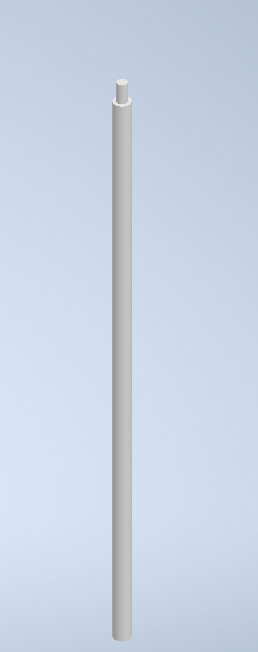
7.1.1 Stick
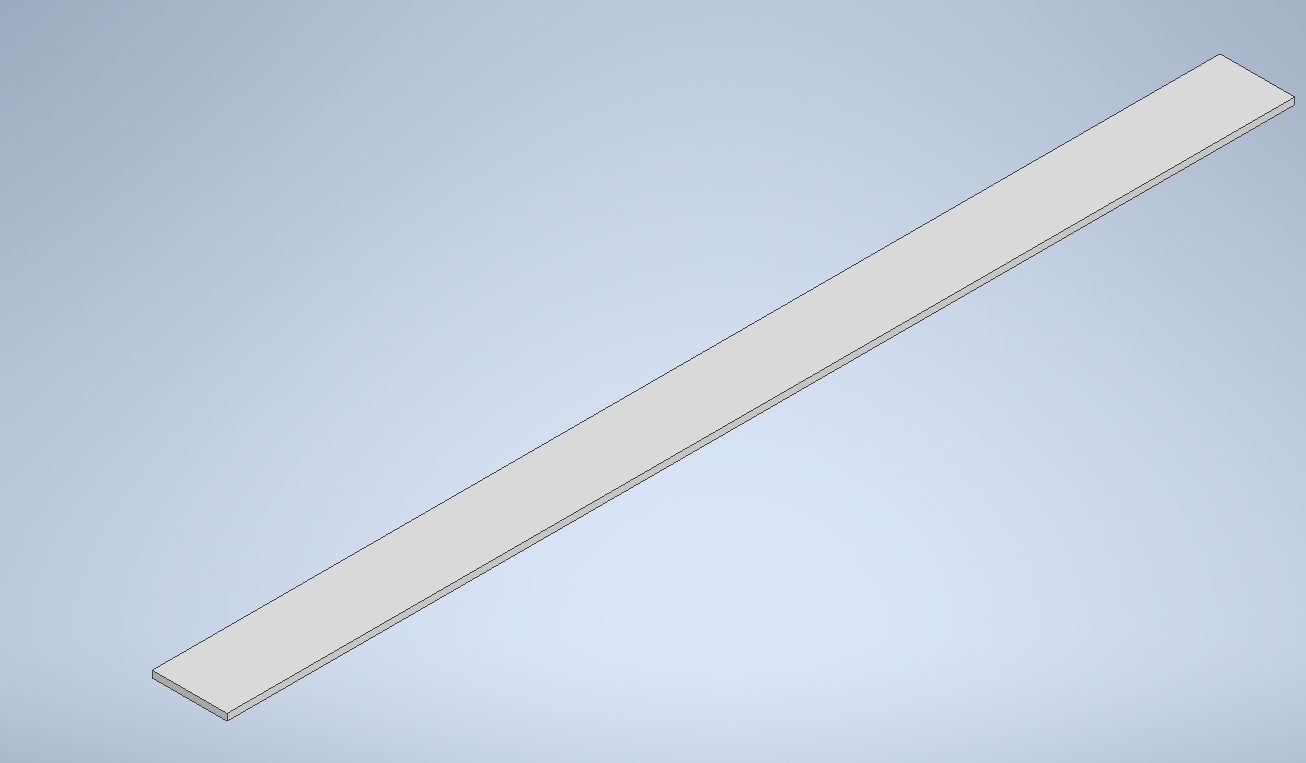
7.1.2 Middle sheet
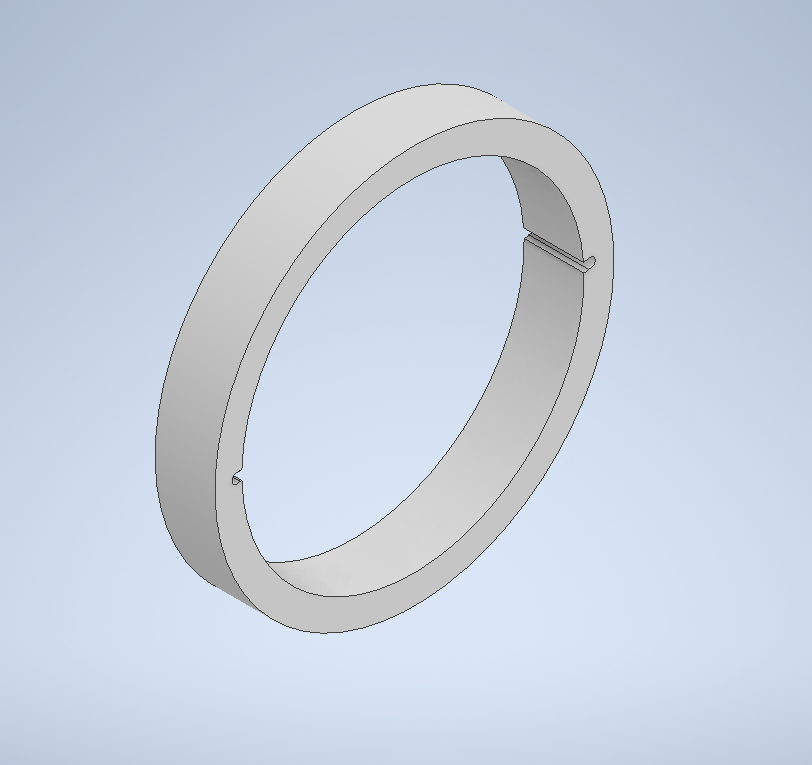
7.1.3 Outer ring
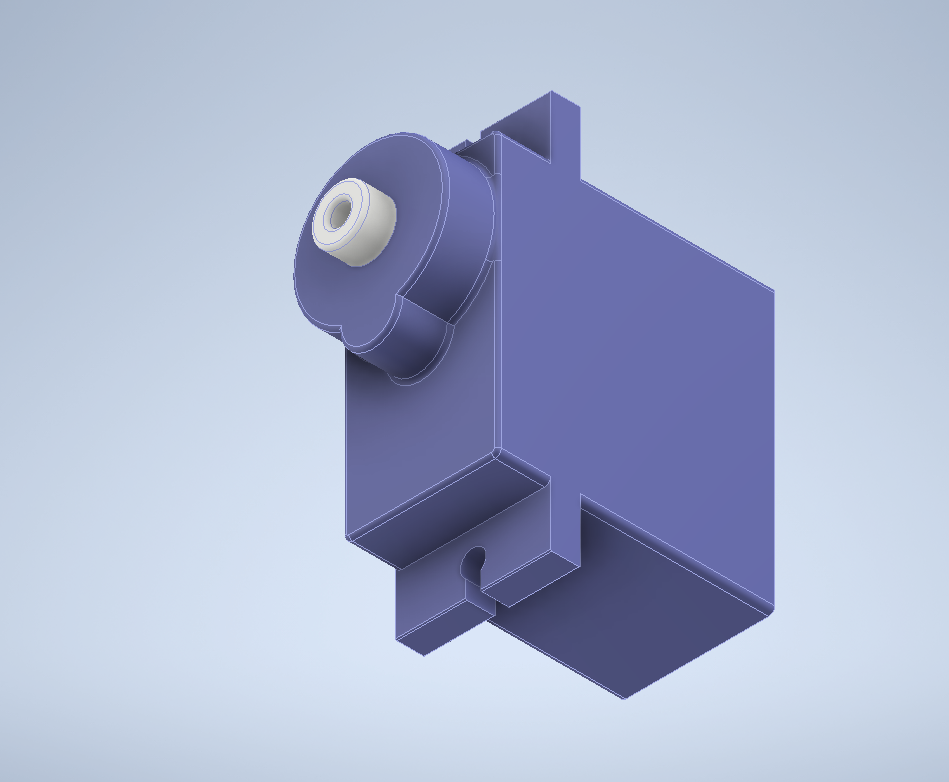
7.1.4 Servo motor
7.1.5 Stand
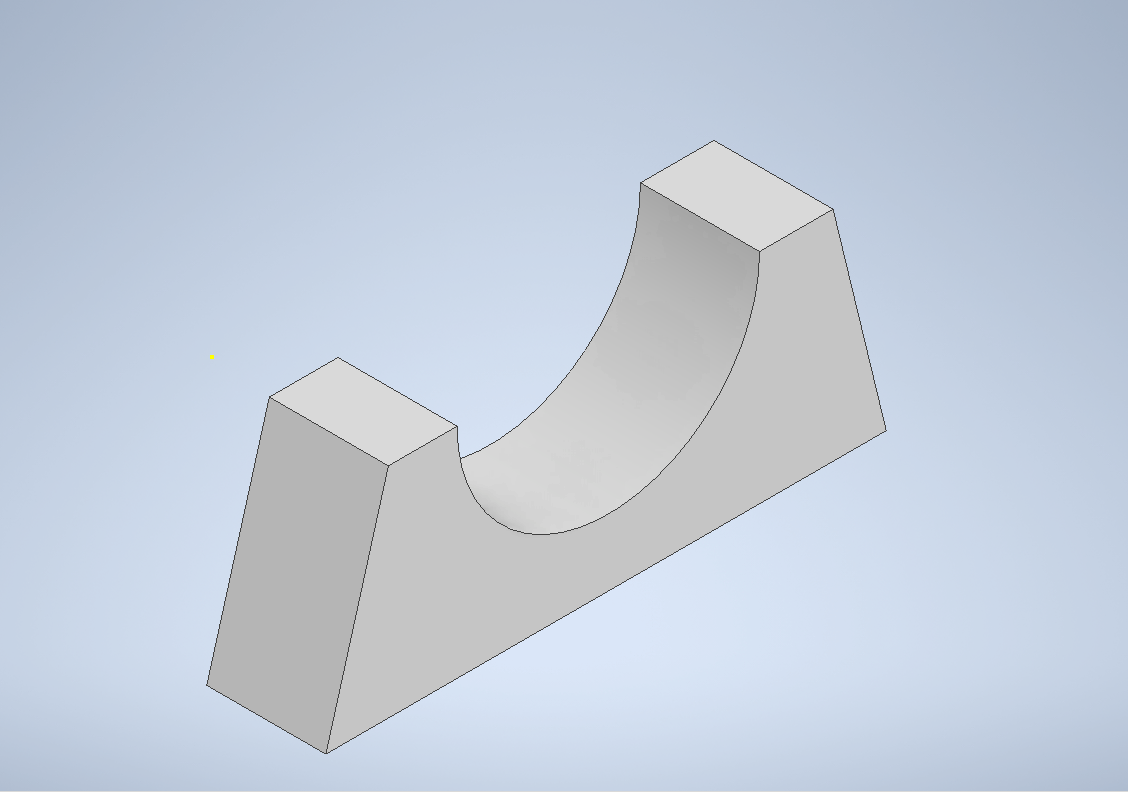
7.1.6 Cover for servo motor
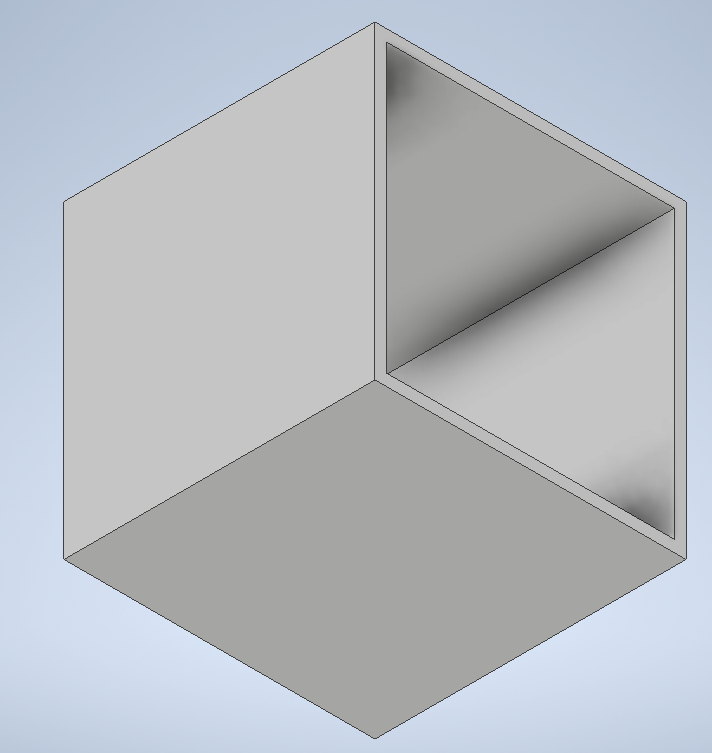
7.1.7 Complete part
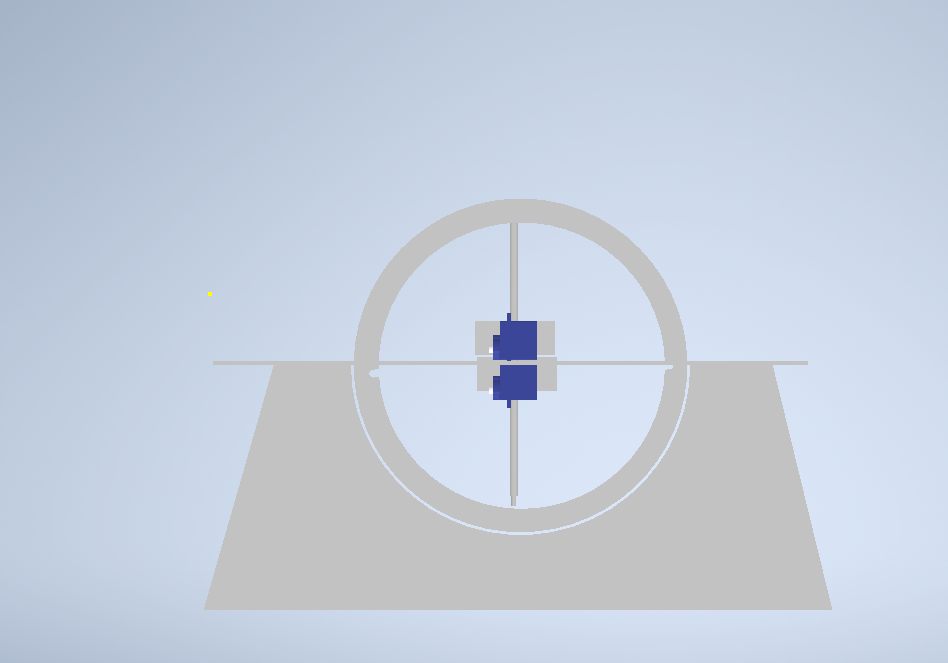
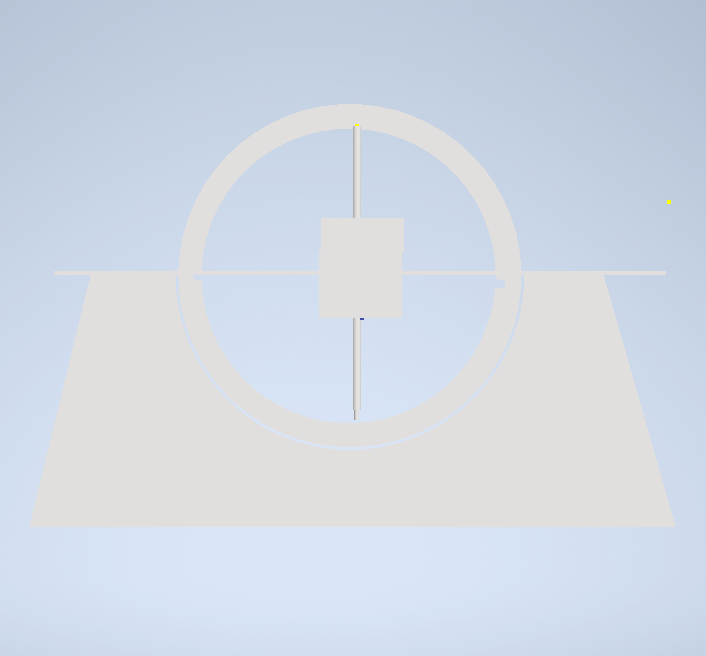
7.2.1 User interface
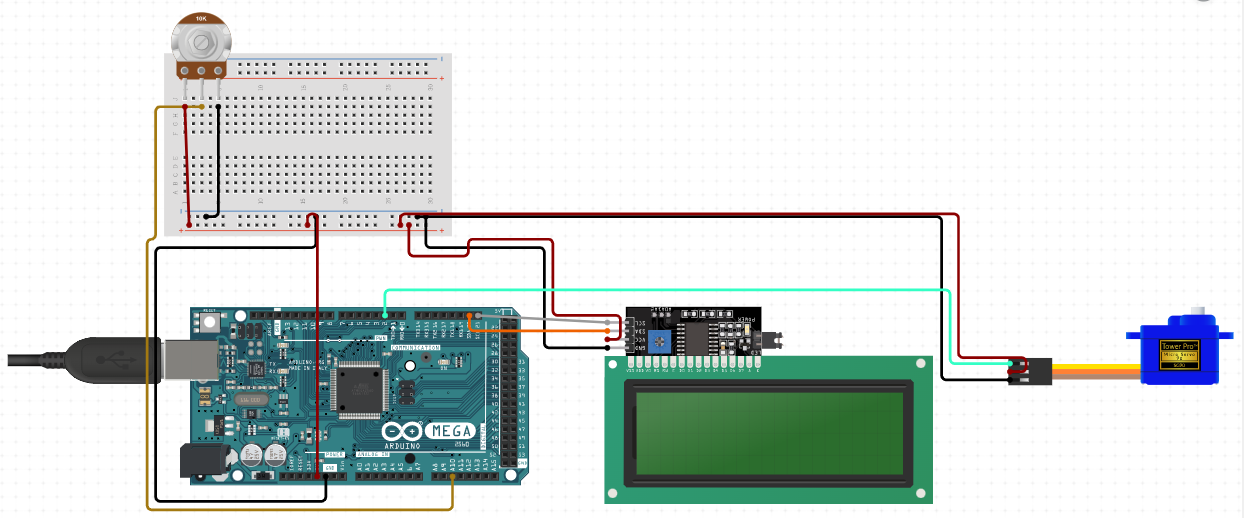
7.2.2 Angle controlling unit
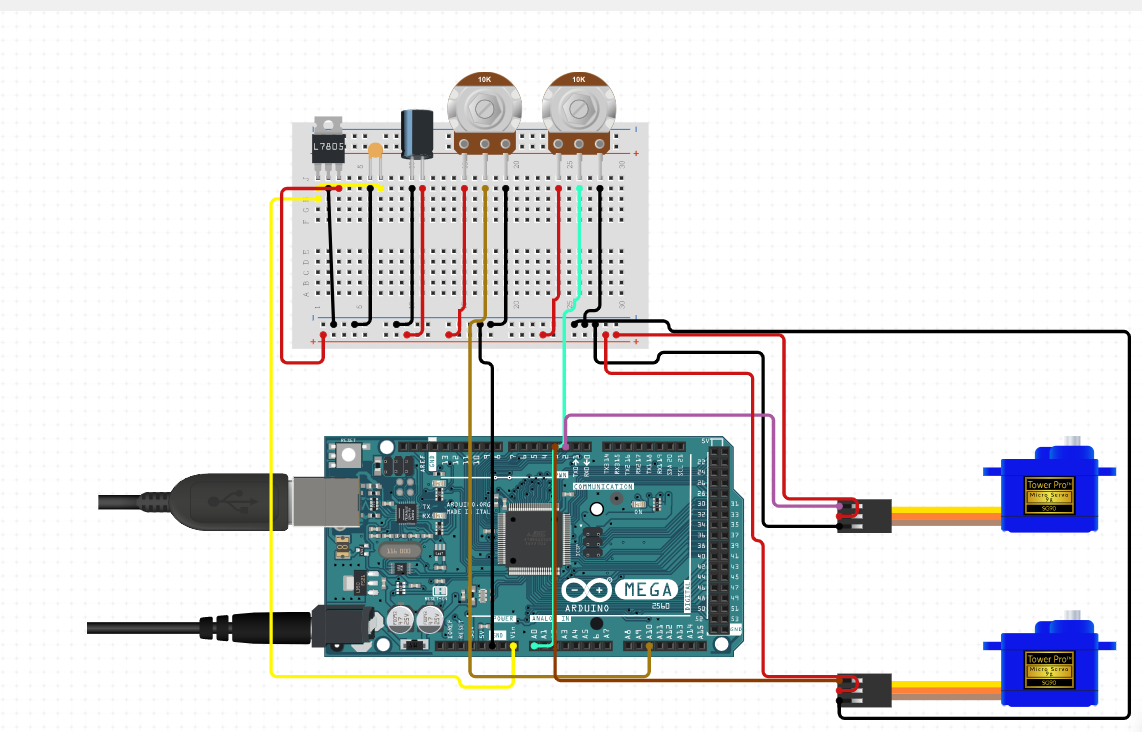
7.2.3 Indication
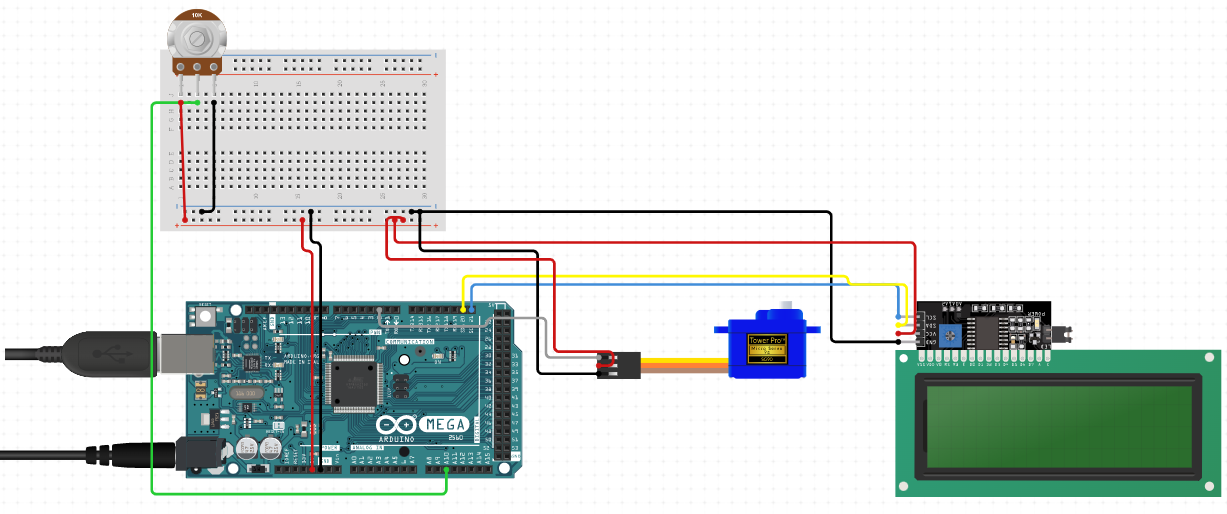
7.2.4 Final circuit
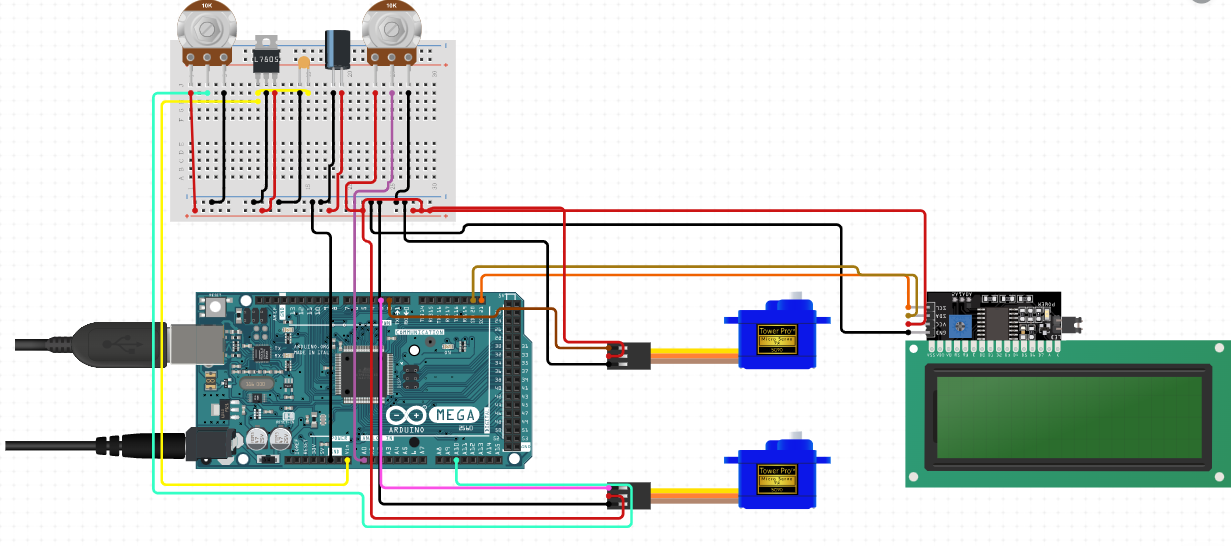
- Step 1:Start
- STEP 2:Turn on the servo motor in order to rotate the pointer
- STEP 3:Entering the radius as per our model
- STEP 4:Increment or decrement the angle as per required in degrees
- STEP 5:Point the pointer as per the input given
- STEP 6:Stop
- STEP 1:Start
- STEP 2:Converting angle in radians, 0=(0*3.142)/180
- STEP 3:Calculate the area of sector according to the formula, Area=0.5rr*0
- STEP 4:Calculate the area of arc length using the formula, arc length=0*r
- STEP 5:Stop
- STEP 1:Start
- STEP 2:Display The area of sector
- STEP 3:Display the arc length
- STEP 4:Stop
- STEP 01:Start
- STEP 02:Turn on the servo motor in order to rotate the pointer
- STEP 03:Entering the radius as per our model
- STEP 04:Increment or decrement the angle as per required in degrees
- STEP 05:Point the pointer as per the input given
- STEP 06:0=(0*3.142)/180 , converting angle in radians
- STEP 07:Calculate the area of sector according to the formula, Area=0.5rr*0
- STEP 08:Calculate the area of arc length using the formula, arc length=0*r
- STEP 09:Display The area of sector
- STEP 10:Display the arc length
- STEP 11:Stop
| SL NO. | MATERIALS | DESCRIPTION | QUANTITY |
|---|---|---|---|
| 1. | Wires | As per required | |
| 2. | Jumper wires | As per required | |
| 3. | Ardinuo mega 2650 | 1 | |
| 4. | Breadboard | Large size | 1 |
| 5. | Actuators | Servo motors | 2 |
| 6. | stick | To point the angle | 2 |
| 7. | Metal sheet | For outer circular part | - |
| 8. | Arcylic | For the cubes | - |
| 9. | Nuts and Bolts | As per requirement | |
| 10. | Remote | To control the decrement and increment of the angle | 1 |
| 11. | Power Adaptor | 1 | |
| 12. | Relay module | 2 | |
| 13. | Sensor | 1 | |
| 14. | Display | LCD display | 1 |
| 15. | Bearings | Ball bearings | 1 |