Repository navigation
Using the Calendar
Content planner → Calendar shows published, scheduled and target-dated pages by month or week.
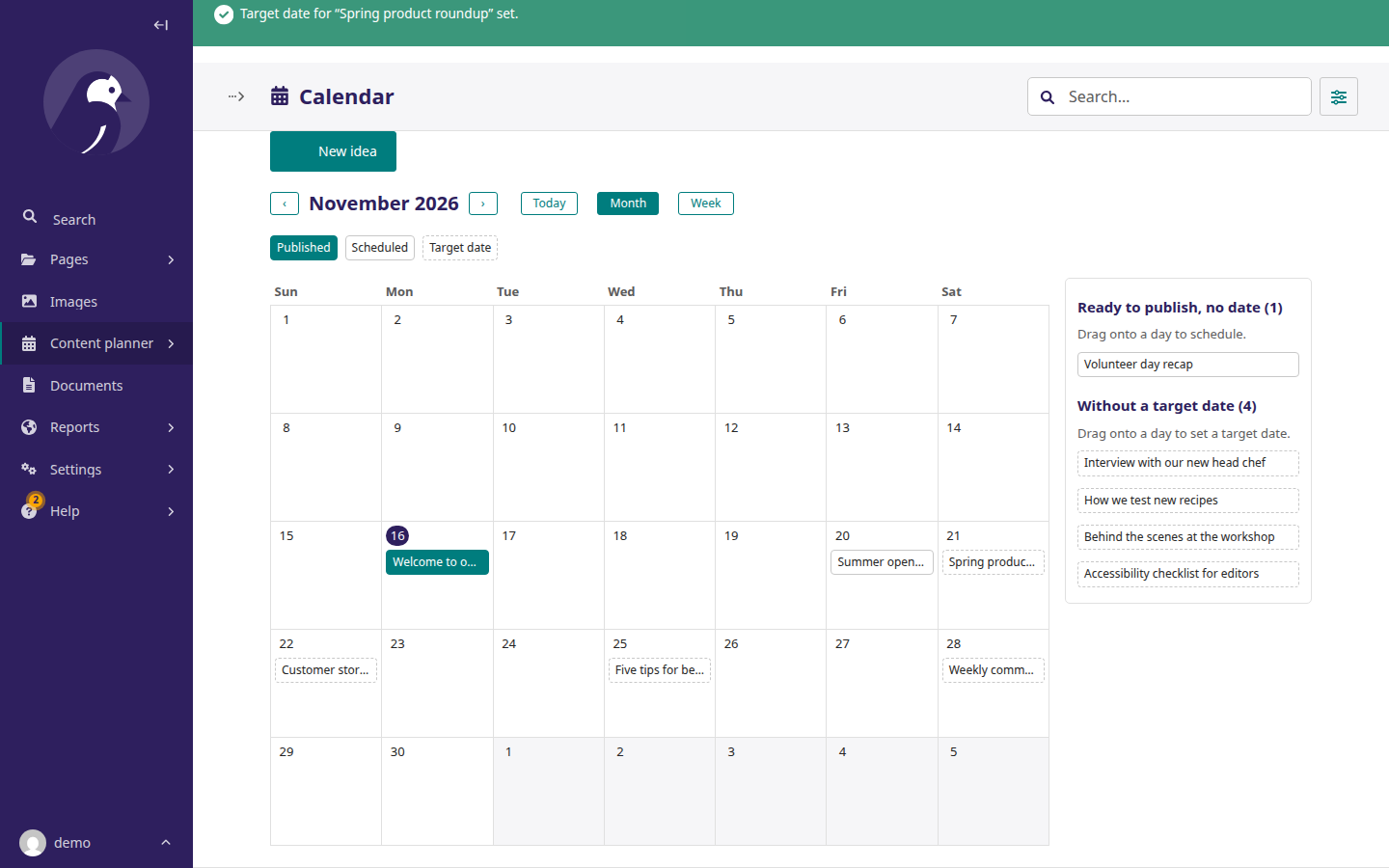
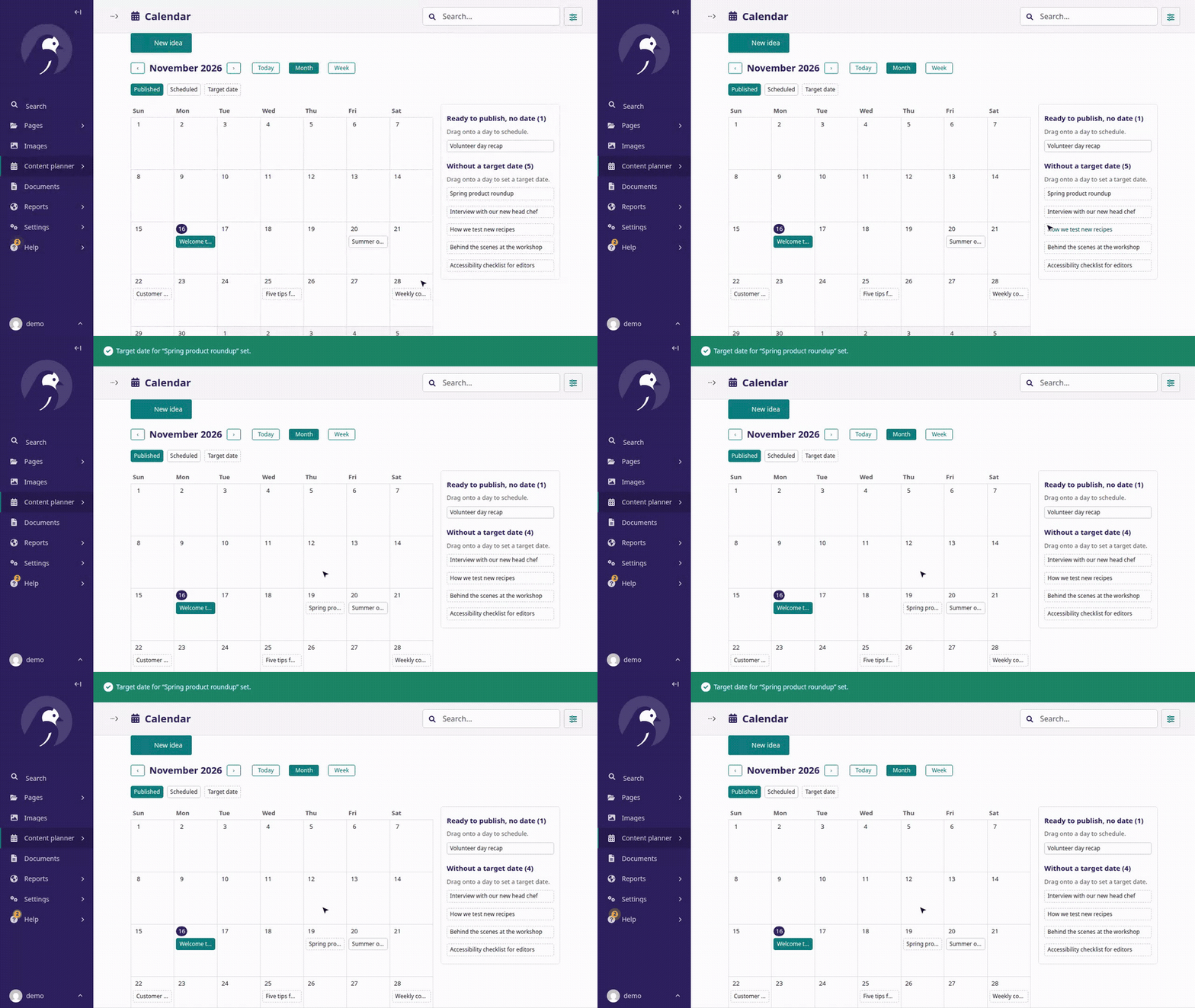
- Ready to publish, no date: drag onto a day to schedule it (you pick the time).
- Without a target date: drag onto a day to set a target date. A target date is a plan, not a schedule; it never publishes anything.
- Click any item for its quick view. The week starts on the day chosen in Settings → Content planner.