Repository navigation
Enhanced RS v1.0

This is the official release version of Enhanced RS v1.0. For further information, refer to the README page for instructions on setting up the game.
Download Enhanced RS v1.0
Features
Widescreen Support
In the stock game, menus and cutscenes are hardcoded to render at 640x480, while the HUD stretches at widescreen aspect ratios. Enhanced RS renders menus and cutscenes at the in-game resolution and dynamically scales HUD elements to maintain their original proportions at any resolution.
Field of view is calculated automatically based on the aspect ratio, widening the horizontal FOV while preserving the vertical FOV from 4:3.
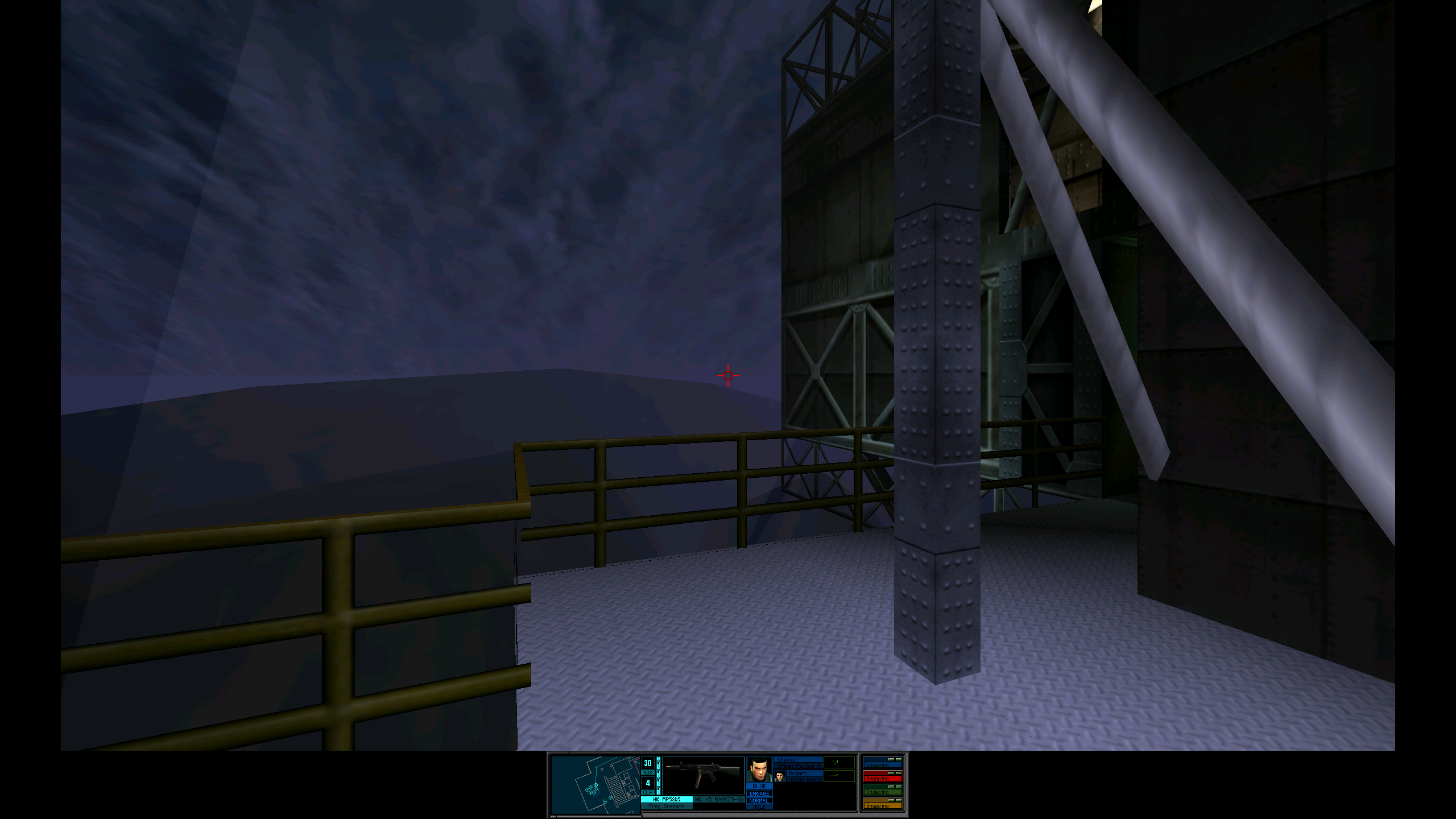 |
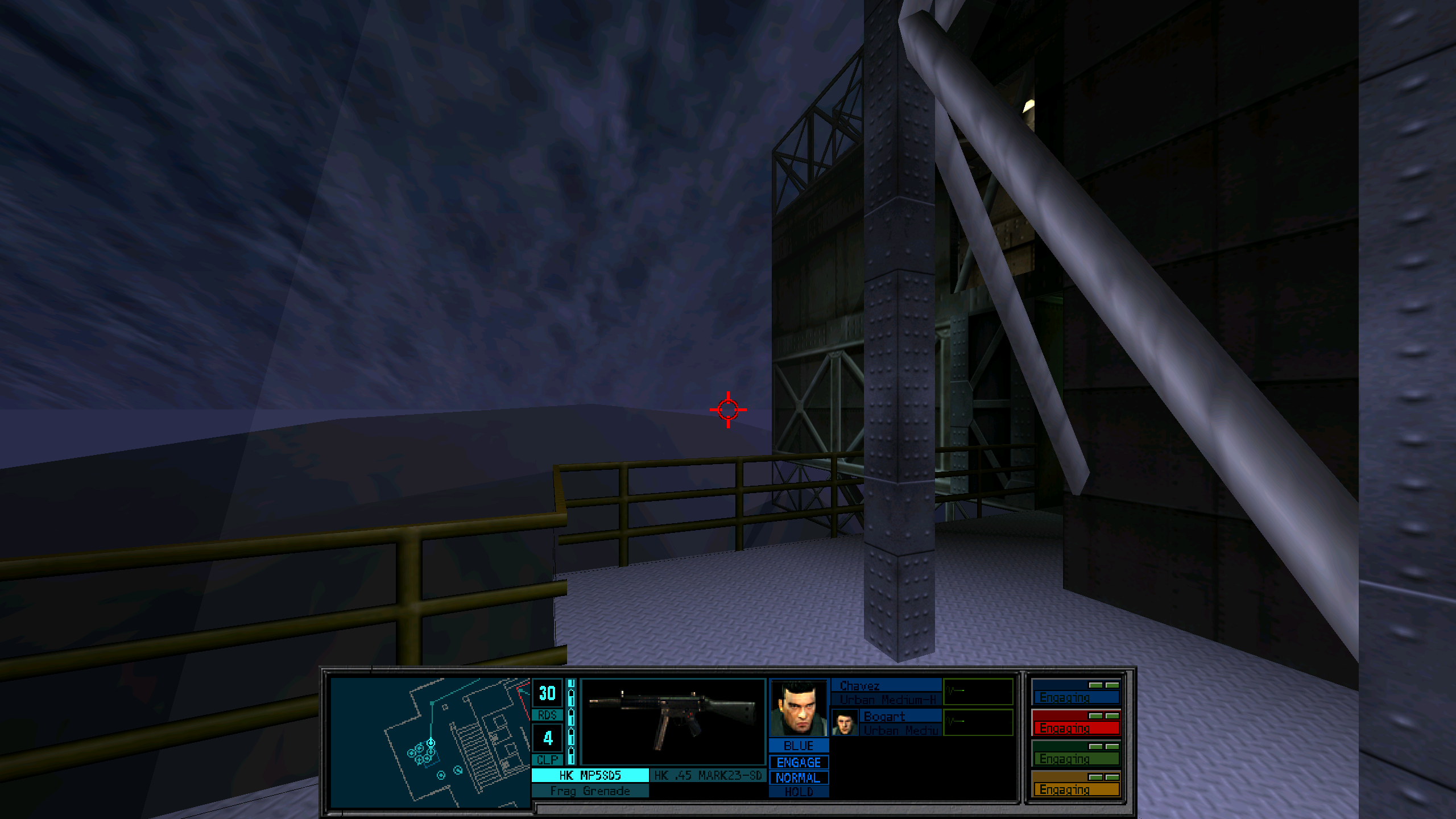 |
| Stock | Enhanced |
Increased Character LOD Distance
Significantly increases the distance at which higher detail character models are rendered, improving character quality at greater distances.
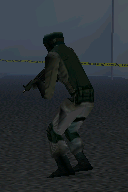 |
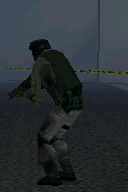 |
| Stock | Enhanced |
Raw Input
Mouse input is read directly, reducing overhead at high polling rates and helping prevent stuttering at extreme rates such as 8000 Hz. Adds support for Mouse 4 and 5 side buttons.
Mouse Sensitivity Multiplier
Separate sensitivity multiplier for in-game aiming and the menu cursor to allow more control than the game's setting.
Task Switching
The original game does not support switching to other applications while playing. Enhanced RS adds support for Alt + Tab and other Windows application-switching shortcuts.
Alt + F4 can also be used to exit the game.
Portable Configuration
The original game stores its settings in the Windows Registry and uses fixed installation paths. This makes settings difficult to transfer between installations and can cause the game to break when its directory is moved.
Enhanced RS removes the game's dependency on the Windows Registry and stores settings locally in Sherman.ini. Installation paths are also derived from the game's executable directory, allowing the entire installation to be moved without having to update any paths.
Eagle Watch
The GOG release does not include the Eagle Watch mission pack. Enhanced RS includes the necessary files to run the expansion.
You can play the expansion by launching RainbowSixMP.exe.