Repository navigation
Version 16.0.0 - Subtitles and lyrics, a cleaner player, and only the part you want

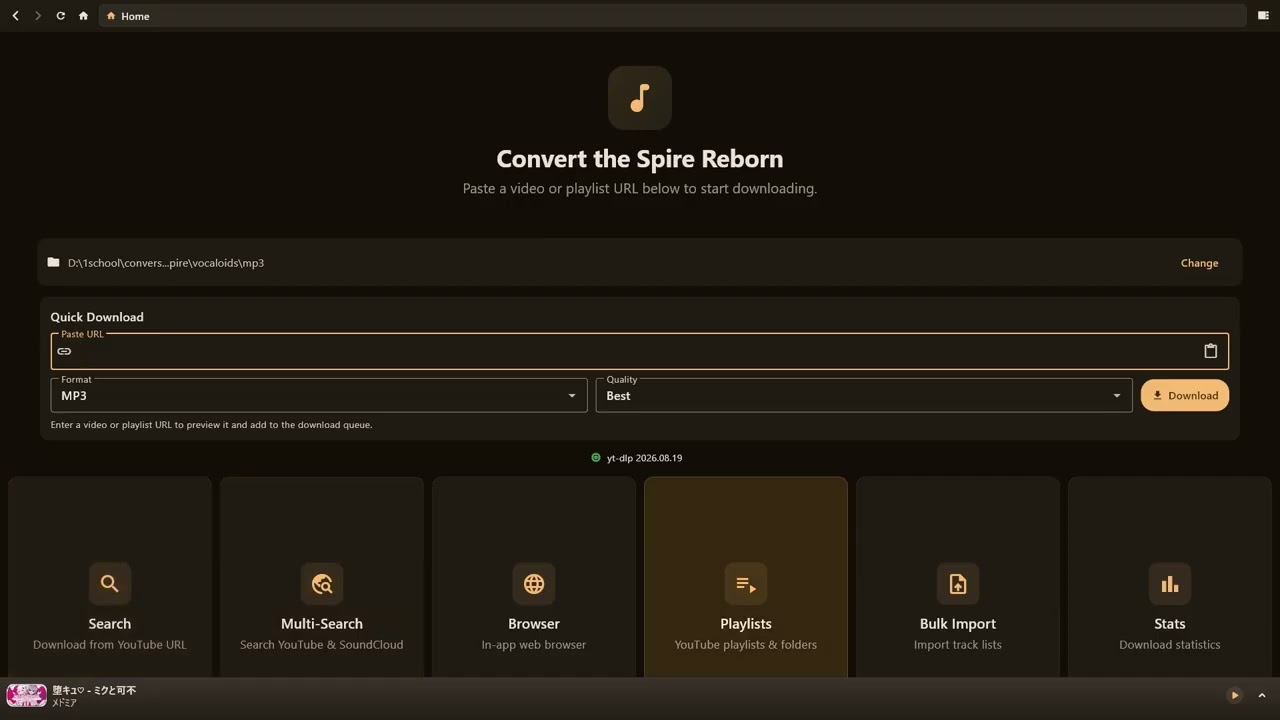
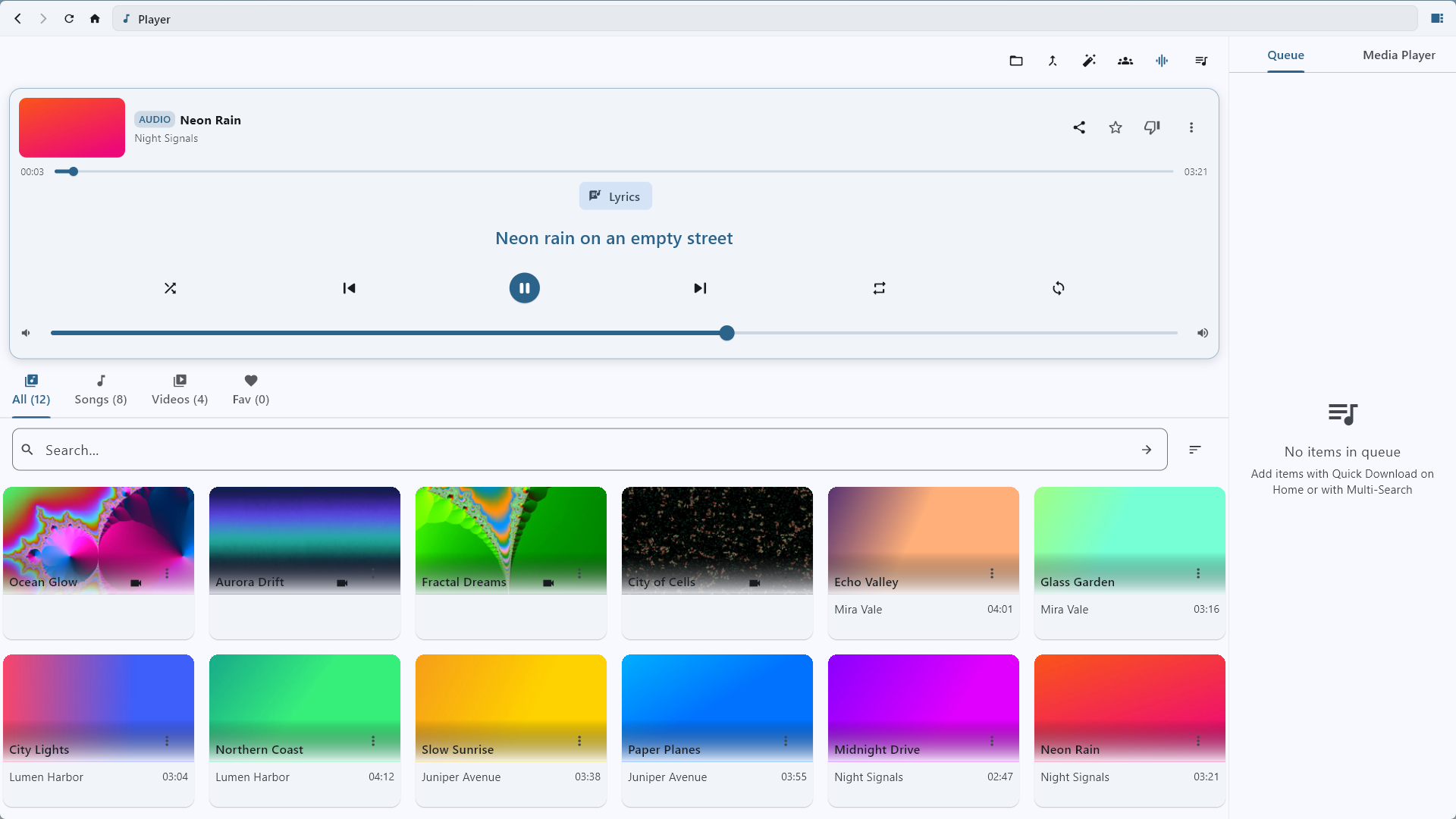
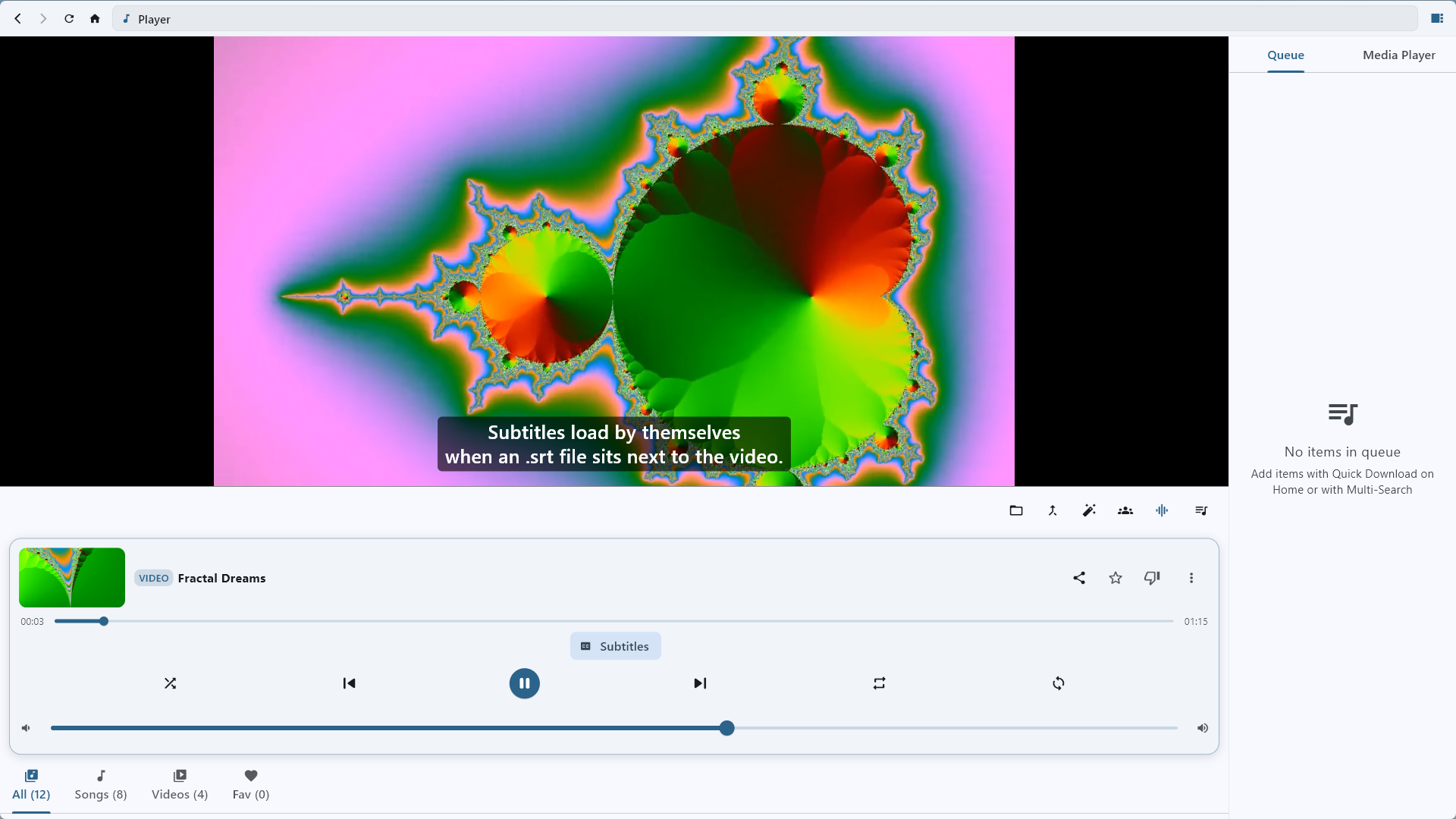
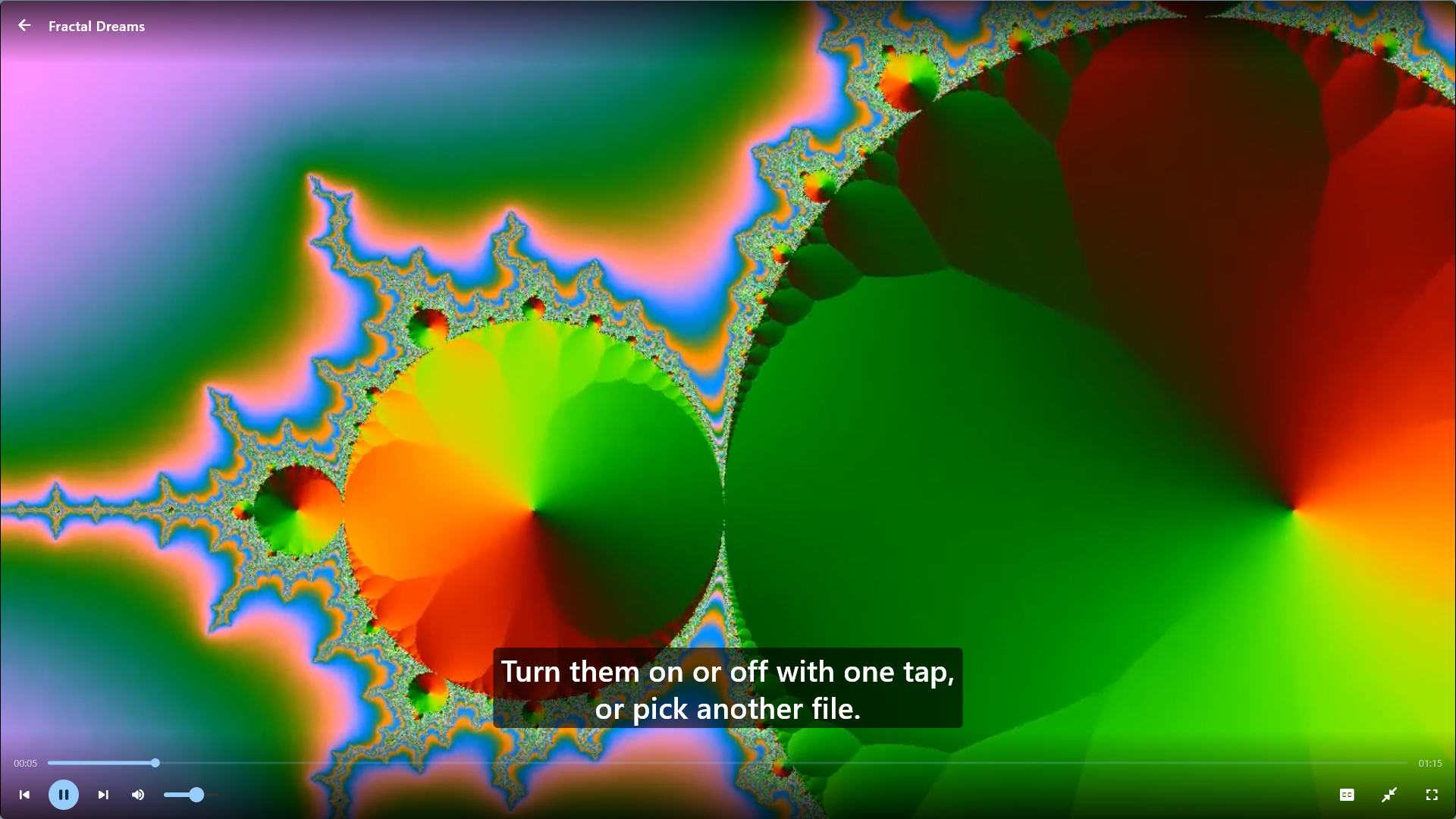
Nothing to set up. Download one file, open it, and it runs: no admin rights, no Python, no account.
Subtitles and lyrics, a cleaner player, and only the part you want
New
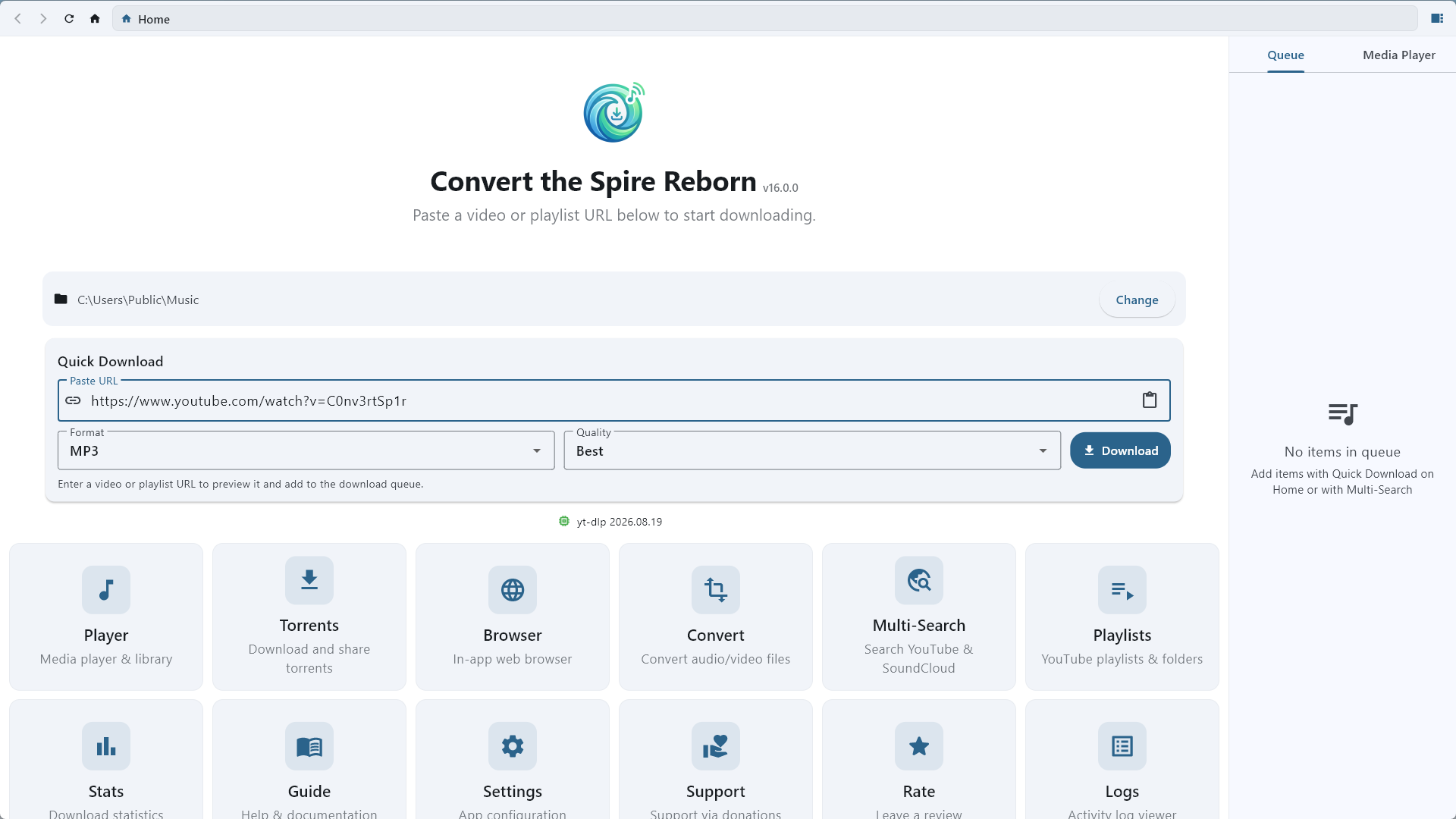
- Download only the part you want. Quick Download on Home asks whether you want the whole video or song, or only parts of it. Mark one part or several (from 1:05 to 2:30, say) and each becomes its own file.
- Subtitles, for videos and songs. An .srt or .vtt file next to the file, or in a Subs folder, loads by itself. Pick another one, turn them off with one tap (or C), or move them earlier or later when they are out of step.
- Synced lyrics. An .lrc file next to a song shows its lines as the song plays.
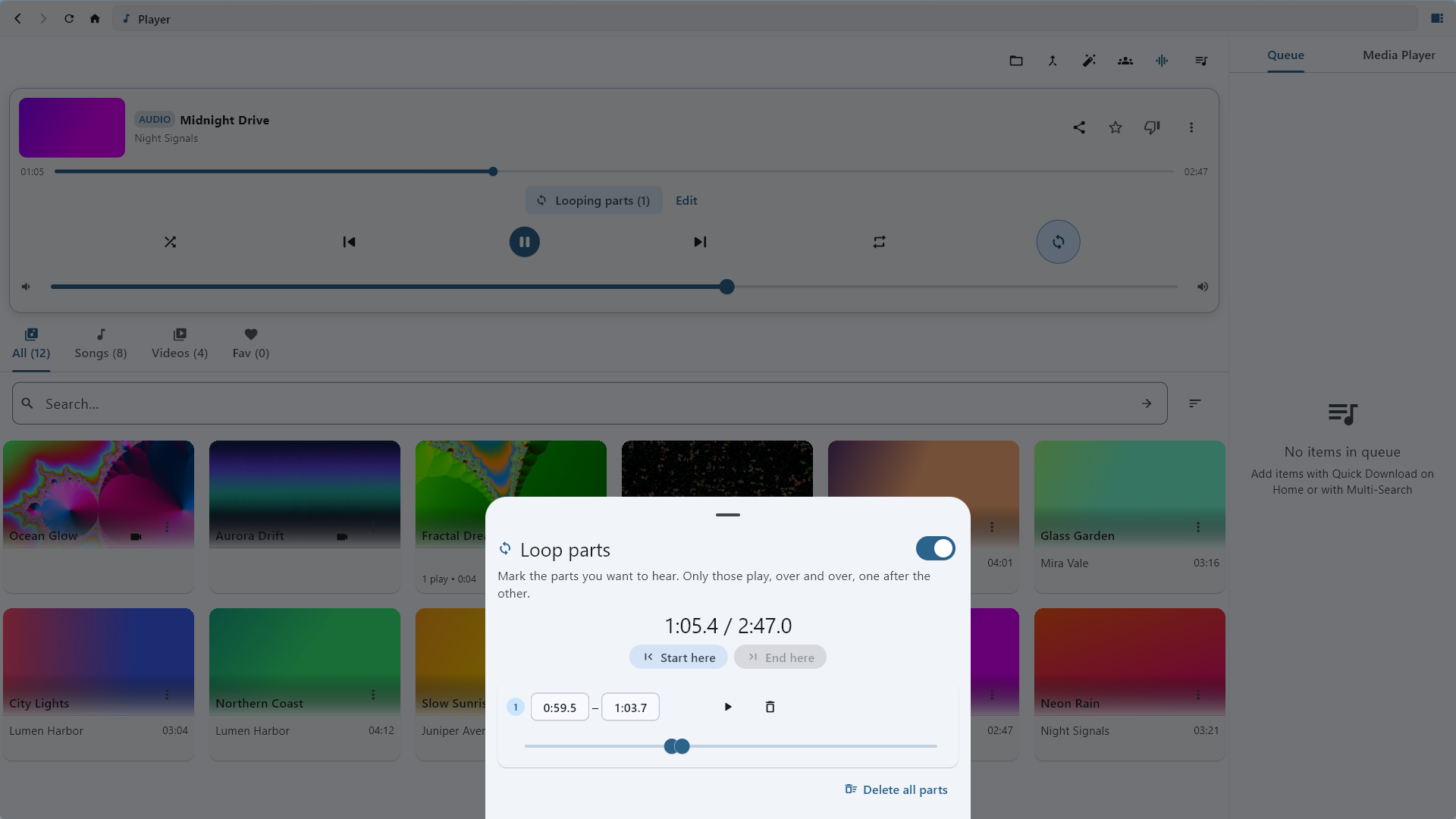
- Loop the best part. Mark one or more parts of a song or video and playback stays in them, from one part to the next.
- Large view. The video fills the window with nothing else around it. Esc brings the app back.
- Playback speed and a sleep timer. From 0.5× to 2×, and stop after 15 to 60 minutes or at the end of the song.
- Long videos and podcasts open where you left off, with Start over one tap away.
- An ad blocker that blocks. The browser uses the filter lists uBlock Origin uses (EasyList and EasyPrivacy), stops ads before they load on Windows, and hides what is left.
Changed
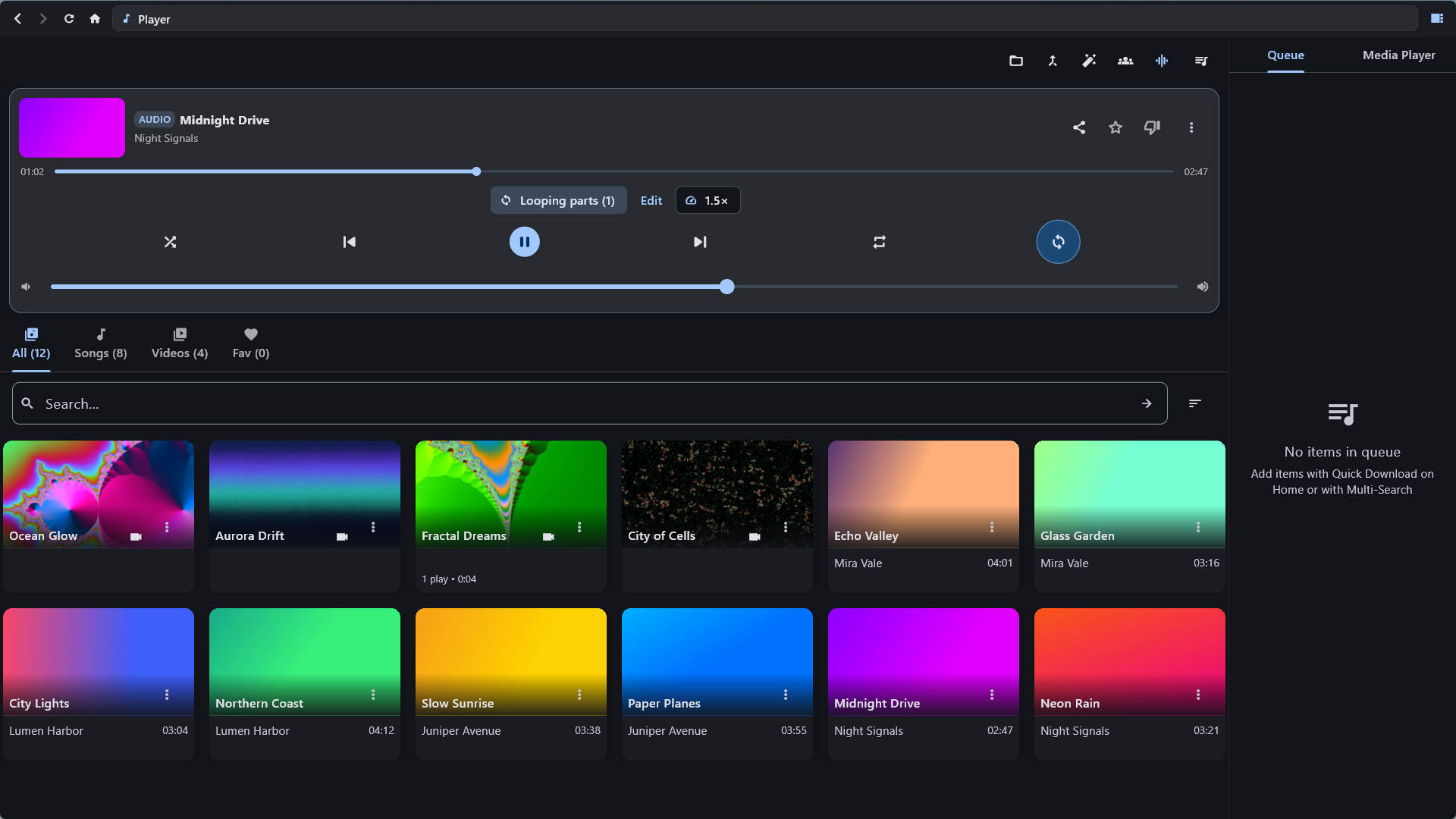
- One set of player controls. No more second play button, seek bar, volume or full screen button under the video, no "Player" title, and the video gets the room it needs.
- Home starts with the player, and its tiles take the room they need instead of twice that.
- Every colour is unlocked in the Microsoft Store version, as in the GitHub version.
- Like the app? A small card now and then says how to support it. It never interrupts, and once you close it, it stays away for six weeks.
Fixed
- A program downloaded by torrent starts while it seeds. Windows no longer says the file is in use.
- A torrent of files you already have seeds at once, instead of sitting at "Stalled 0%".
- Videos in your library have thumbnails, and a song you never played no longer says "0 plays".
- Phones and tablets: no more empty band at the top of every page, and the library's tabs and cards are no longer cut off.
- The player no longer looks songs up online by itself. It sent the titles of songs without an artist to MusicBrainz, often guessed wrong, and on Android wrote the guess into the file. Fix missing metadata still does it, when you ask.
- The player's scroll bar reaches the bottom of the list.
- A YouTube download no longer fails when the video page can't be read the first time.
- Android: the notification shows the song as soon as it starts, and the 30-second preview stops after 30 seconds.
Install
| Download | Then | |
|---|---|---|
| Windows | ConvertTheSpireReborn-Setup.exe |
Double-click it. It installs for your account, adds a Start menu entry, and the app updates itself from then on. |
| Android phone or TV | ConvertTheSpireReborn.apk |
Open it and allow the install. |
| macOS | ConvertTheSpireReborn-macOS.dmg |
Open it and drag the app into Applications. |
| Google Play | The Play Store version | Everything except YouTube downloads, which Play does not allow. |
No-install options are here too: the Windows zip (extract and run convert_the_spire_reborn.exe) and the Mac zip.
-
"Windows protected your PC"? Windows shows this once for programs without a paid signature: choose More info, then Run anyway. Updates from inside the app never show it.
-
Mac says it cannot open the app? Right-click it and choose Open, once. Converting to MP3 and M4A on a Mac needs FFmpeg:
brew install ffmpeg.
Code signing policy
Windows releases will get free code signing provided by SignPath.io, certificate by SignPath Foundation. The project has applied to the SignPath Foundation; until the application is approved, the Windows downloads are not signed yet.
Committers and reviewers: Lukas-Bohez · Approvers: Lukas-Bohez · Full code signing policy · Privacy policy
Like the app? It is made by one person, in their free time: Buy me a coffee · GitHub Sponsors
More screenshots & info: README · Full changelog · Report an issue