Repository navigation
Version 16.0.1 - Subtitles for every film, and a player for files you open

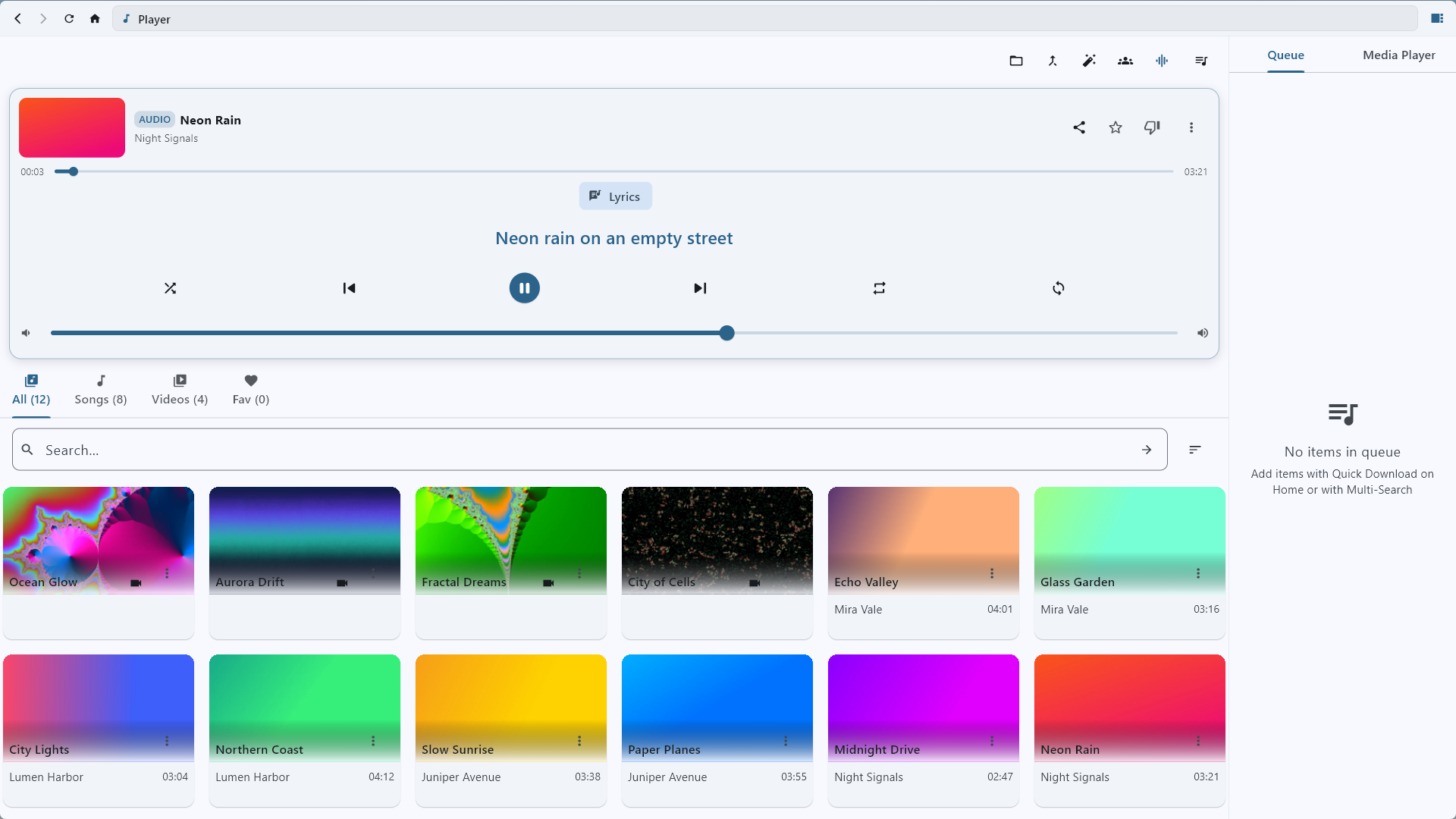
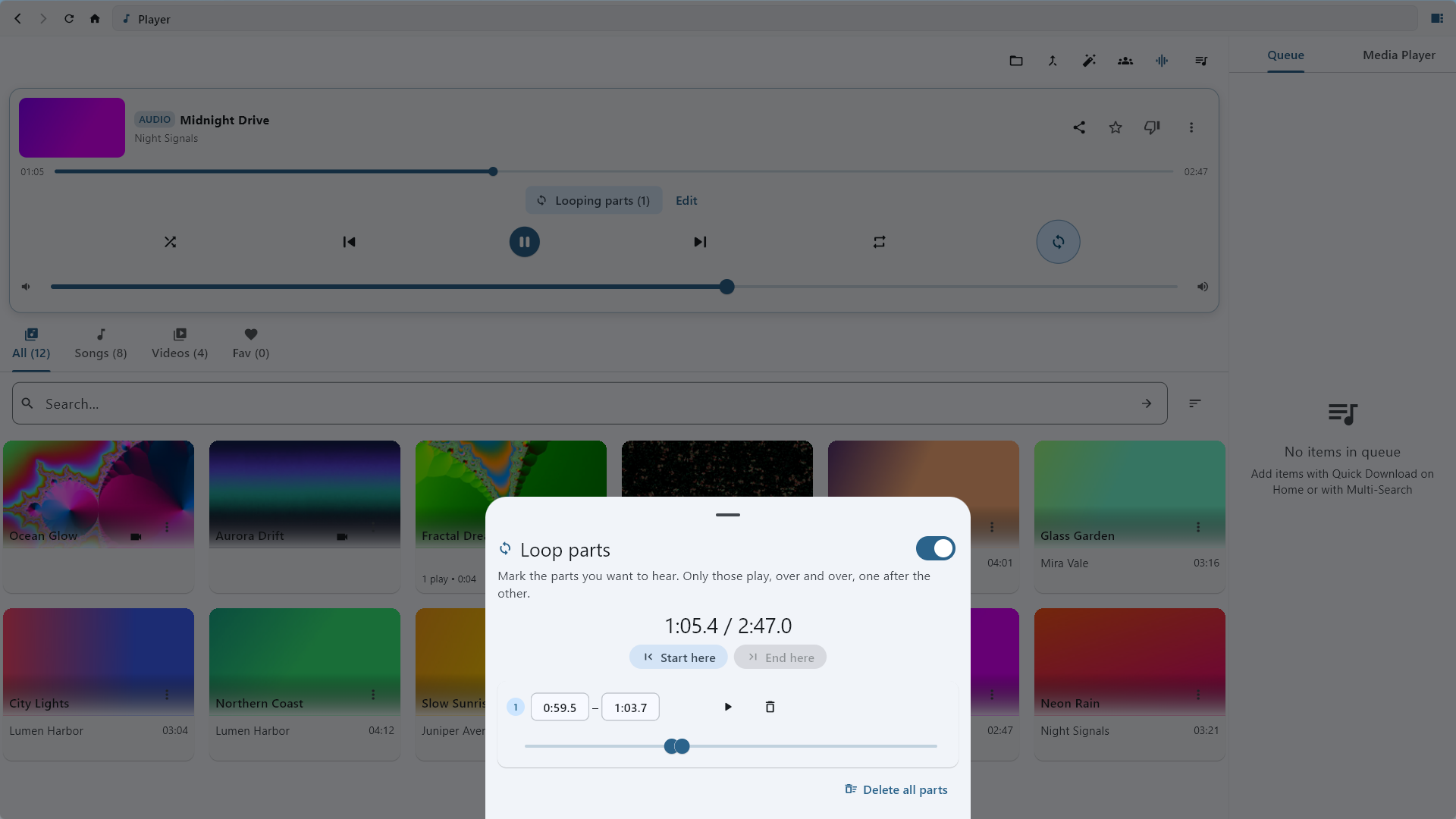
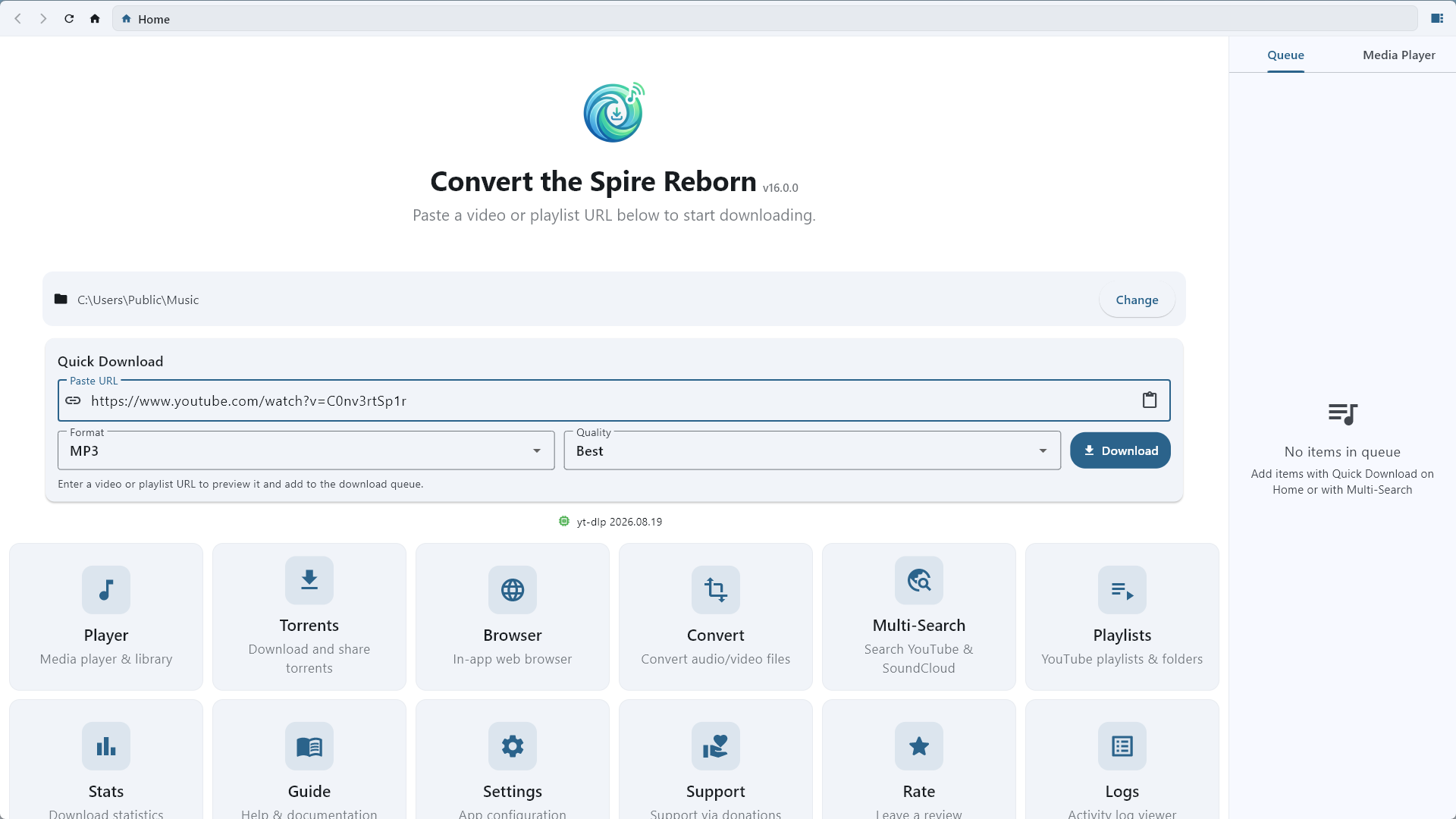
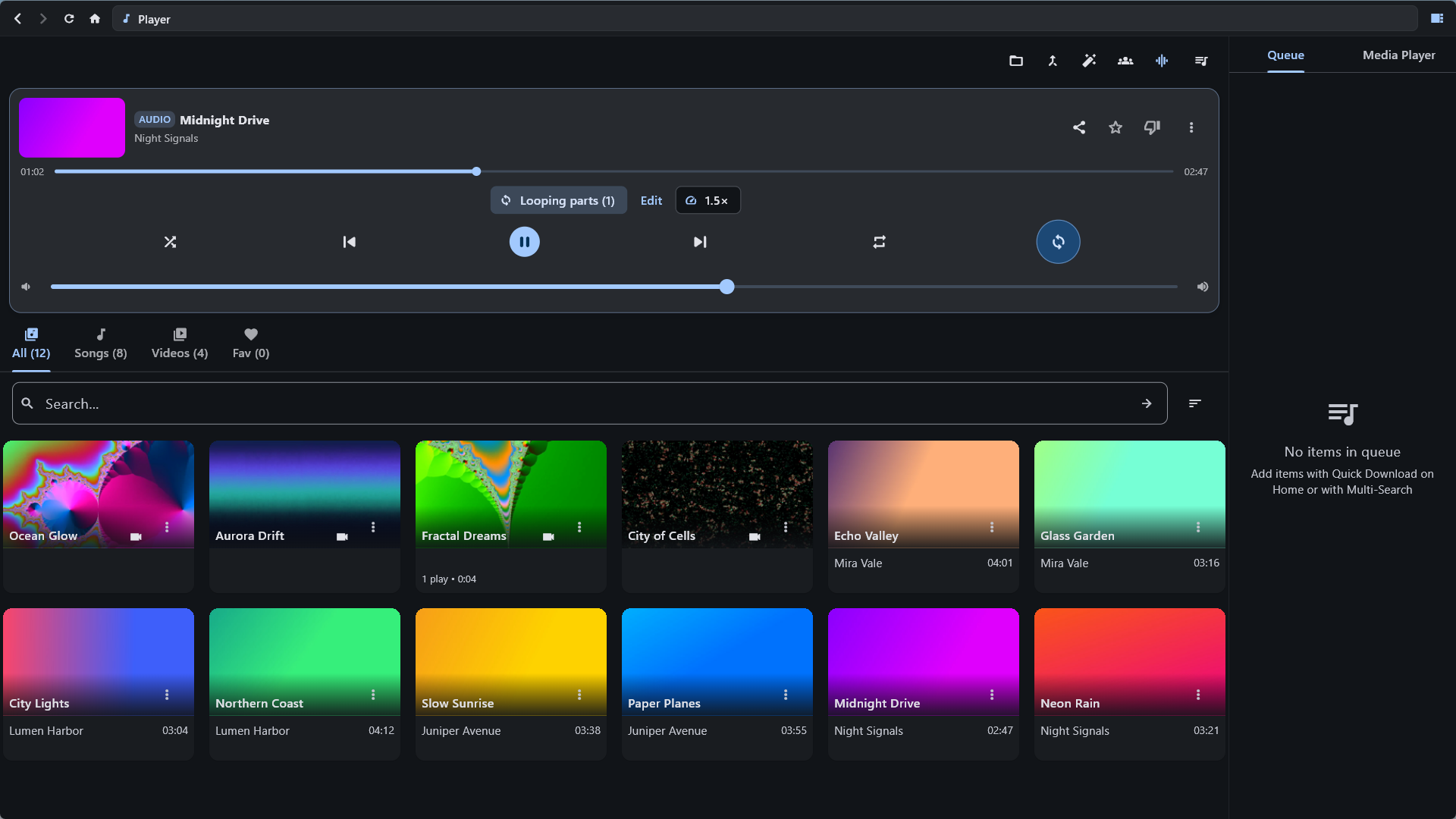
Nothing to set up. Download one file, open it, and it runs: no admin rights, no Python, no account.
Subtitles for every film, and a player for files you open
New
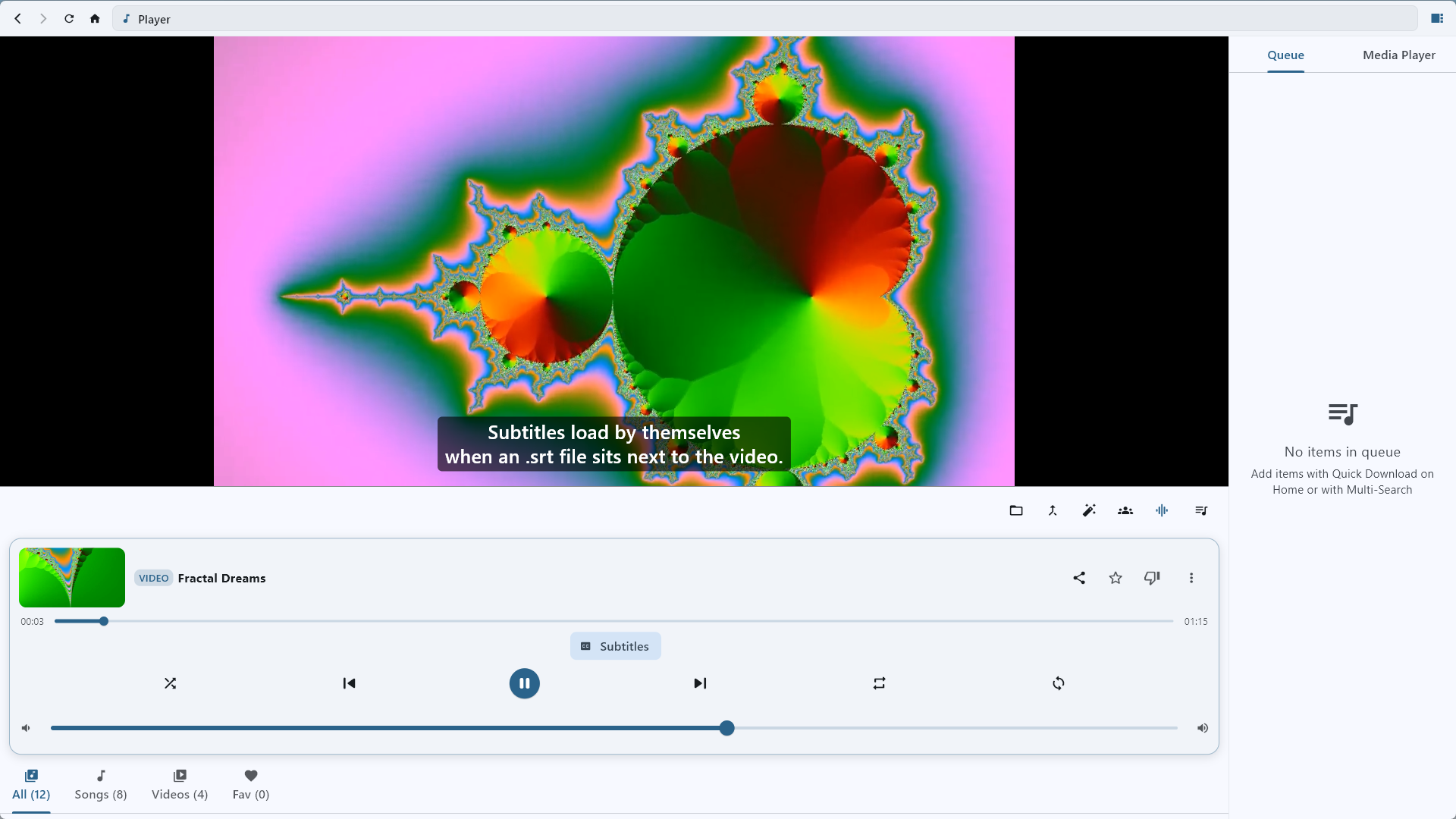
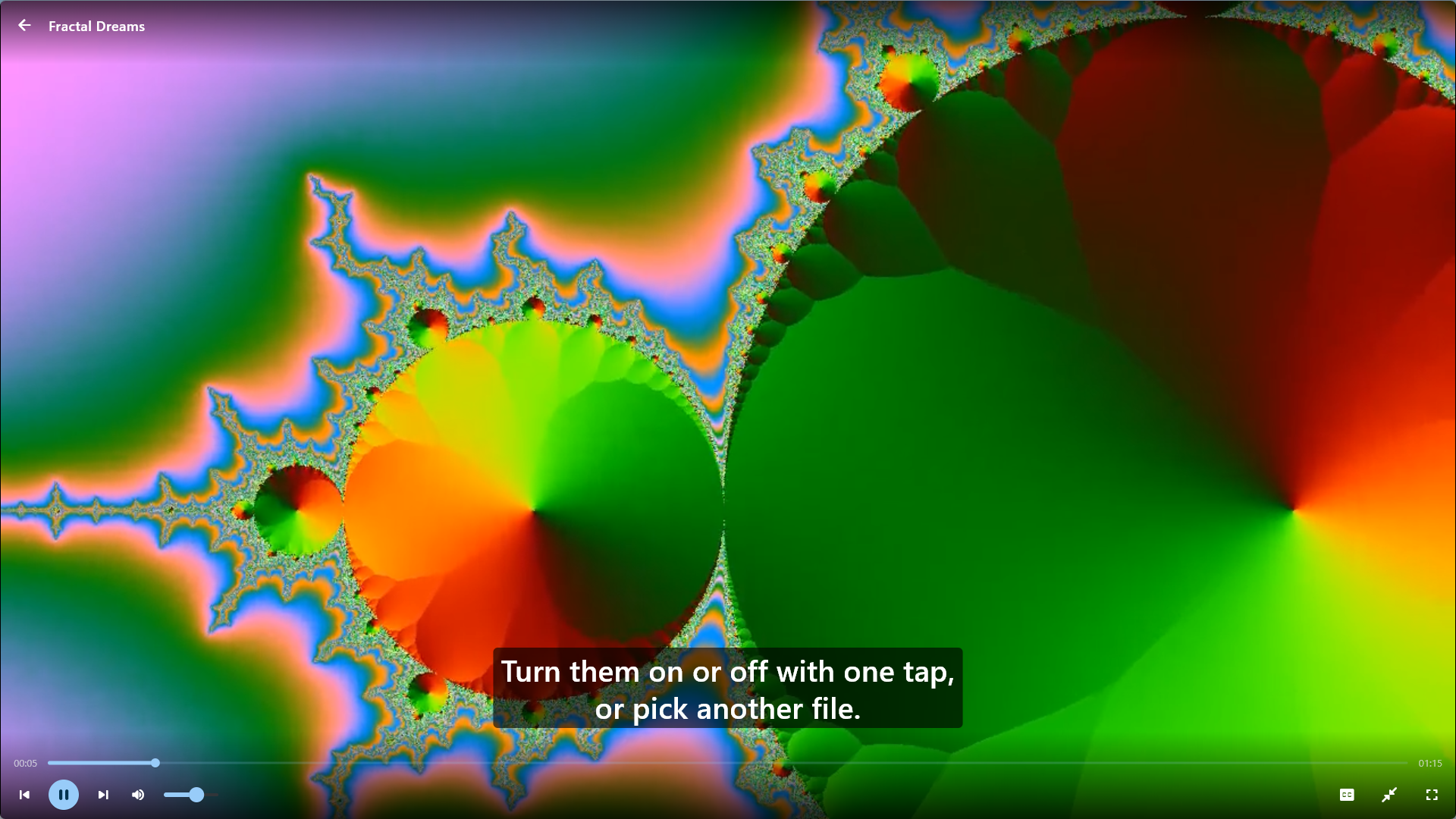
- Subtitles inside the video. MKV and MP4 files with subtitles built in show them by themselves, English first, and the Subtitles sheet lists every track to choose from. On Windows, macOS and Linux.
- A file you open from outside your library plays like one in it: its subtitles or lyrics, looping parts, speed, the sleep timer, and long films open where you left off. A menu next to it has the rest.
Changed
- Calmer controls. The play button is the biggest one; shuffle and repeat show they are on with their colour and a dot, not a big circle. With a video, the library's tools sit above it, not between the video and its controls.
- The new trailer replaces the old demo video.
Fixed
- Subtitles saved as UTF-16, as subtitles made on Windows often are, showed nothing. They load now.
- Covers no longer go grey when your library loads again, as it does when a download lands in its folder, and they load without stalling the app.
- The play button showed play while a song you opened was playing.
- The large view showed a library song's title for a film opened from outside the library.
Install
| Download | Then | |
|---|---|---|
| Windows | ConvertTheSpireReborn-Setup.exe |
Double-click it. It installs for your account, adds a Start menu entry, and the app updates itself from then on. |
| Android phone or TV | ConvertTheSpireReborn.apk |
Open it and allow the install. |
| macOS | ConvertTheSpireReborn-macOS.dmg |
Open it and drag the app into Applications. |
| Google Play | The Play Store version | Everything except YouTube downloads, which Play does not allow. |
No-install options are here too: the Windows zip (extract and run convert_the_spire_reborn.exe) and the Mac zip.
-
"Windows protected your PC"? Windows shows this once for programs without a paid signature: choose More info, then Run anyway. Updates from inside the app never show it.
-
Mac says it cannot open the app? Right-click it and choose Open, once. Converting to MP3 and M4A on a Mac needs FFmpeg:
brew install ffmpeg.
Code signing policy
Windows releases will get free code signing provided by SignPath.io, certificate by SignPath Foundation. The project has applied to the SignPath Foundation; until the application is approved, the Windows downloads are not signed yet.
Committers and reviewers: Lukas-Bohez · Approvers: Lukas-Bohez · Full code signing policy · Privacy policy
Like the app? It is made by one person, in their free time: Buy me a coffee · GitHub Sponsors
More screenshots & info: README · Full changelog · Report an issue