Repository navigation
Version 16.1.0 - Songs that no longer delete each other



Official store versions. The Microsoft Store has the full Windows app and keeps it up to date for you. The Google Play version (BitPlayer) is limited: Google Play does not allow YouTube downloads, and Multi-Search and the playlist tools are left out. A new version can reach the stores a few days after it appears here.
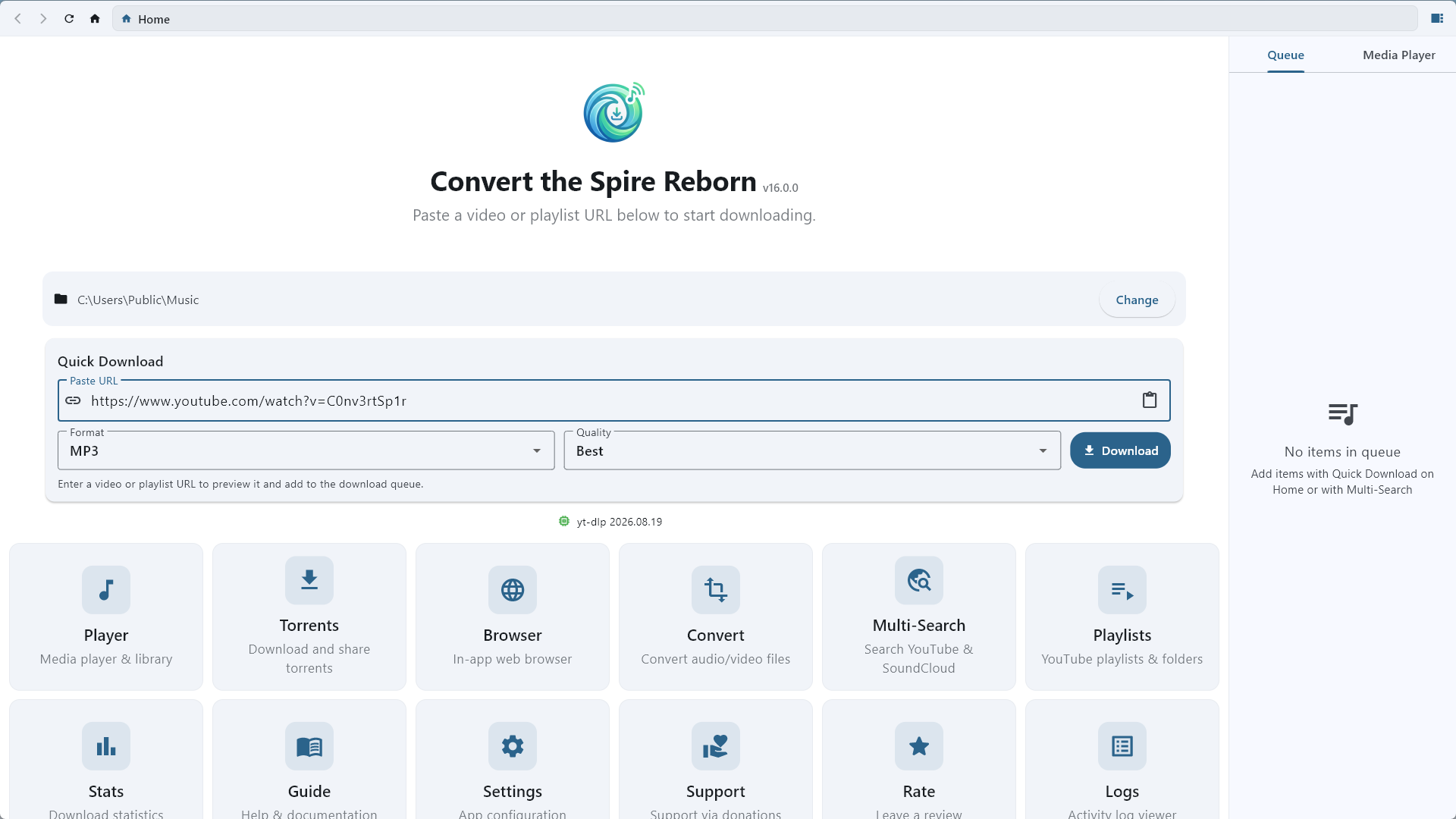
Nothing to set up. Download one file, open it, and it runs: no admin rights, no Python, no account.
Songs that no longer delete each other, and a lot that was broken now works
Also in the Microsoft Store: version 16.1.0 is available there now, and the Store keeps it up to date.
New
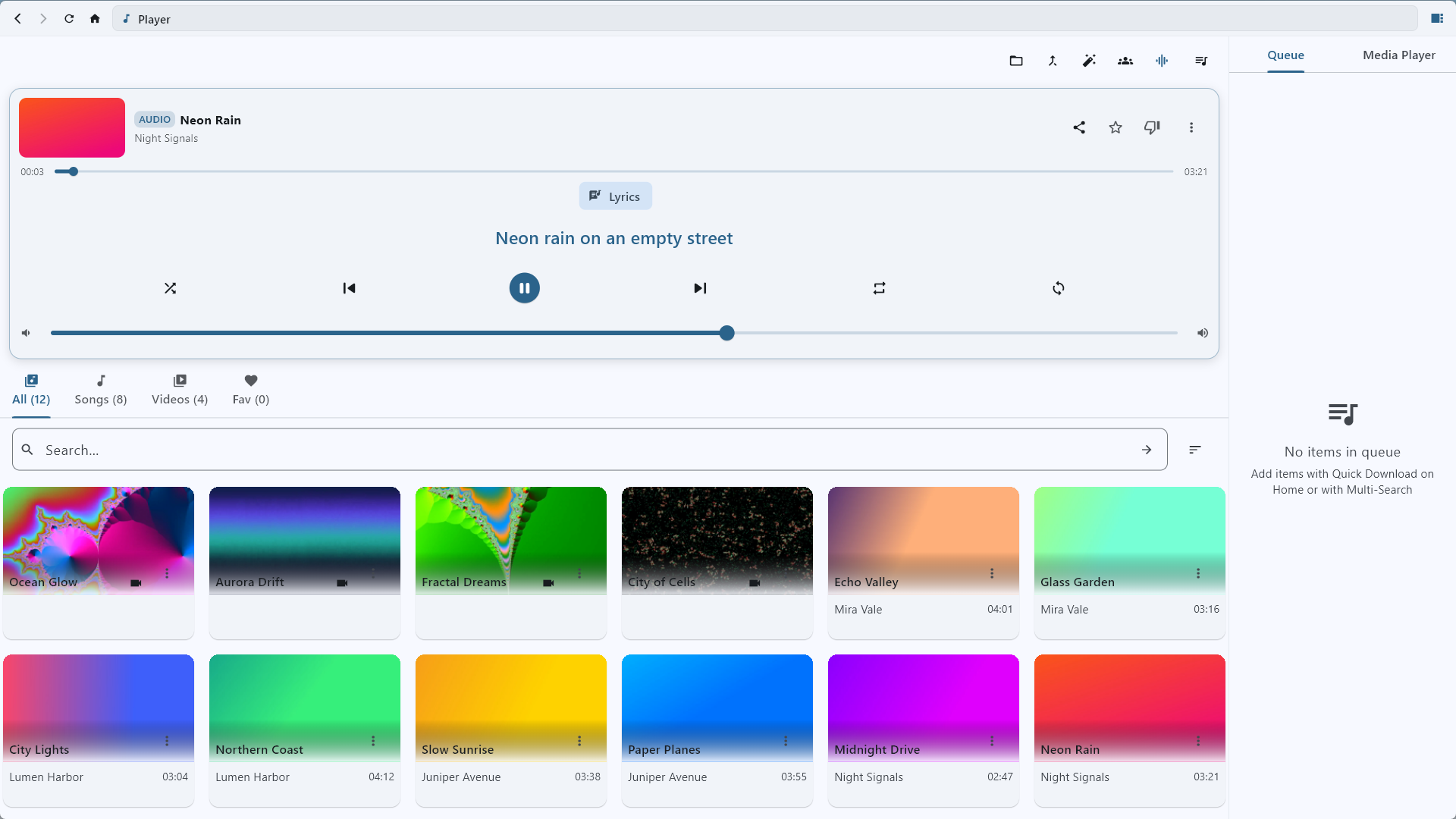
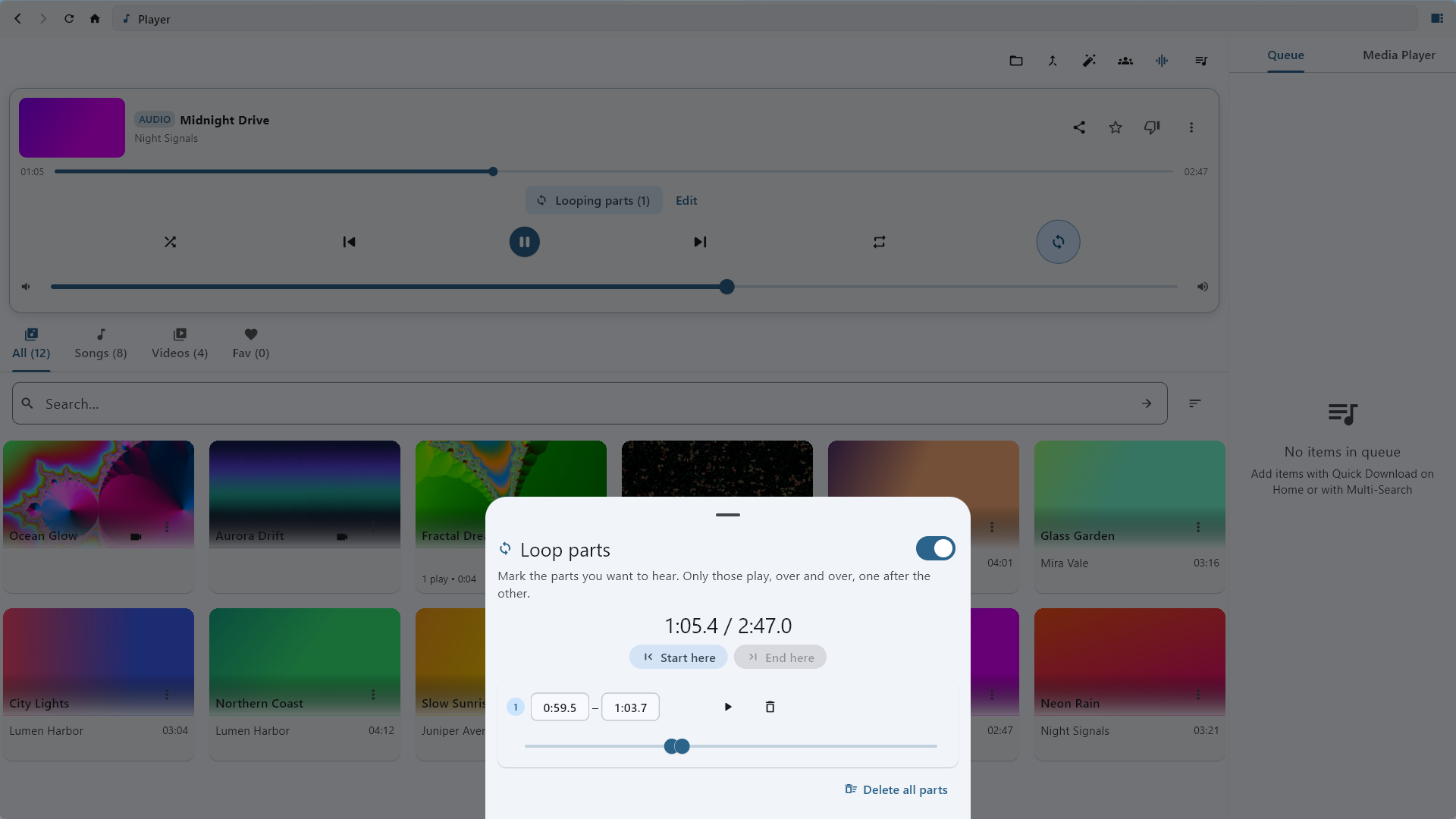
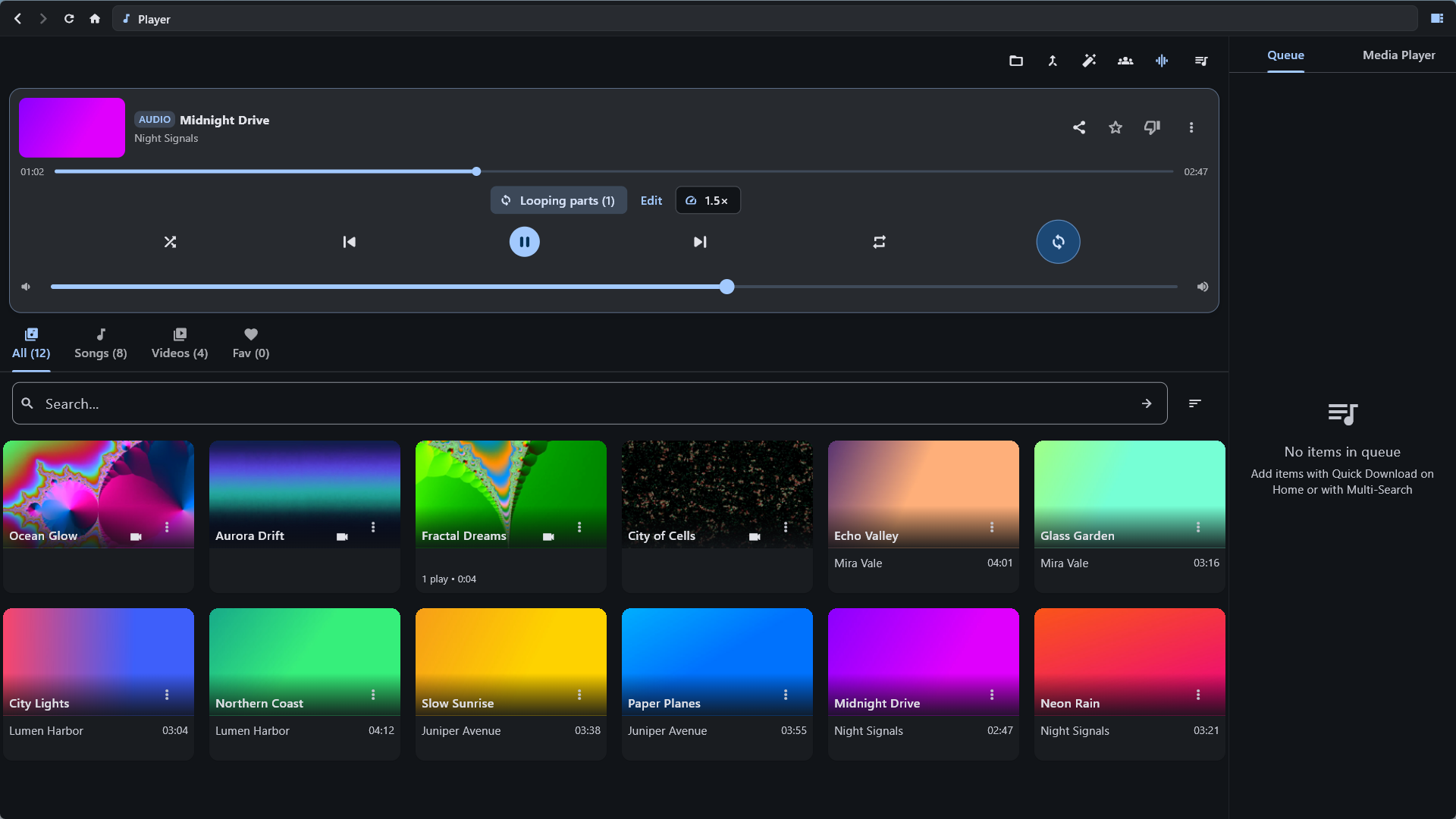
- Loop a part from the seek bar. Press and hold the seek bar (or right-click it on a computer) to loop the part around that moment, or to start a part and end it somewhere else. The loop button no longer takes a sixth place in the controls: it is in the track menu and on the seek bar.
- Picture-in-picture can be turned off in Settings (phones).
Fixed
- Songs with the same title no longer replace or delete each other. Two different videos with the same title (every upload of a band called "Sasaki", say) used to share one file, and the second one replaced the first or even deleted it. The second song is now saved as "Title [video id]", and the app never writes over a file it did not download. Playlists that follow a playlist with such songs stop downloading and deleting them over and over.
- Multi-Search works again. It found nothing or showed an error, on phones and computers. Each site is now searched on its own: a site that is slow or down says so in a chip, the others' results still show, and results appear as they come in. SoundCloud, Bilibili, Dailymotion and Odysee work (Rumble has no search and is gone), and YouTube has a second way to search when the first one fails. On phones only YouTube results can be downloaded, so the other sites say "on computers only".
- Deleting a file in the player works on phones. Delete always said "Could not delete file" for songs in the folder you picked. It deletes them now, asks Android's own "Allow deleting?" when the file was not made by this app, and says why when it can't.
- Songs from the browser keep their name. Downloading from YouTube in the browser saved "YouTube.mp3" without title or artist. They get the video's own title and channel now.
- The mini window only appears for a playing video. Leaving the app on a phone always shrank it into a small picture-in-picture window. It opens now only while a video plays, and shows just the video.
- PDF to JPEG and PNG works. It saved a text file with an error in it. A PDF page is now a picture (several pages become a zip of pictures), and a conversion that does not work says so instead of handing you a file that is not what you asked for. Every converted file is checked to be the format you chose.
- "Start over" goes away. The "Continued at ..." message after opening a long video stayed until you tapped it, and came back each time the video loaded. It disappears on its own now and shows once.
- Torrents that finish no longer say "0.0%" and "Stalled". A finished torrent that starts again shows 100% and Checking, then Seeding. The first seconds of a download say Starting, and "Stalled" is kept for downloads that are really stuck. Seeding shows the ratio and how much you have uploaded.
- The yt-dlp engine check no longer fails on slower PCs. It gave yt-dlp 5 seconds to answer and called a slower start "not available". It waits longer, remembers the version, and when yt-dlp does not answer it says the check was interrupted and tries again by itself.
Install
| Download | Then | |
|---|---|---|
| Windows | ConvertTheSpireReborn-Setup.exe |
Double-click it. It installs for your account, adds a Start menu entry, and the app updates itself from then on. |
| Android phone or TV | ConvertTheSpireReborn.apk |
Open it and allow the install. |
| macOS | ConvertTheSpireReborn-macOS.dmg |
Open it and drag the app into Applications. |
| Microsoft Store | Get it from the Store | The full Windows app. The Store installs it and keeps it up to date. |
| Google Play | The Play Store version | A limited version: no YouTube downloads (Google Play does not allow them), and Multi-Search and the playlist tools are left out. |
No-install options are here too: the Windows zip (extract and run convert_the_spire_reborn.exe) and the Mac zip.
-
"Windows protected your PC"? Windows shows this once for programs without a paid signature: choose More info, then Run anyway. Updates from inside the app never show it.
-
Mac says it cannot open the app? Right-click it and choose Open, once. Converting to MP3 and M4A on a Mac needs FFmpeg:
brew install ffmpeg.
Code signing policy
Windows releases will get free code signing provided by SignPath.io, certificate by SignPath Foundation. The project has applied to the SignPath Foundation; until the application is approved, the Windows downloads are not signed yet.
Committers and reviewers: Lukas-Bohez · Approvers: Lukas-Bohez · Full code signing policy · Privacy policy
Like the app? It is made by one person, in their free time: Buy me a coffee · GitHub Sponsors
More screenshots & info: README · Full changelog · Report an issue
Official store versions. The Microsoft Store has the full Windows app and keeps it up to date for you. The Google Play version (BitPlayer) is limited: Google Play does not allow YouTube downloads, and Multi-Search and the playlist tools are left out. A new version can reach the stores a few days after it appears here.