Repository navigation
Version 16.2.0 - Linux is back, and the Store version's desktop shortcut works



Official store versions. The Microsoft Store has the full Windows app and keeps it up to date for you. The Google Play version (BitPlayer) is limited: Google Play does not allow YouTube downloads, and Multi-Search and the playlist tools are left out. A new version can reach the stores a few days after it appears here.
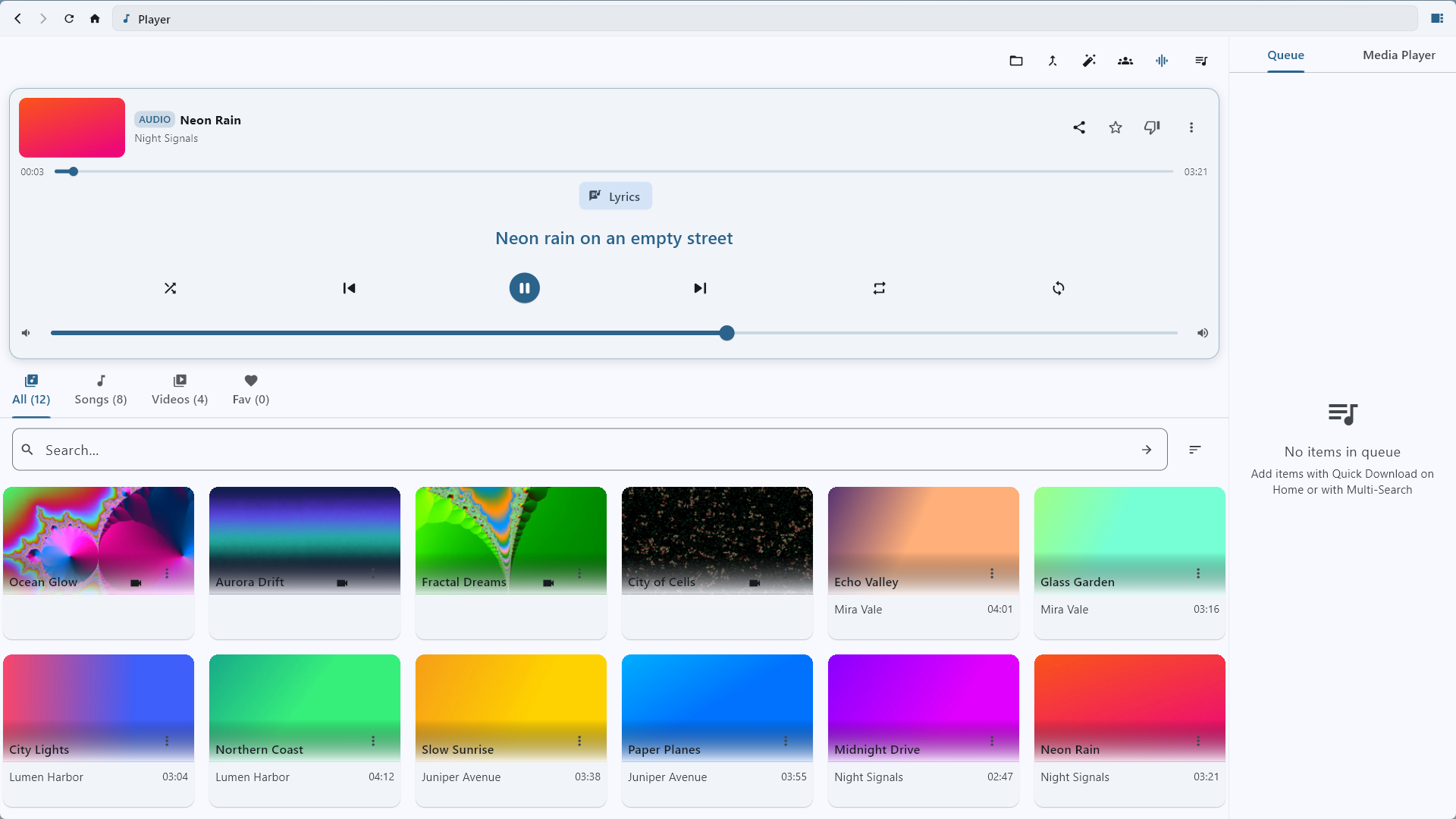
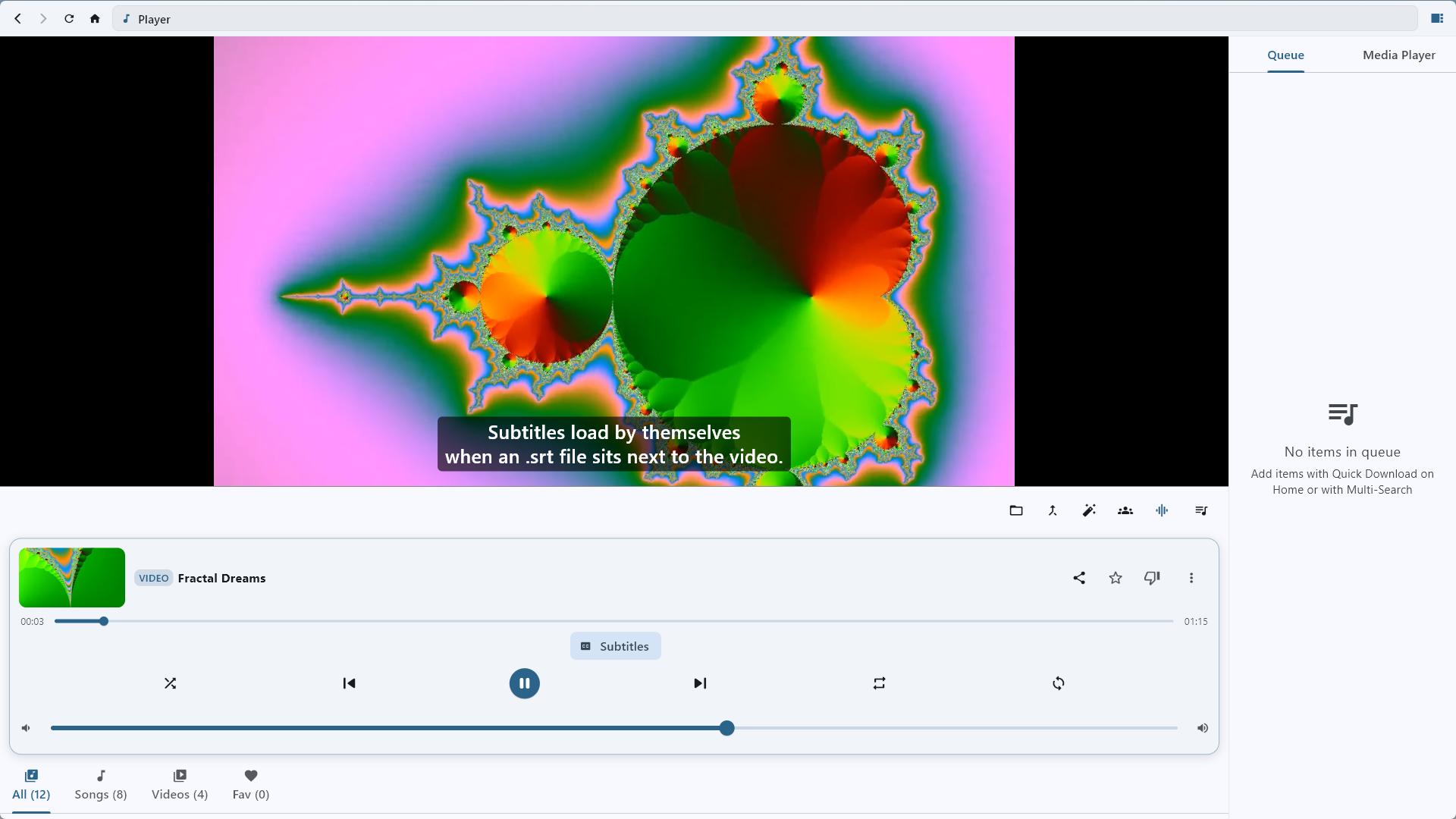
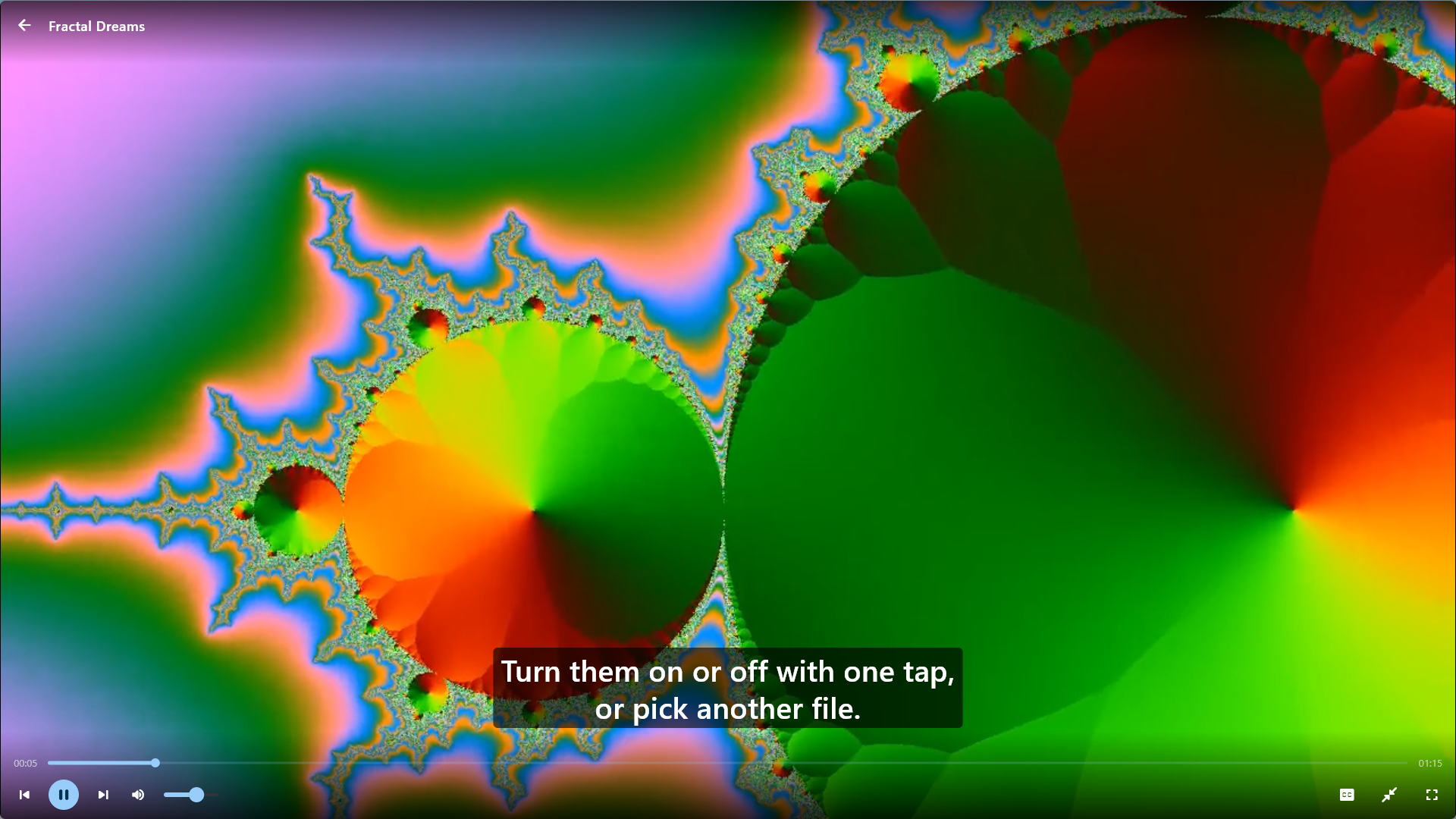
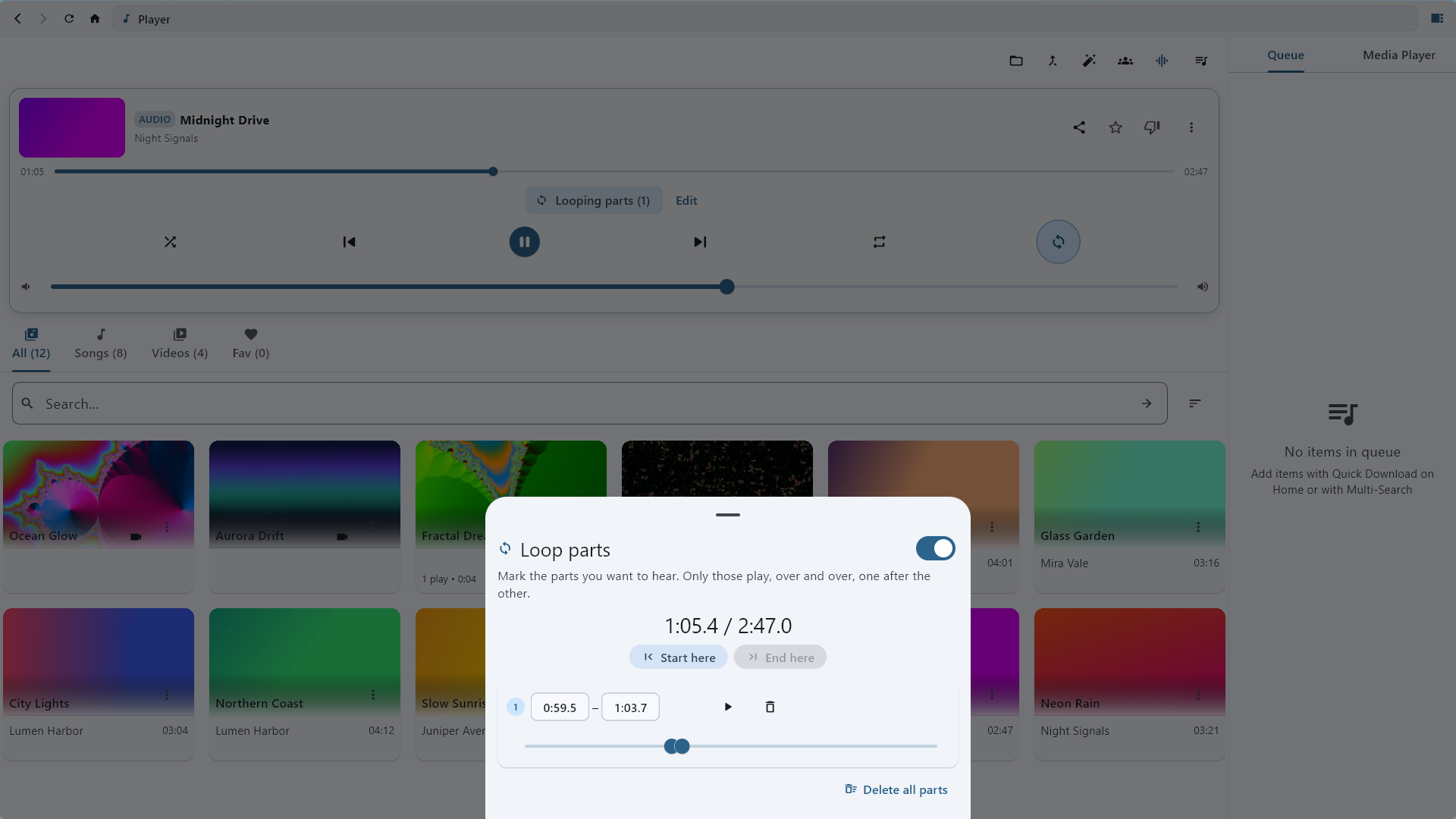
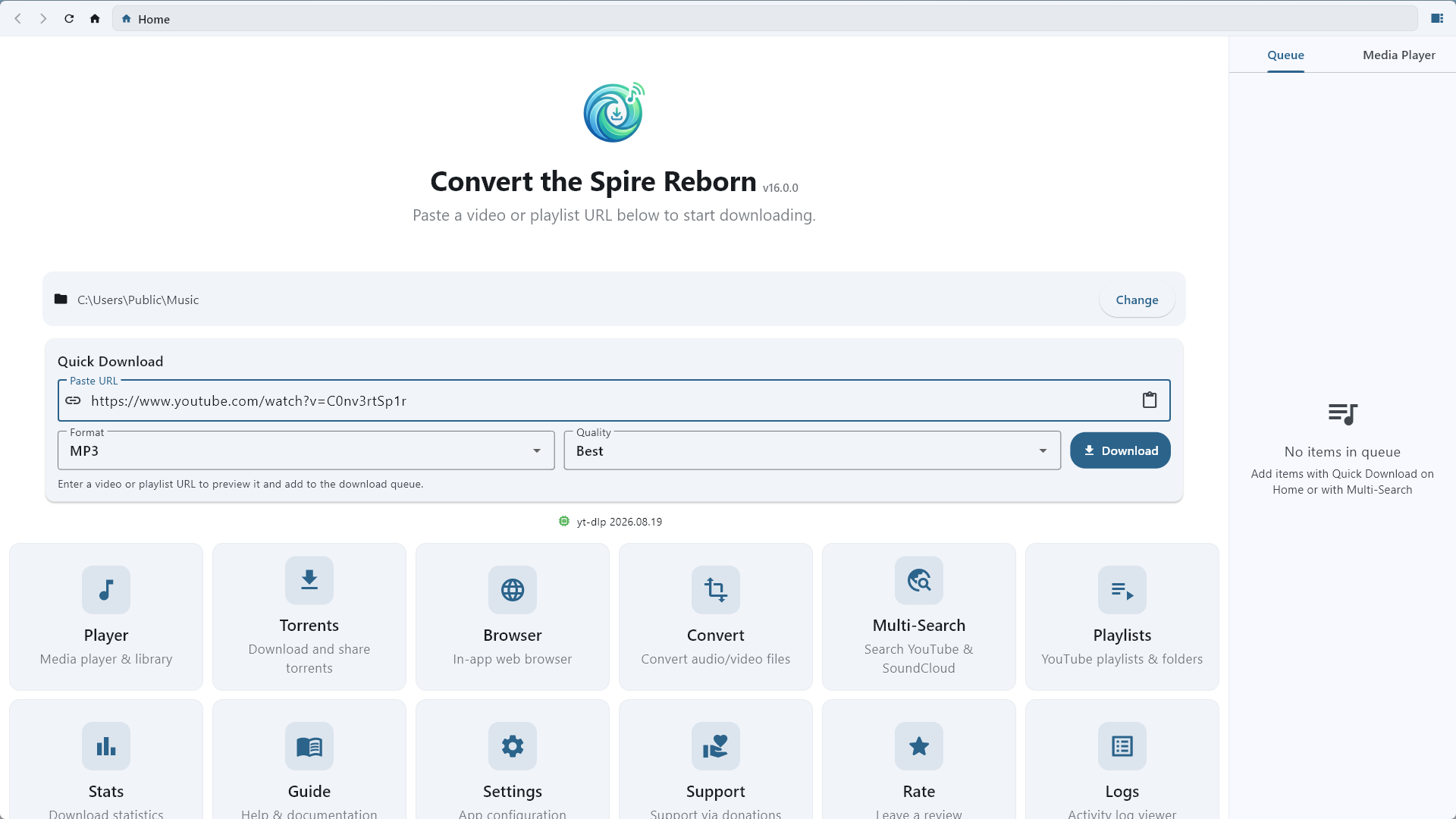
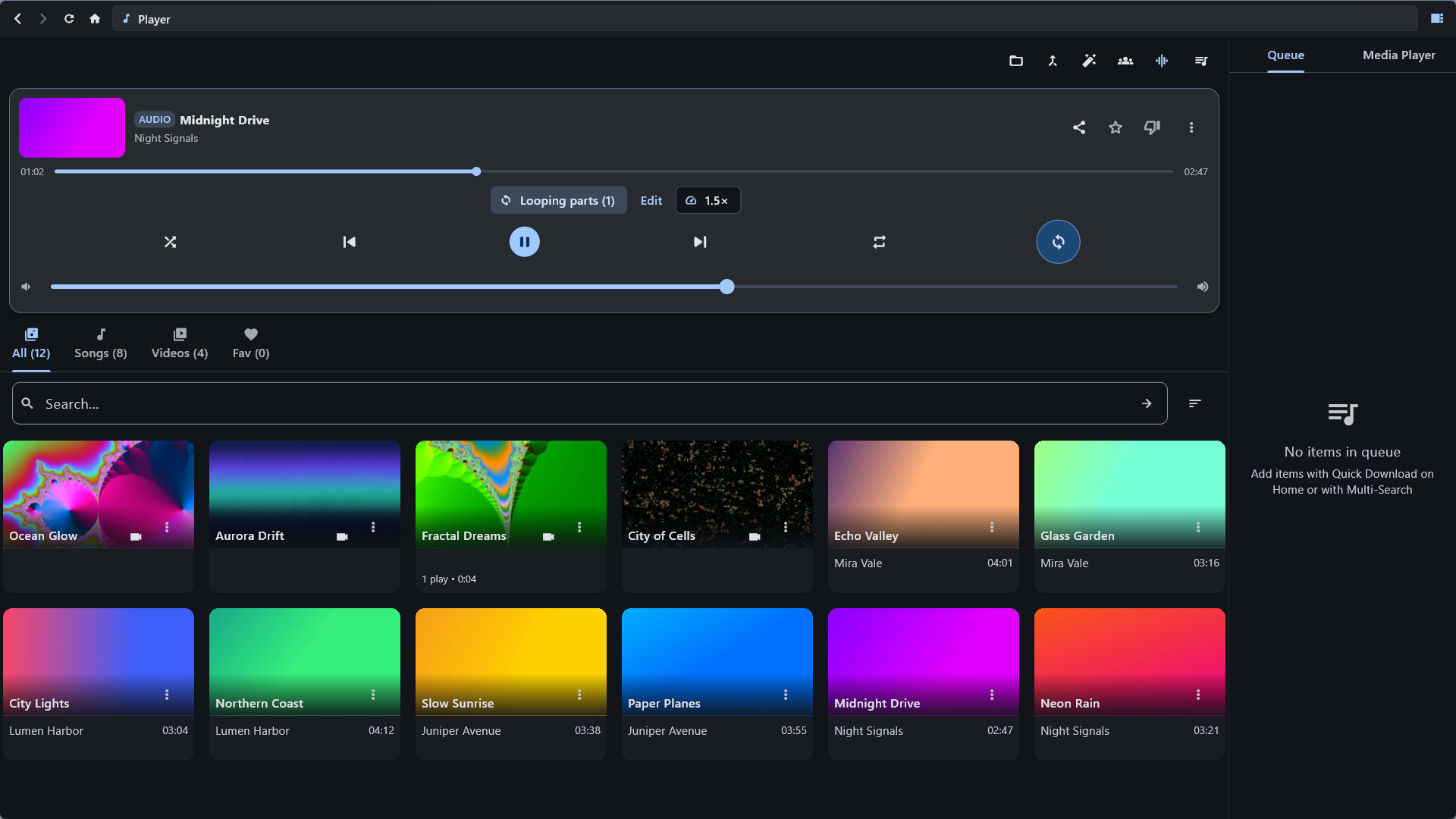
Nothing to set up. Download one file, open it, and it runs: no admin rights, no Python, no account.
Linux is back, and the Store version's desktop shortcut works
New
- Linux is back. An AppImage, the whole app in one file with nothing else to install, and a tar.gz to extract and run. They run on 64-bit PCs with Ubuntu 22.04 or later, Linux Mint 21 or later, Debian 12, Fedora and other distributions of that age. The player's engine comes inside, and yt-dlp, FFmpeg and Deno download themselves on the first start, as on Windows. The app adds itself to the app menu (and the desktop), opens songs, videos, torrents and magnet links you open with it, brings its window forward when started again, and the AppImage updates itself. The built-in browser is the one thing Linux does not have: links open in your own browser.
Fixed
- The Microsoft Store version's desktop shortcut works. It pointed at the app's exe inside the protected WindowsApps folder, which Windows does not let anyone start ("you do not have permission"), and which moves with every update. The shortcut now opens the app through Windows, like one dragged from the Start menu, and the app puts an old shortcut right on its first start. To make one yourself, drag the app from the Start menu to the desktop.
- A desktop shortcut you delete stays deleted. The app made it again on every start.
Install
| Download | Then | |
|---|---|---|
| Windows | ConvertTheSpireReborn-Setup.exe |
Double-click it. It installs for your account, adds a Start menu entry, and the app updates itself from then on. |
| Android phone or TV | ConvertTheSpireReborn.apk |
Open it and allow the install. |
| macOS | ConvertTheSpireReborn-macOS.dmg |
Open it and drag the app into Applications. |
| Linux | ConvertTheSpireReborn-linux-x86_64.AppImage |
Allow it to run (right-click › Properties › "Allow executing", or chmod +x) and open it. Nothing else to install; it adds itself to your app menu and updates itself. Ubuntu 22.04 or later, Mint 21, Debian 12, Fedora. |
| Microsoft Store | Get it from the Store | The full Windows app. The Store installs it and keeps it up to date. |
| Google Play | The Play Store version | A limited version: no YouTube downloads (Google Play does not allow them), and Multi-Search and the playlist tools are left out. |
No-install options are here too: the Windows zip (extract and run convert_the_spire_reborn.exe), the Linux .tar.gz (extract and run convert_the_spire_reborn) and the Mac zip.
-
"Windows protected your PC"? Windows shows this once for programs without a paid signature: choose More info, then Run anyway. Updates from inside the app never show it.
-
Microsoft Store version: start it from the Start menu or the desktop shortcut it makes. A shortcut to its exe in
C:\Program Files\WindowsAppscannot work ("you do not have permission"); drag the app from the Start menu to the desktop instead. -
Mac says it cannot open the app? Right-click it and choose Open, once. Converting to MP3 and M4A on a Mac needs FFmpeg:
brew install ffmpeg.
Code signing policy
Windows releases will get free code signing provided by SignPath.io, certificate by SignPath Foundation. The project has applied to the SignPath Foundation; until the application is approved, the Windows downloads are not signed yet.
Committers and reviewers: Lukas-Bohez · Approvers: Lukas-Bohez · Full code signing policy · Privacy policy
Like the app? It is made by one person, in their free time: Buy me a coffee · GitHub Sponsors
More screenshots & info: README · Full changelog · Report an issue
Official store versions. The Microsoft Store has the full Windows app and keeps it up to date for you. The Google Play version (BitPlayer) is limited: Google Play does not allow YouTube downloads, and Multi-Search and the playlist tools are left out. A new version can reach the stores a few days after it appears here.