Repository navigation
Releases
Releases · MahdiGraph/LWDock
Leaseweb Dock 1.1.0

Leaseweb Dock is a self-hosted control panel for sharing Leaseweb servers with your customers, friends and team. Each person gets a login for just their servers; your Leaseweb account and API keys stay with you.
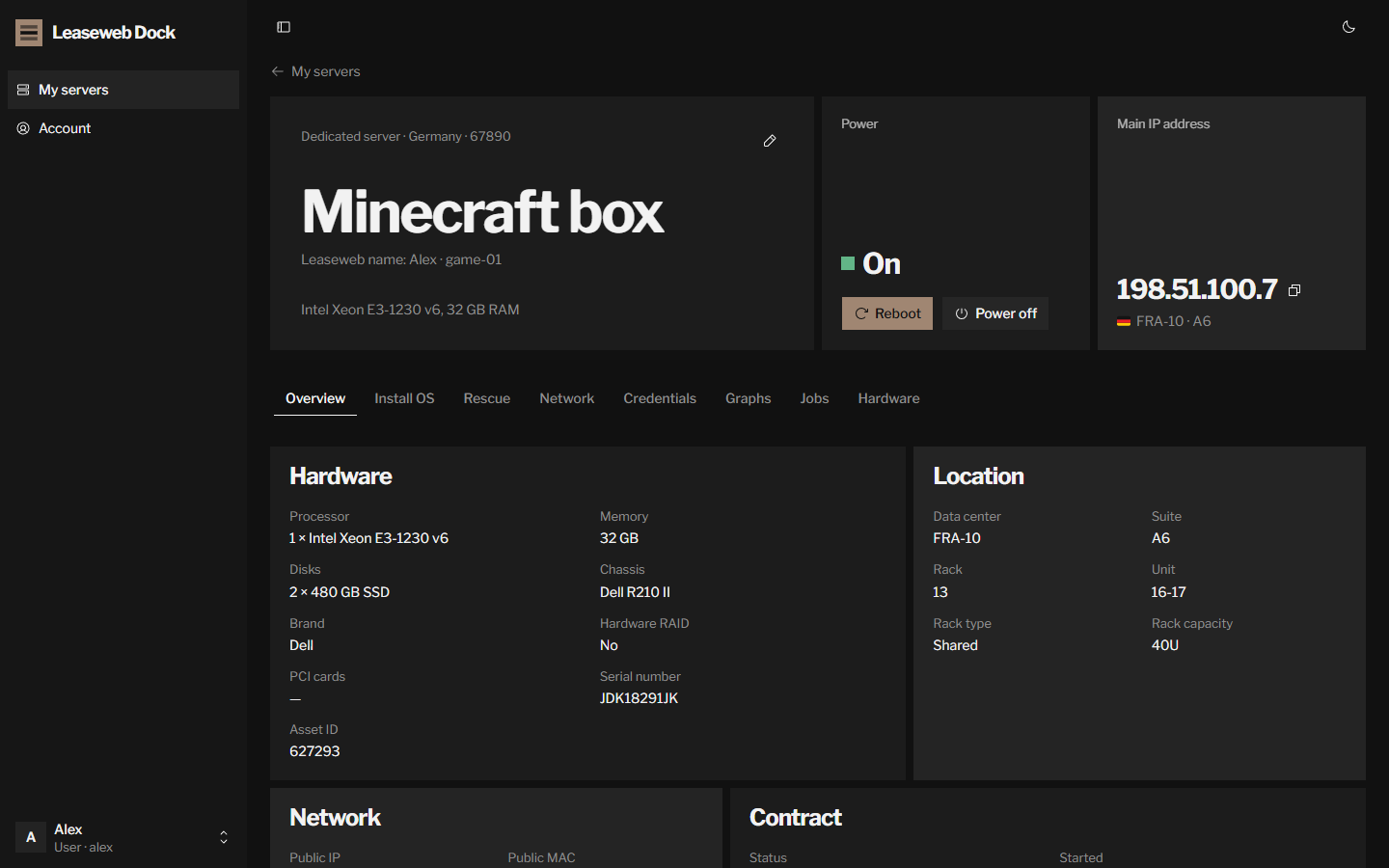
Highlights
- Dedicated servers: power on/off and reboot, OS install with live job progress, rescue mode, reverse DNS, null routes, switch ports, credentials, bandwidth and traffic graphs, hardware report and IPMI reset.
- Public Cloud and VPS: start/stop/reboot, web console, reinstall, snapshots, ISO images, CPU and traffic graphs.
- Several Leaseweb API keys: one per Leaseweb company (Netherlands, Germany, USA, Asia…), with all servers in one list and a country flag for each location.
- Your references stay yours: the panel never changes server references at Leaseweb. Users can give a server their own private name.
- Outbound proxy: route all Leaseweb API traffic through an HTTP, HTTPS, SOCKS4, SOCKS5 or SOCKS5h proxy, with no direct fallback.
- Admin tools: users and assignments, an activity log of every change, billing details hidden from users.
- Installer: installs Docker and the Compose plugin when missing, asks for the listen address and a free port, and updates in place when run again. Images for
linux/amd64andlinux/arm64.
Install or update
curl -fsSL https://raw.githubusercontent.com/MahdiGraph/LWDock/main/install.sh | sudo bashDocker image: ghcr.io/mahdigraph/lwdock:1.1.0 (also :latest).
Upgrading from an earlier build
The database upgrades itself on start. A single saved API key becomes an account named Leaseweb with all its assignments; rename it under Settings → Leaseweb accounts and add your other keys there.