Repository navigation


Roll for Initiative 1.8.3
Fights on Atlas VTT maps can now run entirely in Roll for Initiative: start them from the map, see whose turn it is, and apply damage without leaving the map.
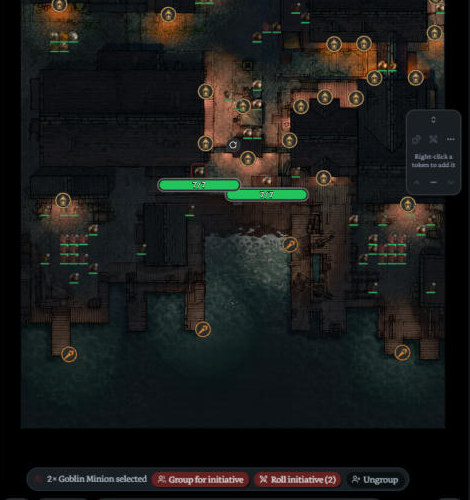
Start a fight from the map
- Select tokens on an Atlas map (Shift-click or drag a box) and press Roll initiative on the bar at the bottom of the map. A marked group comes in whole.
- While a fight runs, selected tokens that aren't in it get Add to fight.
- The fight runs in Roll for Initiative's own tracker and stays linked to exactly the tokens you picked. HP and conditions still sync to the tokens; Atlas's own initiative tracker isn't needed.
- Want Atlas's tracker filled too? Settings → Atlas VTT → Use Atlas's initiative tracker too.
- Also as a command: Atlas: roll initiative for the selected tokens.
Groups on the map
- Select tokens of one creature and press Group for initiative: they fight as one row with a shared HP pool (Goblin Warrior A, Goblin Warrior B…). Unmarked tokens stay one by one.
- Marked groups stay on the map for the next fights.
- Select one grouped token for Select group / Remove from group, or a whole group for Ungroup.
Whose turn it is
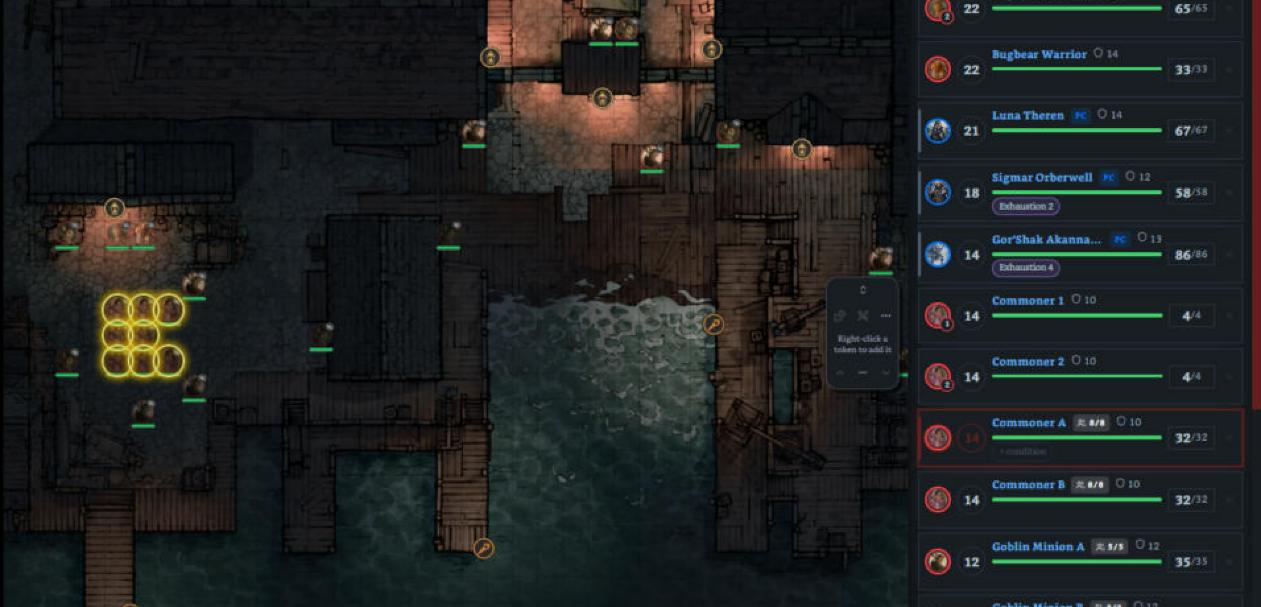
- A yellow ring stays around the token whose turn it is for the whole turn. On a group's turn, every standing token of the group gets one.
- The tokens can still be selected, moved and used one by one.
- The map pans to whose turn it is (the middle of a group).
- Settings → Atlas VTT: Mark whose turn it is and Center the map on whose turn it is.
Damage on the map
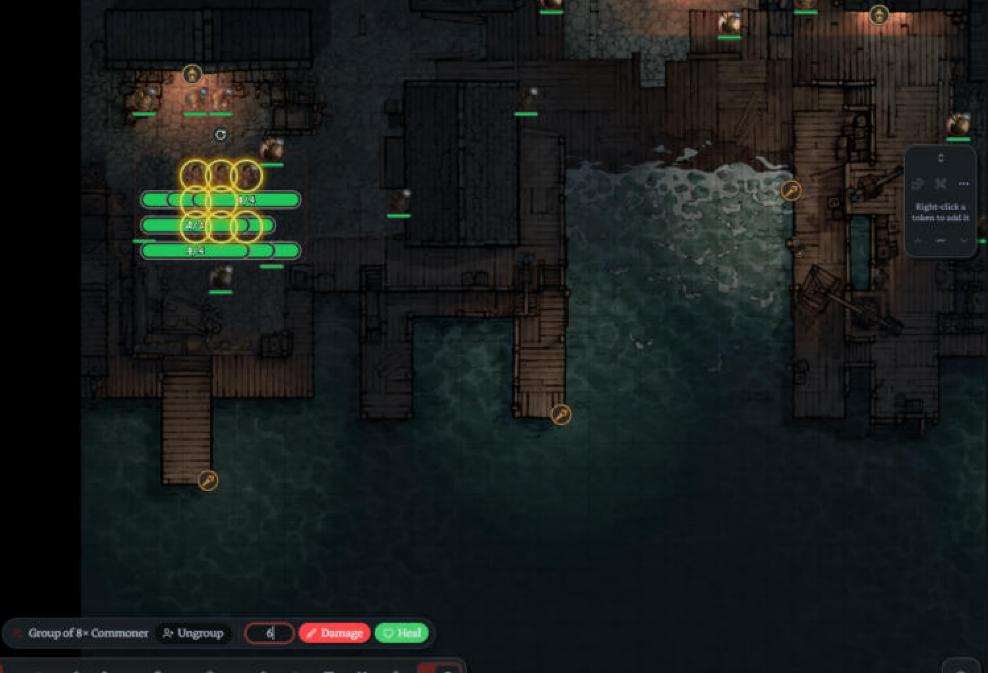
- Physical dice: select fighters' tokens and the bar gets an amount box with Damage and Heal (Enter = damage, Shift+Enter = heal). A group takes it once, from its pool.
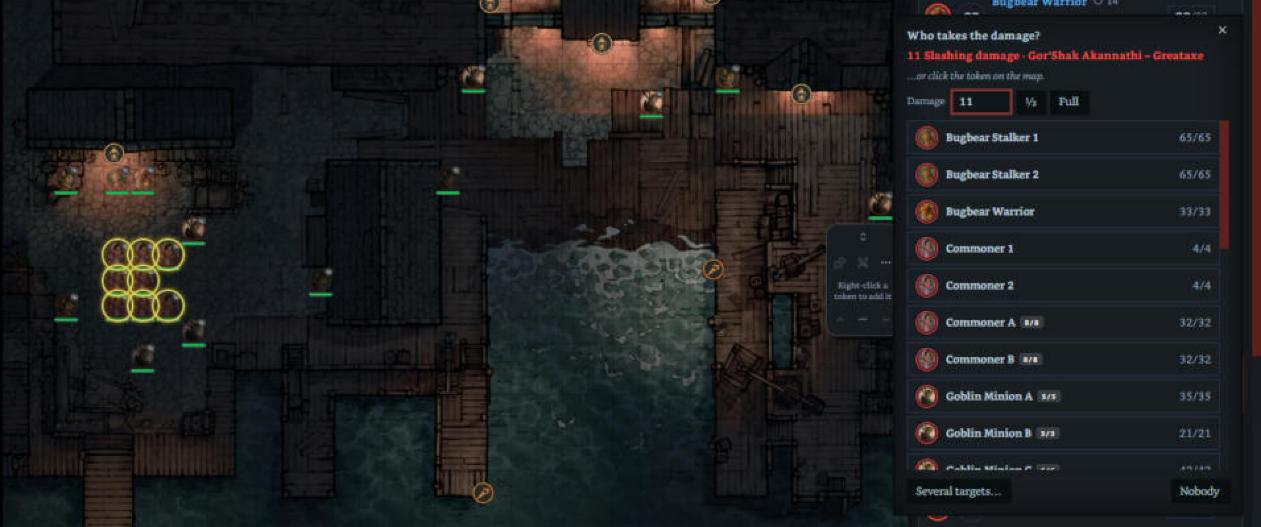
- Rolls made in Atlas (a monster's statblock or a character's card on the map) now open Who takes the damage?. Attack rolls and checks are ignored.
- Click the token: with a map open, the damage window lets clicks through to the map. Click a fighter's token to apply the damage or healing.
Fixes
- Two rows of the same creature (a group and a single one) no longer get the same name.
- The bar over the map stays centred when sidebars open or the window is resized.
Install / update
Update from Settings → Community plugins → Check for updates, or download main.js, manifest.json and styles.css below into .obsidian/plugins/roll-initiative/.