Repository navigation
Releases
v0.6.0 — One control plane for humans and agents

One control plane for humans and agents
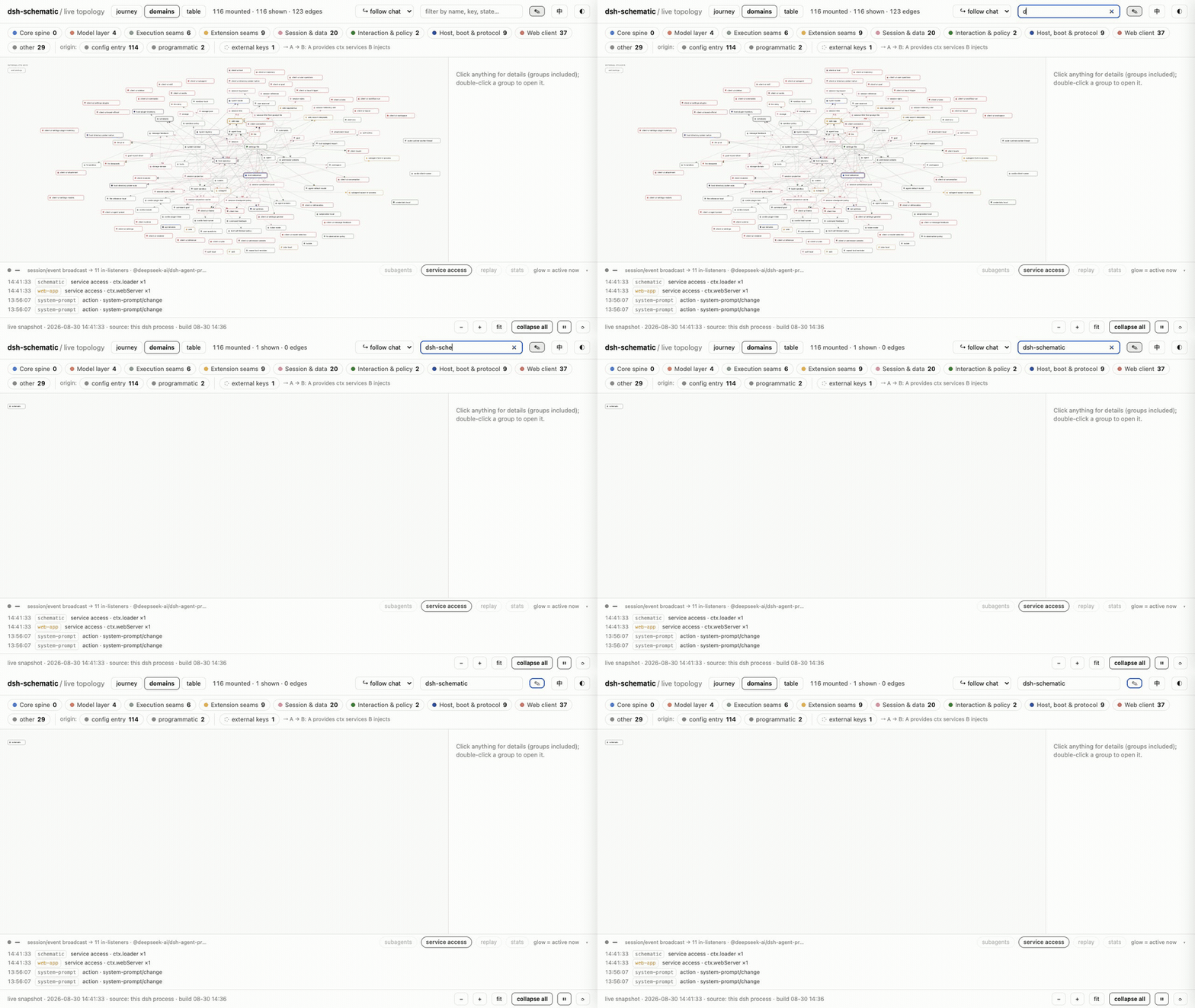
dsh-schematic is now a full-screen System / Blueprints / Activity application for DeepSeek Harness. People can understand and change the running composition visually; agents can perform the same persistent operations through native schematic_* tools. Both sides share the same state, validation, previews, backups, and safety boundaries.
Highlights
- A real application shell. System explains what is running, Blueprints define what it should become, and Activity shows what is happening now.
- Blueprints replace presets. Compose plugins by capability, keep isolated local drafts, import/export schema-2 YAML, inspect drift, decide how unmanaged additions behave, and choose whether each blueprint mounts Schematic itself.
- Activity is no longer locked to eight built-in groups. Create bilingual groups, reorder the journey, choose main or supporting lanes, set colors and descriptions, assign plugins, and keep newcomers visibly unassigned.
- Arrange through conversation.
schematic_activity_layoutreads, saves, or resets the same profile-scoped layout used by the UI. - Model automation covers the persistent product surface. Expanded blueprint management and guarded live composition tools let an agent inspect, preview, apply, recover, and organize without a separate automation path.
- Human and agent actions follow the same rules. Structural validation, confirmation gates, stale-file protection, timestamped backups, hot-reload verification, and rollback remain in force regardless of who initiated a change.
- A calmer observer. Event storms fold into counted rows, internal service-read noise is suppressed, and topology attribution rebuilds are debounced so observation does not become the hot path.
Model-facing tools
schematic_pluginsschematic_blueprint_listschematic_blueprint_saveschematic_blueprint_switchschematic_blueprint_manageschematic_system_composeschematic_activity_layout
Composition editing remains opt-in. Activity arrangement is available even when composition editing is disabled, and viewports below 768 px remain browse-only.
Install or upgrade
# install
dsh plugin --profile web add dsh-schematic

# upgrade
dsh plugin --profile web update dsh-schematic
Requires DeepSeek Harness >=0.1.0-rc.8. Building from source requires Node.js >=22.19.
v0.3.0 — The graph becomes the editor
The graph becomes the editor
dsh-schematic already showed how every mounted DeepSeek Harness plugin is wired and which plugin handled each runtime event. v0.3.0 adds the composition workbench: turn on edit mode and change that wiring on the graph itself.
What shipped
- Enable or disable plugin entries and edit their YAML config from the graph.
- Swap a capability seam's provider as one previewed batch.
- Preview removals and arrivals as ghost nodes, plus entry-level and managed-block YAML diffs.
- Refuse invalid plans through the same offline composition used at DSH boot.
- Back up the full patch file before every write, detect stale bases, hot-reload through DSH, and roll back with one click.
- Keep observation behavior-neutral: no writes to session logs and no wrapping of service return values.
The editor is off by default. It writes only the versioned managed block in the profile's cordis.patch.yml; bytes outside that block are preserved.
Install or upgrade
dsh plugin --profile web add dsh-schematic
# existing install:
dsh plugin --profile web update dsh-schematic
Requires DeepSeek Harness >=0.1.0-rc.8 and Node.js >=22.19 when building from source.
Full details: CHANGELOG.md